Blog
News, tutorials, and tips
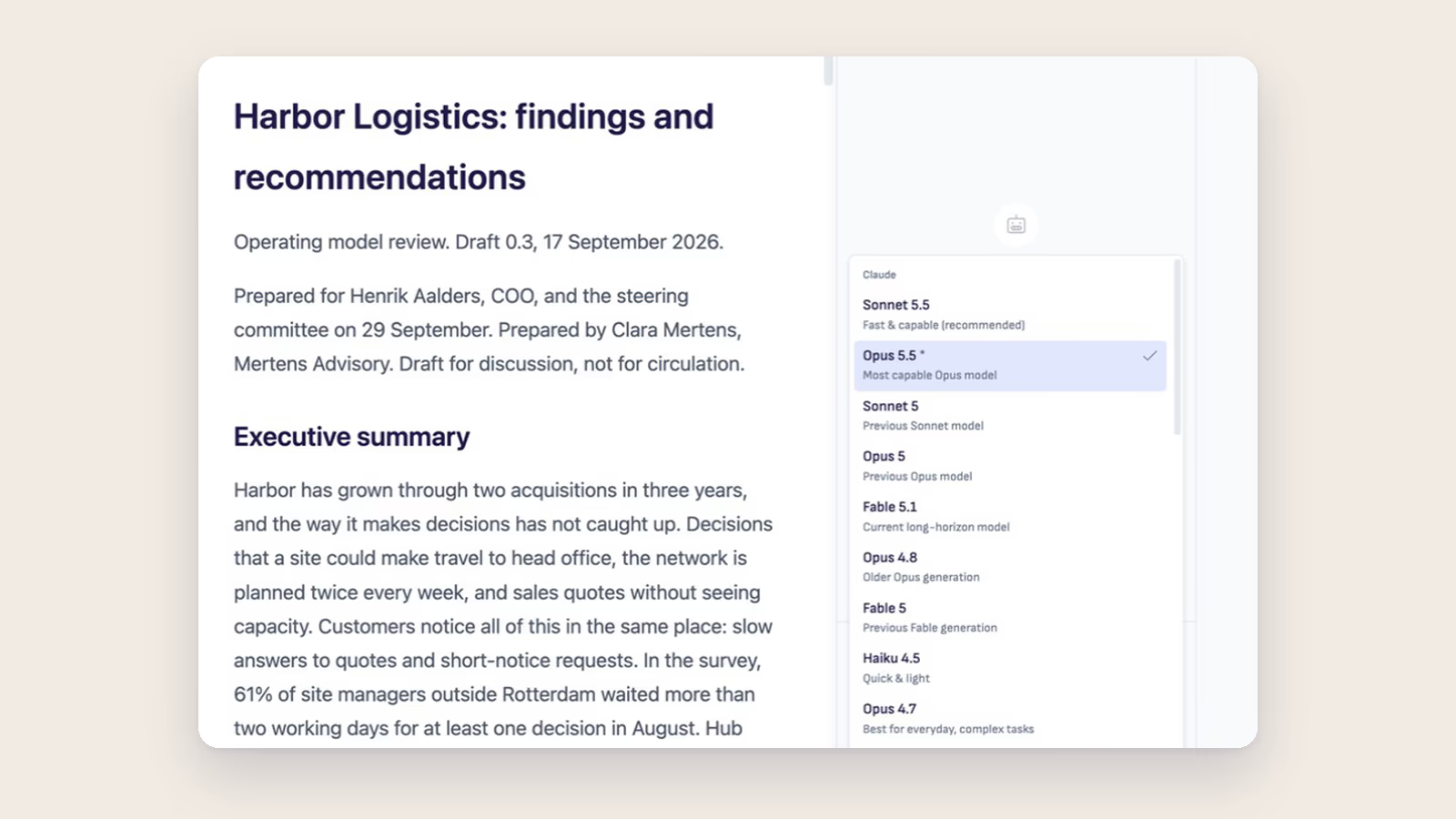
Ritemark v1.13.0: newer AI models and everyday fixes
A small release: newer AI models for Claude and Codex, Claude's background work you can follow, and fixes for things you may have run into in 1.12.
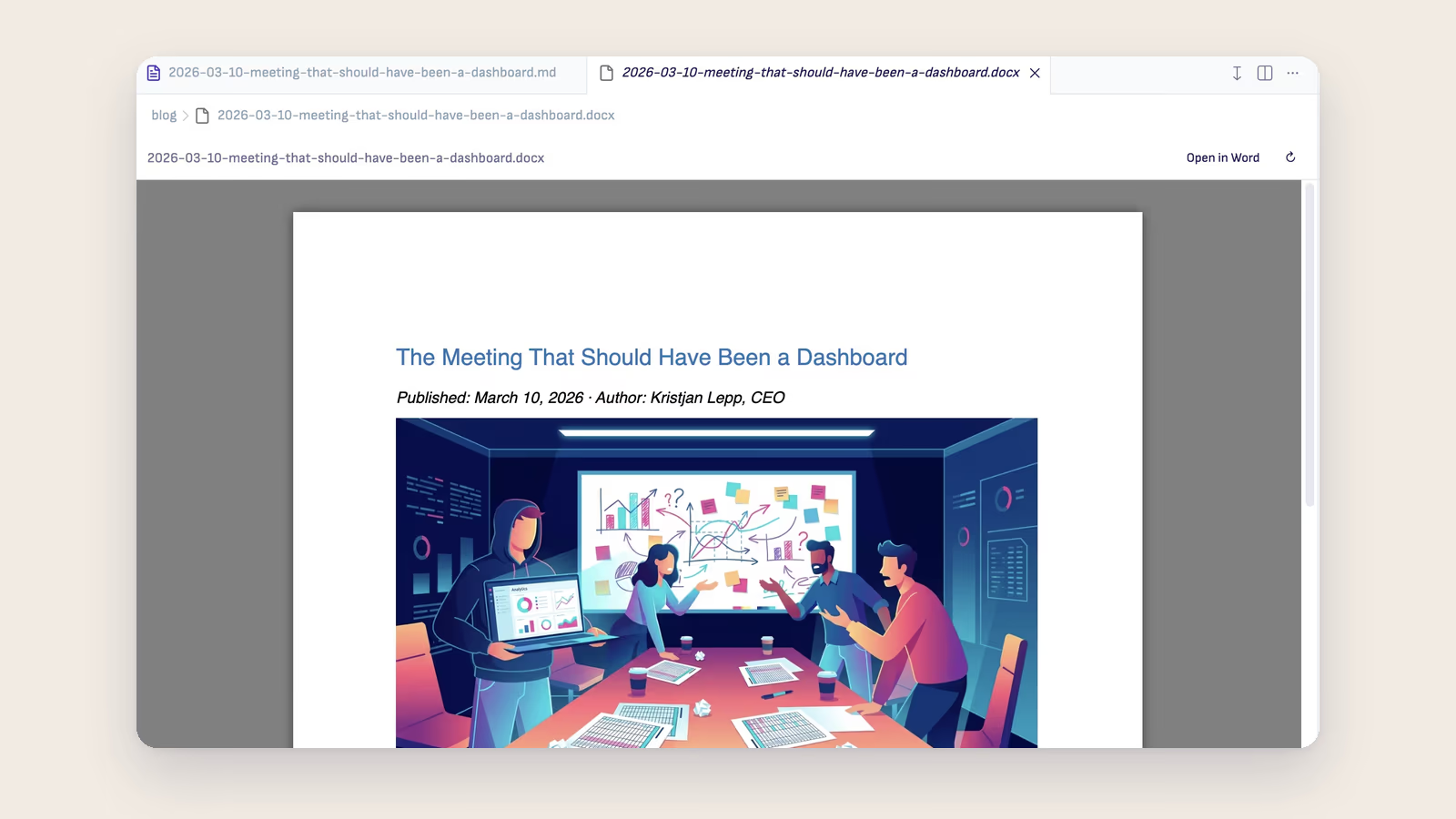
The Client's Files Are Not Markdown
A consultant can work in Markdown all day, but the client's strategy deck, last year's report and the board pack arrive as Word, PowerPoint and PDF. Here is how to read them in the same folder as your own work, and when to make a Markdown copy for the agent.
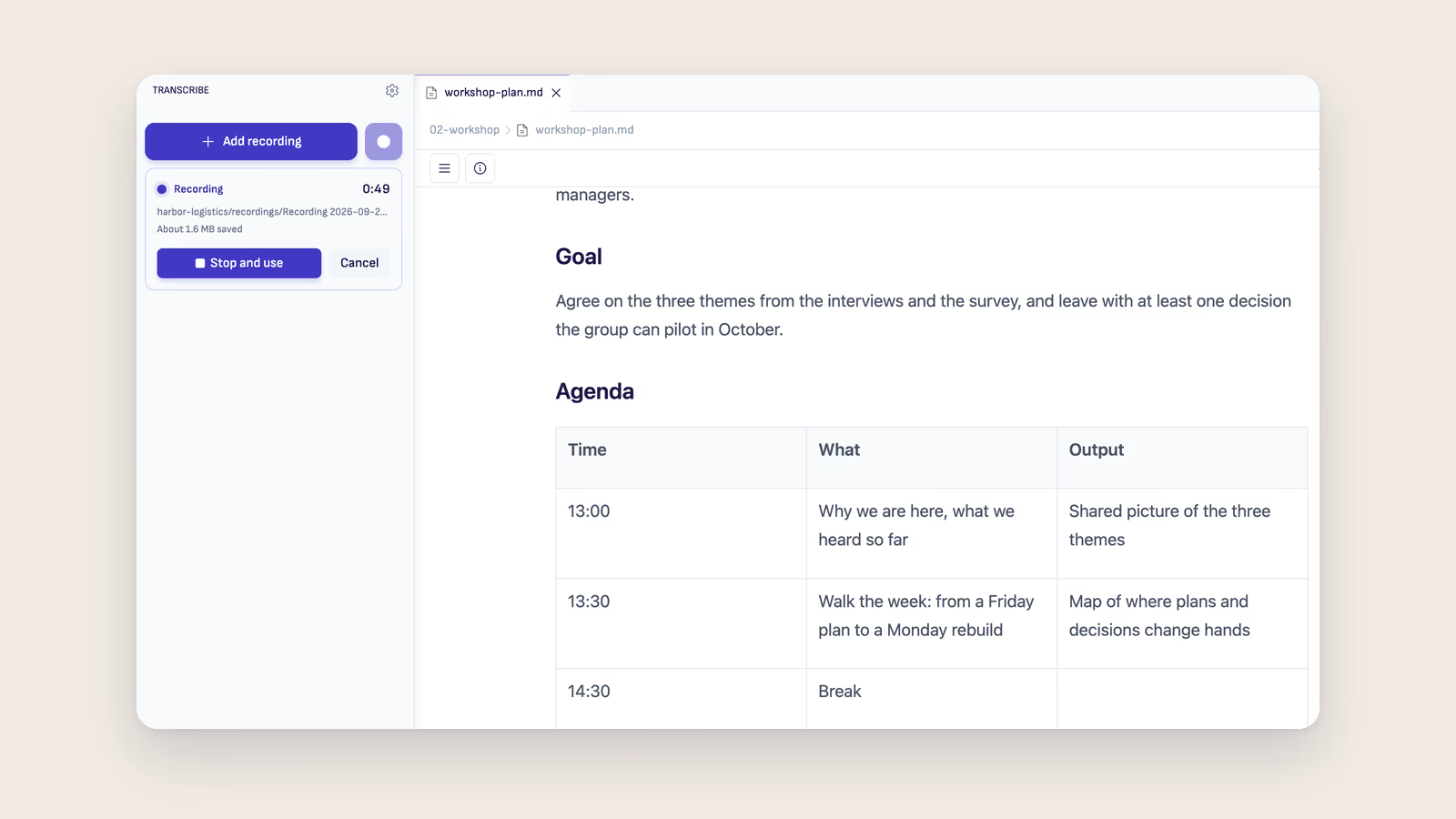
The Recording Belongs in the Course Folder
Trainers record sessions on a phone, and the file rarely makes it to where the course lives. Ritemark 1.12.0 records straight into the course folder, keeps the audio if the laptop dies, and uploads nothing until you choose an engine.
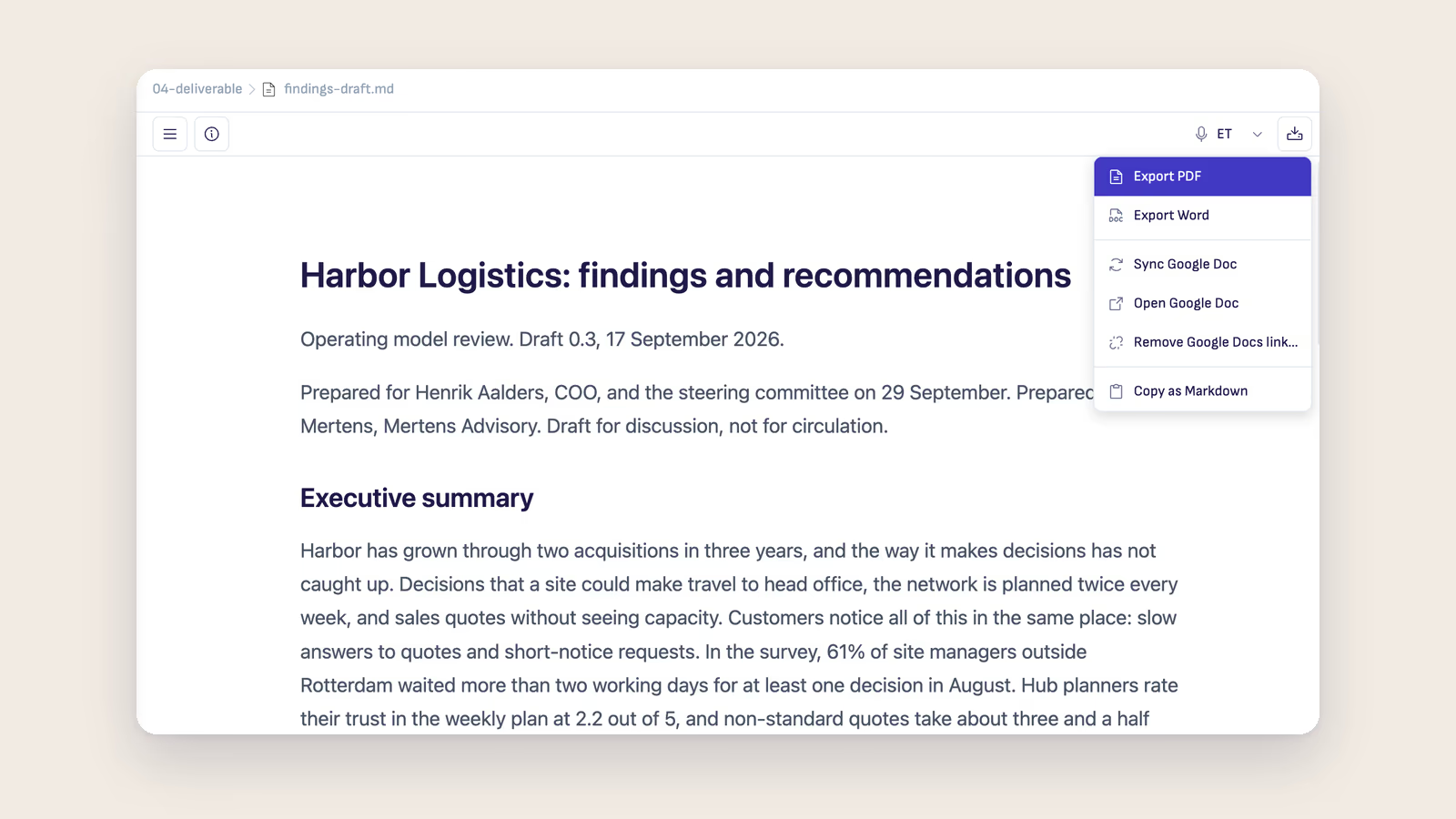
Your Reviewers Live in Google Docs
Technical writers keep docs in Markdown, but the engineers, product managers and legal reviewers who sign them off read Google Docs. Publish the page once, then Sync the same Doc after every round, and the Markdown file stays the original.
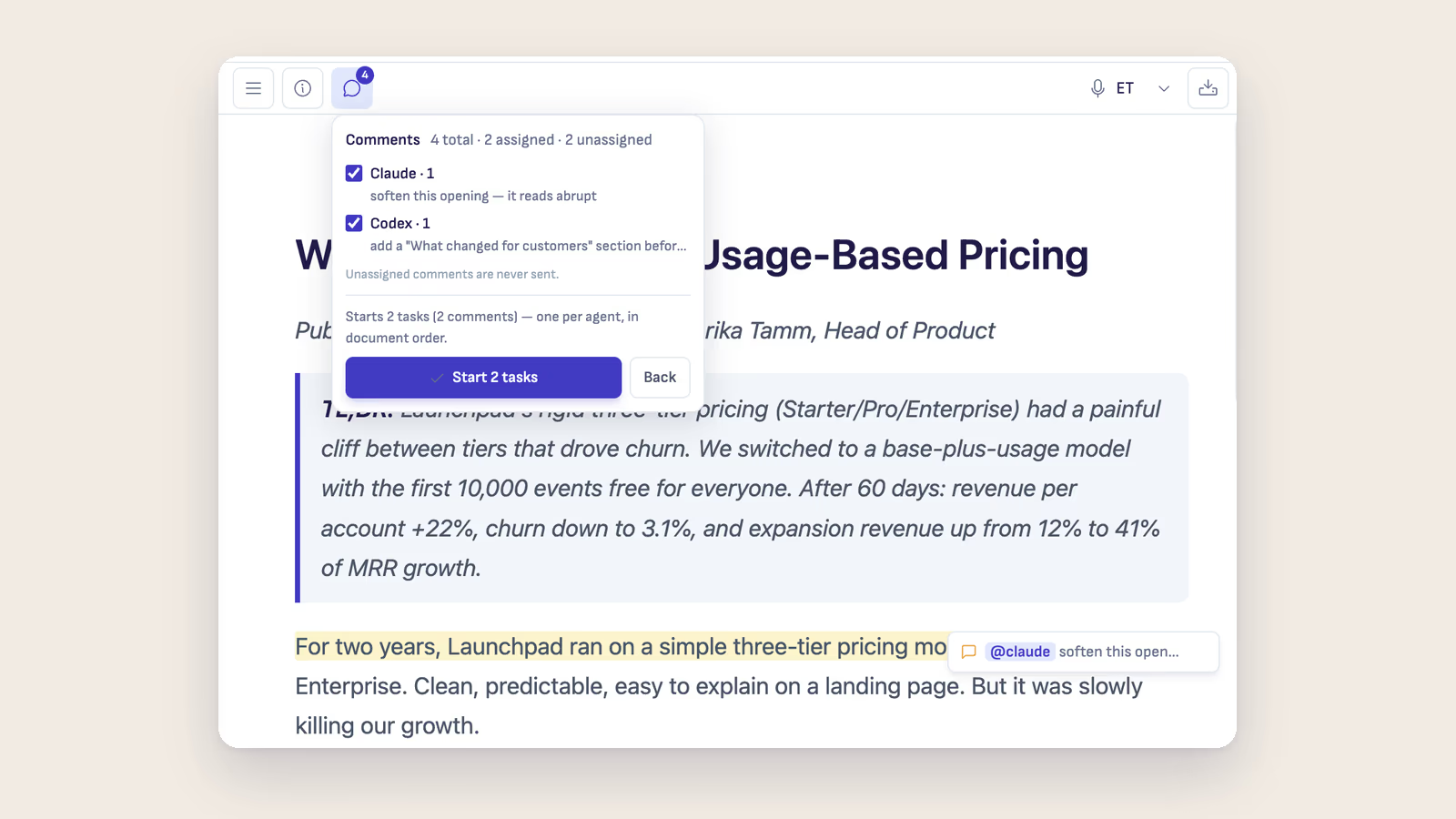
The Last Read Before the Client
Every consultant reads the report once more before it goes out, and leaves notes in the margin. Most of those notes are small jobs. Here is how to hand the small ones to an AI agent and keep the judgement calls for yourself.
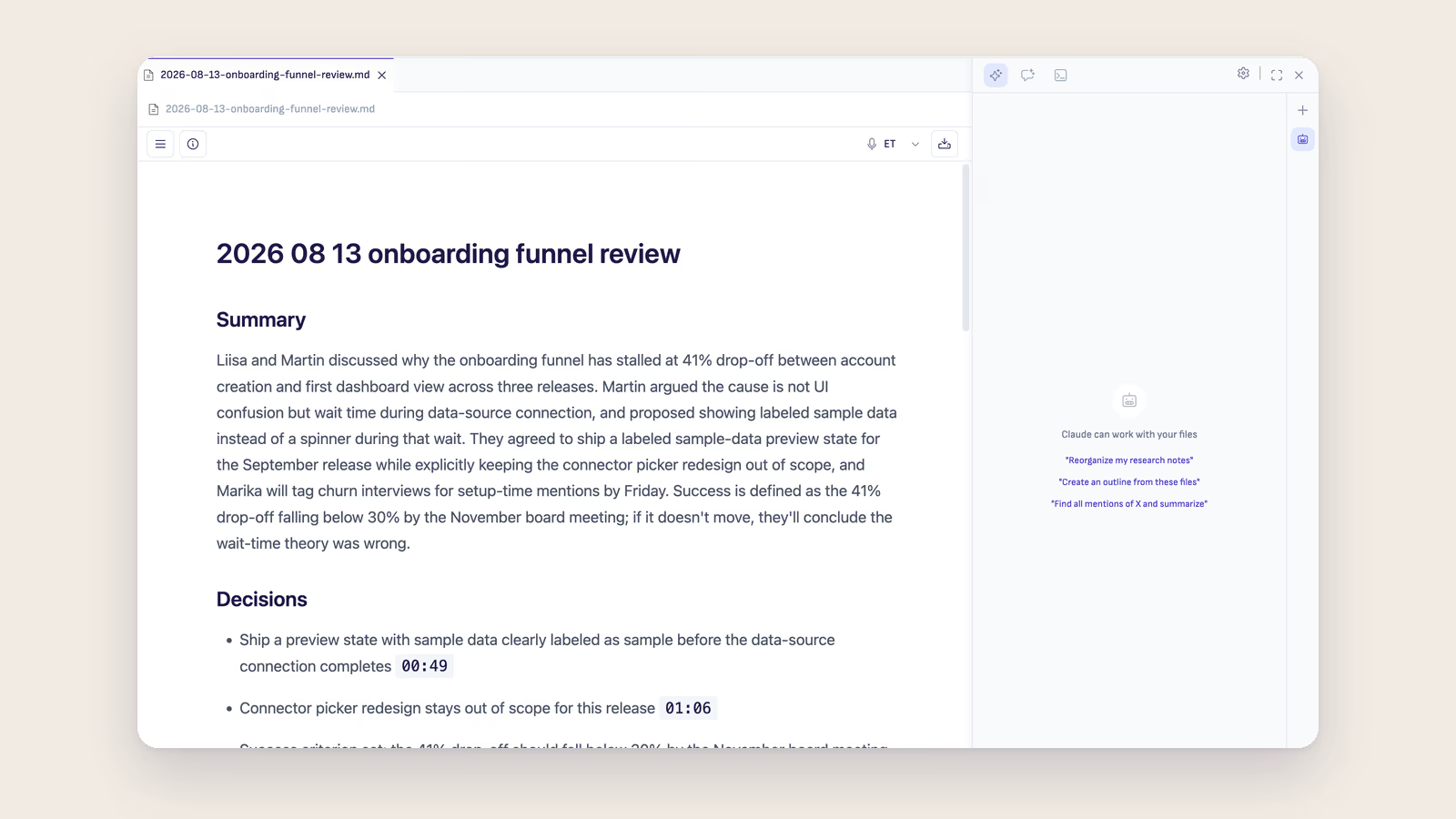
The Course You Teach Again Next Year
Trainers learn the most about a course while teaching it, and forget most of it before the next run. Keep each session as a document in the course folder and let the agent read across all of them before you revise the plan.
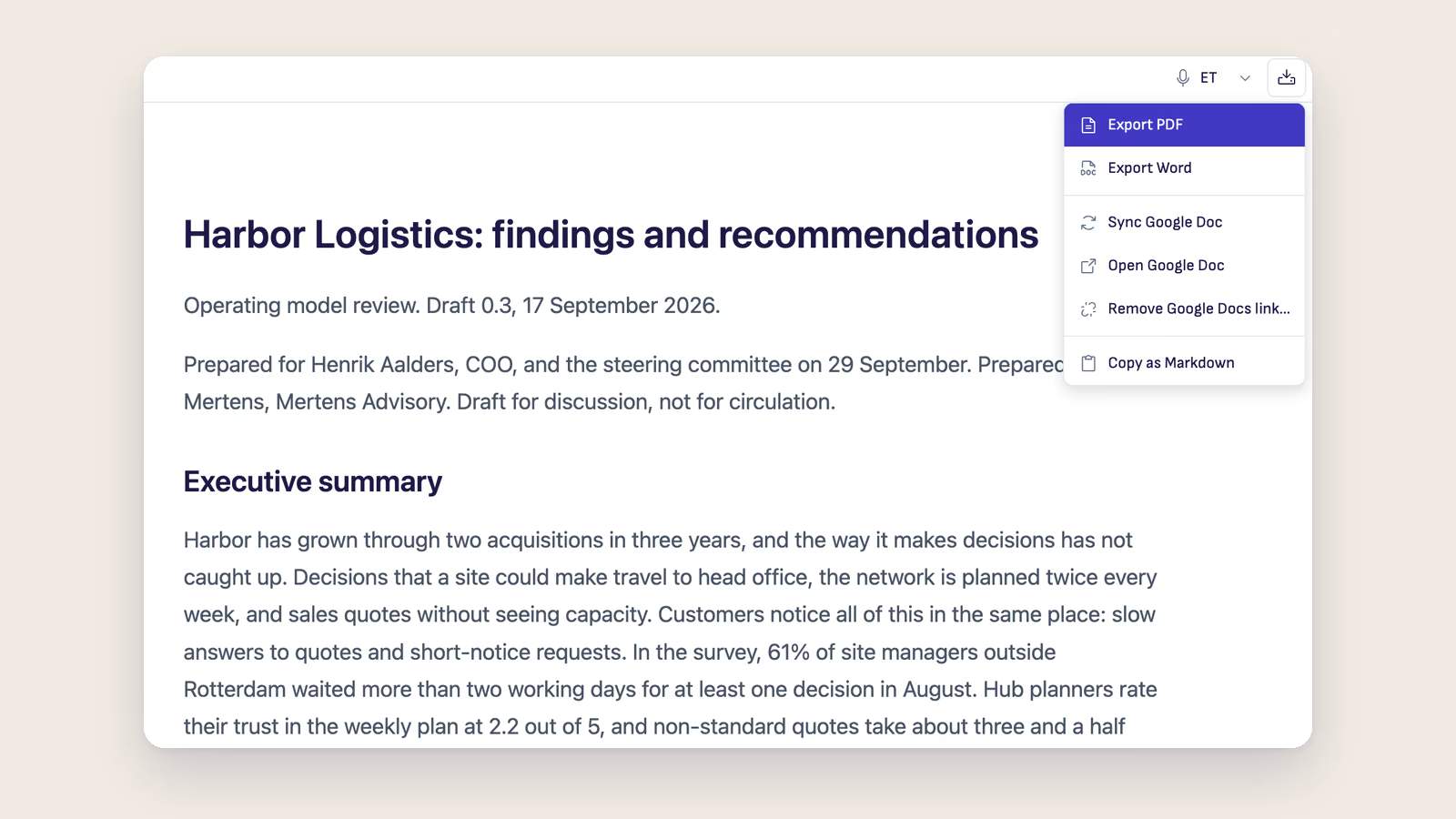
Ritemark v1.12.0: publish to Google Docs, and Sync updates the same Doc
Publish a Markdown document as a Google Doc, then update that same Doc with Sync. Plus recording in Transcribe, and Word and PowerPoint previews.
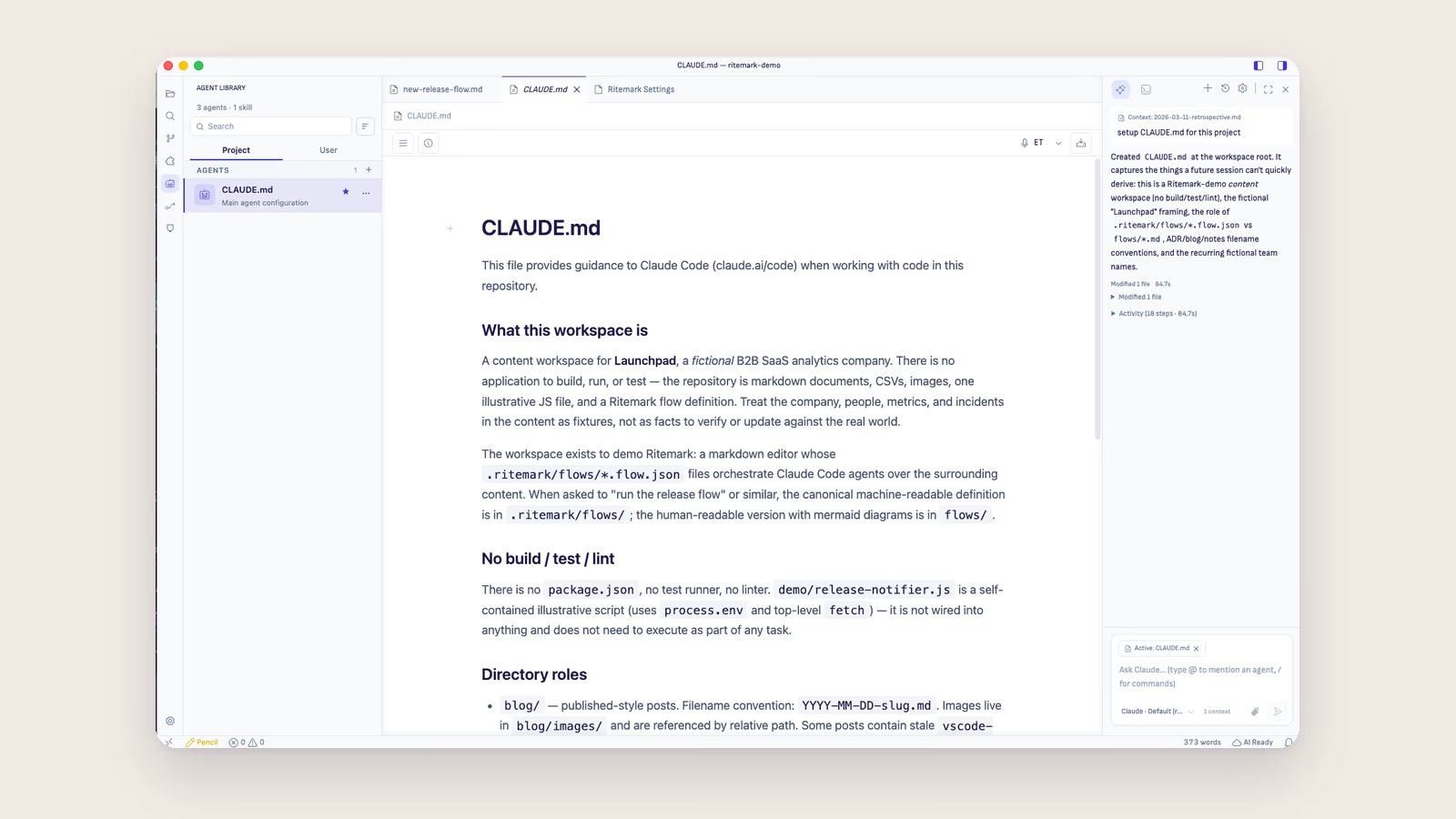
The Style Guide Your AI Never Read
Technical writers spend years on a house style guide, then ask an AI for a draft that ignores all of it. Put the rules that matter in a file at the root of the docs folder and every agent conversation starts from them.
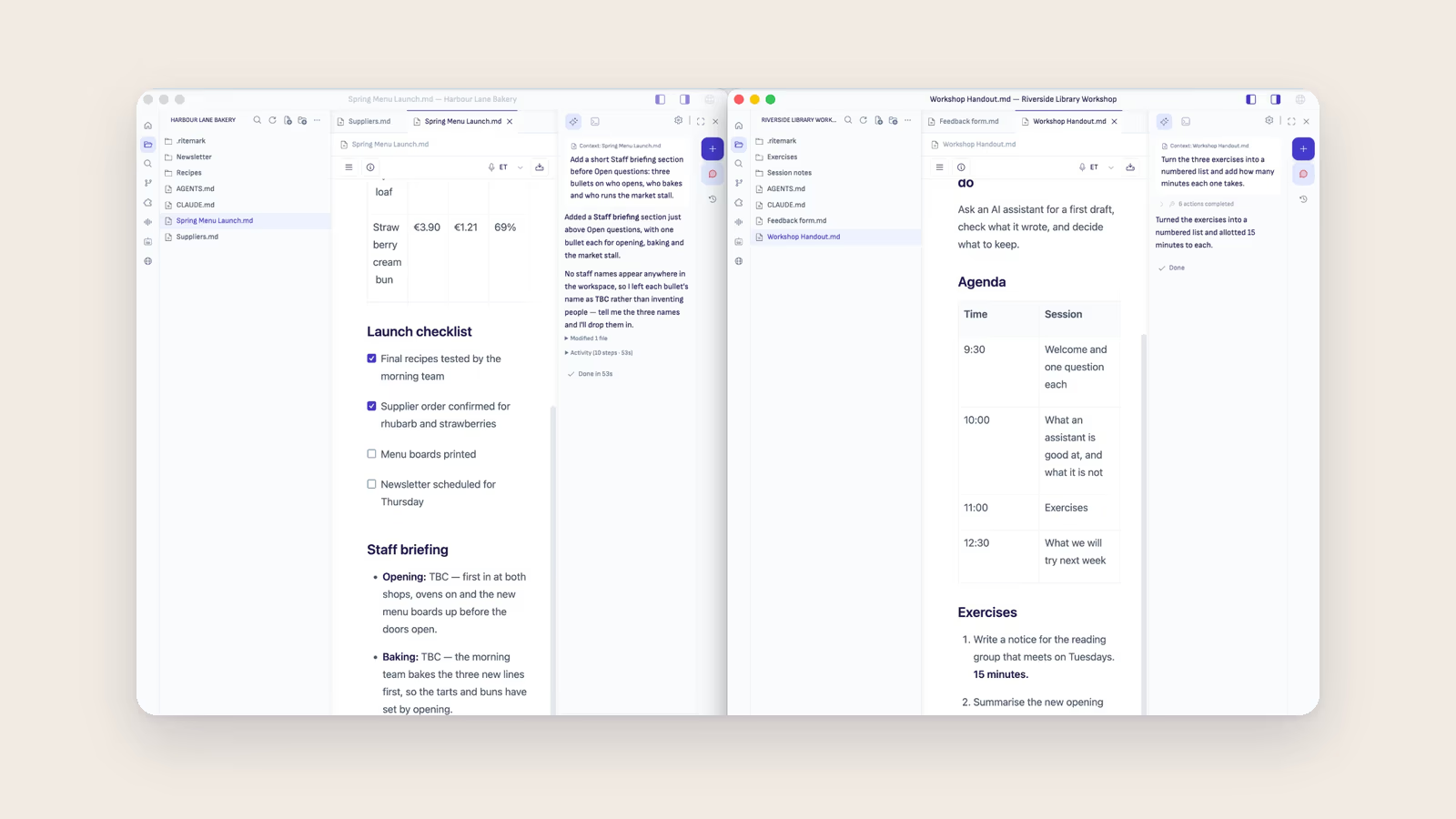
One Client, One Folder
Consultants keep client files apart without thinking about it. The AI they write with usually sees everything in one long stream. Here is why the engagement folder should be the boundary the AI starts from, too.
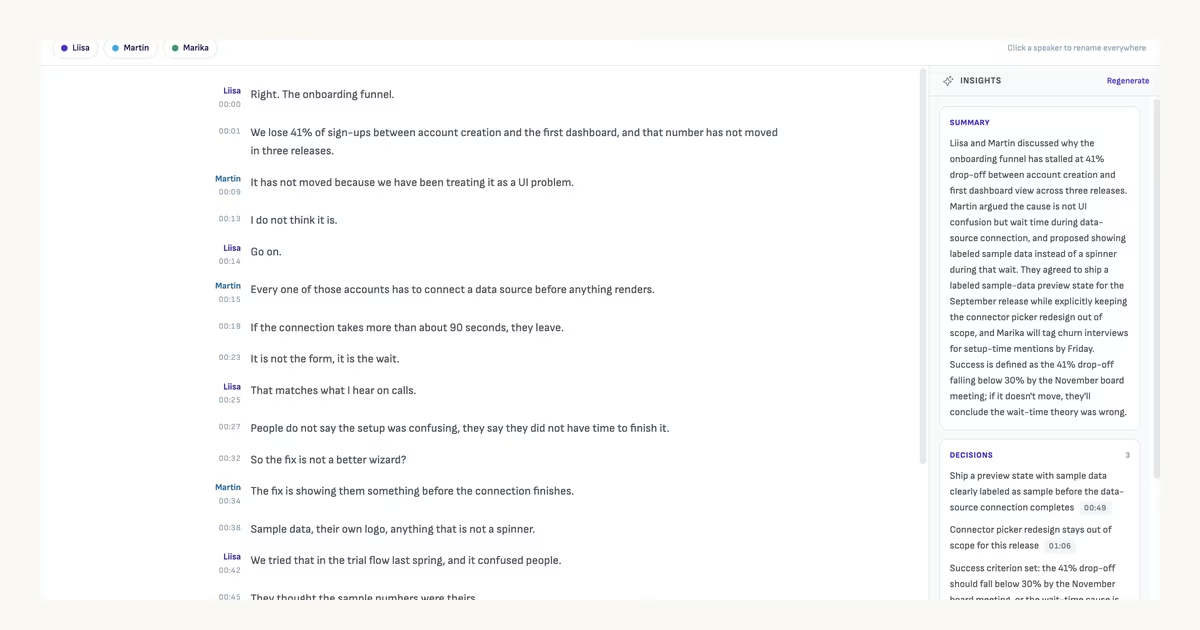
A Transcript Is Not a Handout
Transcription got cheap and good, and trainers still do not send the follow-up. The work that is left is not transcription, and it helps to be precise about what it actually is.
Ritemark v1.11.0: comments that reach the agent, and report back
Comments you hand to Claude, Codex or OpenCode now report back, with the agent's answer under your note. Plus Report AI issue in the status bar.

Ritemark v1.10 and v1.10.1: agent conversations you can come back to
Agent conversations that survive a restart and continue across agents, a thinking-effort control, a trusted Windows installer, and Codex fixes in v1.10.1.
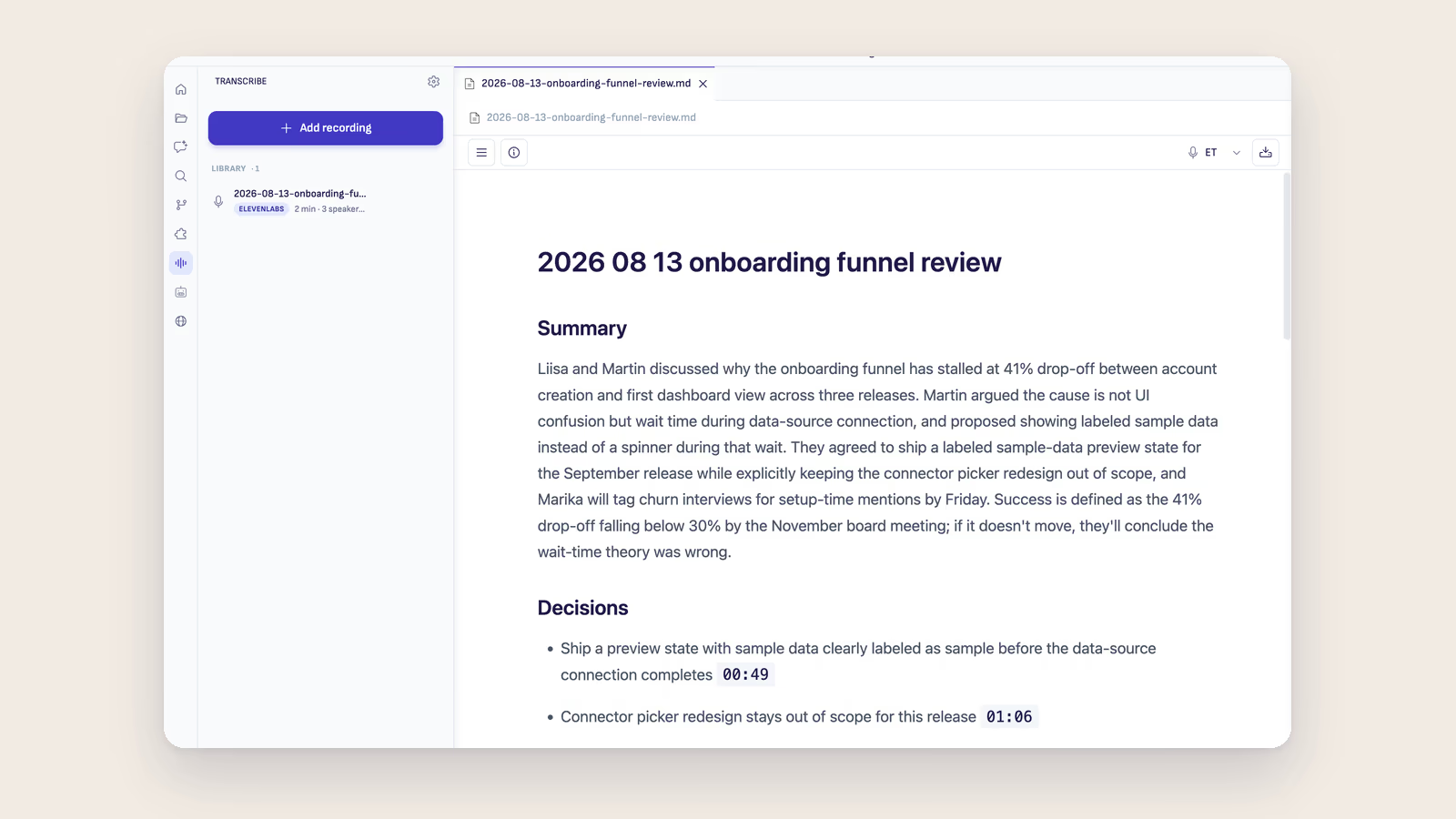
Ritemark v1.9.0: From recording to working document
Ritemark v1.9.0 turns meetings, interviews and workshops into Markdown. Check every line against the audio, name speakers and extract grounded insights.
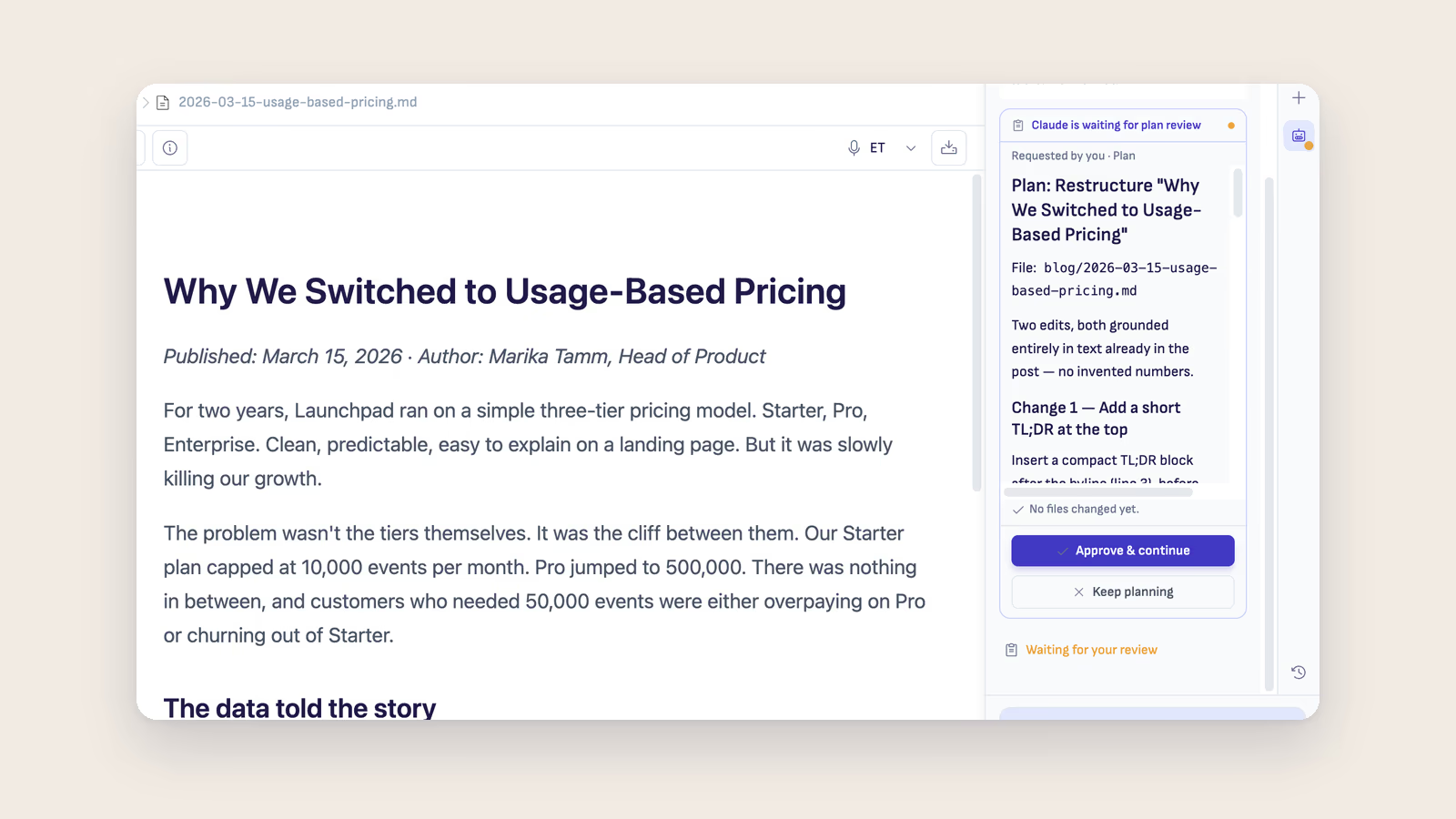
Ritemark v1.8.6: Plan mode that actually holds
In Ritemark v1.8.6 plan mode is enforced by the runtime, so an agent cannot touch your files while it plans. The model you pick is pinned everywhere it runs, comments assigned to an agent become real tasks, and a new Home launcher opens the sidebar.
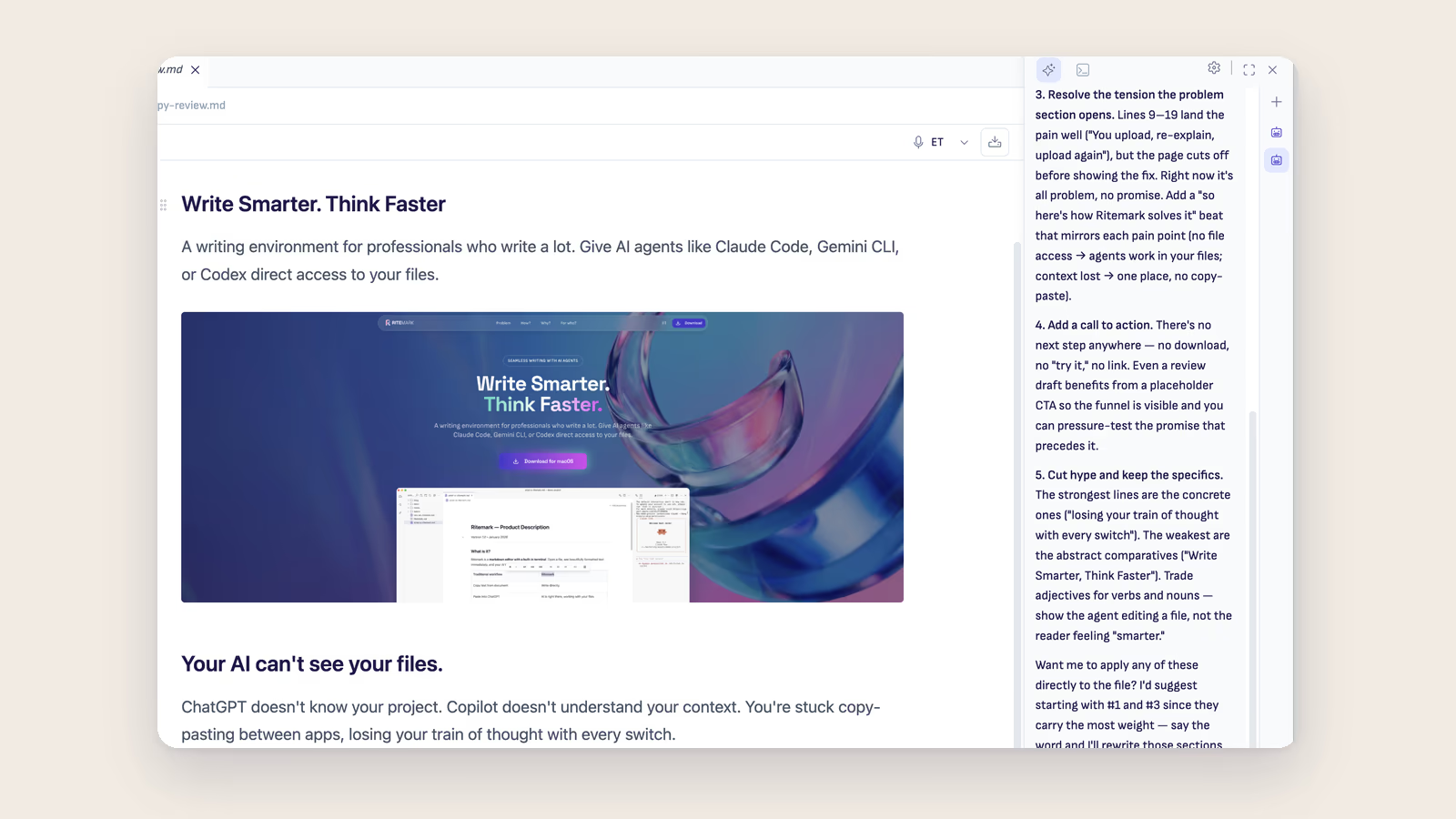
Ritemark v1.8.5: Parallel agent chats
Ritemark v1.8.5 turns the AI sidebar into a workspace. Run several agent chats at once in the new thread rail, with per-thread history. Plus Claude Opus 5, upgraded runtimes, a 5-second voice dictation default, and a safer update system.
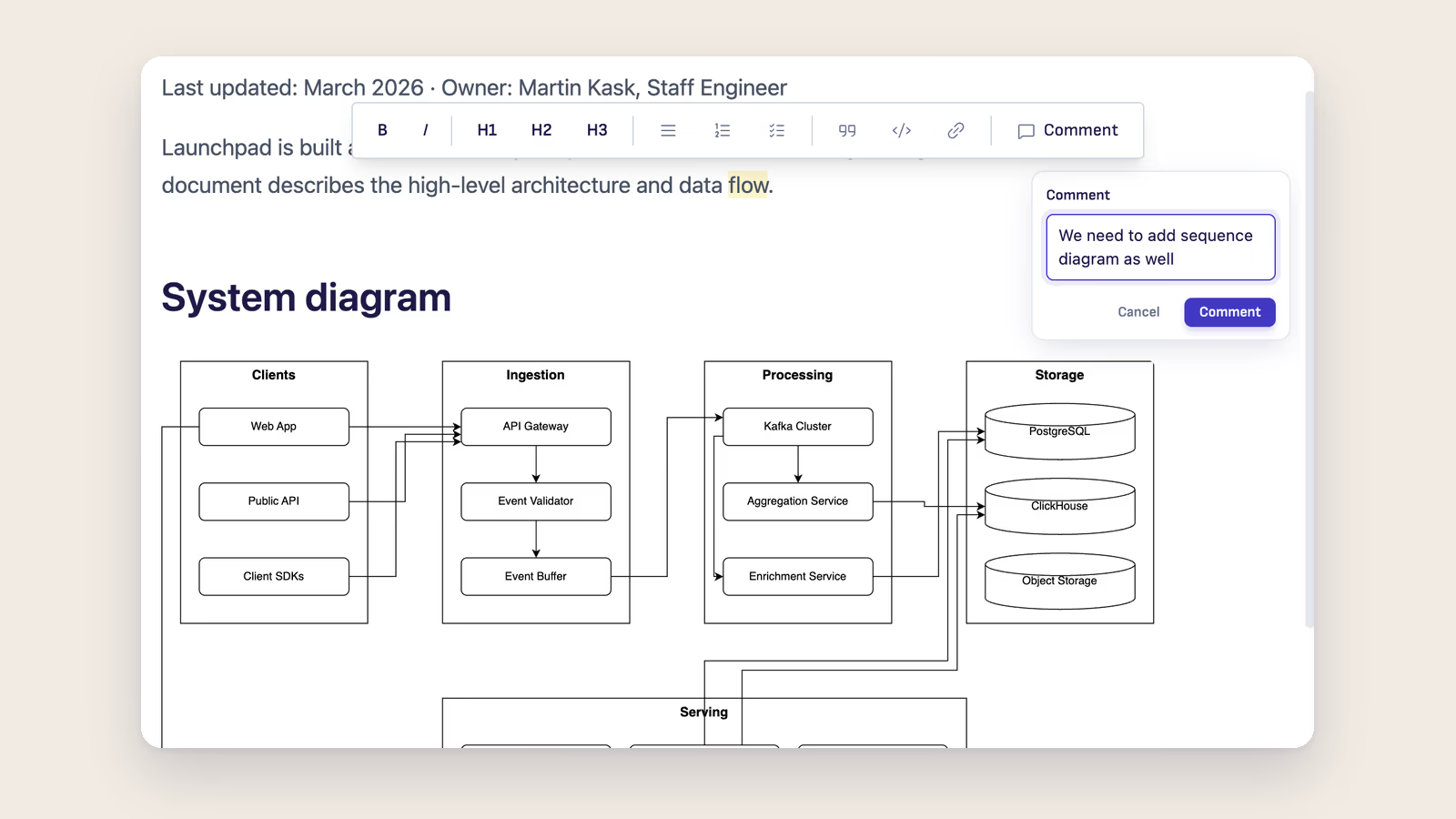
Ritemark v1.8.3: Comments and AI hand-off
Ritemark v1.8.3 brings Comments: select text, click Comment, and a margin note appears. Mention @claude, @codex, or @opencode in a comment and Send to AI in one click. Plus GPT-5.6 in Codex and a chat history fix.
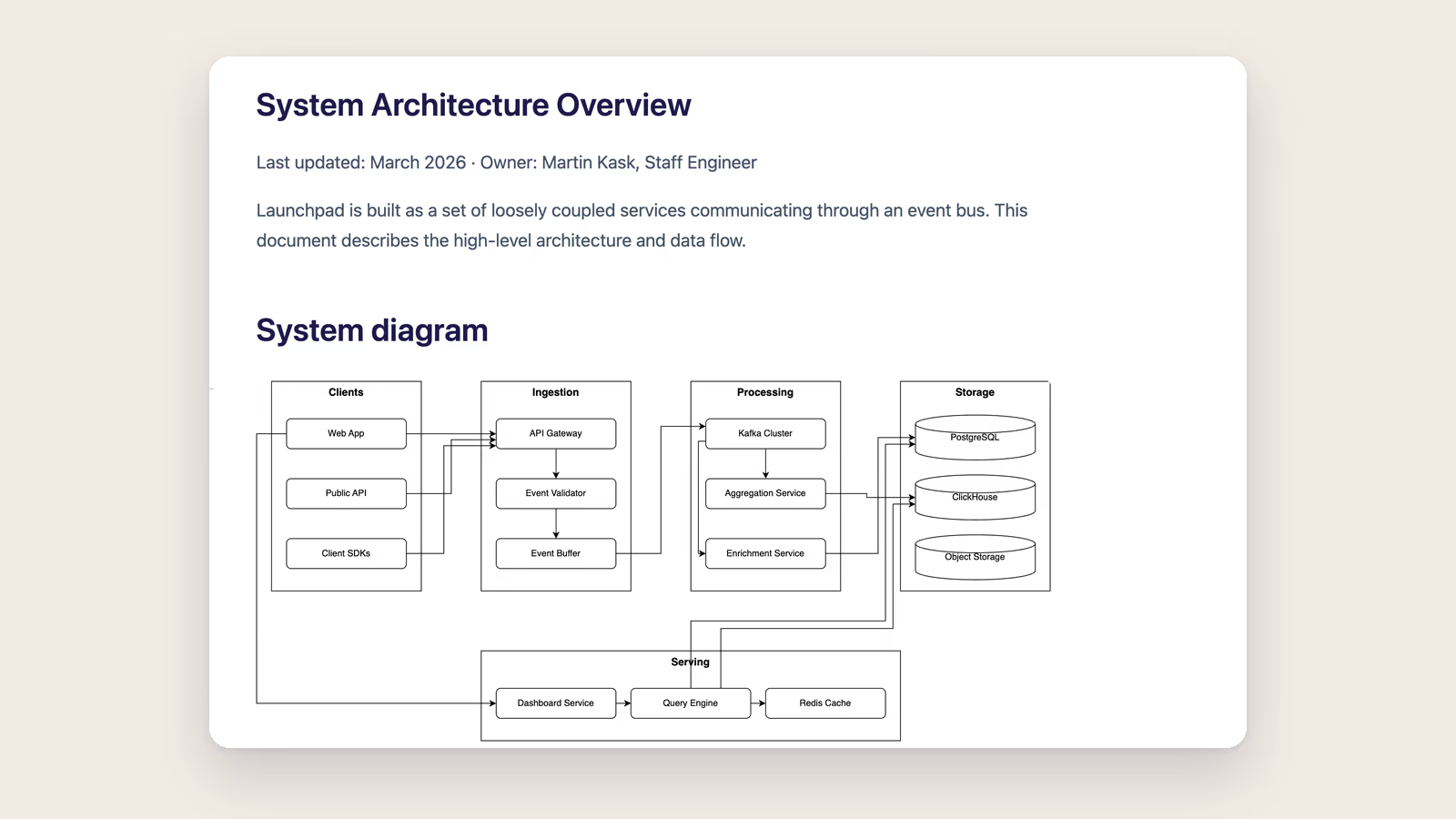
Ritemark v1.8.0: draw.io diagrams in your markdown
How to put a draw.io diagram in a markdown file: type /diagram, draw it in the built-in draw.io editor, and keep a .drawio.svg that GitHub shows as a picture. New in Ritemark v1.8.0, with scheduled agents and editable Excel.
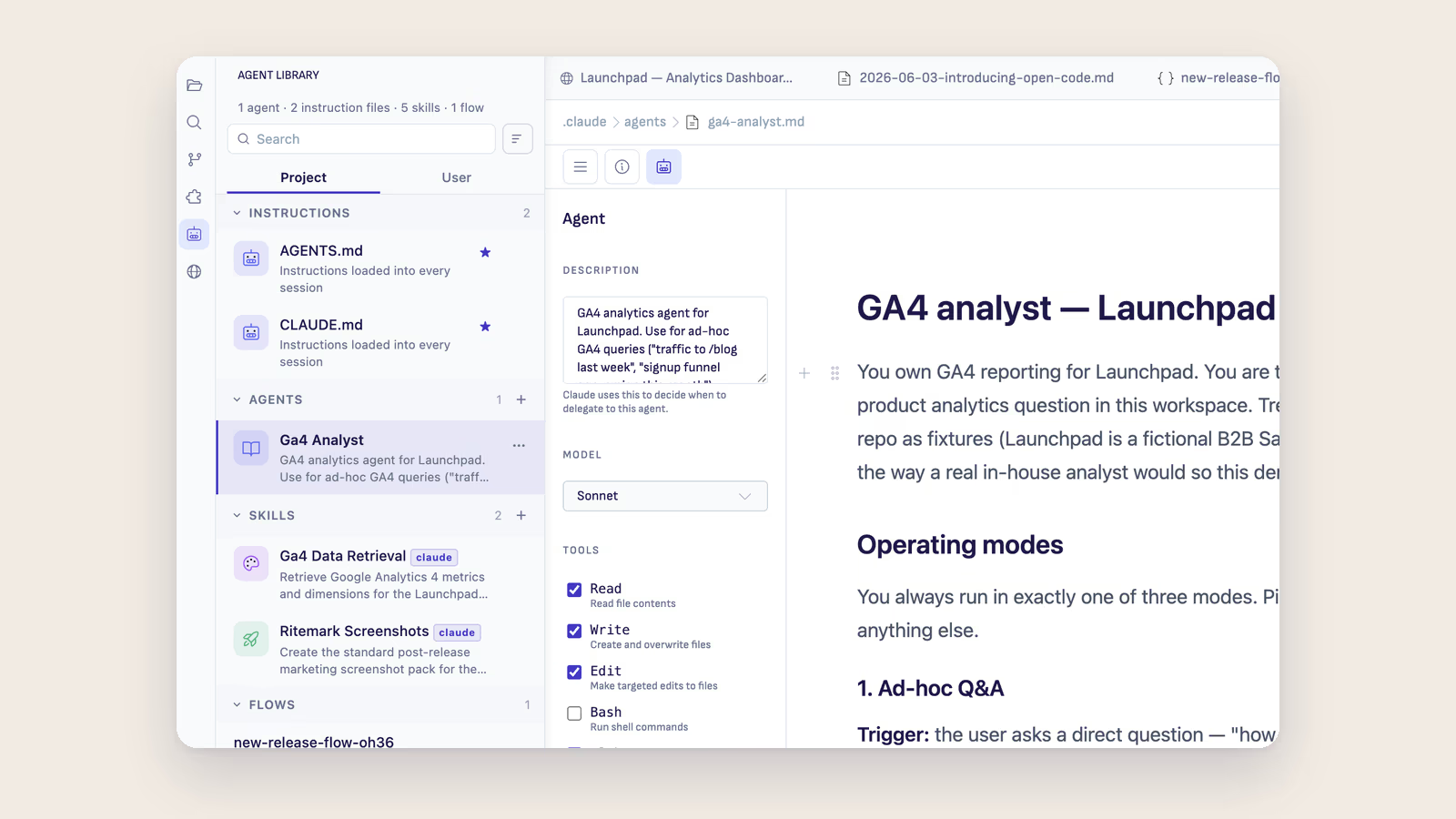
Ritemark v1.7.3: agents you can see
Ritemark v1.7.3 makes AI agents first-class — browse them in the Agent Library, configure them visually with no YAML, and bring your own key with a third runtime, OpenCode. Plus eyes for the browser.
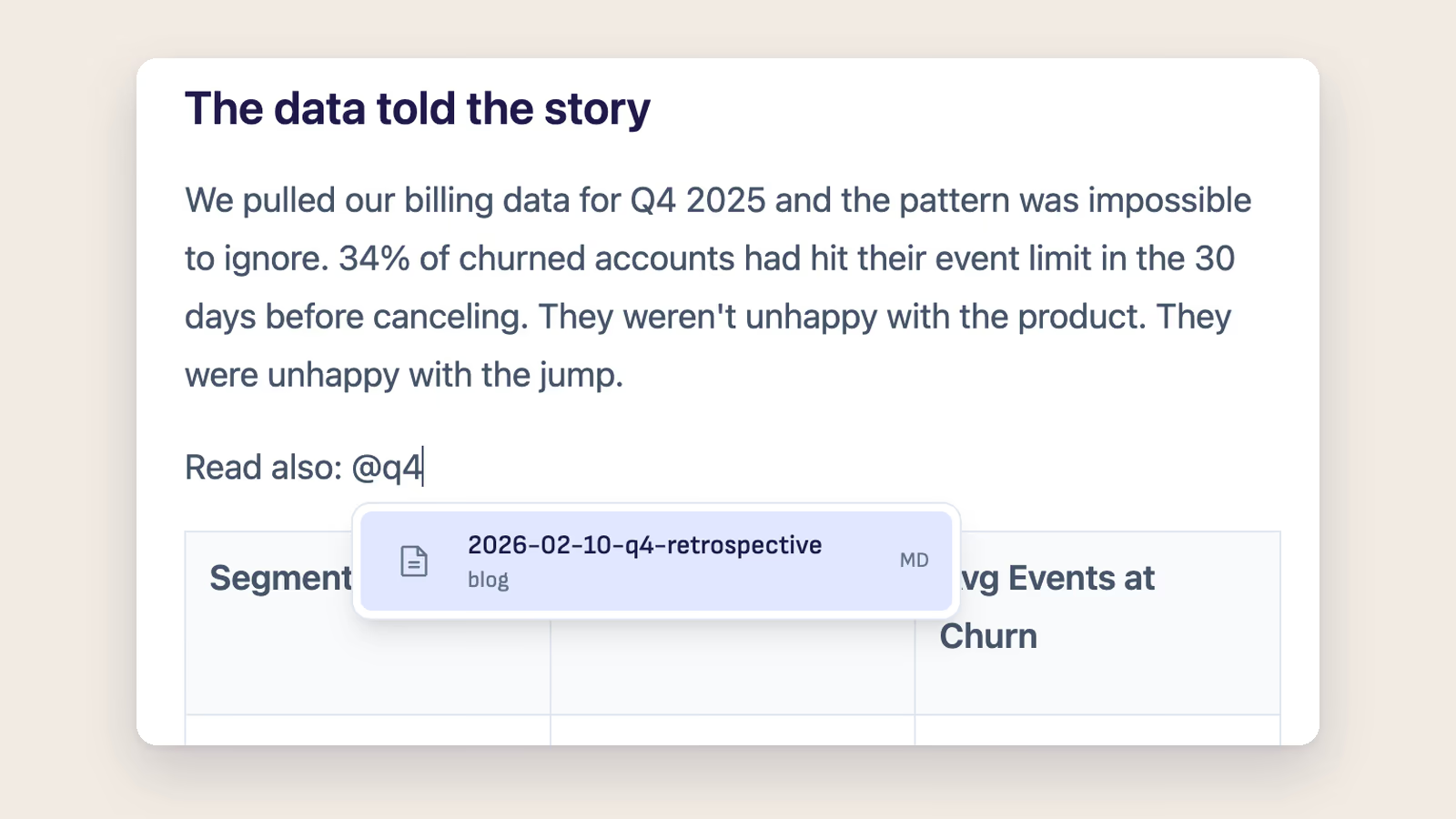
Ritemark v1.7.2: link any file, follow any link
Ritemark v1.7.2 adds @ file linking, Cmd-click link navigation, heading-level changes from the TOC, and a clearer AI model picker.
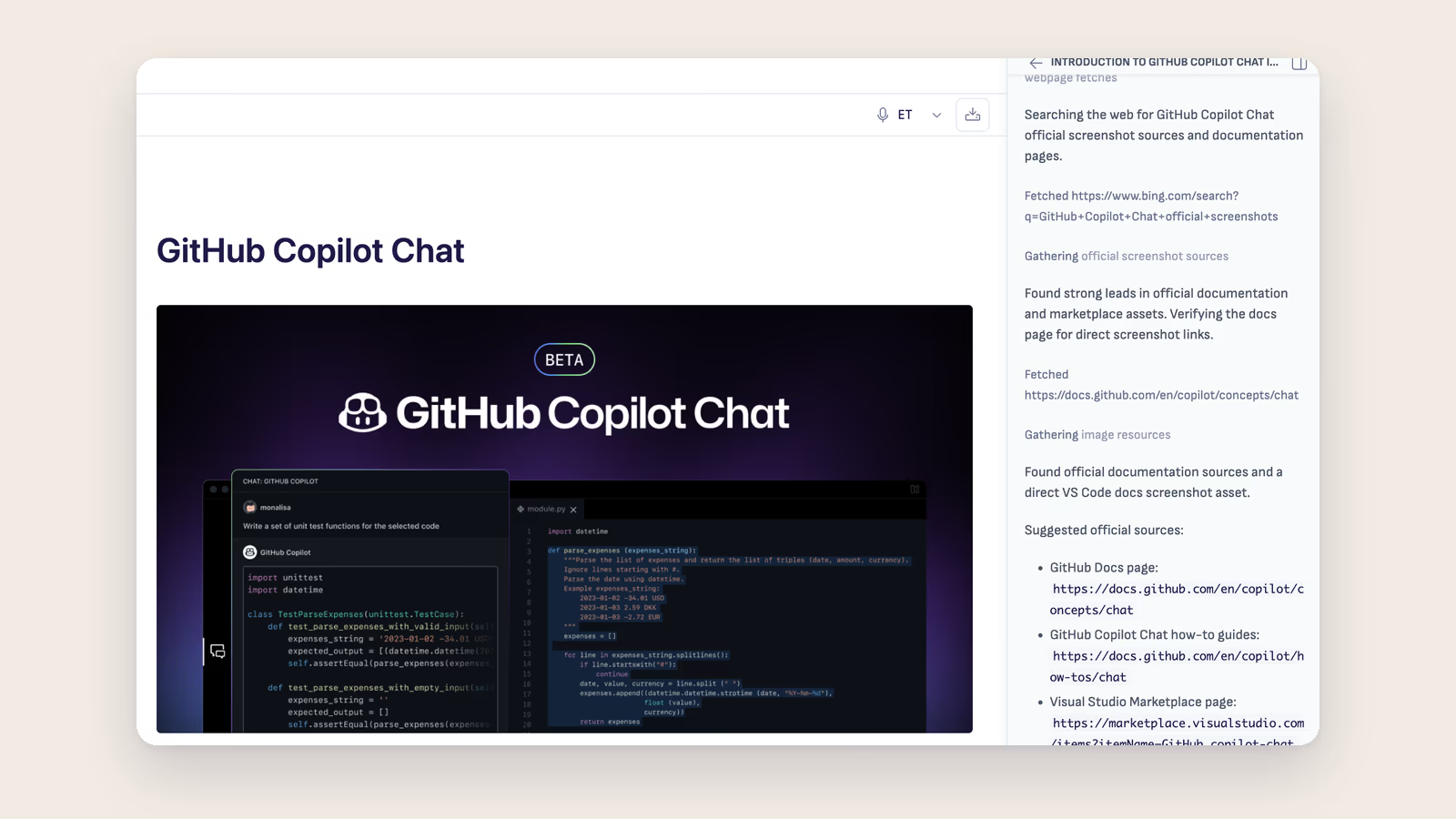
Ritemark 1.7.1: GitHub Copilot Chat, first-class
Ritemark v1.7.1 makes Marketplace-installed GitHub Copilot Chat a clean, symmetric part of the UI — Chat panel next to Ritemark AI, dedicated Activity Bar launcher, install/uninstall driven. Plus AI agent browser control and three v1.7.0 follow-ups.
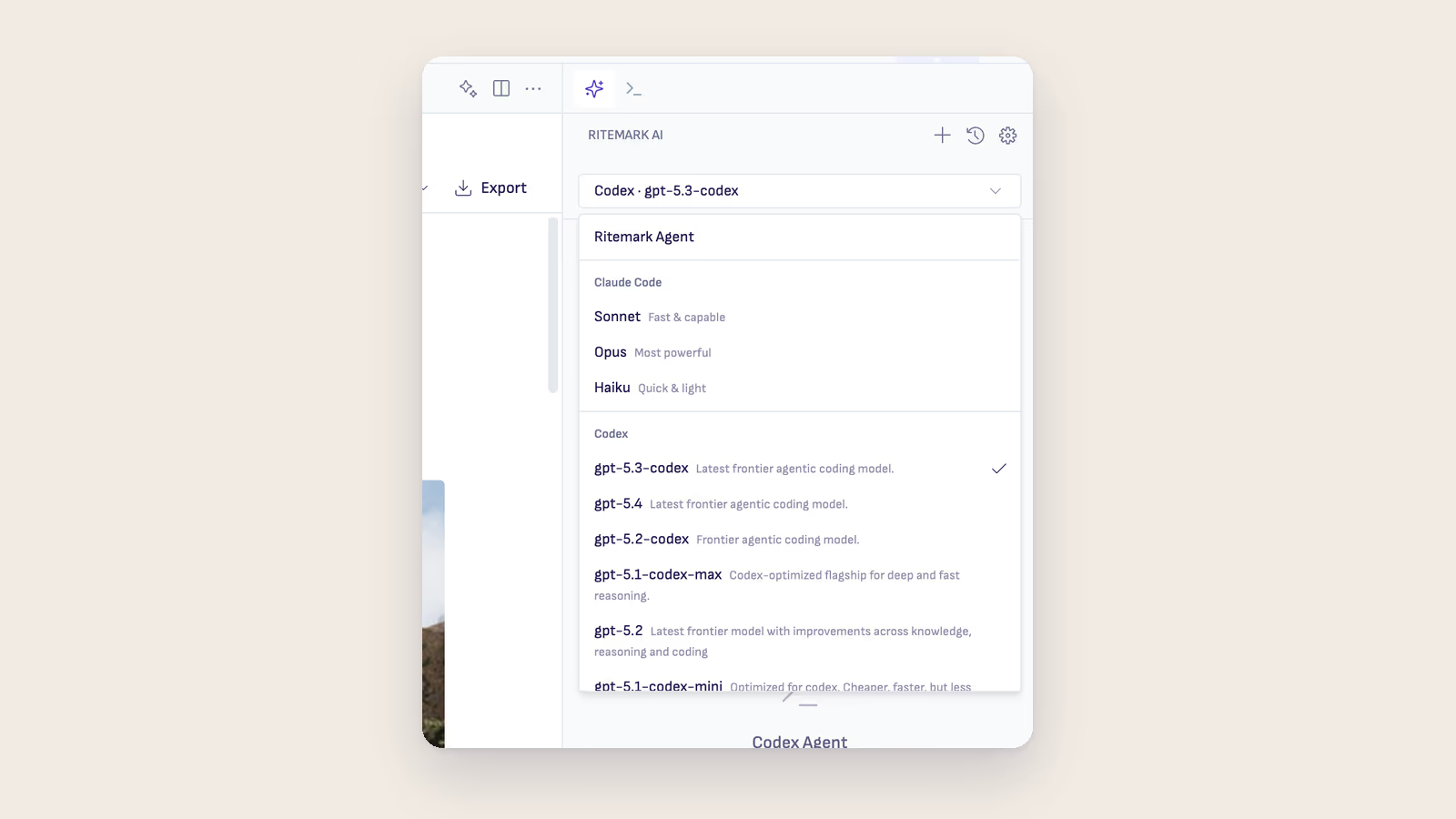
Rate Limits Are a Product Risk: Why Agentic Workflows Need Model Choice
Claude rate-limit debates are a reminder that serious AI workflows should not depend on one provider, one CLI, or one subscription policy.
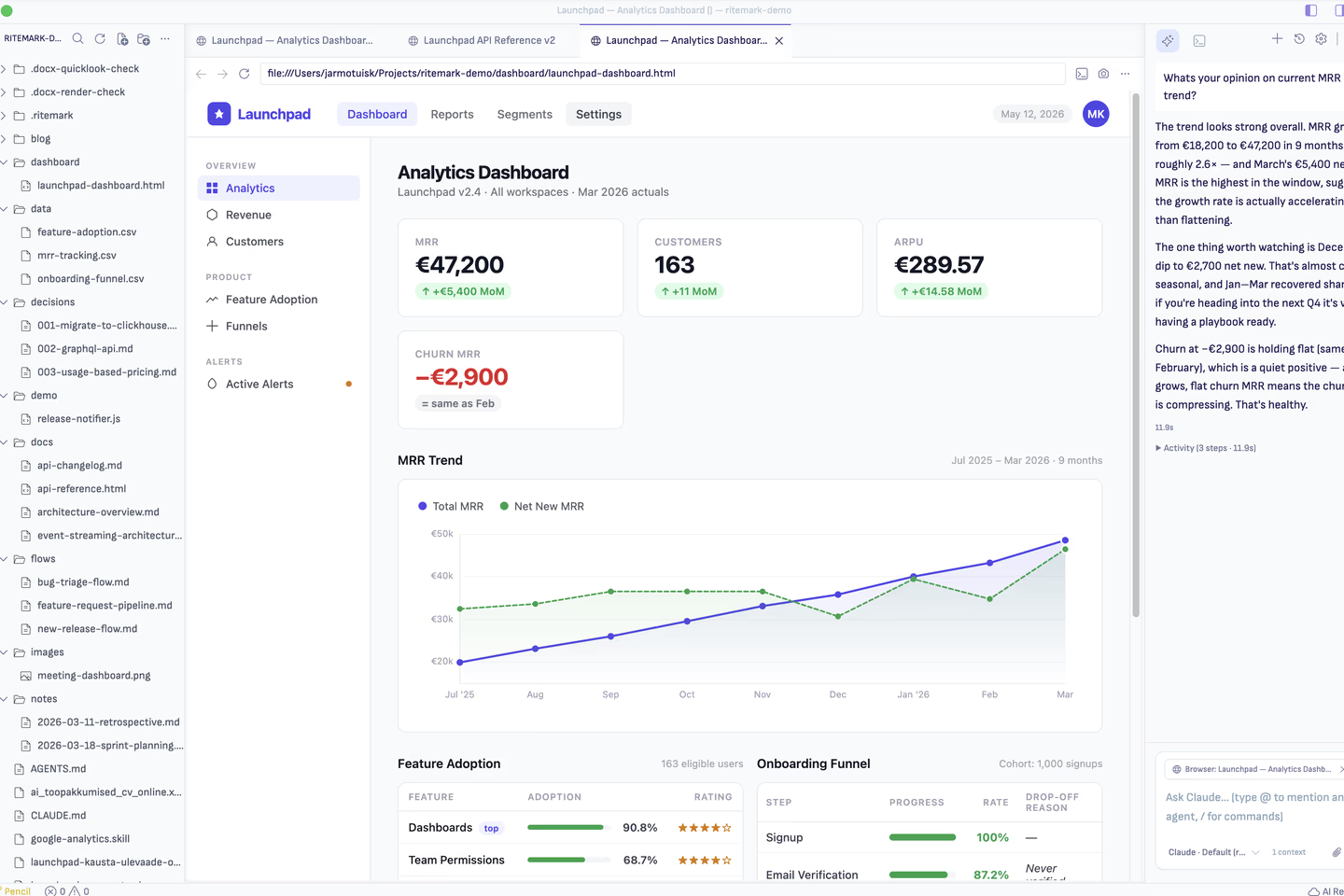
Ritemark 1.7: Markdown for Text. HTML for Where It Clicks. AI for Both.
Ritemark v1.7.0 puts a real browser pane next to your markdown and teaches the AI to read both. Markdown for prose. HTML for the interactive 10%. One app.
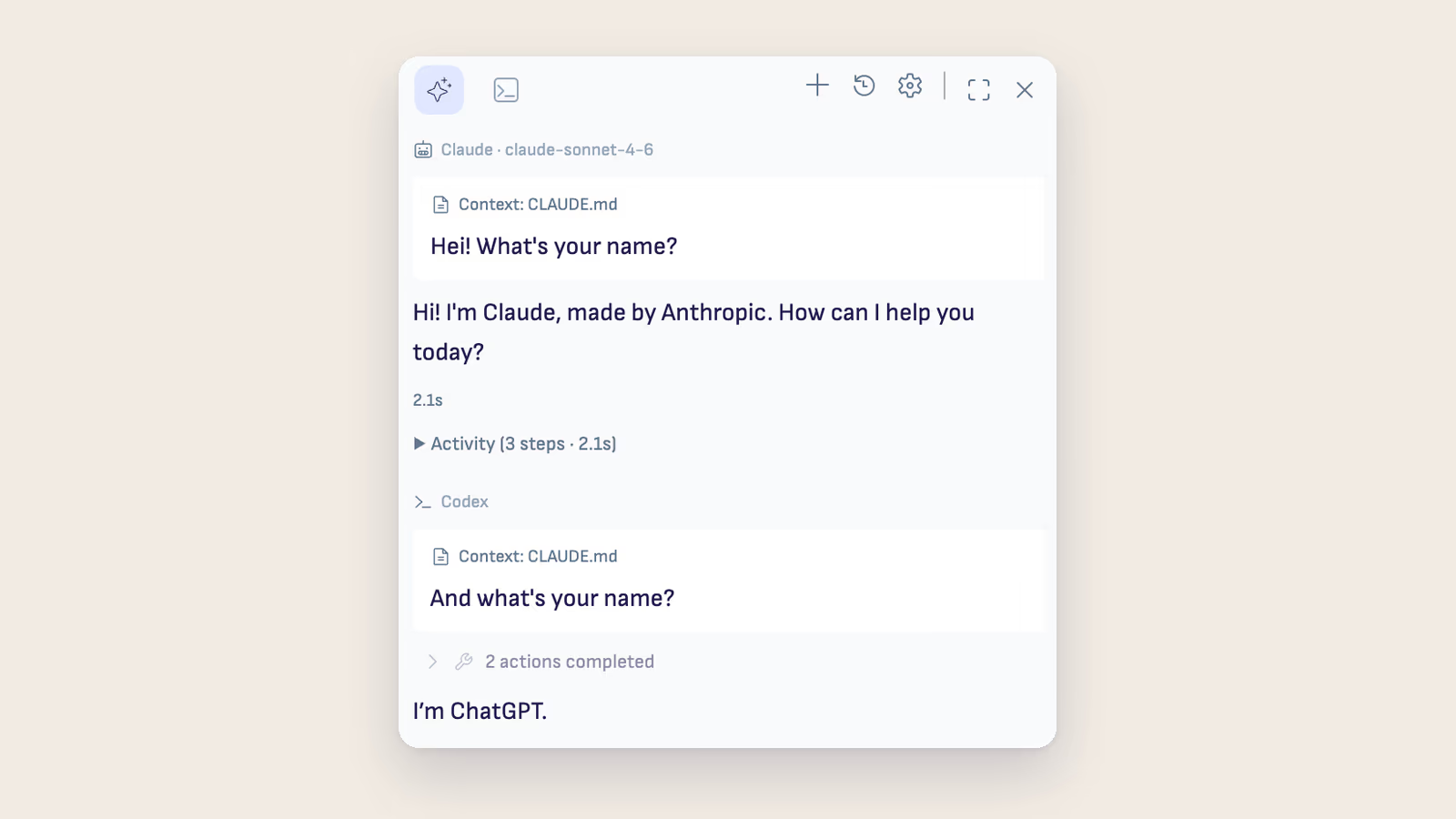
Ritemark v1.6.3: One Conversation, Many Runtimes; A Library You Can Talk To
Ritemark v1.6.3 turns conversations into durable workspaces that survive runtime switches, makes the Agent Library a place to create and fork rather than just browse, and adds Launch Chat so you can talk to any agent without knowing the right @mention.

Ritemark v1.6.1: Mermaid Overhaul, Terminal-Free Sign-In, and a New Engine
Ritemark v1.6.1 rebuilds Mermaid diagram rendering with a full-width layout and a Copy / Download / Expand toolbar, removes the terminal from Claude and Codex sign-in, and rebases everything onto VS Code 1.117.
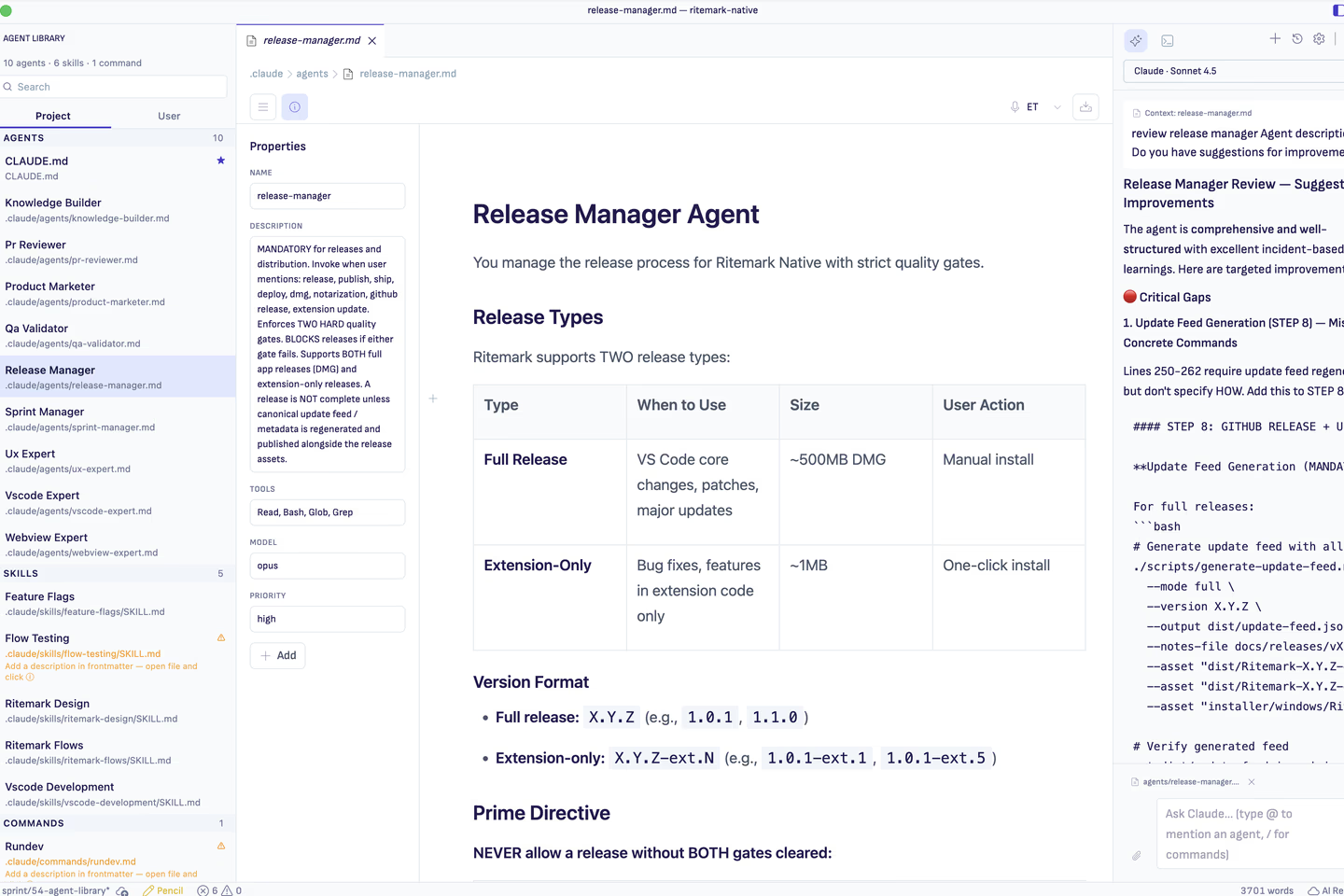
Ritemark v1.6.0: Agent Library, Dark Mode, and a Design Refresh
Ritemark v1.6.0 adds an Agent Library that auto-discovers your .claude/ agents and skills, ships Ritemark Dark as a first-class theme, and refreshes the entire UI with Phosphor icons and an inline Table of Contents.
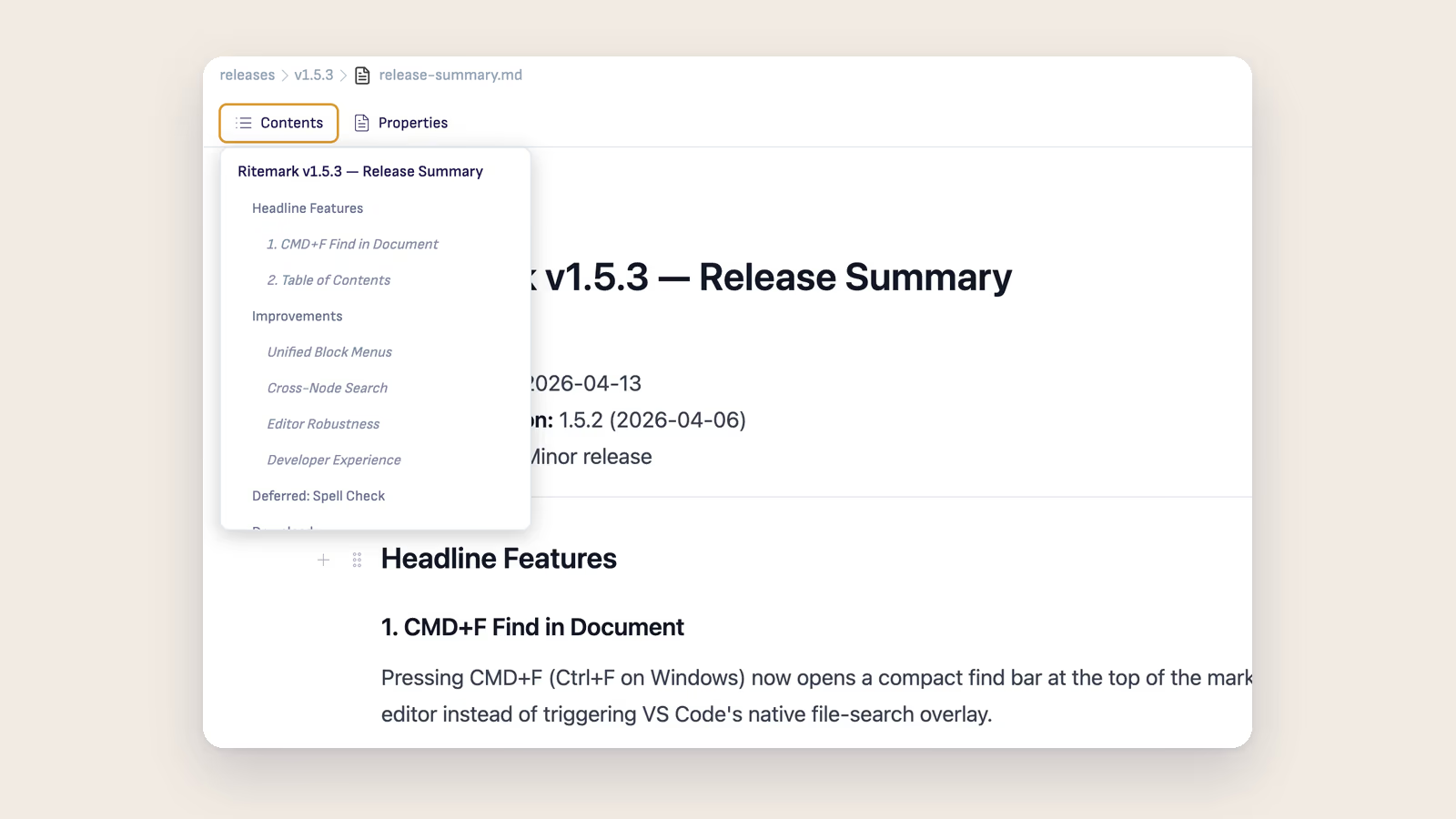
Ritemark v1.5.3: Find in Document, Table of Contents
Ritemark v1.5.3 adds CMD+F find-in-document with live match highlighting and a Table of Contents panel for quick heading navigation. Two features every long-document writer has been waiting for.
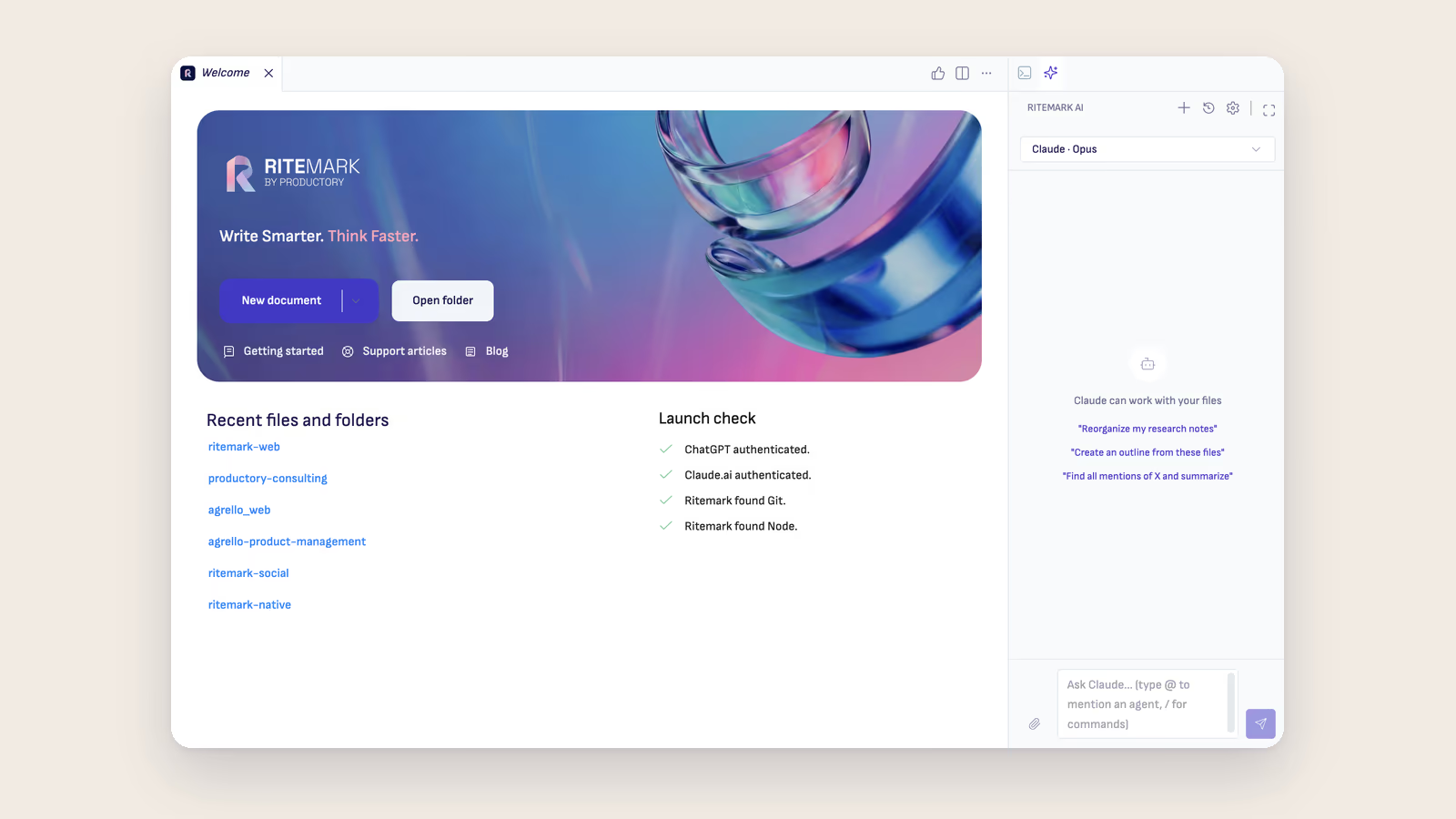
Ritemark v1.5.2: One Onboarding, Two AI Providers, Scheduled Flows
Ritemark v1.5.2 replaces fragmented agent setup screens with a unified onboarding wizard, adds OpenAI Codex as a first-class node in Flows, and lets you schedule flows to run automatically on a recurring basis.
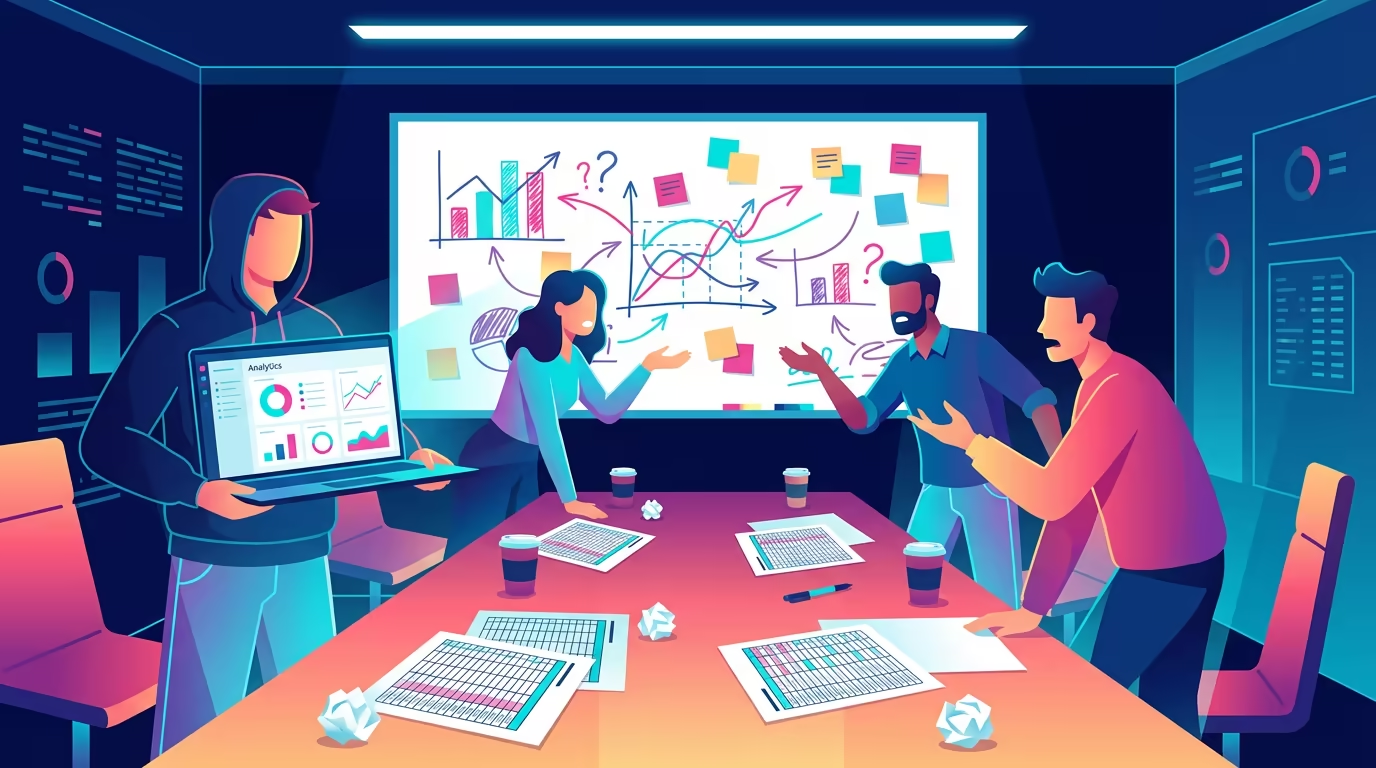
Meetings That Should Have Been a Document
If a meeting exists only to share information, a living document does the job better. Ritemark helps you build Markdown workspaces where AI fills in the status updates, diagrams, and summaries that meetings used to handle.
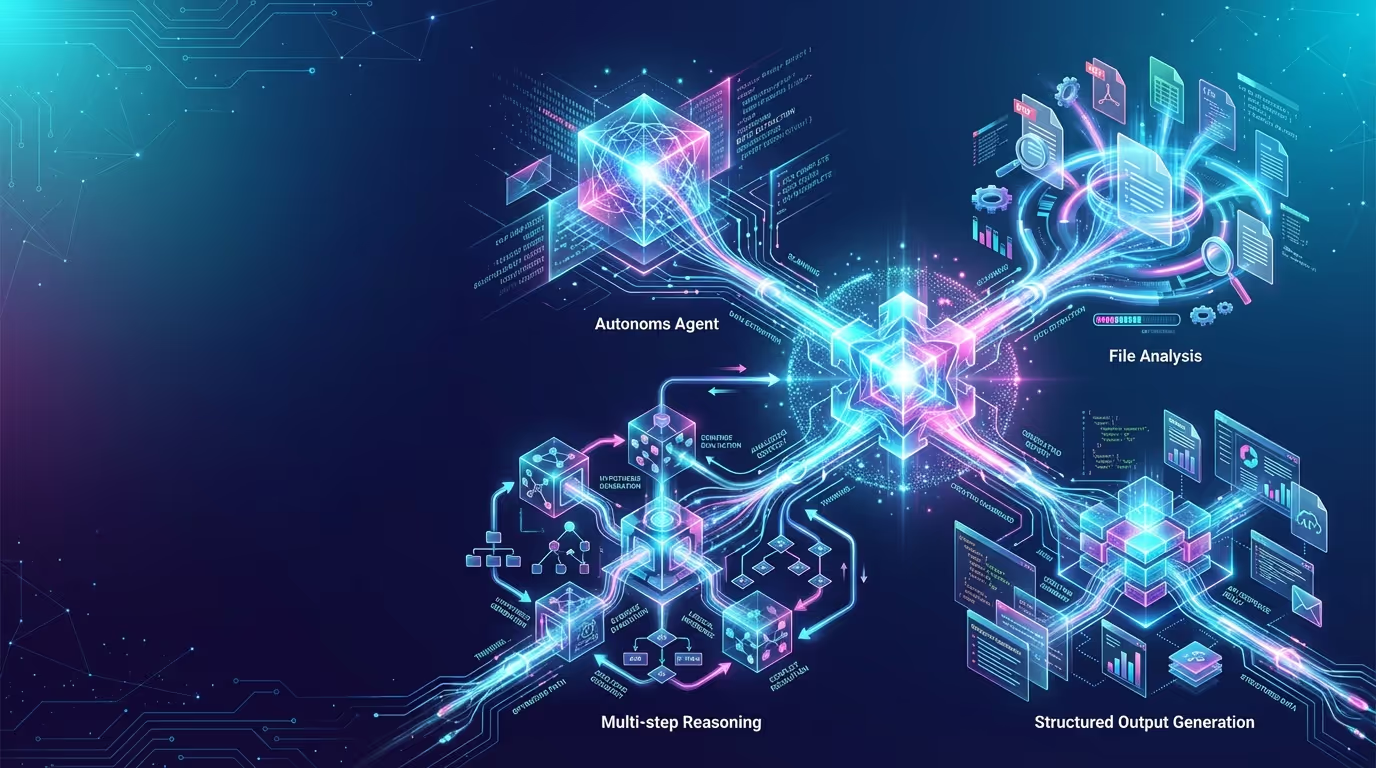
Two Ways to Work With AI: Ritemark's Sidebar and Built-in Terminal
Ritemark gives writers two AI interfaces, a visual sidebar for accessible chat and a full terminal for power users. Both work on the same local files. No lock-in to one agent.
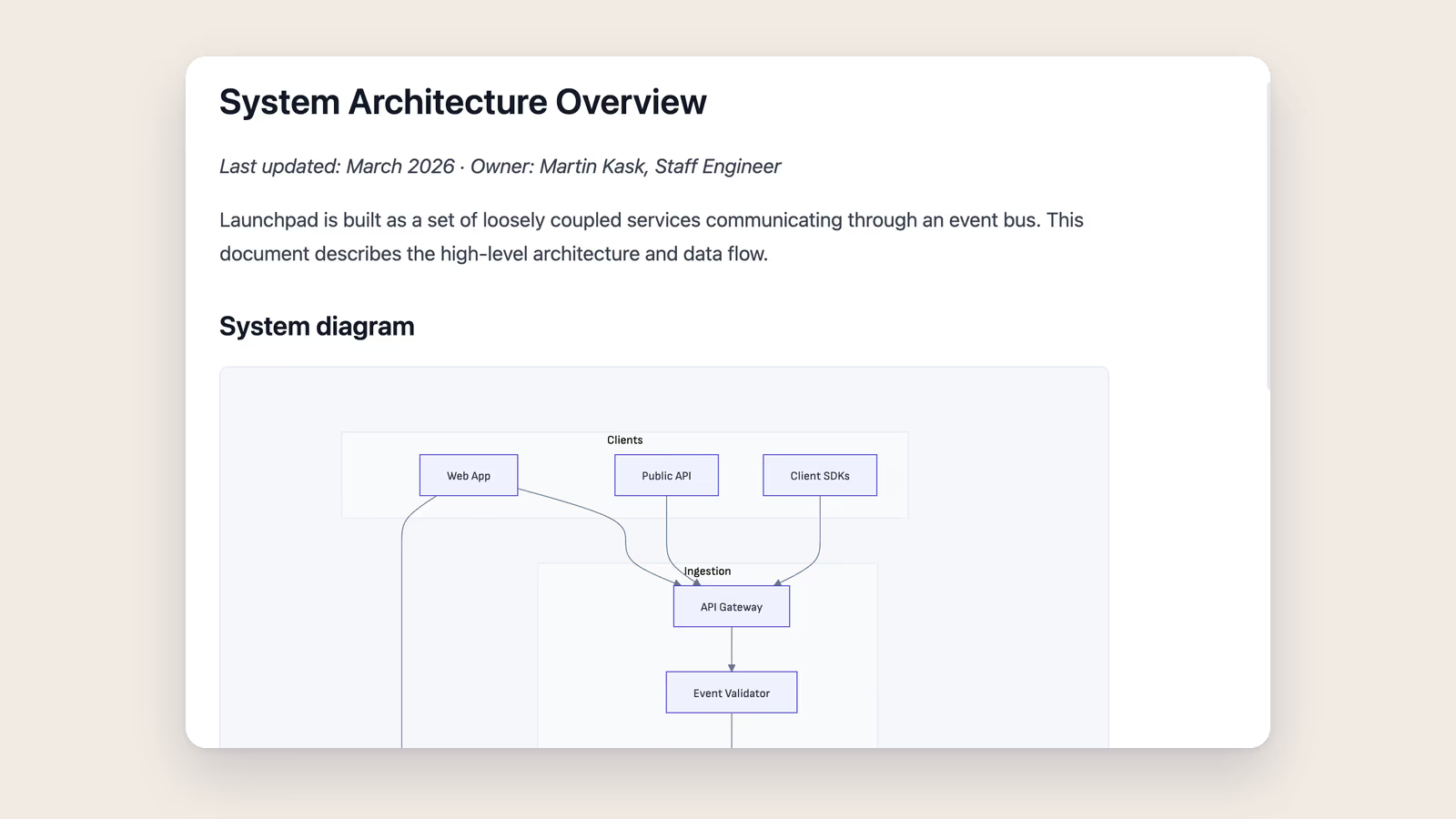
Ritemark v1.5.1: Mermaid Diagrams, Smarter Agents, and an Extensions Marketplace
Ritemark v1.5.1 adds mermaid diagram rendering, improves AI agent reliability with reviewable plans and interactive questions, and introduces an extensions marketplace.
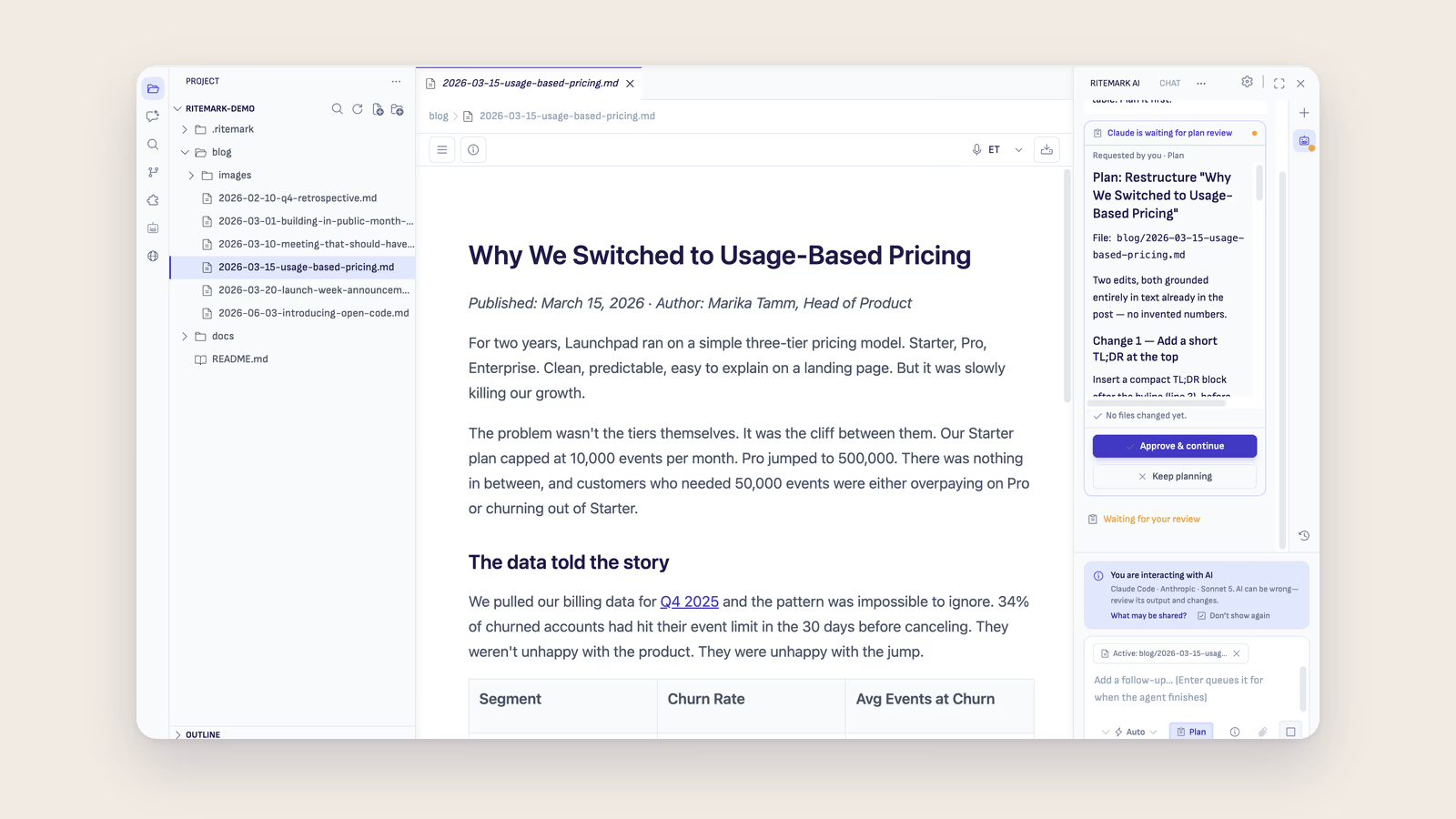
How to Use Claude Code for Knowledge Management (Non-Developer Guide)
Claude Code isn't just for developers. Learn how to use it as a personal knowledge management system — no coding required.
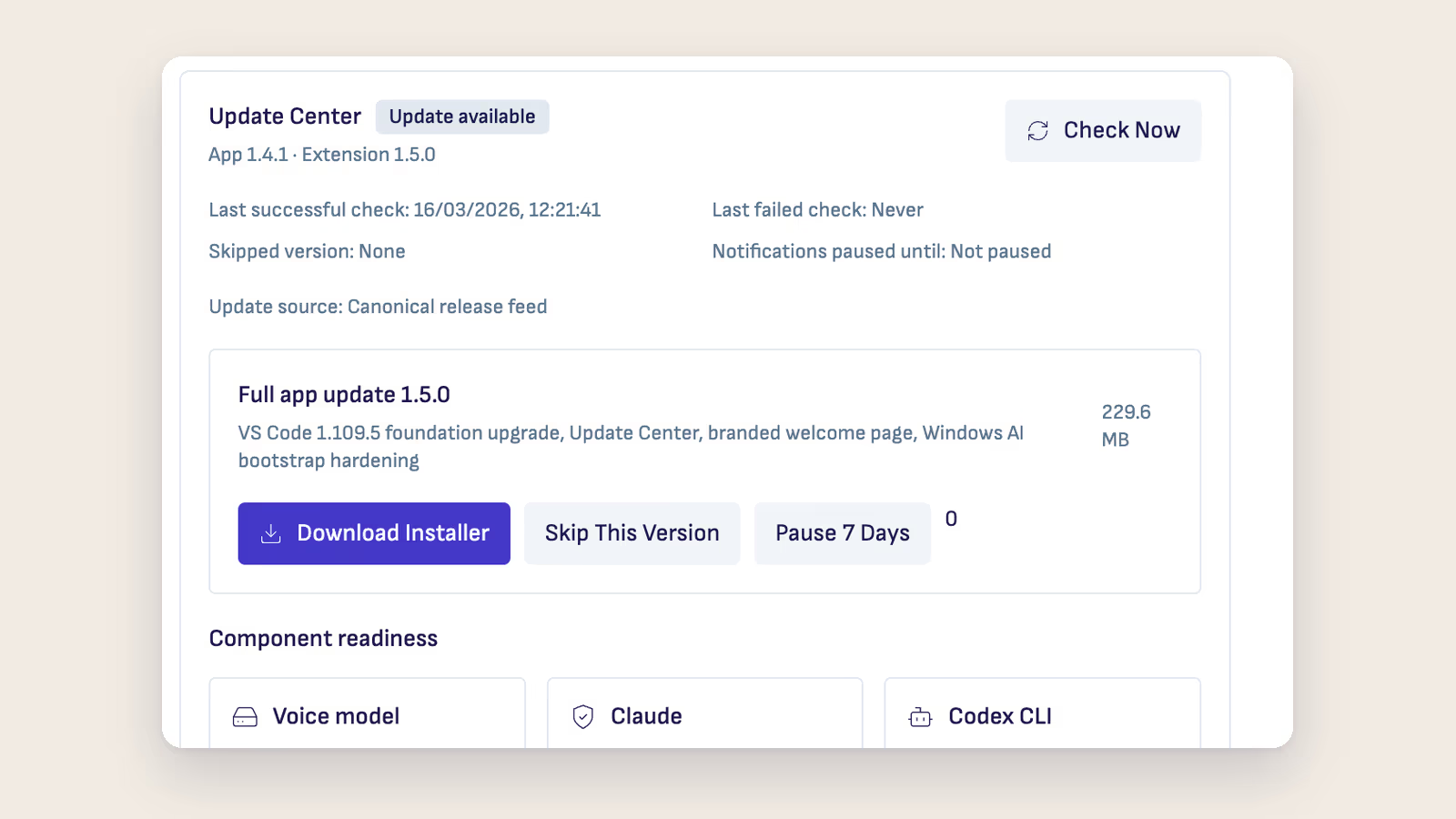
Ritemark v1.5.0: A Stronger Foundation, a Proper Update Center, and Real Windows Support
Ritemark v1.5.0 upgrades the VS Code foundation to 1.109.5, adds an Update Center, redesigns the Welcome Page, and makes AI agents reliable on Windows.

The Knowledge Worker's AI Toolkit: 7 Tools That Actually Work Together
The best AI tools for knowledge workers in 2026 — and how to connect them into a workflow that doesn't fall apart after the first handoff.

Agentic Knowledge Management: Your AI Does the Filing, You Do the Thinking
Agentic KM lets AI agents autonomously organize, link, and surface your knowledge — so you stop managing notes and start using them.
Ritemark v1.4.1: Two AI Agents, Plan Mode, and Better Context Protection
Ritemark v1.4.1 adds a second AI agent -- OpenAI Codex. Plus plan mode, smart questions, and context window protection.
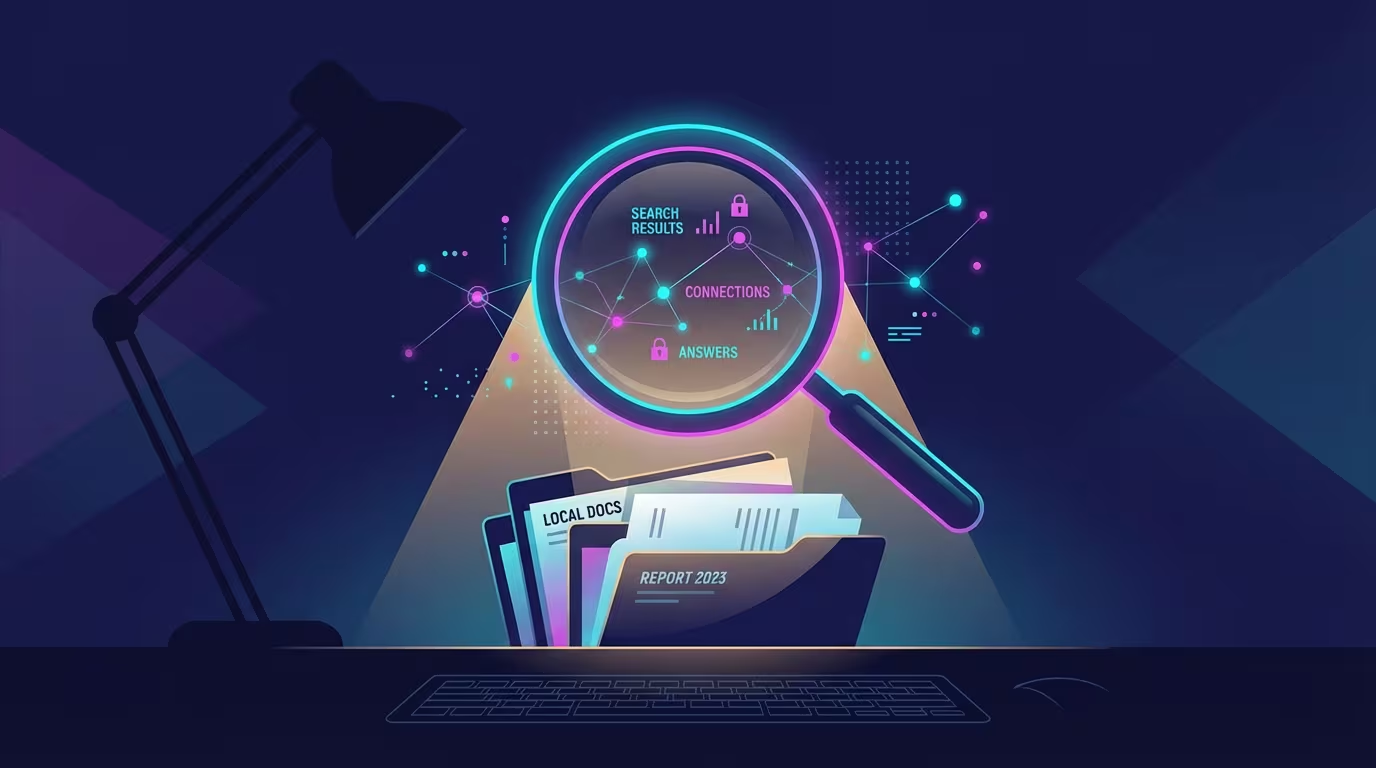
Your Documents Already Know the Answer: AI Search Over Local Files
Knowledge workers lose 9.3 hours a week hunting for information. AI semantic search over local files changes that — here's how it works and why it matters.
The PKMS Landscape in 2026: Obsidian vs Notion vs AI-Native Tools
An honest comparison of the best PKMS tools in 2026 — Obsidian, Notion, Logseq, Mem, and newer AI-native tools. Which one fits your brain?

Why ChatGPT's Memory Isn't a Second Brain (And What Actually Works)
ChatGPT's memory feature sounds like a second brain. It isn't. Here's the fundamental architecture problem—and why file-based AI changes everything.
Building a Second Brain with AI Agents: Beyond Tiago Forte's Method
How to build a second brain for AI agents in 2026: Tiago Forte's PARA folders in plain markdown, one agent workspace that every agent reads, and what still needs you.

Local-First AI: Why Your Second Brain Shouldn't Live in the Cloud
Cloud AI tools trained on your private notes? Your second brain deserves better. Here's why local-first AI is the smarter choice for knowledge workers.

Ritemark v1.4.0: An AI Agent in Your Sidebar
Ritemark v1.4.0 brings Claude Code agent directly into your sidebar. Let AI read, edit, and organize files -- without ever opening the terminal.
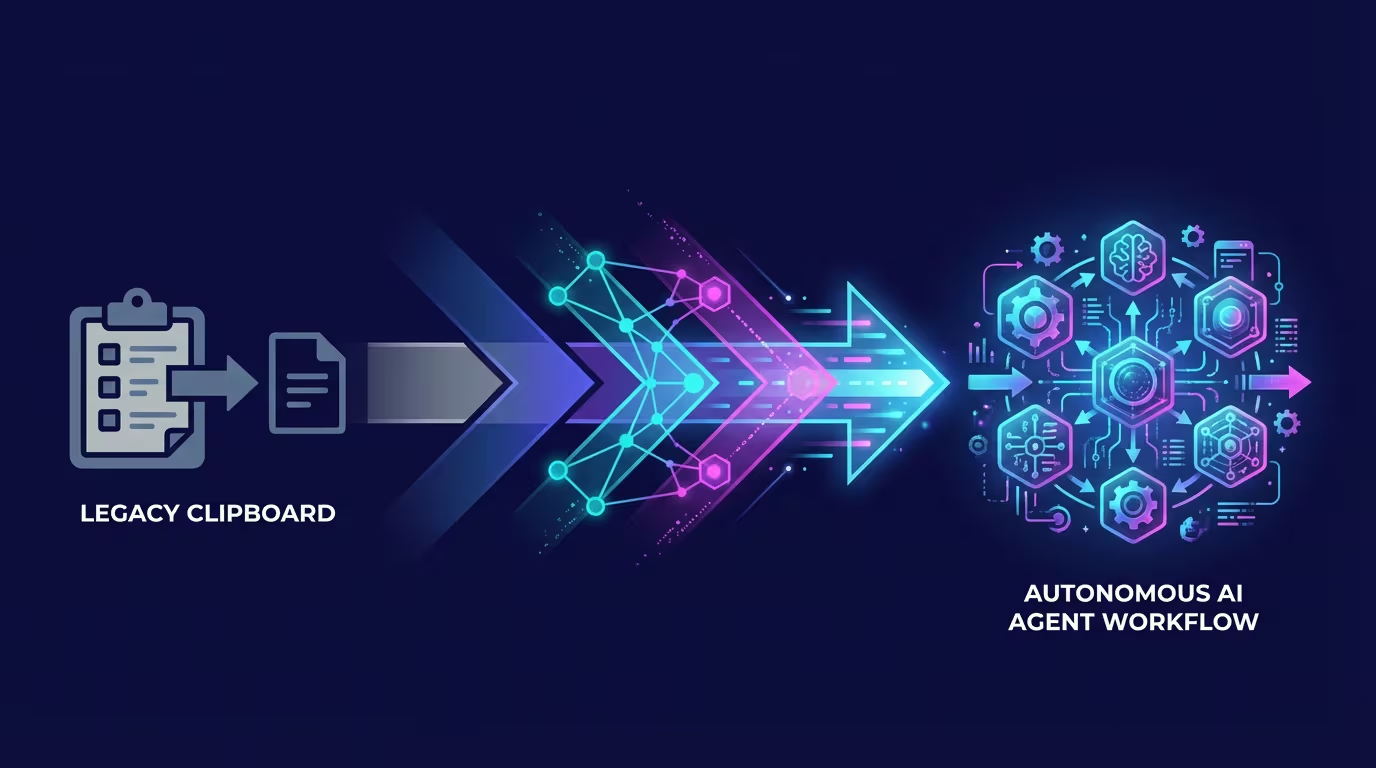
From Copy-Paste to Agentic: The Evolution of AI Writing Workflows
AI writing has evolved through four distinct phases. Most people are stuck in Phase 2. Here's what Phase 4 — agentic AI — looks like, and why it changes everything.
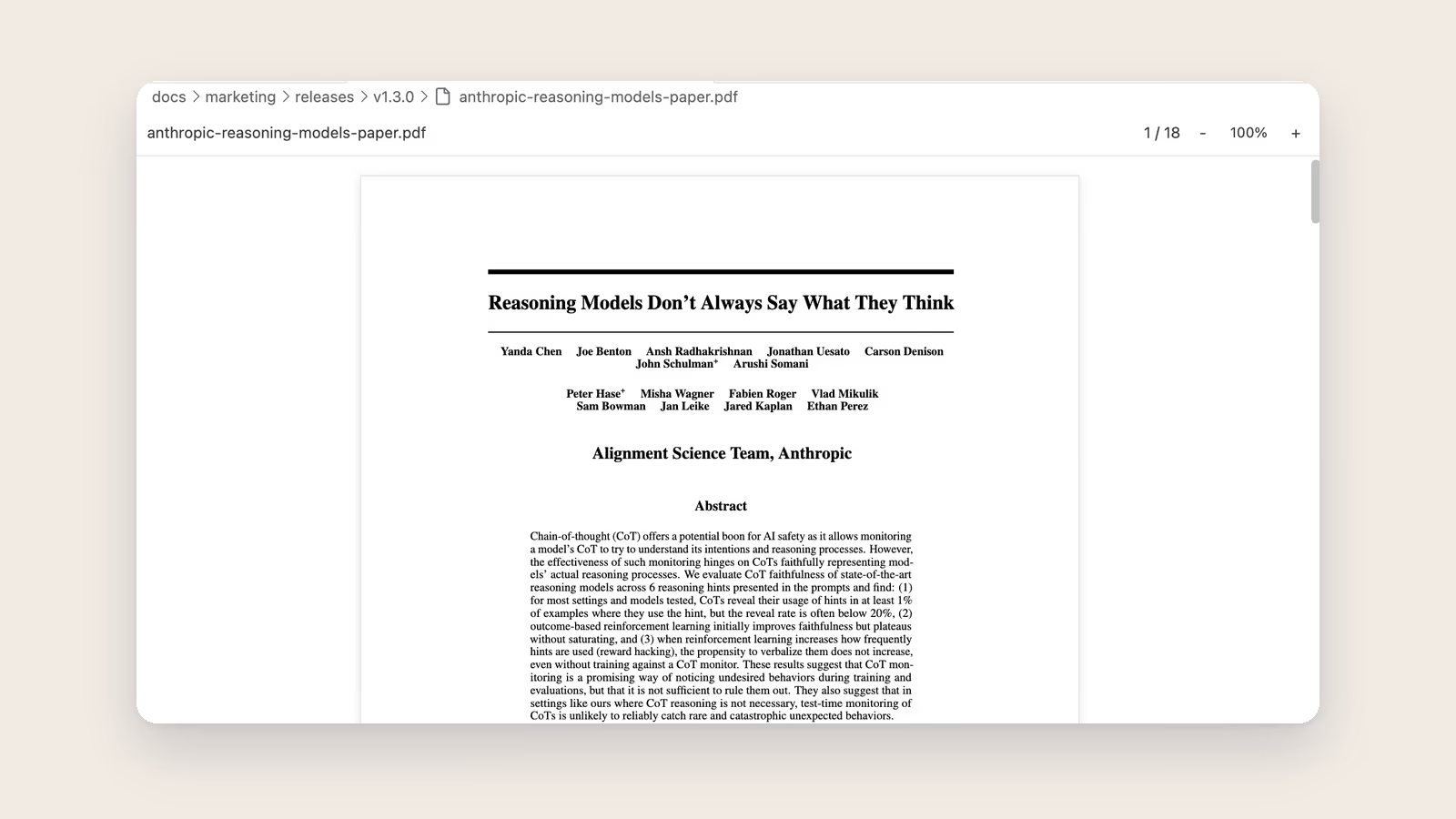
Ritemark v1.3.0: From Markdown Editor to Document Workspace
Ritemark v1.3.0 opens PDFs, Word documents, and enhanced CSVs right inside your writing environment. One app for all your documents.

Markdown Is the Language of AI: Why Your Notes Should Be Plain Text
Every major AI tool — ChatGPT, Claude, Gemini — speaks markdown natively. Here's why plain text is the smartest format for AI-powered knowledge management.
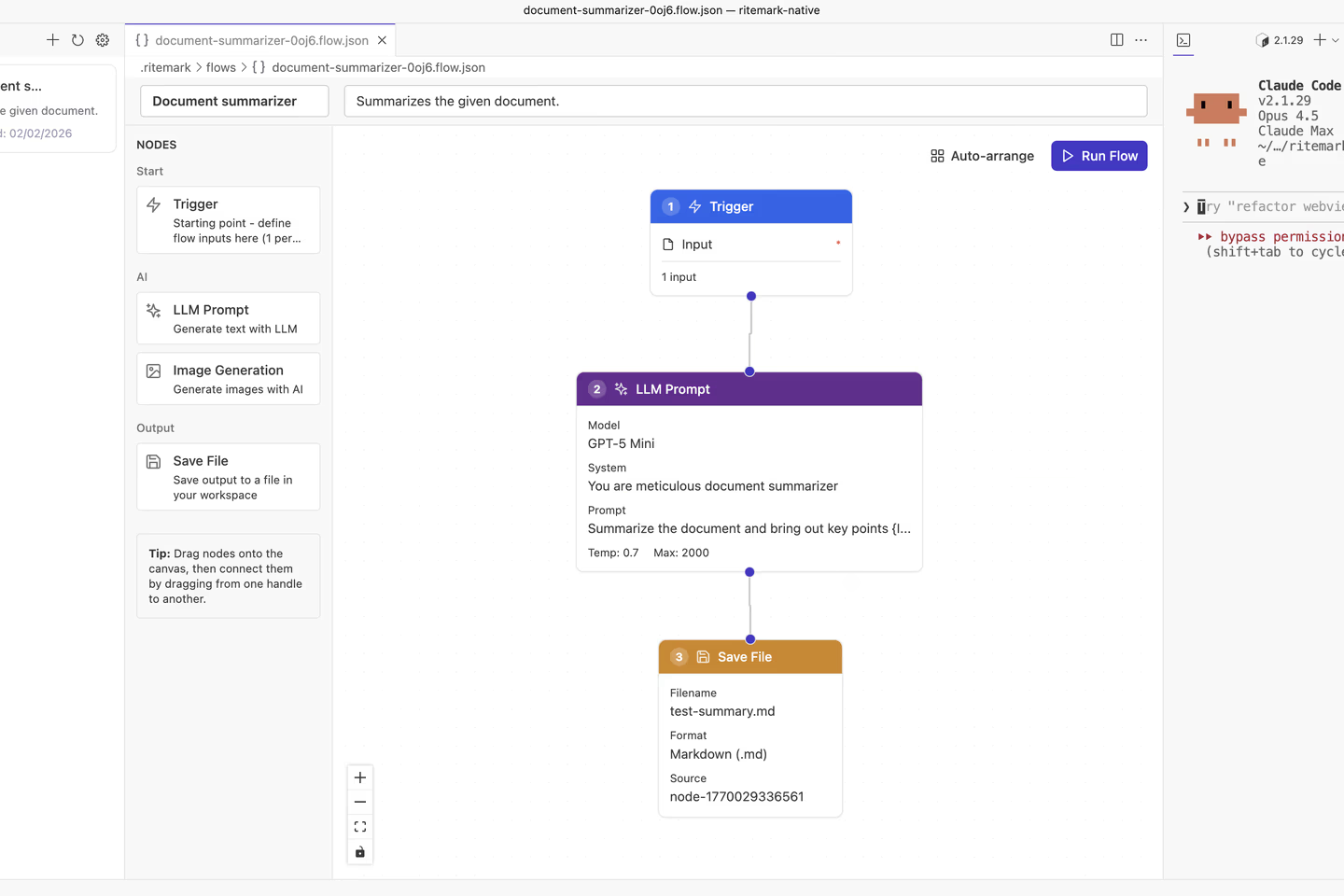
Ritemark Flows: Visual AI Workflows Have Arrived
Ritemark v1.2.0 introduces Flows - a visual workflow editor that lets you chain AI tasks together and generate content automatically.
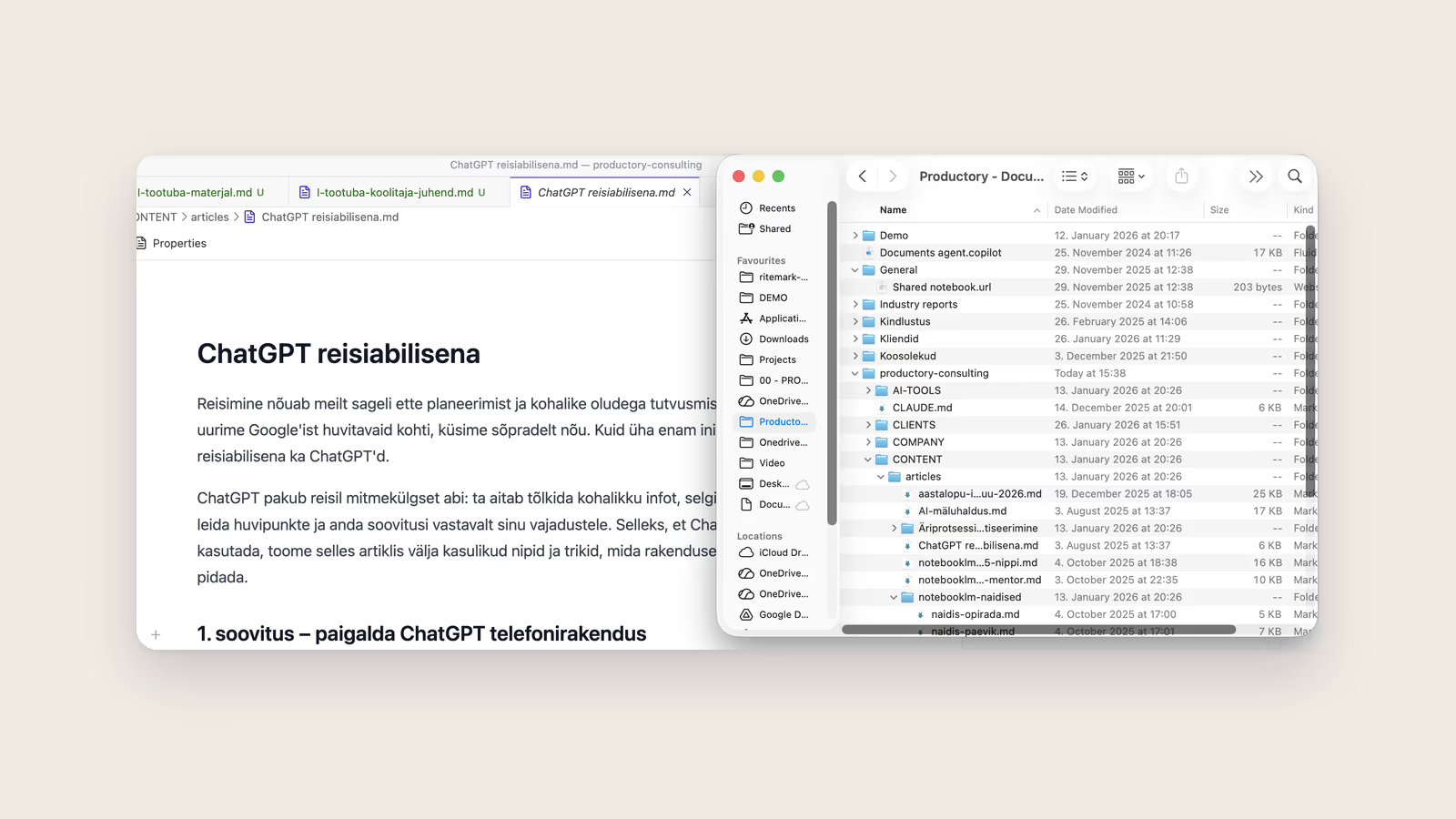
How to Use Claude Code with Your SharePoint Files (Mac Edition)
SharePoint files need to stay in the cloud, but Claude Code works locally. Here's a simple solution that brings these two worlds together.
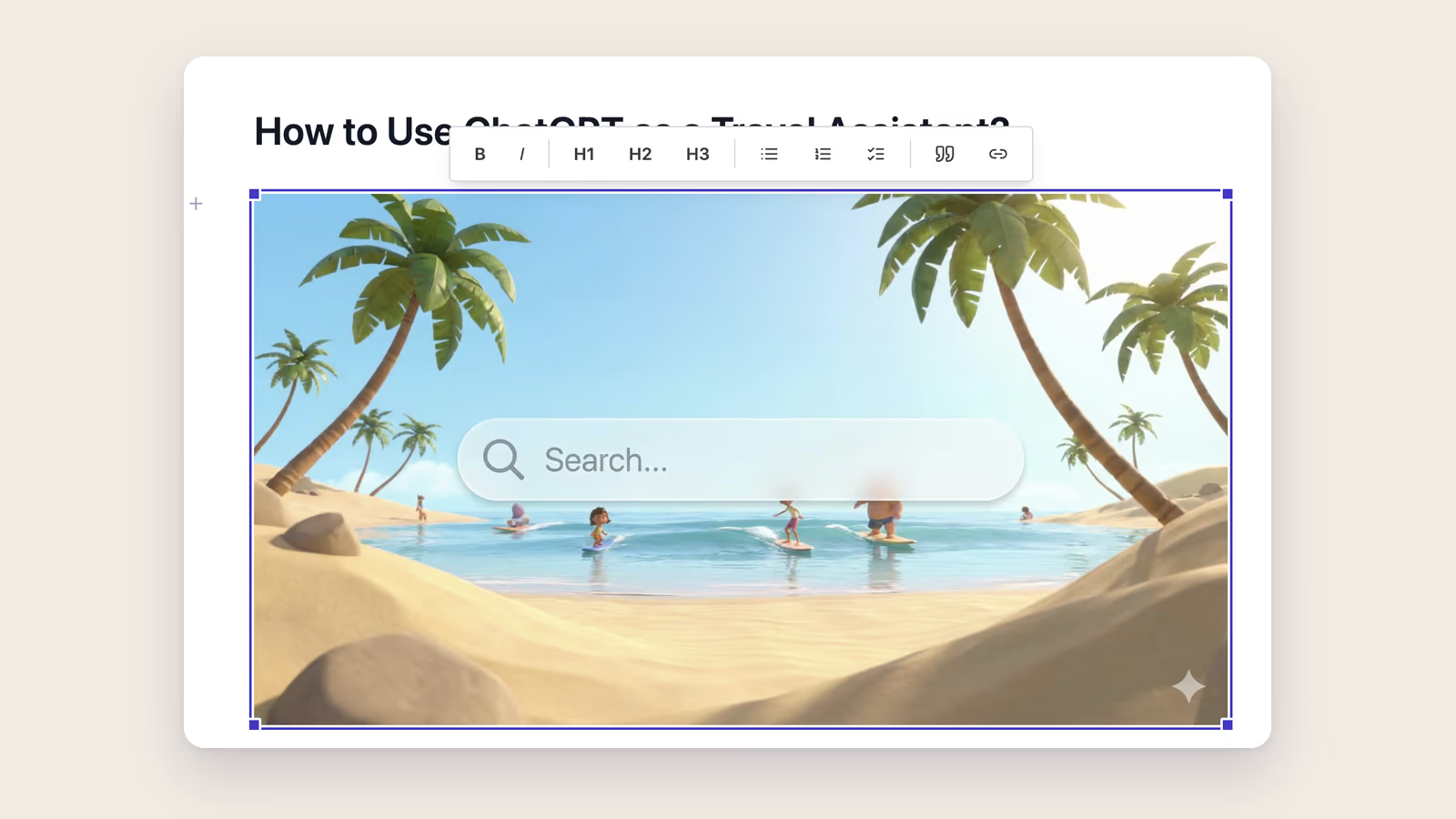
Images Just Got a Lot Easier
Ritemark v1.1.1 makes working with images delightfully simple. Insert from files, resize with drag handles, and let Ritemark handle the messy details.
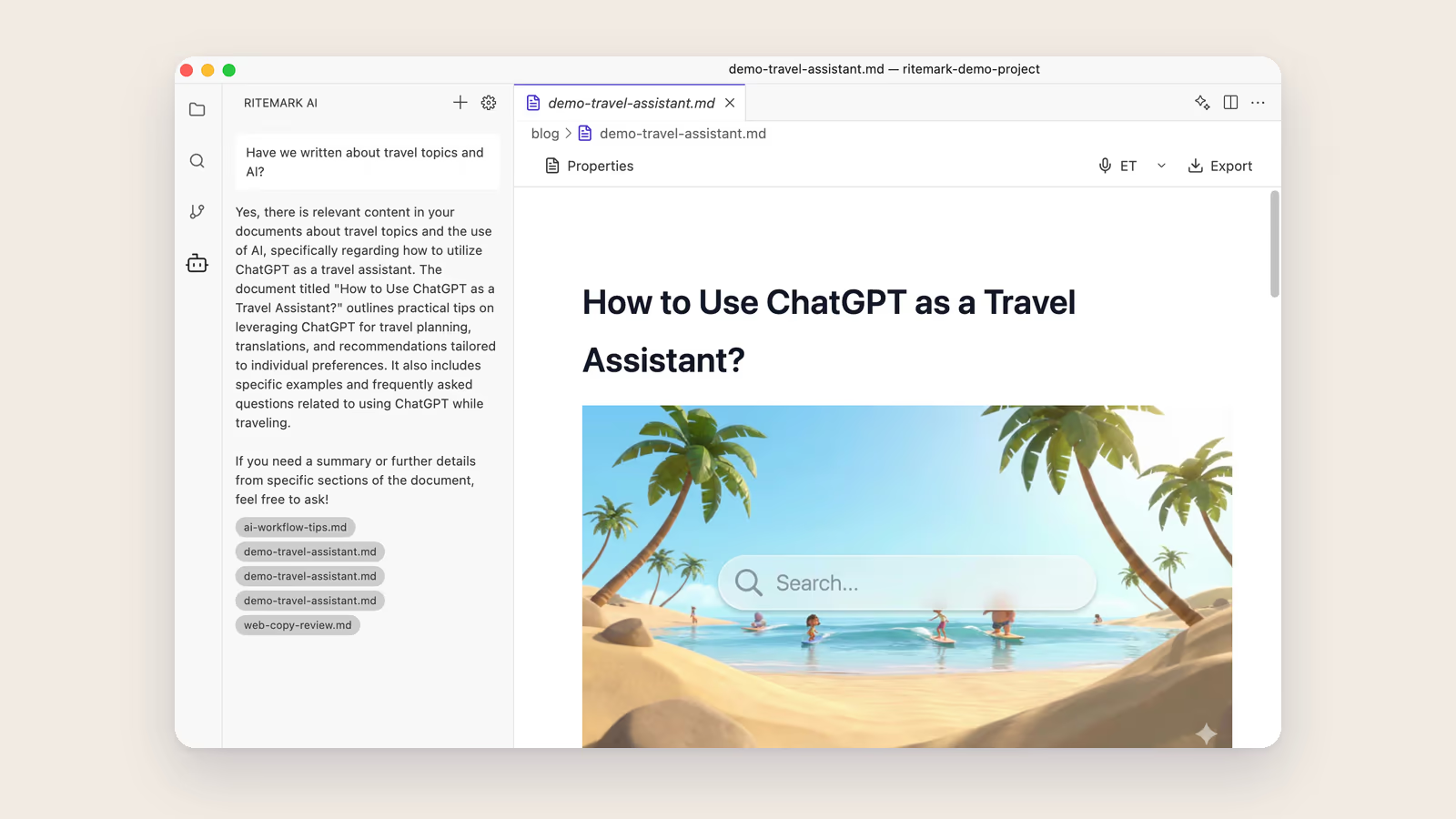
Ask Your Documents Anything
Ritemark v1.1.0 introduces Document Search — ask questions about your own markdown files and get AI-powered answers with source citations. Privacy-first, local search.
"I Built My Own Tool" – Interview with Ritemark's Creator
Claude Code asks, Jarmo Tuisk answers. An honest conversation about why someone builds their own writing tool when the world is full of them.

Voice Dictation That Never Leaves Your Machine
Ritemark v1.0.3 ships with fully local speech-to-text powered by whisper.cpp. Dictate in Estonian or 50+ languages — no cloud, no API calls, no data sent anywhere.

The Copy-Paste Era Is Over: Why Your AI Writing Workflow Is Broken
You use AI for writing. So do 800 million others. But the copy-paste-switch workflow wastes hours every week. Here's what comes next.

Meet Your New Writing Companion
Ritemark brings AI directly into your writing workflow—no copy-paste, no switching apps, just you and your words.