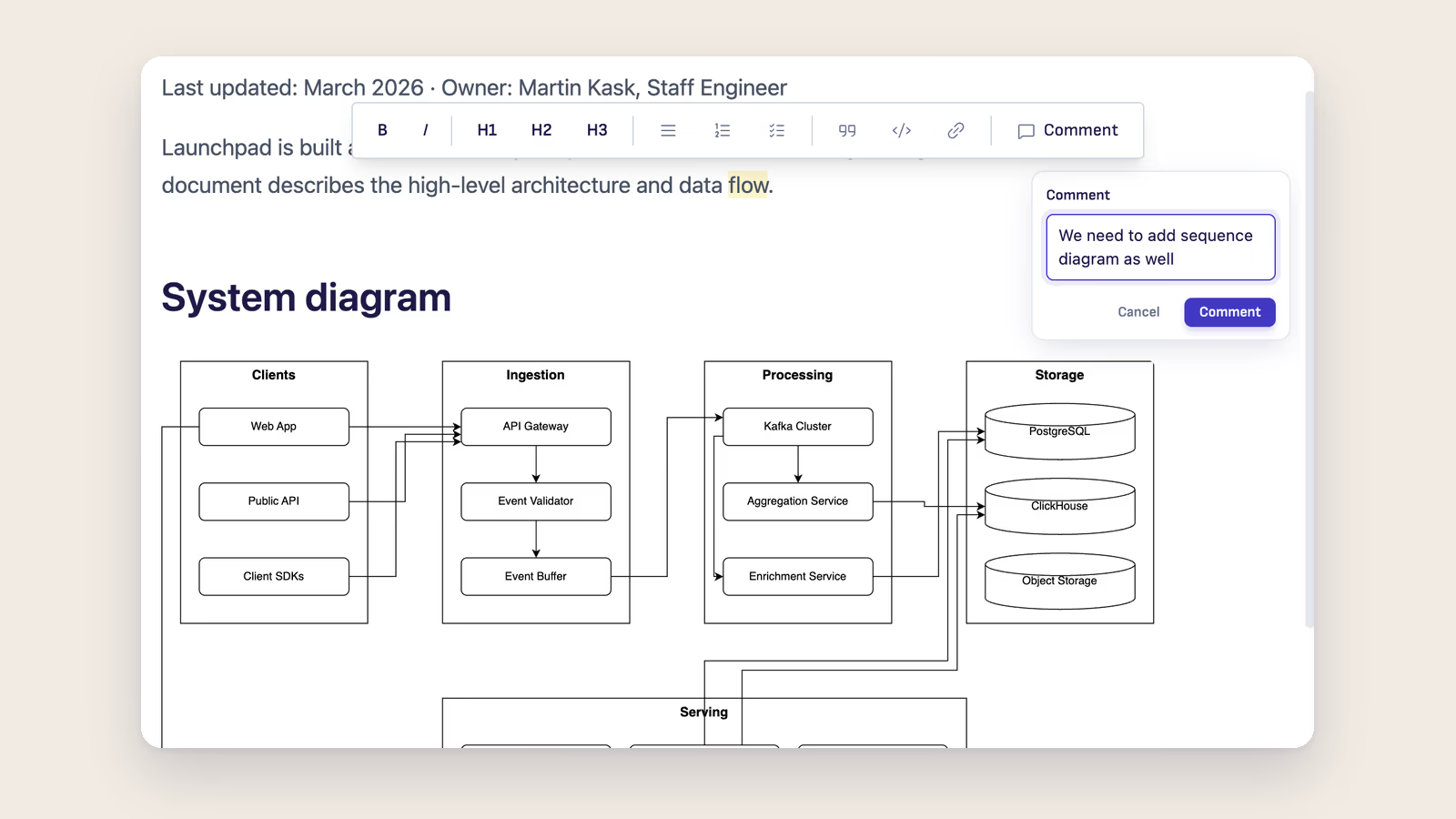
Writing is rarely one clean pass. You leave yourself notes, mark a paragraph for rework, ask a question about a sentence you'll come back to. Until now that all lived somewhere vague, inside the text in brackets, in a separate notepad, or just in your head.
v1.8.3 brings margin comments. Select text, click Comment, and the note opens alongside the prose without touching it. If you want to send that paragraph to the AI with your question attached, type @claude or @codex or @opencode in the comment and a Send to AI button appears. One click and it's sent.
Comments
Select any passage, click Comment in the toolbar. The selected text gets a yellow anchor and a note input opens on the right. The comment is yours and the prose stays untouched.
If you want a quick standalone note without selecting text first, type /// anywhere in the document. A margin note with no anchored passage, just a fast thought in the rail.
Comments are stored inside the Markdown file itself, so they survive closing and reopening. You can edit an existing comment directly from the rail bubble.
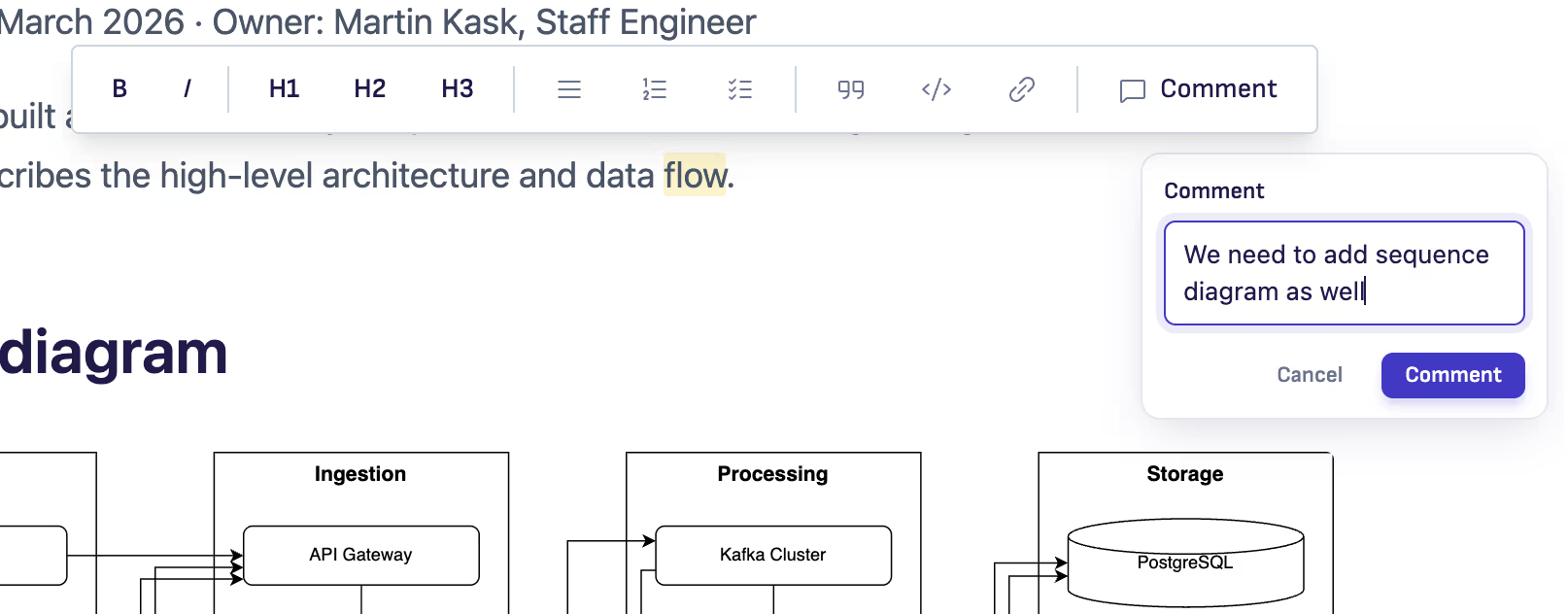
Send a comment to the AI
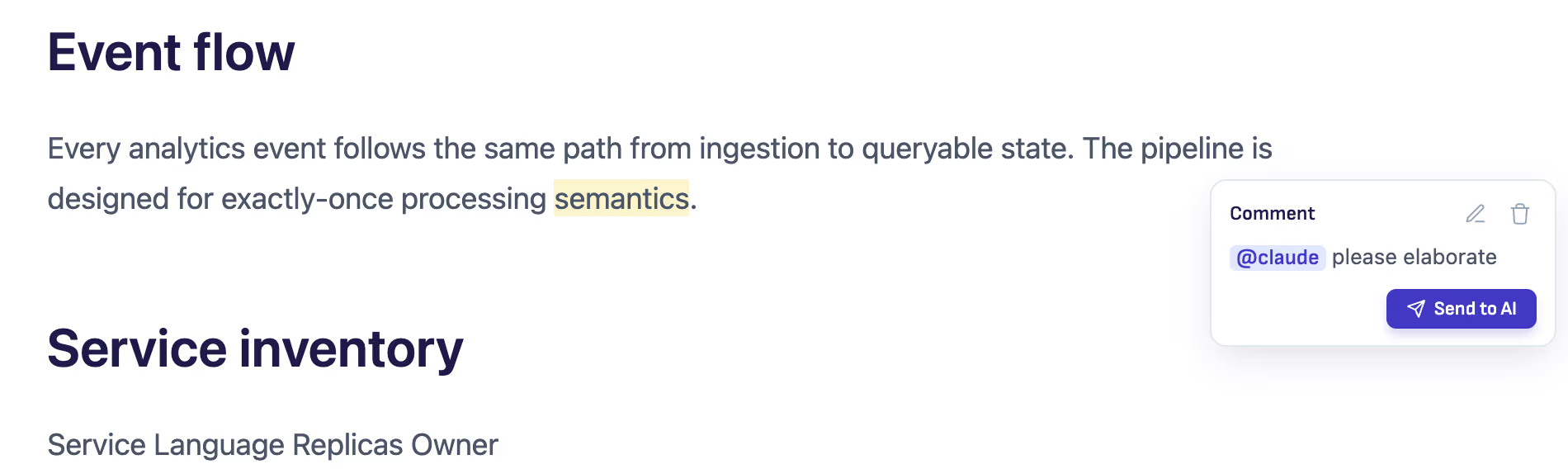
A comment doesn't have to stay a note. Type @claude, @codex, or @opencode in the comment text and a Send to AI button appears. One click sends the anchored passage together with your note straight to the AI sidebar.
No copy-paste. No re-explaining context. The agent gets exactly the paragraph the question is about and exactly the question you wrote.
GPT-5.6 in Codex
The Codex runtime updated from 0.135.0 to 0.144.4. The new models gpt-5.6-sol, gpt-5.6-terra, and gpt-5.6-luna are now available in the model picker.
Fixes
Two things that weren't working the way they should.
New conversations used to pile up under a single history entry in the chat history view. Now each one stays separate, as you'd expect. And the attachment chip that shows which file you sent to the AI wasn't showing up for .md and .txt files. It does now.
The seamless extension update mechanism that could fail silently in some cases is also fixed.
Download
| Platform | Download |
|---|---|
| macOS Apple Silicon | Ritemark-arm64.dmg |
| macOS Intel | Ritemark-x64.dmg |
| Windows | Microsoft Store |
Auto-update will offer v1.8.3 to existing users on next launch. Settings, documents, and conversation history are preserved.