Most documentation teams I know write in Markdown now. The docs sit in a folder, often in the same repository as the code, and the build turns them into the help site. The writers like it, and so do the agents they work with, because a folder of plain text files is the easiest thing in the world for an agent to read and edit.
The people who sign the docs off do not work there. The engineer who has to confirm the API behaviour, the product manager who owns the feature, the person in legal who reads every sentence about data. They live in Google Docs, and they will happily comment on a Doc and will not open a pull request.
The copy that goes stale
So the writer makes a copy. Paste the Markdown into a new Google Doc, fix the formatting the paste broke, share the link. The reviewers comment, the writer makes the changes in Markdown, and now there are two versions of the page.
The second round is where it hurts. Either you paste again into a new Doc and send a new link, so the old comments sit on a version nobody should read, or you edit the old Doc by hand to match and hope you caught everything. By the third round someone is commenting on "Release notes 3.2 (copy) v2 FINAL", and the question "which one is current" takes longer than the review.
One Doc, updated in place
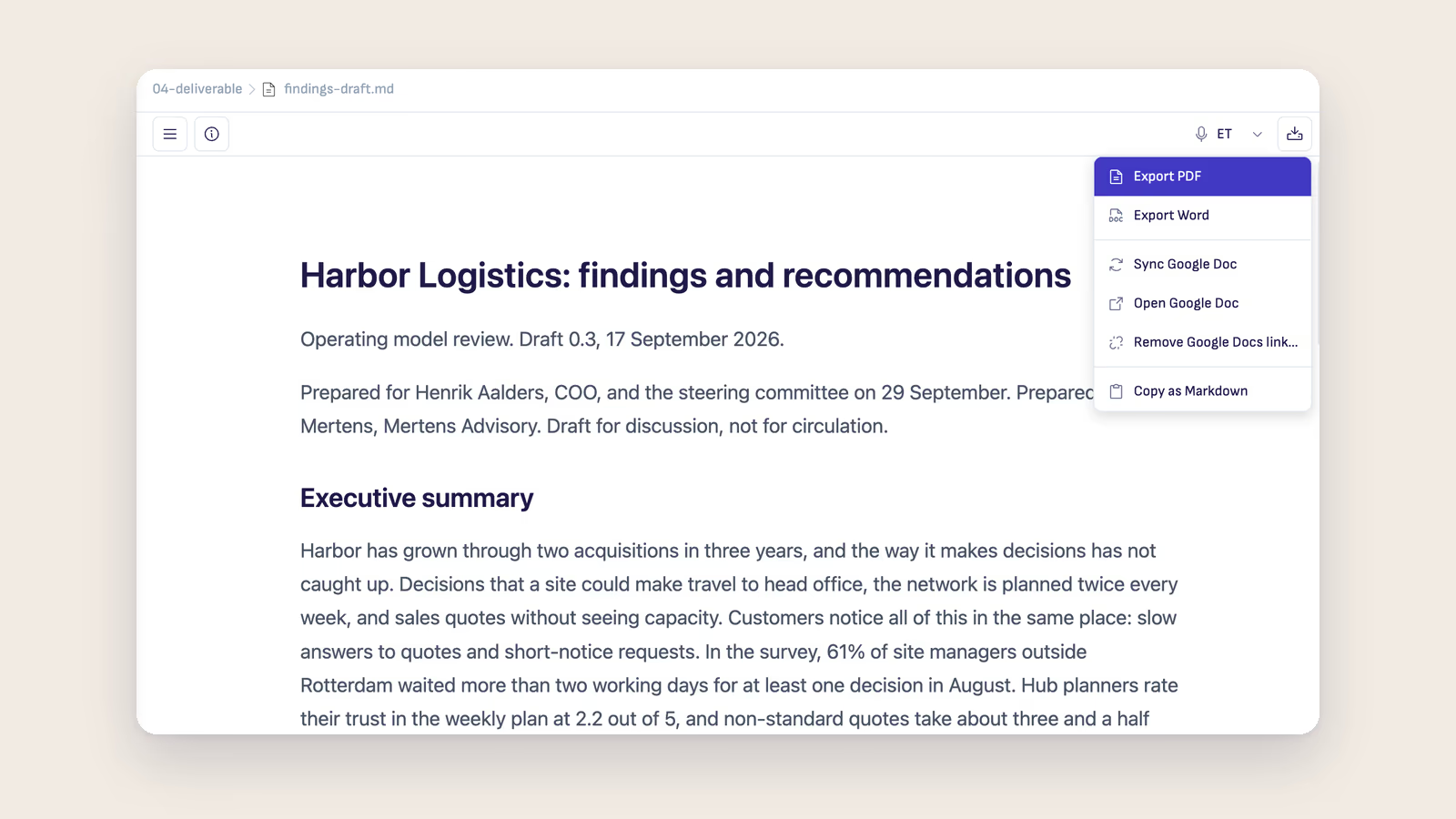
Ritemark 1.12.0 added Publish to Google Docs. In any Markdown document, Export → Create Google Doc makes a Google Doc in your own Drive with the page's headings, lists, tables, code and images. Mermaid and draw.io diagrams arrive as pictures. You share that Doc the way you share any Doc.
After the next round of changes in Markdown, Export → Sync Google Doc puts your current text into the same Doc. The link stays, the sharing stays, and there is no new copy in anyone's Drive. If you chose a template, its fonts, header and footer stay too, because Sync replaces only the text. The reviewers open the link they already have and read the version you have now.
The Markdown file stays the original. Nothing comes back from the Google Doc into it, so the docs folder, the build and whatever the agent does in that folder are not affected by anyone's edits in Google.
Rounds, not a shared draft
That one-way direction shapes how a review works, and it helps to tell reviewers up front.
Ask them to comment instead of editing the Doc. Their comments are the input for the round. You read them, make the changes in Markdown yourself or ask the agent to make them across the pages they affect, then Sync. If someone did type into the Doc since your last Sync, Ritemark warns you before it overwrites anything and offers to open the Doc first, so you can carry their change over by hand. It cannot merge the two, and it does not pretend to.
The comments you leave for yourself in Ritemark stay in Ritemark. They are not published to the Doc, which is usually what you want, because "check this with Priya" is not a note for Priya's manager.
What it does not do
Think of it as a publishing step. Nothing happens until you choose Sync, there is no two-way editing, and a page in the help site is not linked to a Google Doc unless you publish it. A few things do not survive the trip: a ticked checkbox arrives unticked, and bullets nested under a numbered item show as letters, both limits of Google's API. Publishing sends the page to Google, into your own Drive, and only when you choose Create or Sync. Ritemark asks for one narrow permission that covers the Docs it creates and the template you pick, and nothing else in your Drive.
For a technical writer the change is small and the effect is not. The source of truth stays where your tools are, and the people who approve the docs keep reading them where they already are, under one link that is always current.
The Publish to Google Docs guide covers the setup, templates and what carries over, and the technical writers page shows where this fits next to release notes, API docs and knowledge base work.