Local-first AI means your documents stay on your device, and you decide which folder the AI may work in and which AI provider gets to read from it. Nothing syncs to someone else's cloud by default. For knowledge workers handling sensitive information, this is the only architecture that preserves both privacy and AI capability. A 2024 ISACA survey found that 39% of employees use AI at work without their employer's knowledge — meaning millions of private knowledge bases are flowing through cloud servers right now.
Your second brain knows things your employer doesn't. It holds the half-formed deal memo you wrote at midnight. The therapy notes you jotted down before a hard meeting. The strategy document that would be worth a fortune to a competitor. And right now, if you're using a cloud-based AI tool to think alongside that knowledge, you may be handing all of it to a server farm you've never audited.
This isn't a warning about dystopian futures. It's about a choice that most people make without realizing it — and a growing movement that offers a smarter path.
The "Second Brain" Has a Surveillance Problem
The term "second brain" was popularized by productivity writer Tiago Forte to describe the practice of externalizing your knowledge into a trusted system — notes, ideas, research, decisions — so your biological brain can do its best thinking instead of holding everything in memory. The concept is sound. The execution, for many people, has quietly become a liability.
The tools that dominate this space — Notion, Roam Research, and the AI-enhanced versions of Google Docs and Microsoft Copilot — store your content on their servers. When you wire an AI assistant into those systems, your notes don't just get processed locally. They travel. They are sent to inference endpoints, potentially logged for abuse prevention, and in many cases incorporated into training pipelines unless you explicitly opt out — and sometimes even then. This is also why cloud AI "memory" features fall short for serious knowledge work — the architecture itself is the problem, not the interface.
That 39% figure reveals the gap between policy and practice: workers are integrating their private knowledge bases with cloud AI tools, and few organizations have any visibility into what leaves the building.
Real Restrictions from Real Companies
The concern isn't theoretical. Some of the most data-sophisticated organizations in the world have concluded that cloud AI and sensitive knowledge simply don't mix.
Samsung banned internal use of generative AI tools on company devices in 2023 after engineers accidentally uploaded proprietary source code to ChatGPT while asking it to help debug. The code — and the intellectual property embedded in it — reached OpenAI's servers before anyone could stop it. The incident was reported by The Economist and triggered corporate AI bans across the tech industry.
Apple issued similar internal restrictions, limiting employee use of ChatGPT and GitHub Copilot due to concerns about data leakage and confidentiality. JPMorgan Chase restricted ChatGPT access across its workforce. Amazon warned employees not to share internal data with Claude — the AI model built by Anthropic, which receives significant investment from Amazon.
What's notable is who these companies are. They aren't technophobic institutions suspicious of AI. They are, in many cases, the most AI-invested organizations on the planet. Their restrictions aren't about avoiding AI — they're about understanding that some knowledge must stay local.
What the Law Is Starting to Say
The European regulatory environment is tightening around exactly this issue. The GDPR has always required that personal data processing be transparent, limited to stated purposes, and based on a lawful legal basis. When you paste client information, employee records, or medical data into a cloud AI tool to help you draft a document, you are almost certainly creating a GDPR compliance event — and most organizations haven't mapped it.
The EU AI Act, which began its phased implementation in 2024, introduces additional obligations for high-risk AI systems processing certain categories of data. Legal professionals, medical practitioners, and financial advisors face particular scrutiny: using cloud AI to process information protected by professional privilege or sector-specific confidentiality rules creates real legal exposure.
Attorney-client privilege, for example, depends on communications remaining confidential between attorney and client. The moment privileged information passes through a third-party AI provider's infrastructure, that privilege may be compromised. Several bar associations across the United States and Europe have issued guidance noting exactly this risk. Your "second brain" can become evidence — or a breach — if it doesn't stay local.
The Local-First Movement: Data That Belongs to You
The "local-first" software movement, articulated clearly in a landmark 2019 paper by Ink & Switch researchers, proposes a simple principle: your data should live on your device, work without an internet connection, and sync only when and how you choose. The cloud becomes an option — not a prerequisite.
Obsidian became the most visible proof that this model works. It stores your notes as plain markdown files on your own machine. You can sync them with any service you choose, or keep them entirely offline. A large and technically sophisticated community has built around the application precisely because it treats your knowledge as yours. As of 2024, Obsidian had been downloaded over 4 million times and earned an unusually devoted following among lawyers, researchers, and writers handling sensitive material.
The challenge with Obsidian — and local-first tools in general — has historically been AI integration. If your notes live locally but your AI assistant lives in the cloud, you still have the same problem. Every query that pulls context from your private notes sends that context to a remote server. Local storage without local AI is only half a solution. If you're thinking about building a second brain that works with AI agents, the foundation has to be local-first from the start.
How Ritemark Closes the Gap
Ritemark is a markdown editor for macOS with a built-in AI terminal. The key architectural decision is that your documents stay plain files on your machine, with no Ritemark cloud in between. Whatever the AI agent reads still goes to the AI provider you chose. The AI agent — Claude Code, or any CLI-based model you choose to run locally — operates inside the terminal pane of the same application where you write.
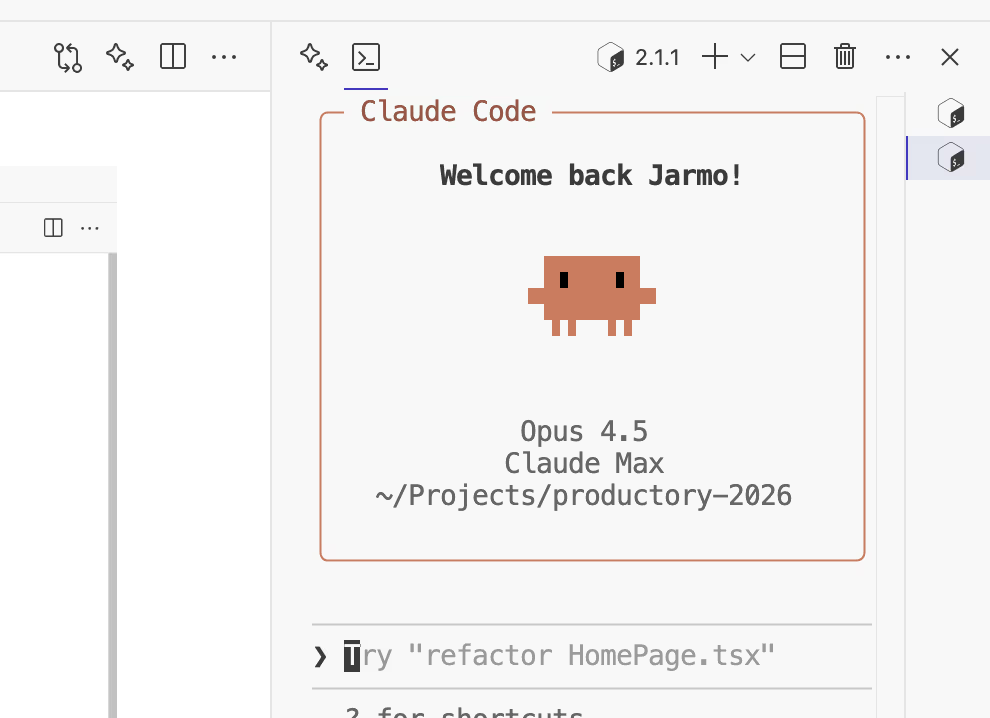 The AI terminal runs inside your editor. Your documents stay on your disk.
When you ask Ritemark's AI agent a question about your notes, the agent reads the files it needs and sends that text to the AI provider you chose, under your account and its terms. There is no sync to a cloud account. If you run a local model via Ollama or LM Studio in the built-in terminal, the computation itself never touches the internet. If you use Claude Code or another cloud-connected tool, you choose the folder it works in, and what it reads goes to that provider.
This is fundamentally different from cloud-native AI tools where the application layer decides, invisibly, what to send to the inference endpoint. With Ritemark, the boundary is explicit: your terminal session, your files, your call.
This matters practically for several categories of work. A lawyer drafting strategy memos keeps them as plain files on their own computer, but anything the AI agent reads goes to the AI provider, so check that provider's terms before using it with privileged material. A product manager maintaining competitive analysis notes should check whether the provider may train on what it receives. A researcher handling medical or financial records still has to confirm that the provider meets GDPR and sector-specific rules.
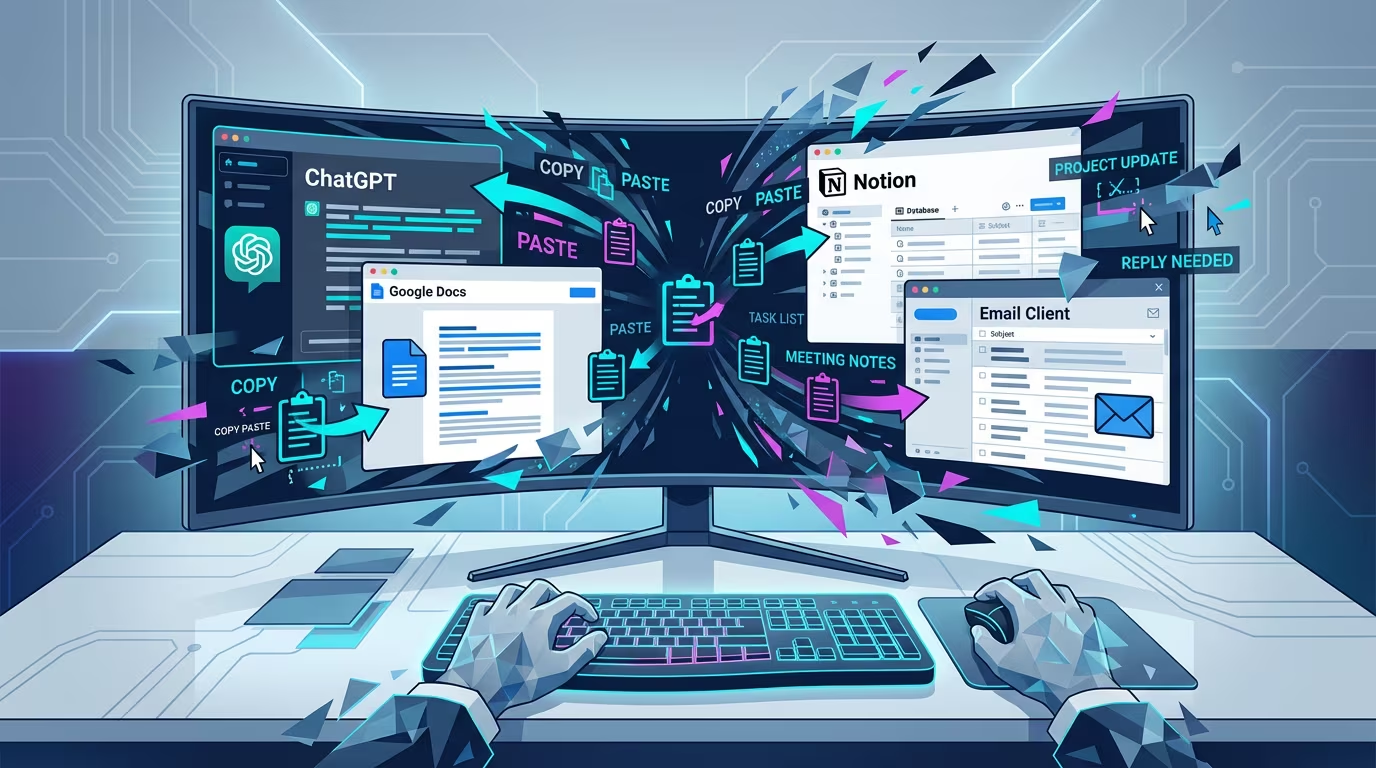 Without local-first tools, every AI query means your private knowledge crossing an invisible boundary.
This Isn't Anti-Cloud
It's worth being clear about what the local-first argument is not saying. The cloud is a genuinely useful technology. Sync, collaboration, backup, and availability across devices are all real benefits that serve real needs. The goal isn't to reject the cloud — it's to make it optional rather than mandatory, and to be deliberate about what you send there.
The best local-first tools give you that choice. Obsidian's paid sync service lets you synchronize your local vault end-to-end encrypted, so even Obsidian can't read it. You can use Ritemark on a machine that never connects to the internet, or you can pair it with a cloud-connected CLI model while keeping your documents in a folder that only you can access. The control is yours. For a deeper comparison of where different tools land on the privacy spectrum, see the PKMS landscape overview for 2026.
What local-first software rejects is the assumption that cloud-processing is the only viable model for intelligent software — and the accompanying assumption that privacy concerns are a niche preference rather than a mainstream need. In a world where Samsung, Apple, JPMorgan, and European regulators have all independently concluded that sensitive knowledge and cloud AI need to be separated, "local-first" starts to sound less like an ideological position and more like sound engineering judgment.
Try It Yourself
If you work with knowledge that matters — client information, proprietary strategy, personal notes, medical records, legal analysis — your second brain deserves an architecture that keeps it private.
Ritemark is free. Your files stay on your machine as plain files. The AI runs with the provider you choose, and what the agent reads goes to that provider.
FAQ
What does "local-first AI" mean for knowledge management? Your documents stay on your device, and you decide which folder the AI may work in and which AI provider gets to read from it. Nothing syncs to someone else's cloud by default.
Is it safe to use ChatGPT or Claude with my private notes? For sensitive material — legal, medical, proprietary — cloud AI creates real privacy and GDPR risk. A local-first tool is the safer choice.
Why did Samsung ban ChatGPT for employees? Engineers accidentally uploaded proprietary source code to ChatGPT while debugging. Samsung banned cloud AI after the code reached OpenAI's servers before anyone could stop it.
What is the GDPR risk of using cloud AI with personal data? Sending personal data to a cloud AI provider is data processing under GDPR. Most casual use lacks the required lawful basis and data processing agreement.
What is the EU AI Act and how does it affect AI knowledge management? The EU AI Act imposes stricter obligations on high-risk AI systems. Knowledge workers in law, medicine, finance, and HR should check whether their AI tool use triggers these rules.
How is Ritemark different from using Claude.ai or ChatGPT in a browser tab? Browser AI tools upload your text automatically. Ritemark keeps documents as plain files on your disk. You choose the folder and the AI provider, and whatever the agent reads from that folder goes to that provider.
Can I use Ritemark for legally privileged or confidential work? Your files stay as plain files on your computer, but whatever the AI agent reads is sent to the AI provider you chose. Check that provider's terms and your compliance requirements with your legal team first.
What is the local-first software movement? A design philosophy (from a 2019 Ink & Switch paper) that keeps data on your device, works offline, and makes sync optional rather than mandatory.
Does local-first mean I can't sync or collaborate? No. Local-first tools can sync — it's just opt-in. Obsidian offers end-to-end encrypted sync as a paid option while remaining fully functional offline.
Which companies have restricted cloud AI use? Samsung, Apple, JPMorgan Chase, and Amazon have all restricted specific cloud AI tools internally due to data confidentiality concerns.
Sources
- ISACA: Employees Using AI at Work Poses Security Risks (2024)
- The Economist: Samsung ChatGPT incident and corporate AI bans (2023)
- Ink & Switch: Local-First Software (2019)
- EU AI Act — EUR-Lex
- GDPR — General Data Protection Regulation
- Tiago Forte: Building a Second Brain
- Obsidian — A personal knowledge base