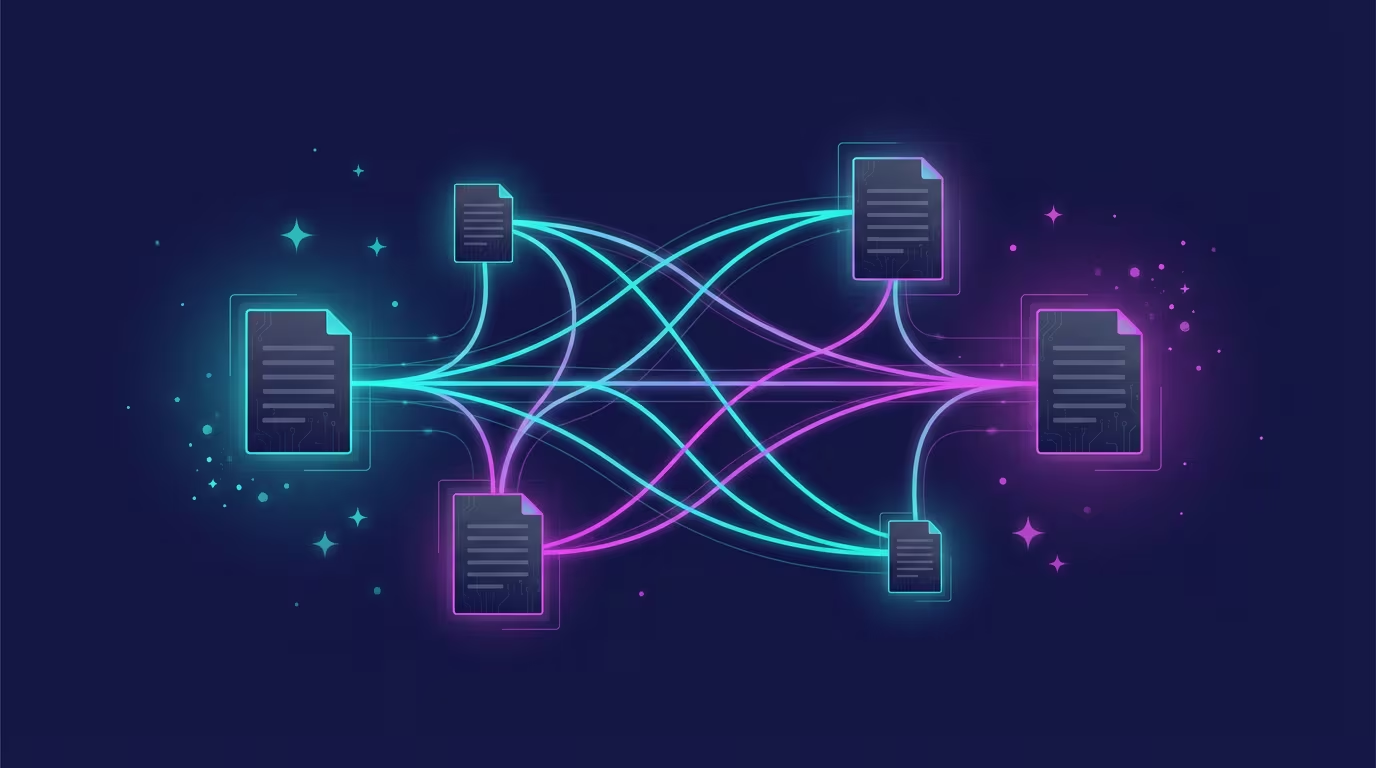
Markdown is the best format for AI-powered knowledge management because every major AI system — ChatGPT, Claude, Gemini, and GitHub Copilot — reads and writes markdown natively, without conversion or compatibility overhead. Plain text files are future-proof, version-controllable, portable across every tool, and directly editable by AI agents. No other format offers all four of these properties at once.
That's the direct answer. Here's why it matters more than most people realize.
The Format Problem Nobody Thinks About Until It's Too Late
You've probably accumulated a significant amount of knowledge work over the years. Meeting notes in Google Docs. Project summaries in Notion. Research in Word files. Drafts in Pages. Each tool felt like the right choice at the time. Each one also created a silent dependency.
The problem isn't that these tools are bad. Many of them are excellent. The problem is what happens when you want to use that accumulated knowledge with AI. When you paste a Google Doc into ChatGPT, the AI gets your content wrapped in invisible formatting instructions, stripped of structure, with headers and bullet points degraded to undifferentiated text. When you try to give Claude access to a folder of .docx files, it needs to convert them first — and conversion is lossy.
Proprietary formats were designed for display, not for processing. They're optimized to render beautifully on screen and print cleanly on paper. They were never designed to be read by a language model that needs to understand structure, hierarchy, and relationships.
Markdown was.
Why Every Major AI Tool Speaks Markdown
This isn't coincidence. When OpenAI built ChatGPT, when Anthropic built Claude, when Google built Gemini, they all made the same decision: output structured text using markdown syntax. Bold text, headers, code blocks, bullet points — all expressed as lightweight ASCII characters that any system can read without special software.
The reason is fundamental. Markdown is plain text with a thin, unambiguous layer of structure on top. A ## before a line means "this is a second-level heading" — period. No style sheets, no XML, no binary encoding. Every AI model trained on internet text has seen millions of markdown documents, because markdown is how the web writes structured content. GitHub hosts over 420 million repositories, nearly all of which use markdown for README files, documentation, and wikis.
When you write your notes in markdown, you're writing in the same language your AI thinks in. There's no translation layer. The model understands your structure directly.
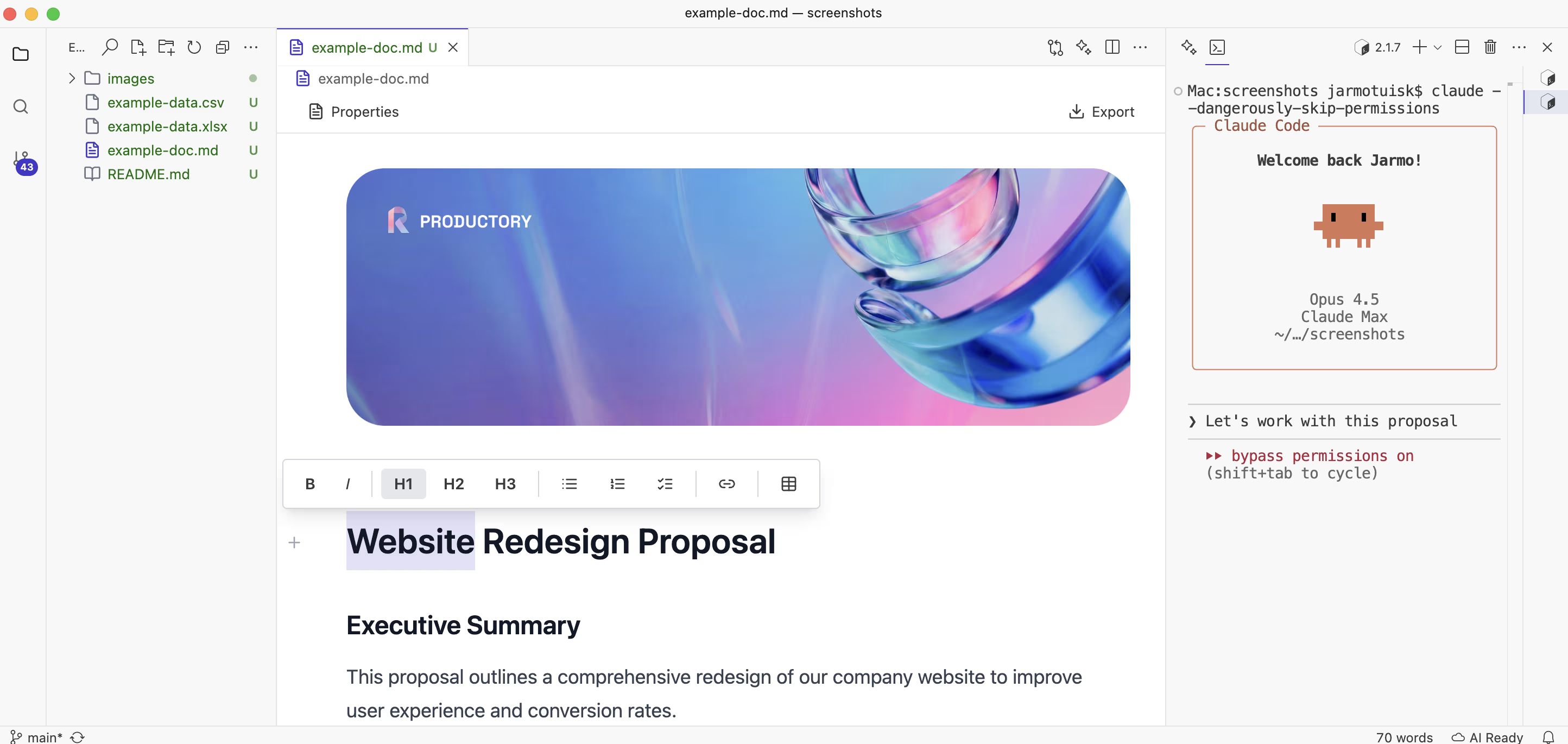 Ritemark gives you the markdown power underneath with a clean writing experience on top.
The Emerging "AI-Readable" File Standard
Something interesting is happening across the web right now. Companies are publishing new files specifically designed for AI systems to read.
The llms.txt specification — proposed by Jeremy Howard in 2024 and adopted by organizations including Anthropic, Stripe, and Cloudflare — defines a markdown file placed at a website's root that tells AI crawlers which pages matter, what the organization does, and how the content is organized. Not HTML. Not XML. Markdown.
You've seen CLAUDE.md — the file you drop in a project folder to give Claude Code persistent context about your codebase. We wrote a complete guide to using CLAUDE.md for knowledge management if you want to go deeper on this pattern. You've seen README.md — the universal convention for project documentation. These aren't coincidences of tooling preference. They're a convergence on a common answer to the question: what format should humans and AI systems share?
The answer, across tools and across organizations, keeps coming back to the same thing. Plain text with minimal structure. Markdown.
💡 The signal: When AI companies design systems for AI to read, they choose markdown. That's a strong signal about what your own knowledge base should be written in.
What Proprietary Formats Cost You
Consider what you lose when your knowledge lives in .docx, .pages, or .gdoc.
You can't open a .docx file from 1997 without Microsoft Office. You can't read a .pages file on Windows. You can't access a .gdoc without a Google account and an internet connection. Each of these formats is a bet that the company controlling it will exist, remain accessible, and continue supporting the format for as long as you need your notes. That's a long bet. If vendor lock-in concerns you, the case for a local-first knowledge base explains exactly what you give up when your notes live in the cloud.
Plain text files from 30 years ago are still perfectly readable. The notes you wrote in 1994 in a simple .txt file open instantly in any text editor on any operating system on earth. No conversion, no compatibility mode, no "this file was created in an older version" warnings. The format is the content — nothing more.
But the cost isn't just longevity. It's friction with AI. Every time you paste a Google Doc paragraph into ChatGPT, you're manually bridging a format gap. Every time you copy text out of Notion to feed to Claude, you're adding a step that shouldn't exist. According to research by IDC, knowledge workers already waste an average of 9.3 hours per week searching for and moving information. A separate study by Atlassian found that employees spend roughly 31 hours per month in unproductive meetings, much of which stems from fragmented, hard-to-access documentation. Format friction compounds both problems.
With markdown, the file is the input. Your AI agent can read it directly. No copy-paste. No export. No conversion step.
Version Control: The Superpower Hidden in Plain Text
There's a capability that markdown files unlock which no other document format matches: version control with git.
When your notes are plain text files, you can run git init in your notes folder and get a complete, permanent history of every change you've ever made. Every draft, every revision, every deleted paragraph — preserved, searchable, and recoverable. Not as a sidebar feature of your notes app, but as a first-class record tracked by the same tool that software engineers use to manage the most complex codebases in the world.
This matters for knowledge management in ways that go beyond undo. With git, you can see exactly what you thought six months ago about a project, before your views evolved. You can branch your thinking — explore one direction in isolation, then merge it back when you're sure. You can collaborate without worrying about who has the "latest version," because the history resolves any conflicts automatically.
The plain text project has documented extensively how knowledge workers who migrate to plain text with version control find their notes more trustworthy, more permanent, and more useful over time than any cloud document tool offered. That's a practical outcome worth taking seriously.
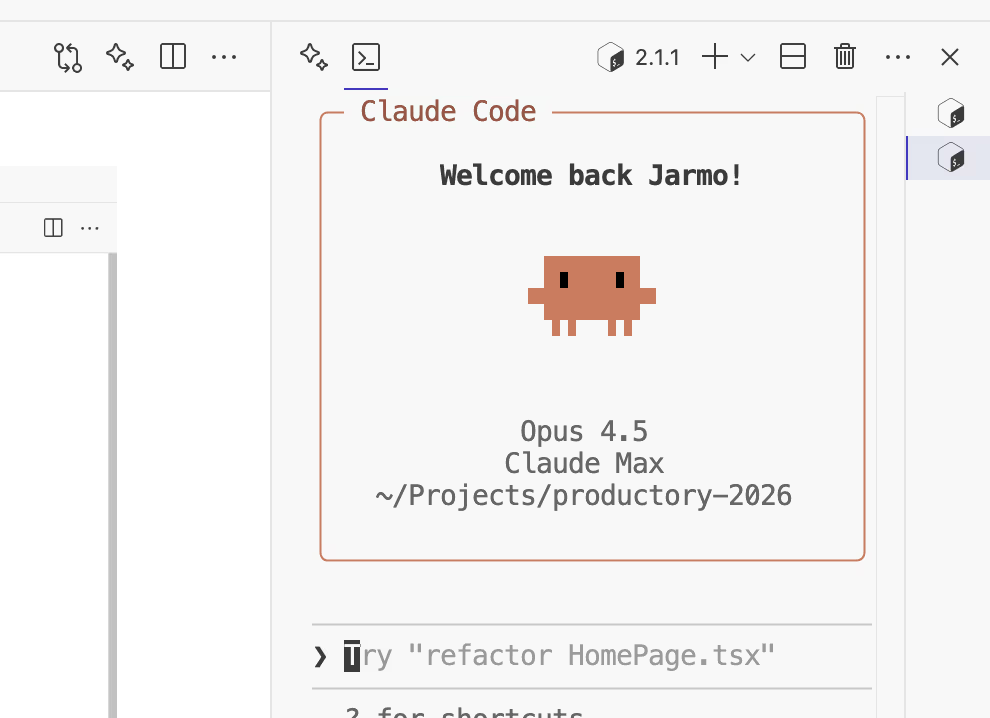 When your notes are plain text, an AI agent in Ritemark's terminal can read, search, and reorganize them directly.
Portability: Your Knowledge Works Everywhere
One of the quiet frustrations of modern productivity tools is that your notes only work inside the tool you chose. Your Notion database doesn't open in Obsidian. Your Roam Research graph doesn't import cleanly into Logseq. Your Bear notes export in a format that needs reformatting before any other tool can use them properly.
Markdown breaks this dependency entirely. A folder of .md files works in Obsidian, in Ritemark, in VS Code, in iA Writer, in Typora, in any text editor on any platform. You can switch tools tomorrow without migrating a single byte of content. Your knowledge is yours, not the platform's.
This portability also means your knowledge is ready for whatever AI tool you're using today — and whatever AI tool you'll be using in three years. You're not locked into feeding your notes to one specific AI because that's the one your notes app integrates with. Markdown files work with Claude Code, with ChatGPT's file upload, with local models running in LM Studio, with any AI that can read text.
AI Agents Can Read, Edit, and Create Markdown Directly
Here's what makes markdown genuinely different in the age of AI agents, not just AI chat.
A language model responding to a chat message is a reactive system — it answers what you ask. An AI agent is an active system — it can take actions, including reading and writing files. And when those files are plain text markdown, the agent can work with them directly, without any conversion layer or API integration.
In Ritemark's built-in terminal, a Claude Code session has direct file system access to your notes folder. It can open any file, read its contents, understand the structure from the markdown headers, append new information, create new files, reorganize your folder structure, and update an index — all without you doing anything except asking. We've covered how this works in practice in our guide to using AI to search and surface local documents. The agent's ability to actually work with your knowledge base depends entirely on the files being in a format it can natively read and write.
This is the practical reason why the choice of format matters more than it might seem. A folder of .docx files isn't something an AI agent can easily work with. A folder of .md files is.
💡 Practical step: If you're using Notion, Google Docs, or any other tool as your notes system, you can export everything as markdown today. Notion has a built-in markdown export. Google Docs can be exported via Docs to Markdown. Bear exports natively to
.md. Migration is usually one afternoon's work.
How Ritemark Makes Markdown Accessible
The usual objection to markdown is that it requires you to learn syntax. You have to know that **bold** means bold, that ## means heading, that - item means bullet. That's a real learning curve, and it's kept markdown as a tool primarily used by developers and writers who enjoy that kind of thing.
Ritemark changes this. It gives you markdown's properties — plain text, portable, AI-native — with the feel of a visual writing environment. Headers look like headers while you type. Bold text appears bold. The markdown syntax is there underneath, in every file, but you don't have to see it unless you want to.
The result is that your notes are genuinely markdown — readable by AI agents, portable across tools, version-controllable — while the writing experience feels as comfortable as any mainstream document editor. You get the format that makes AI integration work without having to think about the format at all.
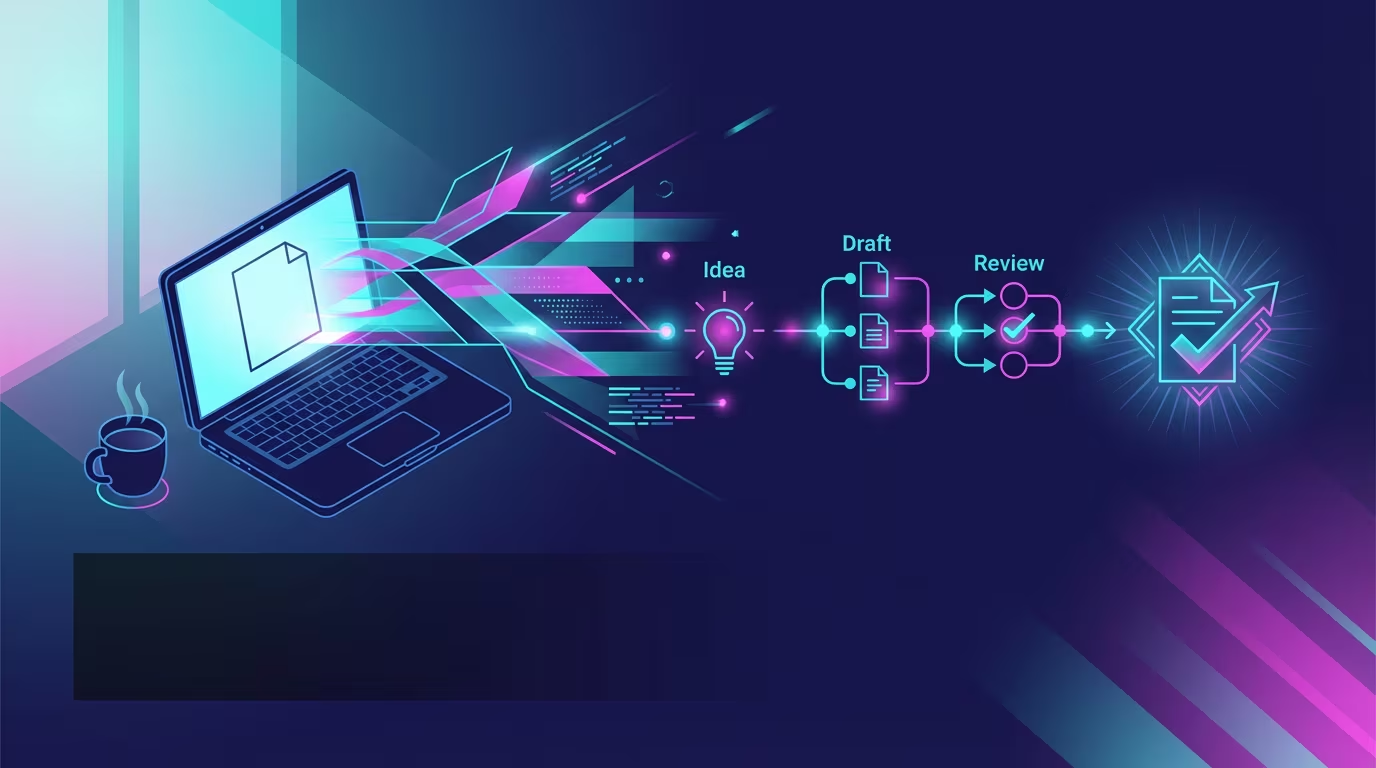 Writing and AI access in one environment: Ritemark's editor on the left, terminal on the right.
Ready to Make Your Notes AI-Native?
Download Ritemark and start writing in the format that every AI tool already speaks. Your knowledge will be portable, future-proof, and ready for whatever AI workflow you build next.
Download Ritemark for macOS — it's free.
FAQ
Why is markdown the best format for AI knowledge management? It's plain text that every major AI — ChatGPT, Claude, Gemini — reads natively. No conversion, no export step. AI agents can read and write markdown files directly.
Do I need to know markdown syntax to use it? No. Tools like Ritemark show formatted text as you type. The markdown syntax is stored in the file automatically — you never have to see it unless you want to.
Why do ChatGPT, Claude, and Gemini all output markdown? All major AI models trained on billions of markdown documents from GitHub and documentation sites. Markdown is the shared language of the internet's structured text, so AI systems converge on it naturally.
What is llms.txt and why does it matter? A markdown file at a website's root that tells AI crawlers how to navigate the site's content. Anthropic, Stripe, and Cloudflare have adopted it — a clear signal that markdown is the industry standard for human-AI content exchange.
How does markdown compare to Google Docs or Notion for AI use? Google Docs and Notion use proprietary formats that require export or API calls before AI can work with them. Markdown files are plain text an agent reads directly — no copy-paste, no integration required.
Can I migrate from Notion or Google Docs to markdown easily?
Yes. Notion has built-in markdown export; Google Docs works with the free Docs to Markdown add-on. Most writing apps export to .md. Migration is typically one afternoon of work.
Why is plain text future-proof? Plain text uses universal UTF-8 encoding. Files from 30 years ago open today without conversion. Proprietary formats depend on specific companies continuing to support them — a long-term bet you shouldn't have to make.
What is the connection between markdown and version control? Markdown files are plain text, so git can track every change. You get a complete, permanent history — every revision, every deleted paragraph — that no document editor's history can match.
How does Ritemark make markdown practical for everyday writing? Ritemark renders markdown visually while you type and pairs it with a terminal where Claude Code has direct file access to your notes. Writing comfort plus AI-native files — no trade-off needed.
What is the difference between markdown for notes and markdown for websites? The syntax is identical. Website markdown gets processed into HTML by a static site generator. Notes markdown is read directly by you or an AI agent. Same format, different destination.