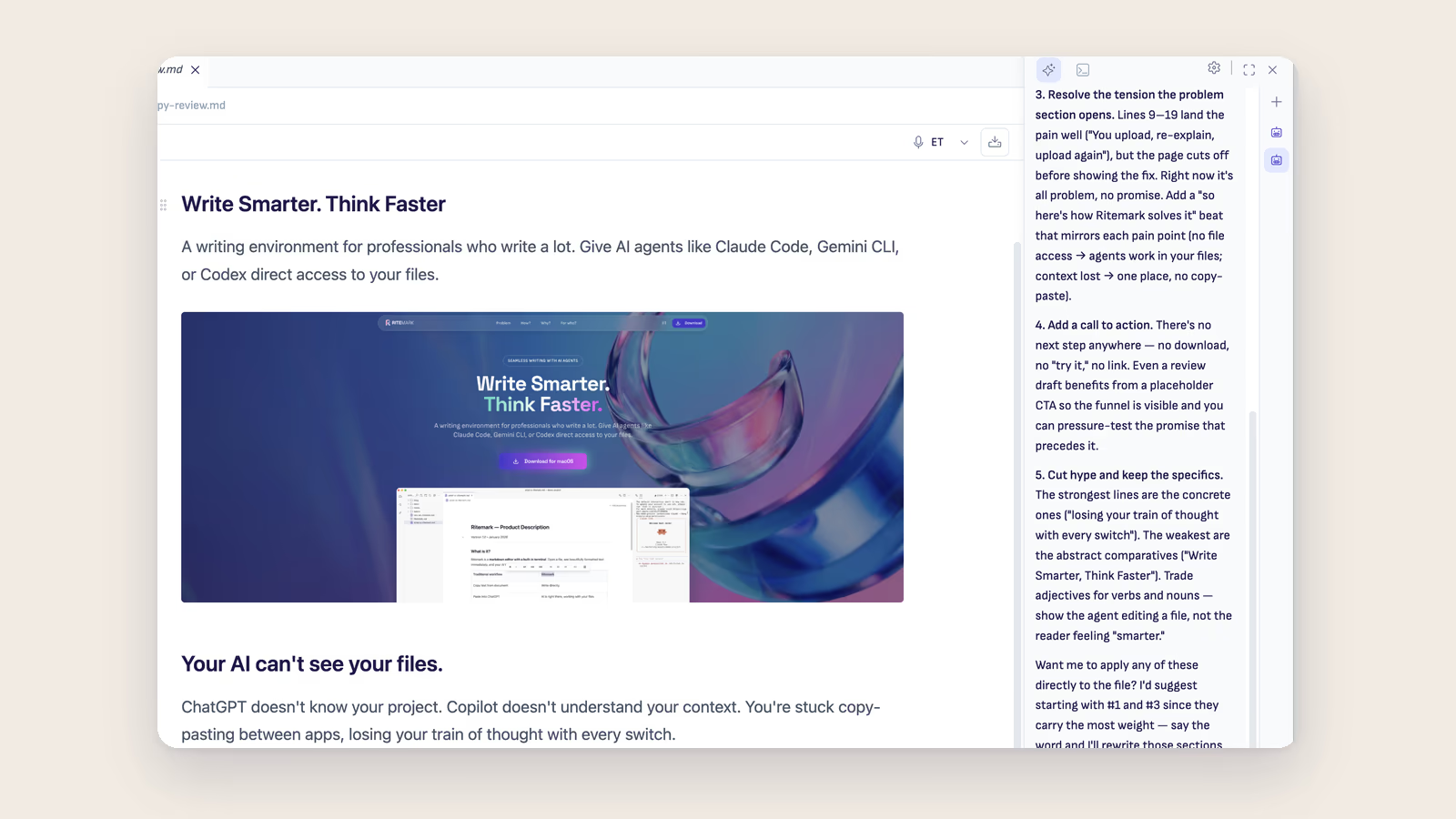
The AI sidebar used to have one seat. You asked Claude to draft a section, and then you waited. If you wanted a second opinion from Codex, or just wanted to keep one long task running while you started another, you either sat there or you threw away context to switch. That is not how anyone actually works with agents. You run a few things at once, glance between them, and pick up whichever one finished first.
v1.8.5 makes that real. The sidebar now holds several independent chats, each with its own session and history, laid out in a new thread rail down the right edge. Start a thread, kick off a run, open another, switch between them. The agents keep working in the background and their replies always land in the thread that asked.
The thread rail
Open a new chat while another is mid-run. Each thread carries its own session, so an agent keeps working even when you are looking at a different thread, and its response comes back to the thread that started it. Nothing crosses over.
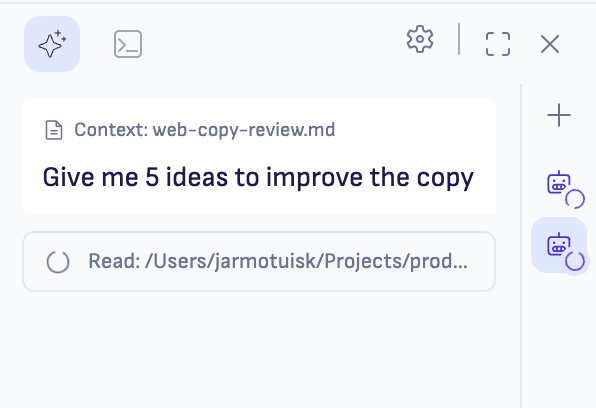
The rail itself is a slim strip down the right edge of the sidebar. Click a thread to switch to it and its history restores instantly. You can set the runtime per thread too, so one conversation can be on Claude while another runs Codex or OpenCode. There is a sensible cap on open threads, and when you reach it Ritemark tells you rather than quietly spawning more sessions in the background.
History that stays separate
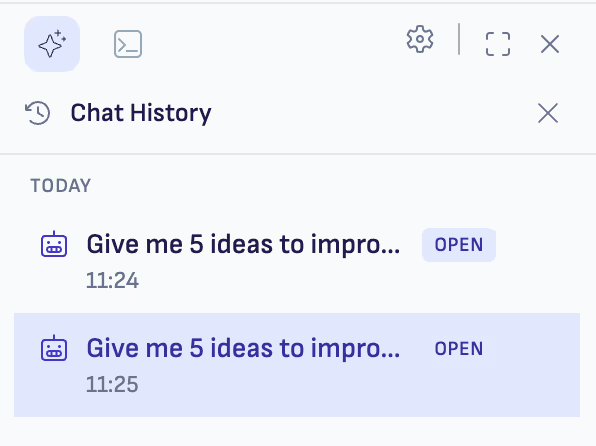
Every thread keeps its own history. Close one and reopen it later and the full conversation comes back, exactly where you left it.
Claude Opus 5 and upgraded runtimes
The bundled runtimes moved up: Claude Code is now 2.1.217 and OpenCode is 1.18.4. The part that matters for this release is that both were re-validated against parallel sessions, two threads on the same runtime at once, not just single-turn chats. So parallel chats are proven on the new binaries rather than hoped for.
Claude Opus 5 also joins the model picker, in the Claude section between Sonnet 5 and Opus 4.8, for the heaviest work. Existing installs pick it up automatically through the live model-catalog feed, so there is no reinstall.
Agents that know where they are
Every agent run now starts with a short capability context. It tells the agent what kind of environment it is in: a Markdown editor with an integrated browser and a specific set of tools, not a bare terminal. The practical effect is agents that reach for Ritemark's own capabilities instead of guessing at a foreign setup. Prompt-injection safety is unchanged, and the agents still passed our test for refusing instructions hidden inside a document you have opened.
Smaller fixes
When the sidebar shows the "AI Offline" badge, it now has a "Check again" link. You can re-test the connection on demand instead of waiting out the 30-second poll or restarting the app.
Voice dictation now defaults to 5-second chunks instead of 3. That single change noticeably improves transcription accuracy for Estonian and other smaller languages. If you preferred the old behaviour, 3s and 10s are still there in Dictation Settings.
A safer update system
One piece of this release is about the update path itself. In July a broken extension update, the 1.8.3-ext.1 packaging issue, could leave an installation in a bad state. That should never have been possible, and now it is not. A shell-level watchdog quarantines a broken extension copy and falls back to the built-in one automatically, so a bad update can no longer strand your install. The lightweight extension-only update lane stays closed for now until a deliberately trivial update passes end to end in production on top of these safeguards. Full app updates through the DMG are unaffected.
Download
| Platform | Download |
|---|---|
| macOS Apple Silicon | Ritemark-arm64.dmg |
| macOS Intel | Ritemark-x64.dmg |
| Windows | Microsoft Store |
Both macOS builds are signed and notarized by Apple, so there are no Gatekeeper warnings. The Windows x64 installer is available from the same release. Auto-update will offer v1.8.5 to existing macOS and Windows users on next launch, and your settings, documents, and conversation history are preserved.
Start writing with Ritemark.
Free and open source.