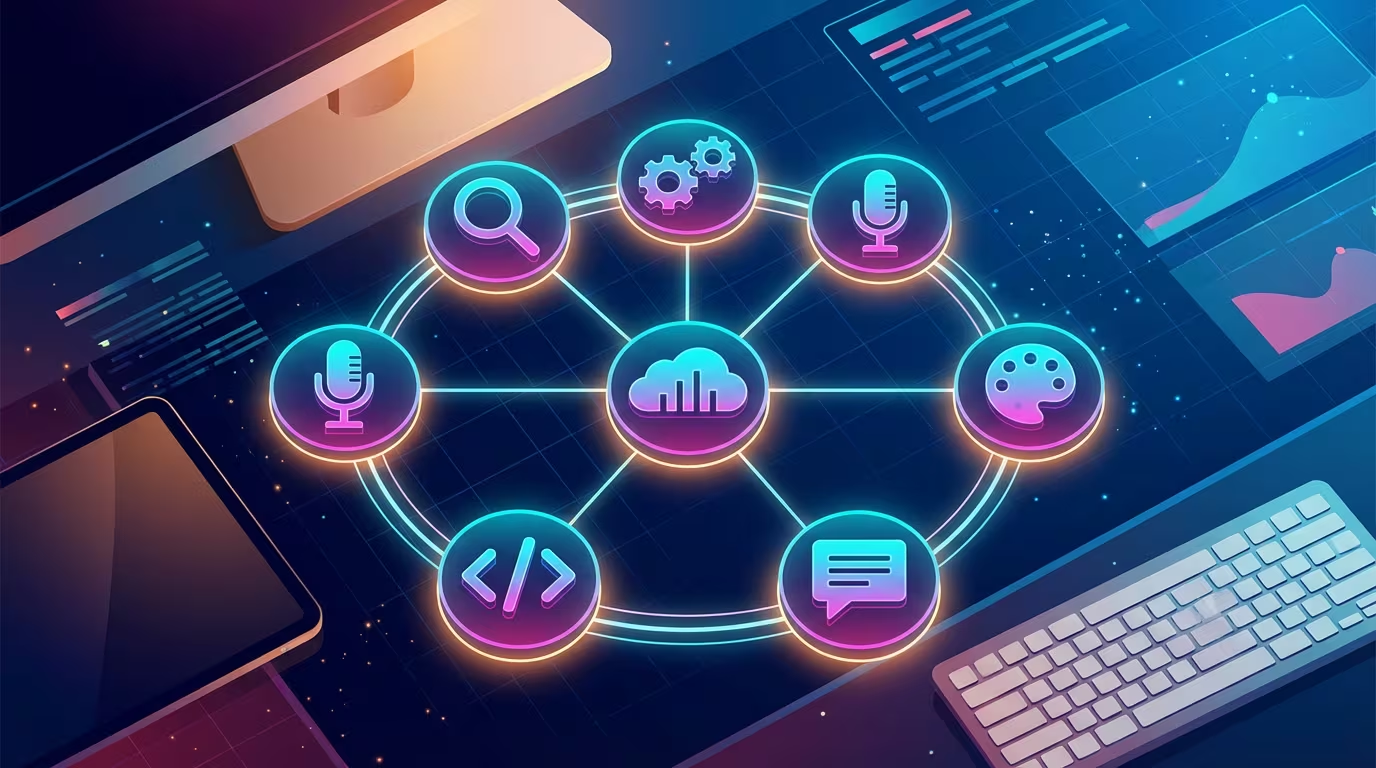
The essential AI toolkit for knowledge workers in 2026 combines seven tools: Ritemark for AI-powered writing, Claude or ChatGPT as a thinking assistant, Obsidian for knowledge storage, Otter.ai or Fireflies for meeting capture, Perplexity for research, Zapier for automation, and Readwise for reading. The challenge isn't finding good tools — it's connecting them so knowledge actually flows between them.
A Microsoft Work Trend Index report found that employees at large organizations use over 9 different apps daily. And research by HBR shows we switch between apps roughly 1,200 times per day. The University of California, Irvine found it takes an average of 23 minutes to fully regain focus after a significant context switch.
The cost of all this switching isn't just annoyance — it's the cognitive capacity that makes knowledge work valuable. Here's how to connect these seven tools into a workflow that doesn't fall apart at the first handoff.
The 7 Tools That Form a Modern Knowledge Worker's AI Stack
Before walking through each tool, it's worth naming the underlying problem they all need to solve: format fragmentation. Most AI tools produce output in their own format — meeting notes live in the meeting tool, research summaries in the research tool, drafts in the writing tool. Getting them to flow into each other requires either manual copy-paste or expensive integrations.
Markdown has quietly become the universal format that bridges these tools. It's plain text, it renders everywhere, and every serious AI tool either accepts it as input or exports it cleanly. This is why the stack below is organized around markdown as the connective tissue.
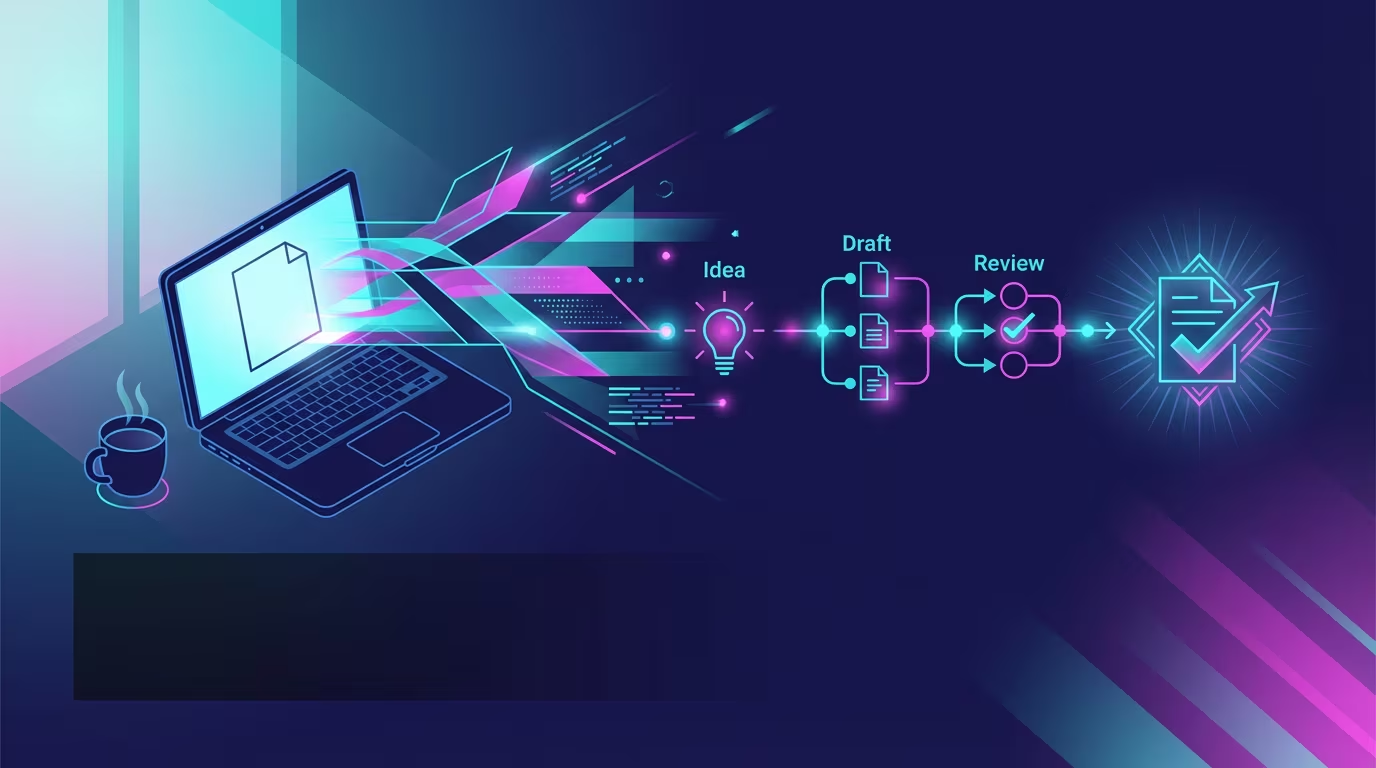 The ideal workflow: all your AI tools feeding into one place where you think and write.
1. Writing Tool with AI — Ritemark
The writing tool is where everything lands. It's the last mile of the knowledge workflow — where raw input from meetings, research, and brainstorming becomes actual documents that people read.
Most writing tools treat AI as an add-on. You write, then switch to ChatGPT, then paste the result back, then reformat. As the MIT research published in Science shows, AI reduces writing time by 40% and improves quality by 18% — but only when the workflow doesn't eat those gains through constant switching.
Ritemark solves this by putting an AI agent in a sidebar next to your document. It sees the file you have open and edits it directly. No copying, no pasting, no reformatting. Your files stay as markdown on your local machine, which means they can feed into any other tool in the stack — because markdown is universal.
What makes Ritemark the hub of this stack rather than just another tool: it works with files, not with a proprietary cloud database. Everything you write in Ritemark is a .md file in a folder. That folder can sync to Obsidian, feed into a Zapier automation, or serve as the source for an AI agent — and because the files are local, you can ask the AI agent about the files in that folder. What the agent reads goes to the AI provider you chose. The tool sits at the center of the workflow without locking anything inside it.
2. AI Assistant — Claude or ChatGPT
An AI assistant is different from an AI writing tool. The writing tool helps you refine and produce. The AI assistant is your thinking partner — the place where you explore an idea, challenge an assumption, or work through a complex problem before you sit down to write.
Claude and ChatGPT are the two serious options in 2026. Claude tends to produce more nuanced, structured analysis and handles long documents better. ChatGPT's ecosystem — Custom GPTs, browsing, image generation, voice — gives it broader versatility. Many serious knowledge workers use both.
The key workflow move here: don't use your AI assistant as a final destination. Use it for thinking, then bring the output home. Export the conversation, paste the key insights into a Ritemark document, and refine them there. The assistant is the brainstorming sprint; the writing tool is where you decide what actually matters.
3. Note-Taking and PKM — Obsidian or Notion
A Personal Knowledge Management (PKM) system is the long-term memory that your AI assistant doesn't have. When you capture something in Obsidian or Notion, it stays. When you close a ChatGPT conversation, that context is gone unless you explicitly save it somewhere.
Obsidian works with plain markdown files in local folders — which means it plays beautifully with Ritemark. You can open the same folder in both apps. Ritemark for active writing, Obsidian for browsing your knowledge graph and linking ideas over time.
Notion takes a different approach: a structured database-first system that works better for teams sharing and organizing knowledge across projects. It doesn't work with local files, but its API is excellent, which opens up automation possibilities.
The workflow role of your PKM is to be the place where processed knowledge accumulates. Raw meeting notes go somewhere. Research goes somewhere. But processed insights — things you've actually thought through and written about — should live in your PKM. This is the context your future AI conversations will draw on when you think to share it.
4. AI Meeting Assistant — Otter.ai or Fireflies
Meetings are where a significant portion of organizational knowledge gets created and immediately lost. People make decisions, share context, surface problems — and unless someone is taking excellent notes, most of that evaporates by the next afternoon.
Otter.ai and Fireflies.ai both join your video calls, transcribe the conversation, and produce AI-generated summaries and action items. The difference is in workflow integration: Fireflies has better integrations with CRMs and project management tools; Otter is better for personal note review and has a more intuitive interface.
The key is what you do with the output. A meeting summary in your meeting tool is still stuck in your meeting tool. The workflow move that matters: export the summary as markdown, open it in Ritemark, and use the AI to transform it into something useful — a decision document, a brief for a stakeholder who wasn't in the room, or an entry in your PKM. Meeting notes become knowledge assets.
5. AI Research Tool — Perplexity
Traditional search returns links. You still have to open them, read them, synthesize across several sources, and form a view. Perplexity does the synthesis step for you — it reads the sources and gives you an answer with citations.
For knowledge workers, Perplexity has largely replaced the "open 12 tabs" research session. You ask a focused question, get a cited answer, follow up with clarifying questions, and have a research thread that you can refer back to.
The limitation worth knowing: Perplexity is good at fact-finding and synthesis of existing information. It's not designed for deep analysis or for helping you think through a novel problem. That's what your AI assistant (Claude or ChatGPT) is for. The workflow distinction is: Perplexity for research, AI assistant for reasoning.
6. Automation — Zapier or Make
The tools in this stack don't automatically talk to each other. Zapier and Make are the plumbing that connects them. A new row in Notion can create a markdown file in a synced folder you open in Ritemark. A completed action item from a Fireflies summary creates a task in your project management tool. A research thread in Perplexity gets saved to your PKM.
Zapier is the more accessible option — its visual interface is approachable without technical knowledge and it connects to thousands of apps. Make (formerly Integromat) is more powerful for complex workflows and is significantly cheaper at scale.
The automation layer is what transforms a collection of good tools into a system. Without it, you're still doing manual handoffs between apps. With it, your workflow can run largely on its own — you focus on the thinking and writing, the plumbing handles the transfers.
💡 Tip: Start with one automation, not ten. The most valuable first automation is usually: meeting summary exported to Fireflies → creates a markdown file in your Ritemark notes folder automatically.
7. AI Reading Tool — Readwise Reader
Information overload is real. The average knowledge worker encounters hundreds of articles, newsletters, and documents worth reading — and processes far fewer than they intend to. Readwise Reader is designed specifically for this problem.
It's a read-later app with AI built in. You save articles, PDFs, newsletters, and YouTube transcripts to Reader. The AI can generate summaries, you can highlight and annotate, and everything you engage with gets reviewed periodically using a spaced-repetition system. The things you actually want to remember, you actually remember.
The workflow role: Readwise Reader is the input filter that keeps the rest of your stack from being overwhelmed by raw information. Not everything that's interesting needs to become a note. But the things you highlight in Reader can flow into your PKM — and from there, become context for your writing.
The Real Workflow: A Complete Example
Abstract tool stacks are easy to list. Here's what the stack actually looks like in motion.
You have a client call on Tuesday. Fireflies joins automatically, transcribes the conversation, and emails you an AI-generated summary with action items. You open that summary in Ritemark. You run a quick AI prompt: "Turn these meeting notes into a decision document for the stakeholders who weren't in the room." The AI has the full context — the transcript is right there in your document. You edit, refine, and the document is done in 15 minutes.
The action items from that meeting create tasks automatically via Zapier. The key insight from the conversation — something about how the client is thinking about their competitive position — you extract into a separate note and file it in Obsidian. It becomes part of your knowledge base about that client.
Later in the week, you're preparing a proposal. You open Ritemark, pull in the decision document and the Obsidian note, and ask the AI to help you draft an argument. The context is all local, all markdown, all accessible. You don't need to remember where things are — they're in files on your machine.
That's the workflow. Meeting notes become knowledge. Knowledge becomes context. Context becomes better writing.
Why Markdown Is the Universal Connective Tissue
If there's one thread running through this stack, it's markdown. Every tool above either produces markdown, accepts markdown as input, or has a meaningful export to markdown. This is not a coincidence.
Markdown is plain text. It doesn't belong to any tool. It renders in every environment. It's version-controllable with Git. It's the format AI models are trained on and produce naturally. And critically, it means your work belongs to you — not to the tool that happens to be storing it today.
When your writing tool, your PKM, your AI assistant, and your automation layer all speak markdown, you get something genuinely valuable: portability. You can change any tool in the stack without losing your data. You can move your entire knowledge base by copying a folder. You can point an AI agent at your files and have it work across everything you've written. For a deeper look at why markdown matters for AI, see Markdown: The Language of AI.
This is why Ritemark is designed around markdown files in local folders. Not because it's technically elegant (though it is), but because it's the architectural choice that makes the rest of the stack work. If you want to understand the philosophy behind local-first knowledge storage, Local-First AI: The Case for Keeping Your Second Brain on Your Own Machine goes deeper on why this matters.
The Integration Problem Is Mostly Solved — If You Set It Up Right
The honest answer to "why don't these tools work together" is that they can, but they won't do it automatically. Each tool needs to be configured to output in a format the next tool can read. Automation needs to be set up. Conventions need to be established.
This takes a few hours of setup time. But it's the kind of setup that compounds. Every meeting that flows automatically from Fireflies into your Ritemark notes folder is time you didn't spend manually copying. Every research thread that gets saved to your PKM is context you'll have available in six months when you're thinking about the same problem again.
The knowledge workers who feel the most productive with AI aren't the ones with the most tools. They're the ones who've connected the tools they have.
Start Your Own Ritemark-Centered Workflow
The easiest place to start is the writing layer. Download Ritemark, point it at a folder of markdown files, and use it as your primary writing environment for a week. You'll immediately feel the difference of having AI inside your editor rather than in a separate tab.
From there, add the pieces that solve your most painful bottleneck — probably the meeting assistant if you're in a lot of calls, probably the automation layer if you find yourself doing the same manual transfers repeatedly.
The stack doesn't have to be built in a day.
Download Ritemark for Mac or Windows — it's free.
Questions or workflow ideas? Reach us at feedback@productory.ai
FAQ
What are the best AI tools for knowledge workers in 2026?
Ritemark (writing), Claude or ChatGPT (thinking assistant), Obsidian or Notion (PKM), Otter.ai or Fireflies (meetings), Perplexity (research), Zapier or Make (automation), and Readwise Reader (reading). The key is connecting them through markdown so information flows rather than stalls.
How do I connect AI tools so they work together in one workflow?
Pick markdown as your universal format, use Zapier or Make for handoffs between apps, and establish a hub writing tool. Ritemark works well as that hub because every other tool in this stack can export to markdown.
How many AI tools should a knowledge worker actually use?
The effective minimum is three: a writing tool, an AI assistant, and a PKM for processed knowledge. The full seven-tool stack makes sense once you've hit the limits of fewer tools. Adding tools without connecting them increases cognitive load rather than reducing it.
Is Ritemark suitable for non-developers?
Yes. Ritemark is designed for anyone who writes — journalists, researchers, consultants, content creators. Markdown syntax is learnable in under an hour, and you ask the AI in the sidebar in plain words.
What's the difference between Perplexity and ChatGPT for research?
Perplexity is best for web-sourced, citation-backed answers to factual questions. Claude and ChatGPT are better for reasoning through complex problems and analyzing your own documents. Use Perplexity to find what's known; use your AI assistant to think about what it means.
Why is markdown important for an AI toolkit?
Markdown is plain text that renders in browsers, editors, and AI interfaces alike. AI models produce it naturally. Using markdown means your documents are portable across every tool in the stack without conversion or lock-in.
How does Obsidian differ from Notion for knowledge workers using AI?
Obsidian stores notes as local markdown files — private, fast, and compatible with tools like Ritemark. Notion uses a cloud database, which is better for teams sharing knowledge. For personal AI-integrated knowledge management, Obsidian's local approach gives you more flexibility.
Can this AI toolkit work for remote or distributed teams?
Yes, with shared conventions. Tools like Fireflies, Notion, and Zapier all work well in team contexts. The main adjustment is agreeing on where meeting output goes and how individual notes flow into shared documents. Ritemark remains most useful as a personal writing environment before producing team artifacts.
What does this toolkit cost?
Most tools have free tiers that cover typical personal use. The Ritemark app is free, but its AI sidebar needs a paid Claude or ChatGPT plan or your own API keys. Paid upgrades for the full stack run roughly $50–90/month at mid-tier plans. Start free and only upgrade where you hit real limits.
How long does it take to set up this workflow?
Initial setup — installing tools, pointing them at folders, configuring one or two automations — takes about 2–3 hours. The compounding value starts in the second week, once the automations replace the manual steps you were doing before.
Sources
- Microsoft Work Trend Index 2024
- Productiv: SaaS Applications per Employee
- HBR / Conclude: Context Switching Productivity
- University of California, Irvine: Focus Recovery After Interruptions (via Reclaim.ai)
- Science Journal: MIT Study on Productivity Effects of Generative AI
- Nielsen Norman Group: AI Tools Productivity Gains
- Lokalise: Tool Fatigue Productivity Report
- Otter.ai Product
- Fireflies.ai Product
- Perplexity AI
- Readwise Reader
- Obsidian PKM
- Zapier
- Make (Integromat)