Every engagement starts with a folder of things you did not write. The client sends last year's strategy report as a Word file. Somebody forwards the deck from the board meeting, forty slides with the real argument hidden in the speaker notes. Finance sends a PDF. You can keep your own notes and drafts in Markdown for the whole project, but the client will never send you Markdown, and you would not ask them to.
So the folder ends up with two kinds of files. Yours, which you write in. Theirs, which you read, quote and argue with. For a long time those lived in two different programs, and a fair part of the first week went to switching between them.
Reading theirs next to yours
In Ritemark a .docx, .pptx or .pdf in the folder opens in a tab like any other file. A Word document and a PDF show as pages, a presentation as its slides, one under another. Nothing is uploaded to do that: the preview is drawn on your computer.
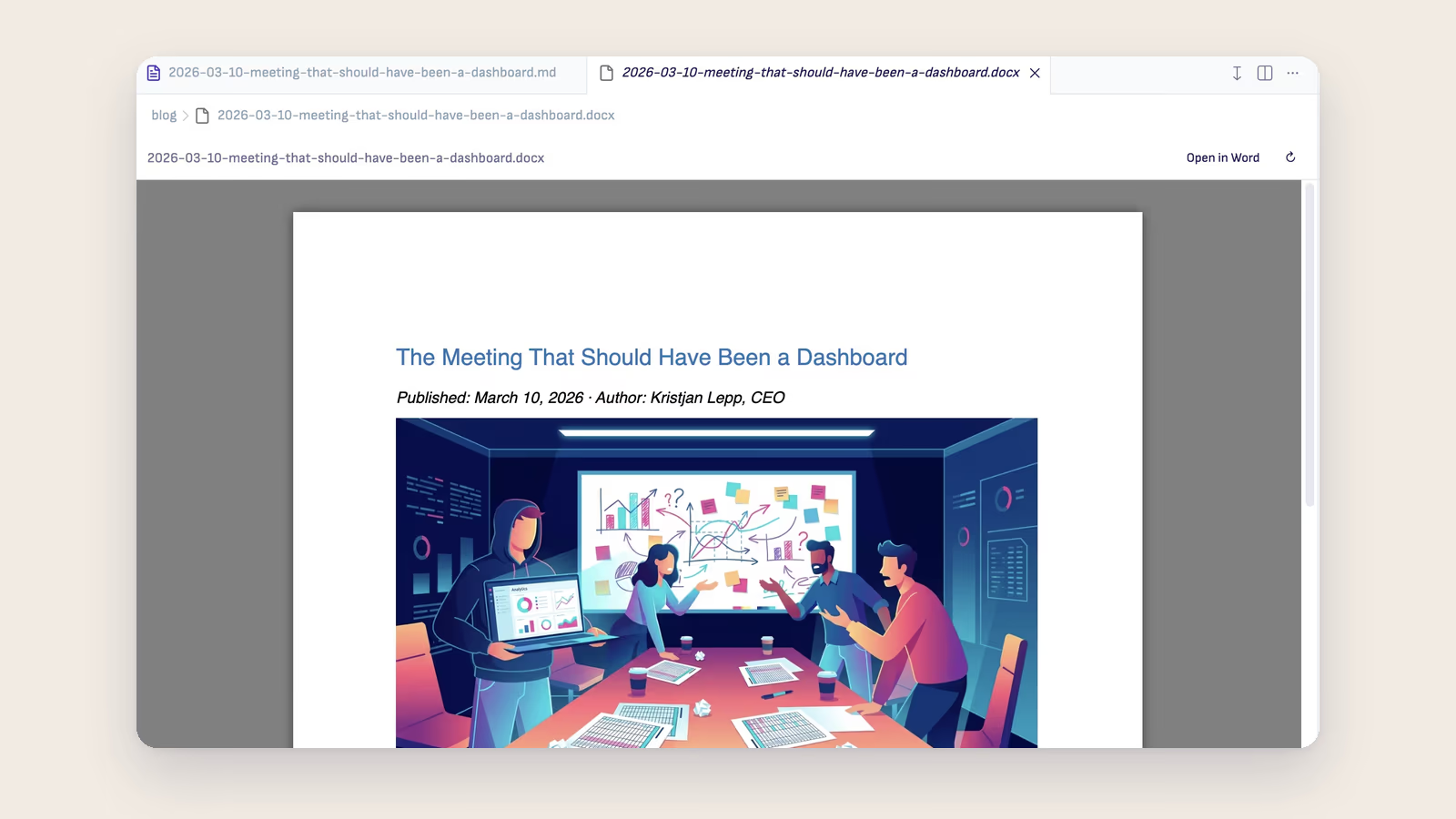
The preview is read-only, and that is the right choice for a client's file. You are not supposed to edit their report. You want to read it while your interview notes sit in the next tab, and the picture above is exactly that situation: the same piece open twice, once as the Markdown you work in and once as the Word file someone else will receive.
When you do need the original program, Open in Word or Open in PowerPoint is right above the document. It opens Word or PowerPoint, or Pages or Keynote if those are what you have.
The deck, with its notes
Board decks are where consultants lose the most time, because the slide says "Growth in core markets" and the speaker notes say what the CFO actually meant. In the Ritemark preview each slide's speaker notes sit right under it, in quieter text. You read the deck the way you would read a memo, top to bottom, slide and note together.
Search covers both. Press Cmd+F (Ctrl+F on Windows), type "headcount", and the count tells you how many places in the deck mention it, including slides you have not scrolled to yet and the notes under them. Enter takes you to the next one. In a Word document the same find bar works across the pages.
When they send a new version
Clients revise. If the file in your folder is replaced by a newer save from Word or PowerPoint, the preview reads it again and keeps you on the page or slide you were on. If the file is moved or deleted, the preview says so and keeps showing the last version it read. A file a colleague tidied away does not leave you with an empty tab.
A Markdown copy for the agent
Reading is half of the job. The other half is working with what the client said: pulling the five commitments out of last year's report, checking whether this year's draft contradicts them, quoting the exact sentence.
For that the agent needs text it can work with. The arrow next to Open in Word offers Save as Markdown, and a PDF has a Save as Markdown button of its own. Ritemark asks where to save, starting in the same folder as the original, writes the Markdown file with the pictures in an images folder beside it, and opens it. From then on it is a file in the engagement folder like your own notes, and the agent can read it and compare it with them.
Keep the original next to the copy. The Markdown is your working text, the client's file is still the version they will hold you to.
What the preview does not do
It is not Word and it is not PowerPoint, and it is worth knowing where that shows.
Charts, SmartArt and embedded objects in a Word document are not drawn, and a note above the document tells you when it has any. Charts in a presentation are drawn, but approximately: a label can read 0.46 where PowerPoint says 46 %. Animations, transitions, audio and video are not played. If a Mac does not have the Office fonts a file uses, a similar font takes their place and lines can break a little differently.
Some files will not open at all. A password-protected file needs Word or PowerPoint and the password. An old .doc or .ppt has to be saved again in the new format. Anything over 50 MB is too large to preview. In each case the preview says why and offers to open the file elsewhere.
There is no Save as Markdown for a presentation. Read the deck in the preview, and quote from it by hand.
And the Markdown copy follows the same rule as everything else you give an agent. If you ask it about the client's report, the text you ask about goes to the AI provider you chose, under your account and their terms. If the engagement does not allow that, read in the preview and keep the agent out of it.
A folder that holds the whole engagement
None of this is dramatic. It removes the small cost of keeping the client's material in one program and your thinking in another, and it puts both in one folder where the agent can see what you can see.
The document preview guide covers every control, and the consultants page shows how the rest of an engagement fits around it.