Support
Guides, tutorials, and solutions for using Ritemark
36 articles
Guides
Step-by-step guides for using Ritemark
AI Information in Ritemark
See which AI runtime, provider, and model Ritemark uses, what context may be sent, how analytics works, why human review remains important, and how to report AI output.
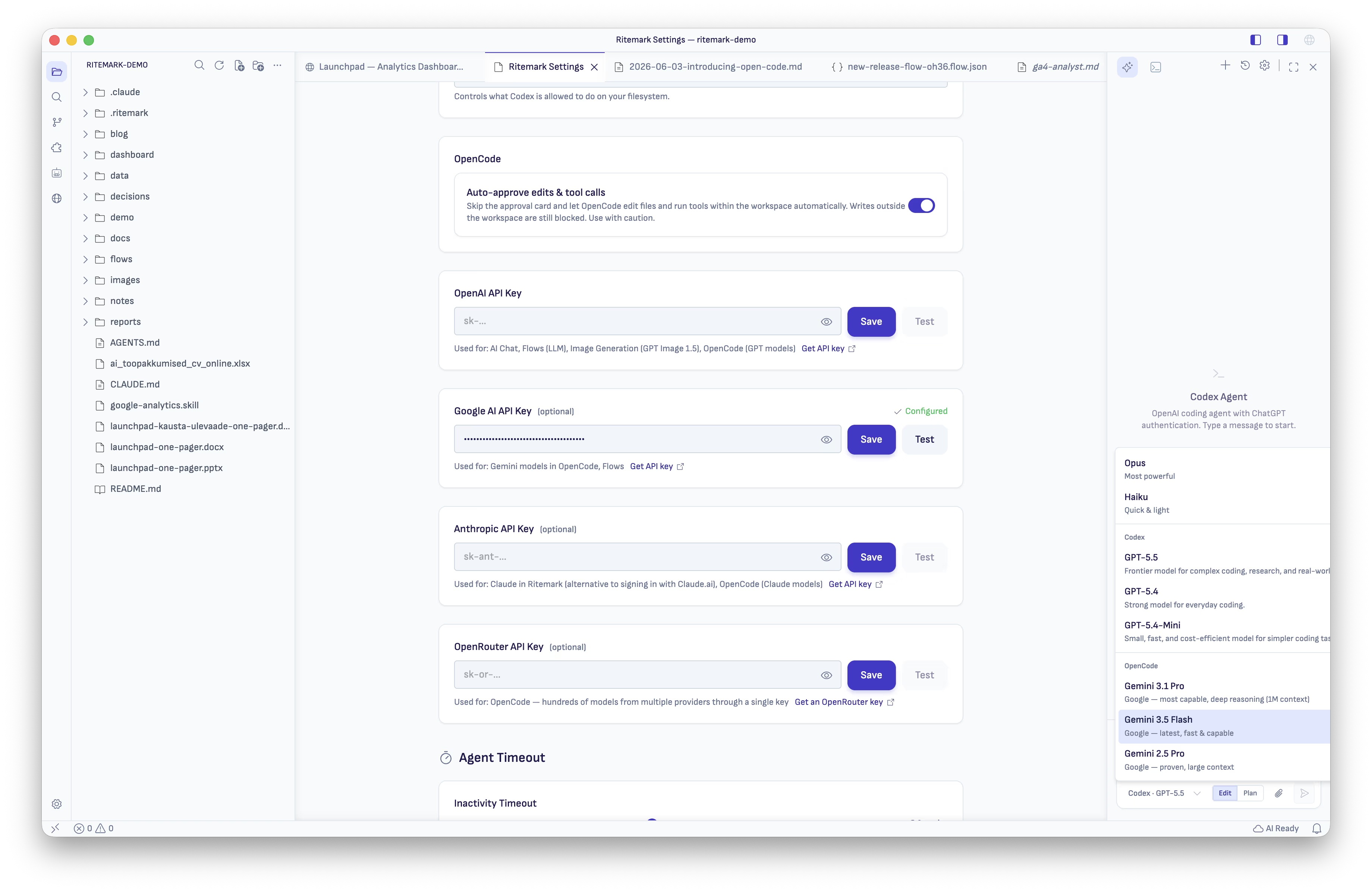
Set Up OpenCode (Bring Your Own Key)
Add OpenCode as a third AI runtime in Ritemark using your own API keys for OpenAI, Google AI, Anthropic, or OpenRouter, with no separate subscription required.
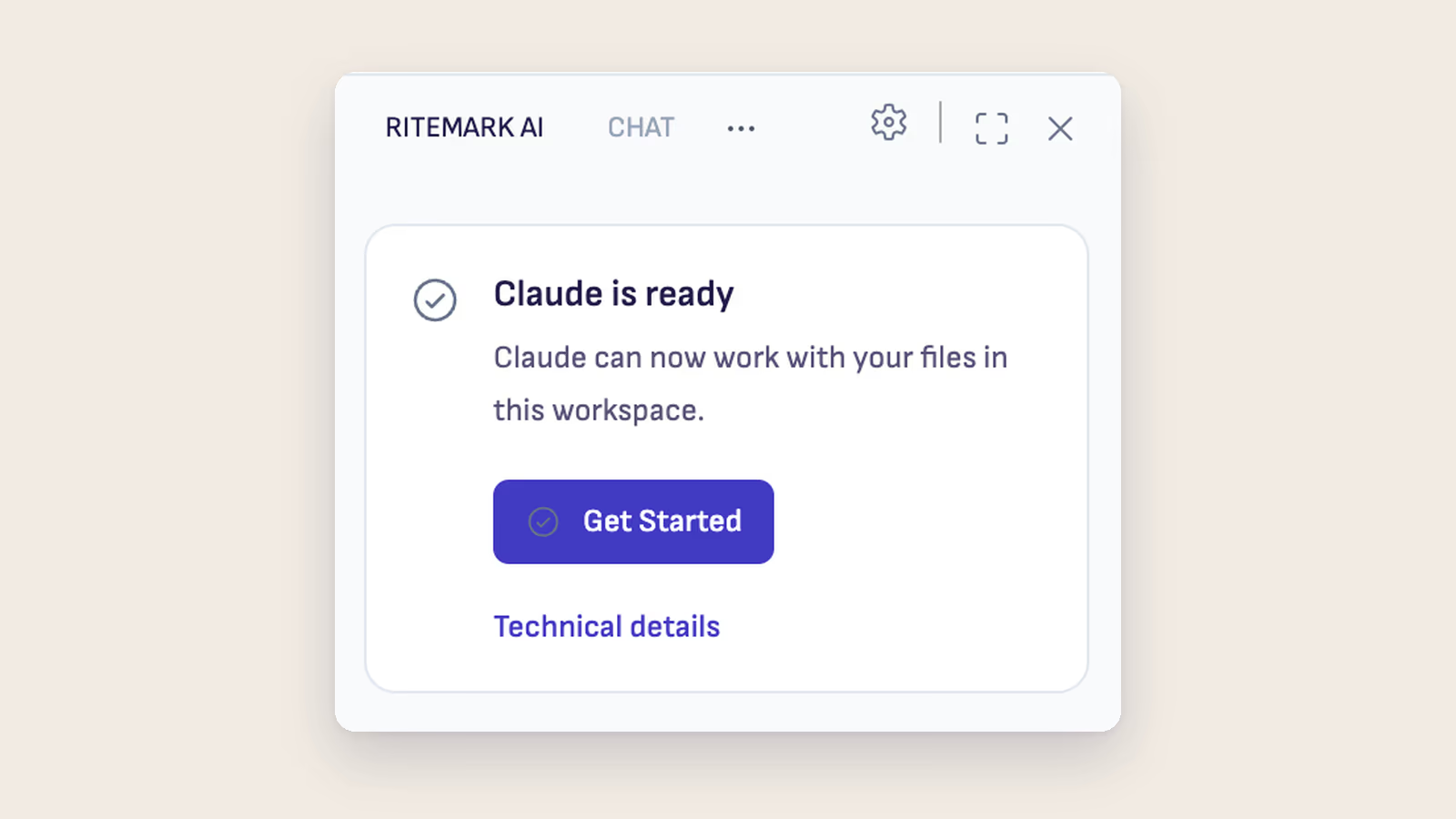
How to Set Up Claude Code in Ritemark
Set up Claude Code in Ritemark. It ships inside the app, so you only sign in with a paid Claude plan or an Anthropic API key. Step-by-step guide with examples.
How to Set Up Codex CLI in Ritemark
Set up OpenAI's Codex in Ritemark. It ships inside the app, so you only sign in with your ChatGPT account and use Codex as an AI writing agent directly from the sidebar.
Why Does Ritemark Use Terminal AI Agents?
Ritemark uses official CLI agents from Anthropic and OpenAI instead of building its own. Here is why that matters for privacy, quality, and cost.
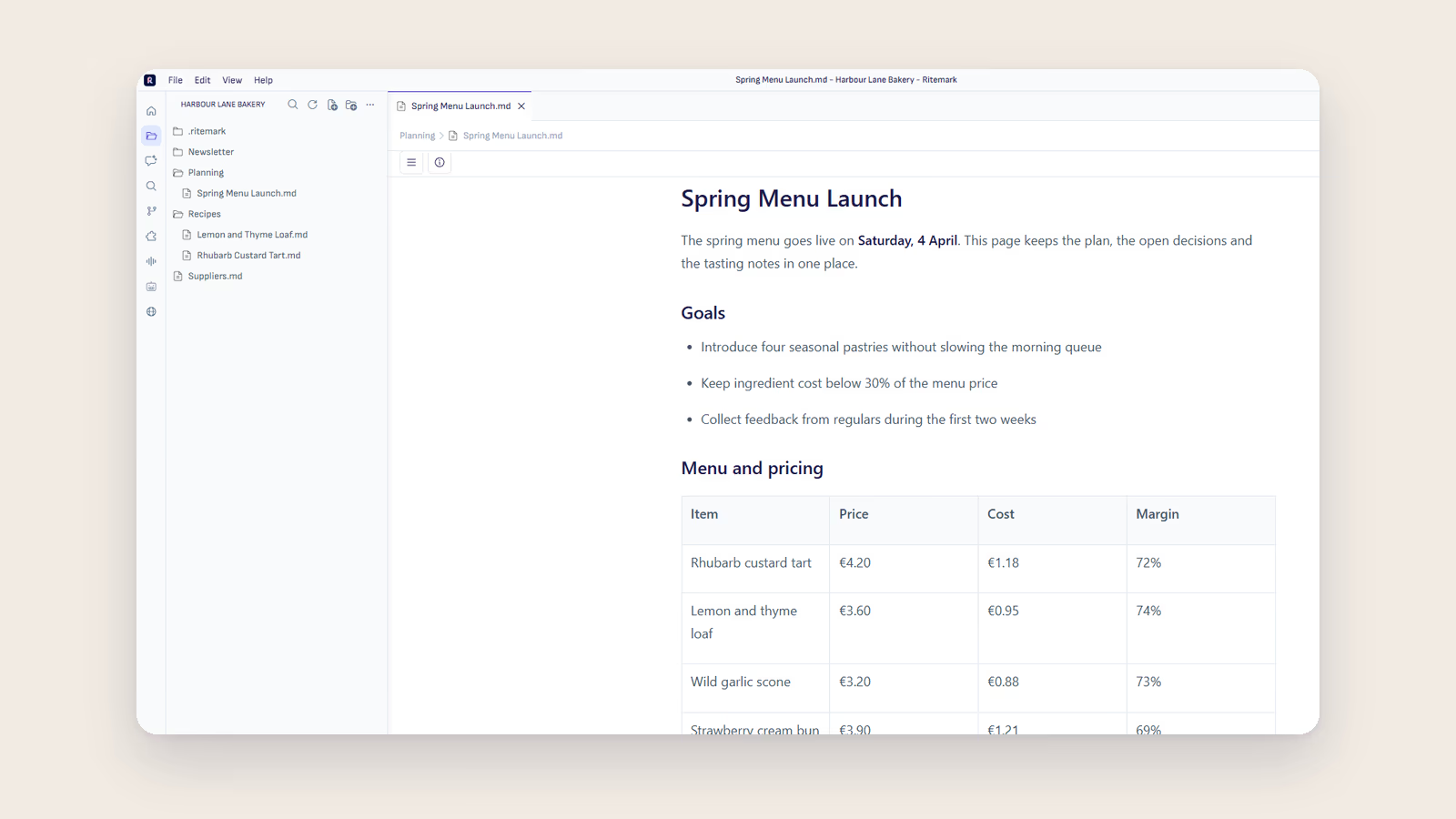
Getting Started
From download to your first document in 5 minutes. A quick guide to installing Ritemark and writing your first markdown file.
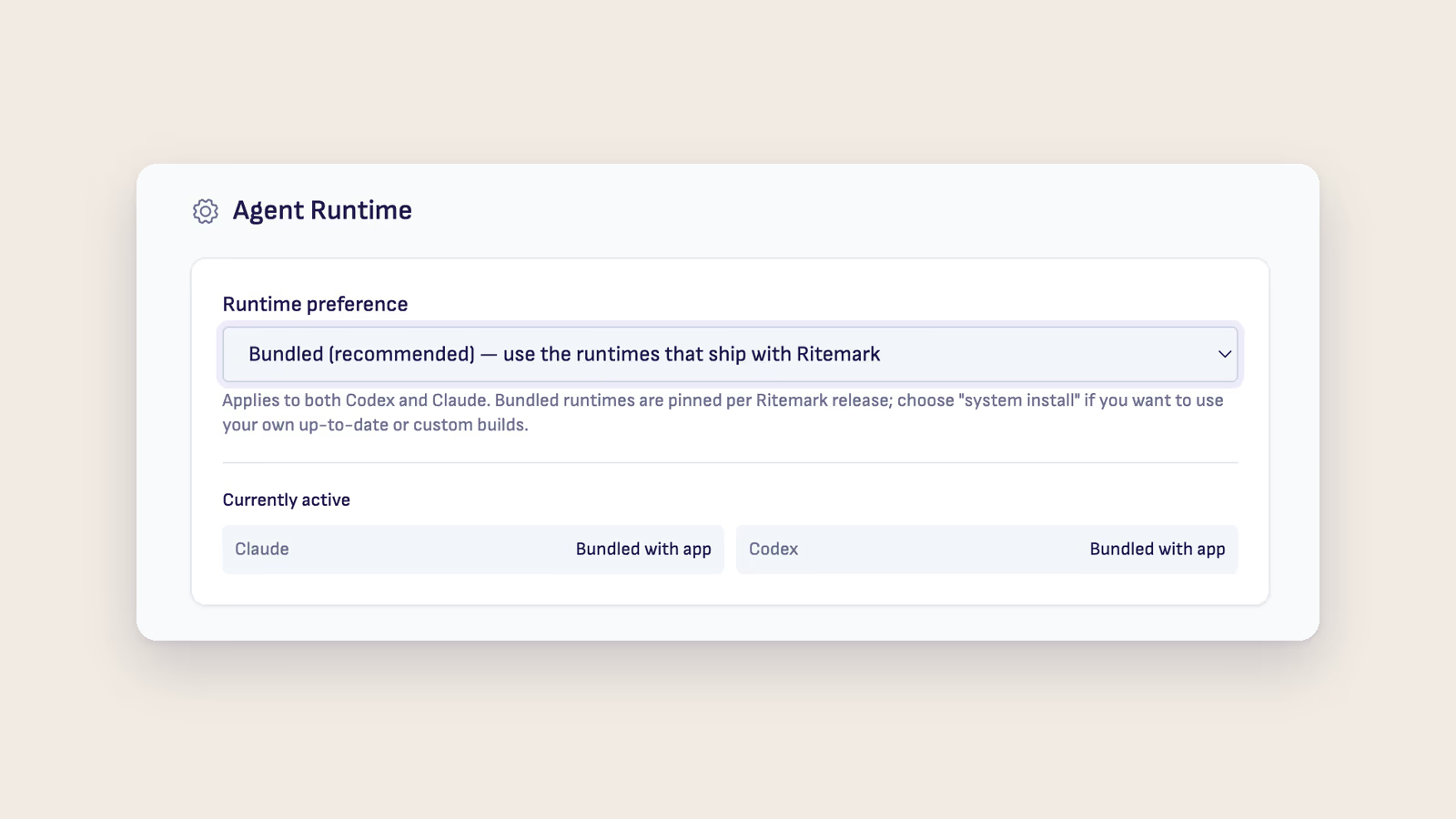
Set Up AI Assistant
Set up the AI sidebar: sign in to Claude Code or Codex, or add your own API keys for OpenCode. All three agents ship inside Ritemark.
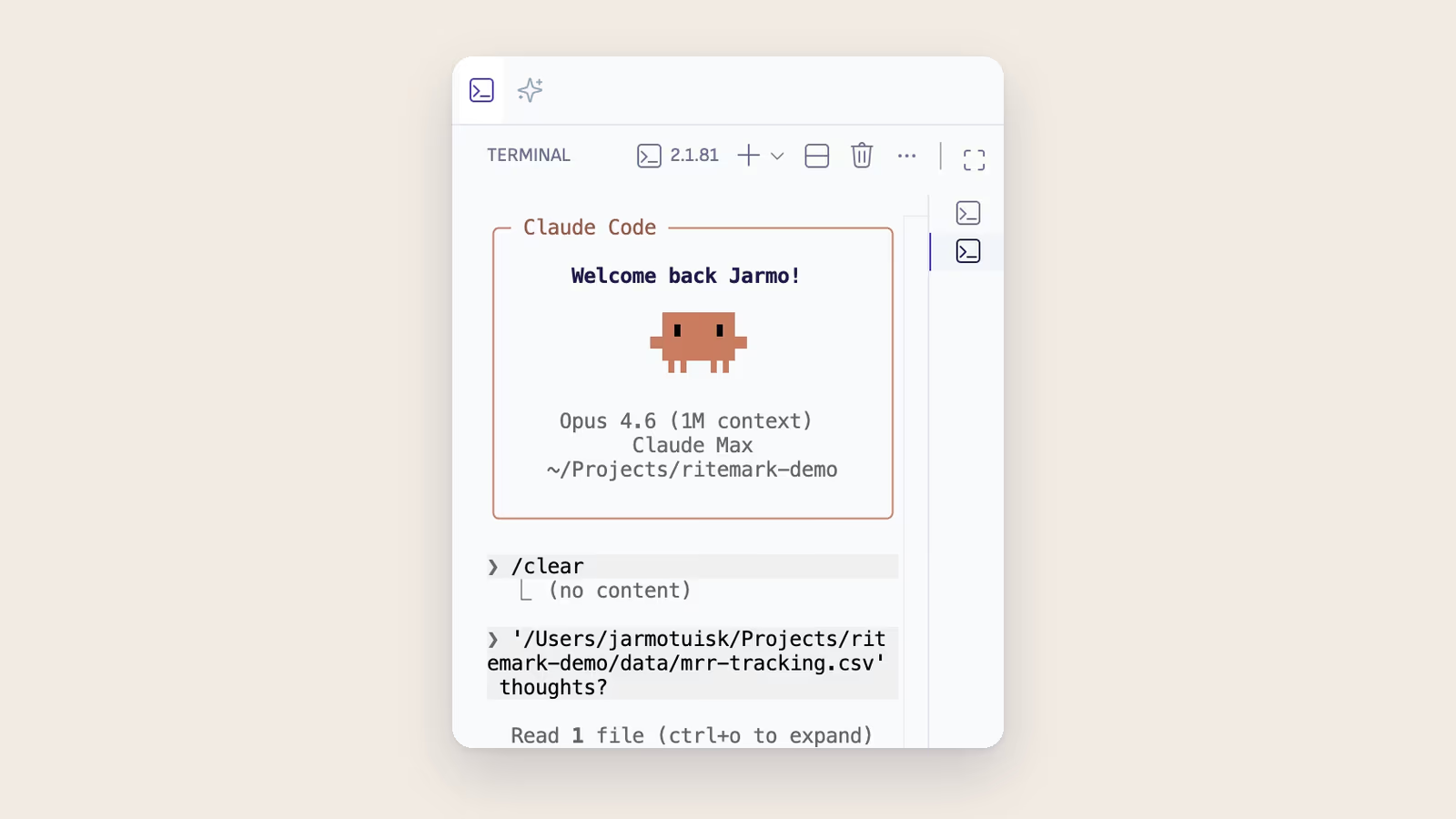
Set Up Terminal AI
Run command-line AI tools you install yourself in Ritemark's built-in terminal. Claude Code, Codex and OpenCode already ship in the AI sidebar with no install.
Features
Overview of Ritemark capabilities
Publish to Google Docs
Publish a Markdown document from Ritemark as a Google Doc in your own Google Drive, then update that same Doc with Sync. Your Markdown file stays the original.
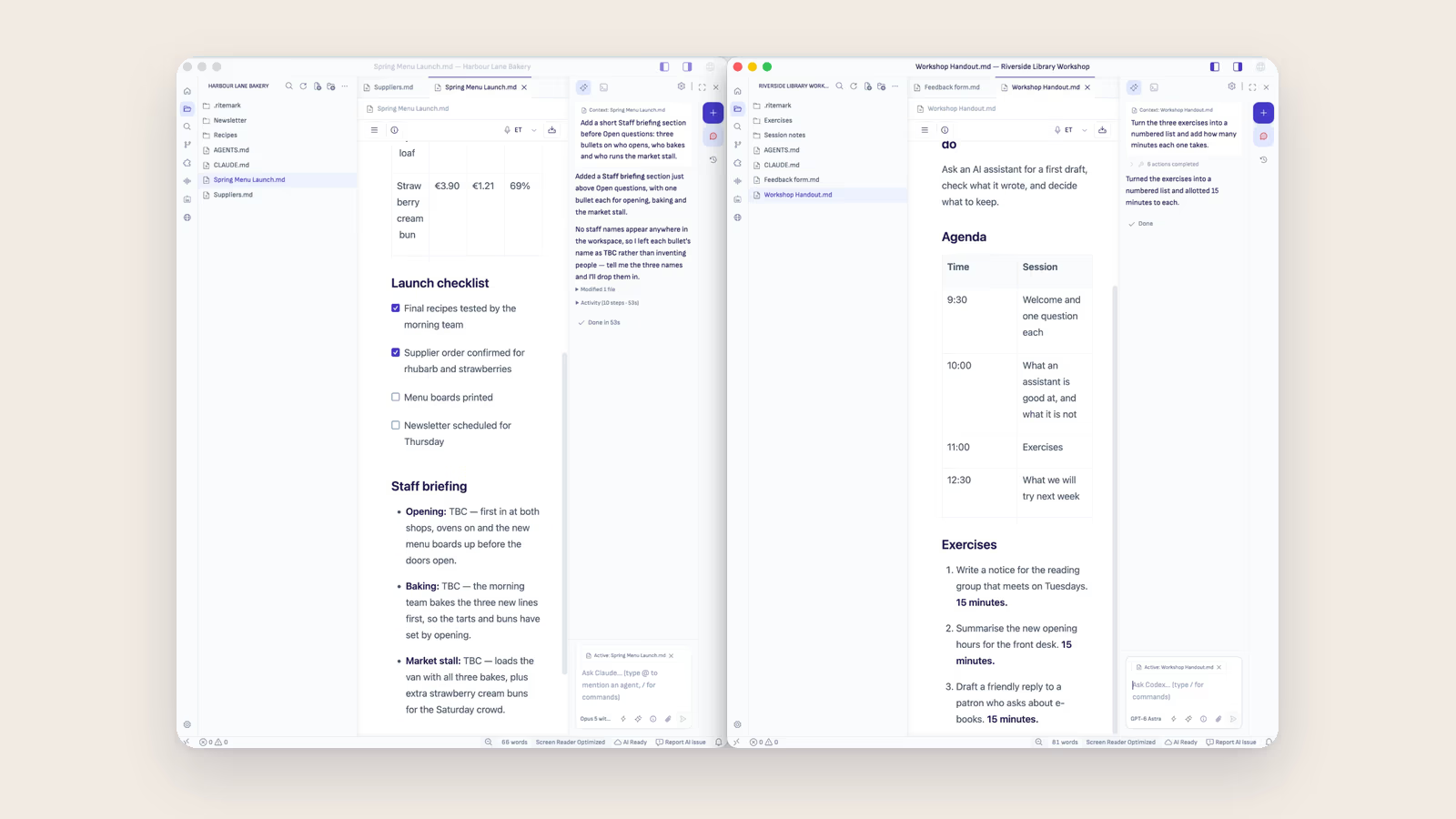
New Window: One Folder, One Window
In Ritemark a window is one folder. Open a second project with New Window, and it comes with its own files, agent conversations, instructions, agents and skills.
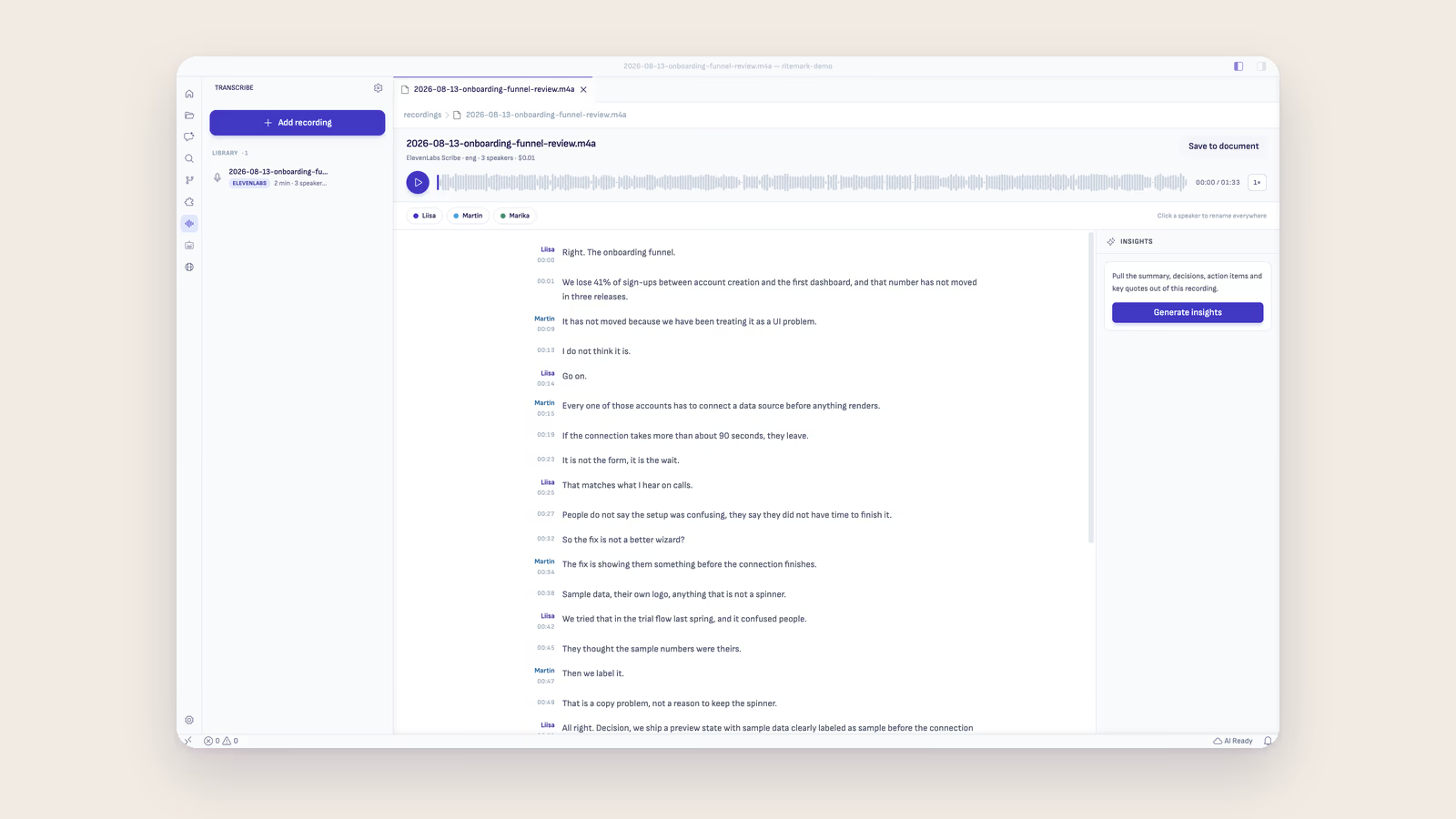
Transcribe Recordings
Record or add a meeting, interview, or workshop and turn it into editable Markdown, with playback, search, speaker labels, and source-linked insights.
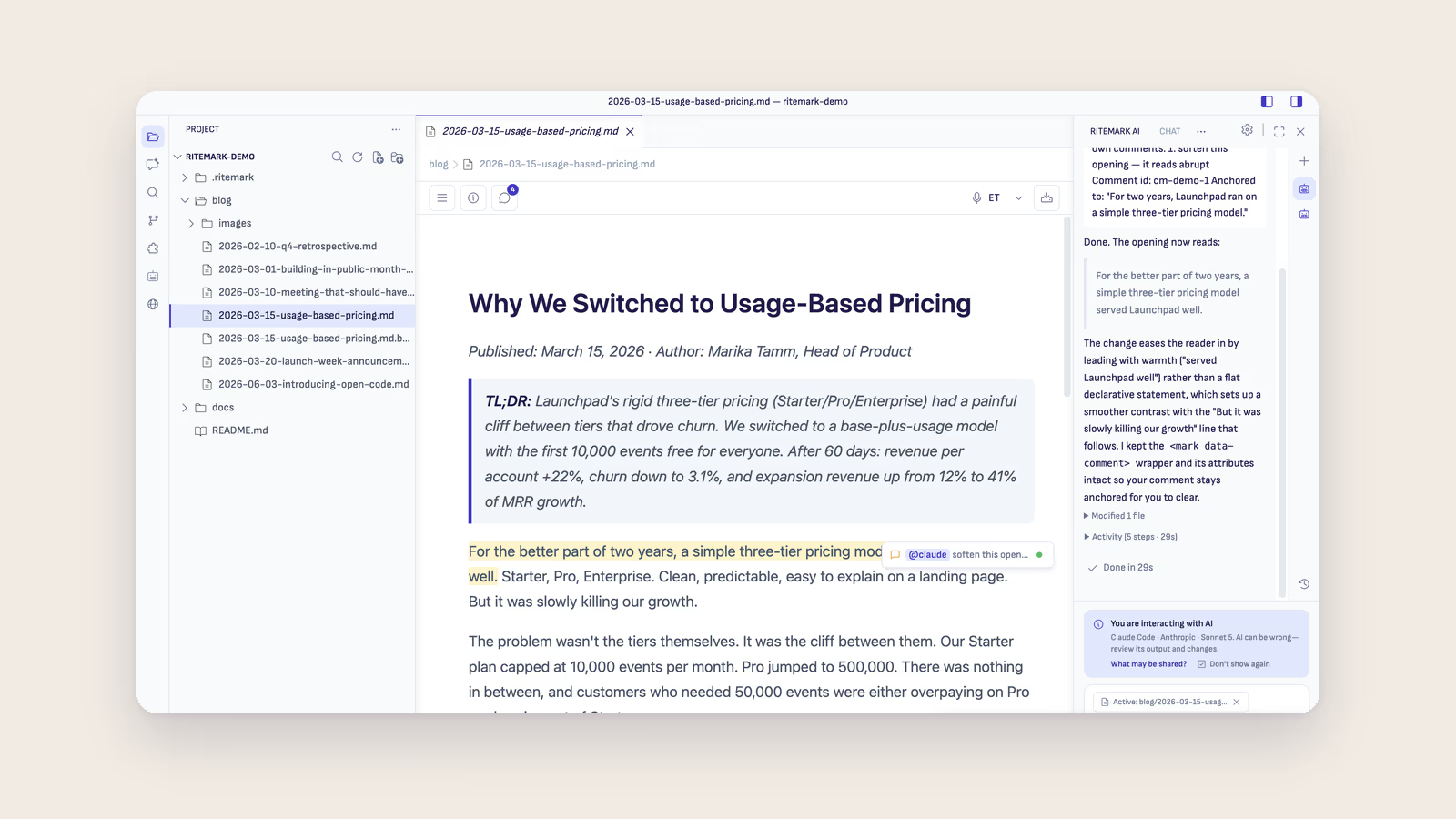
Comments
Comment on any passage in your markdown and hand the note to an AI agent. The comment shows what its task is really doing, and the agent's short summary when it's done.
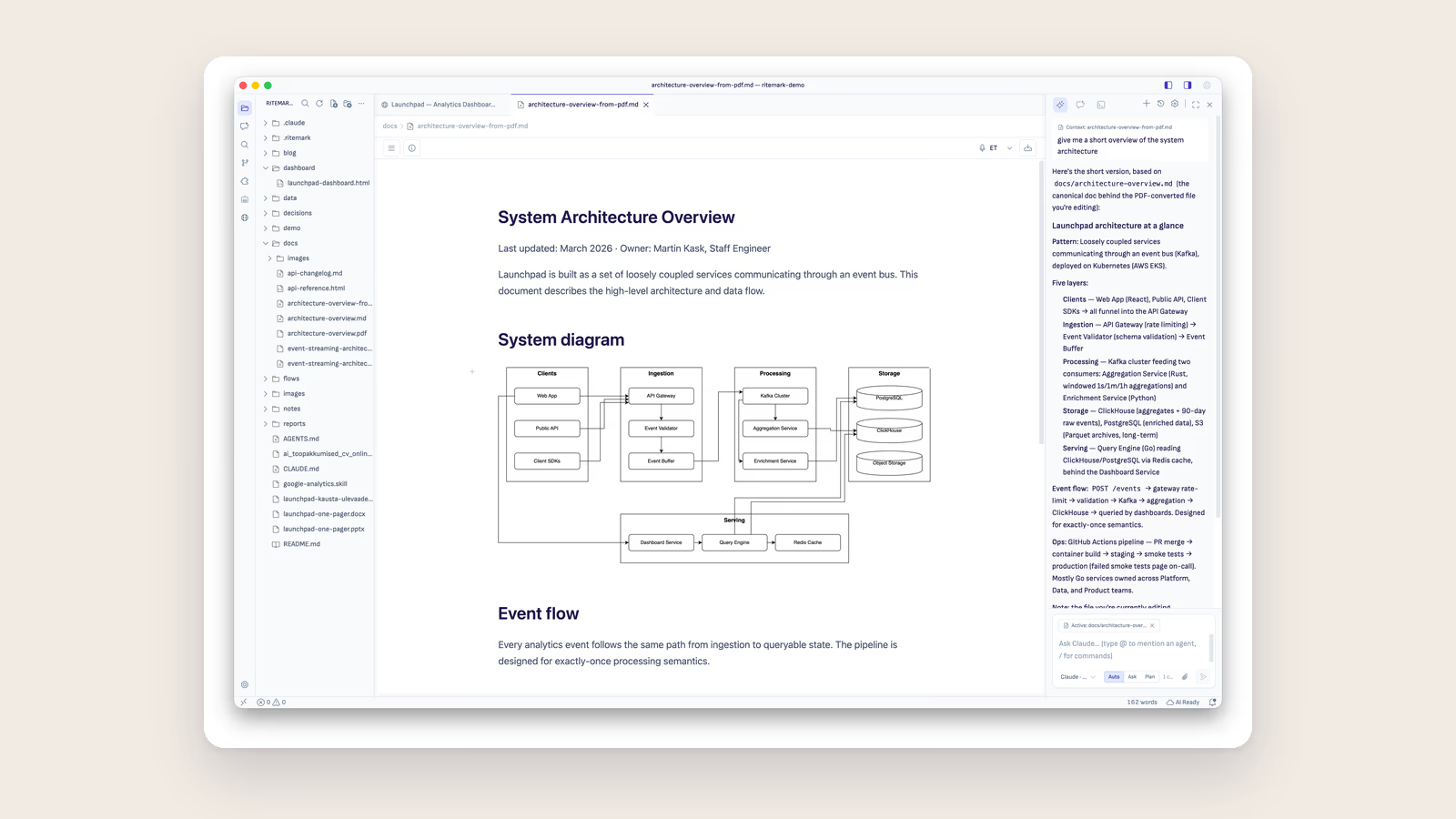
Draw.io Diagrams
Draw and edit draw.io diagrams directly inside your markdown. A full editor runs offline, and the embedded picture refreshes the moment you save.
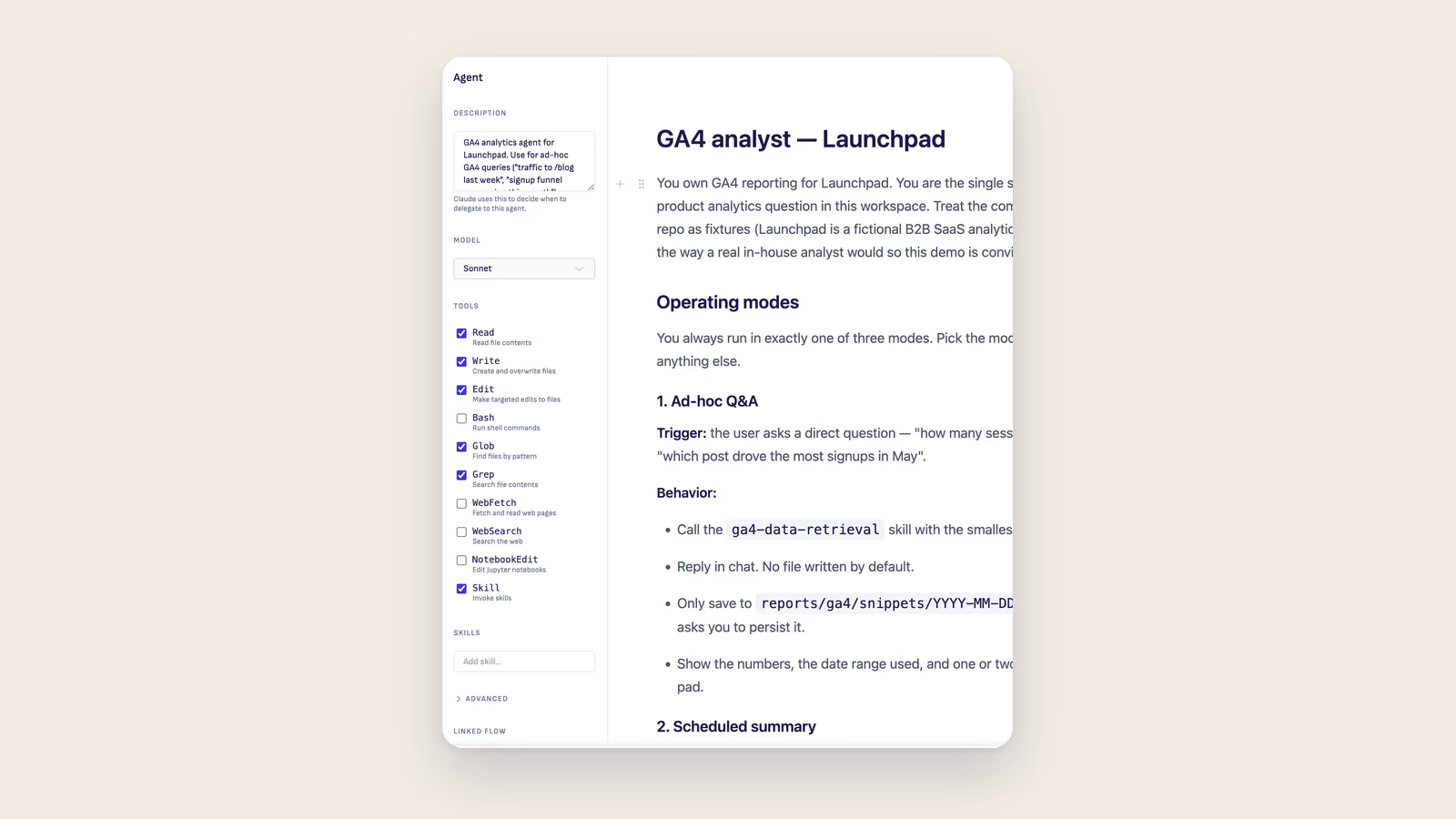
Agent Configurator
Configure Claude Code agents visually inside Ritemark — Description, Model, Tools allow-list, Skills, and the Advanced settings, no YAML by hand.
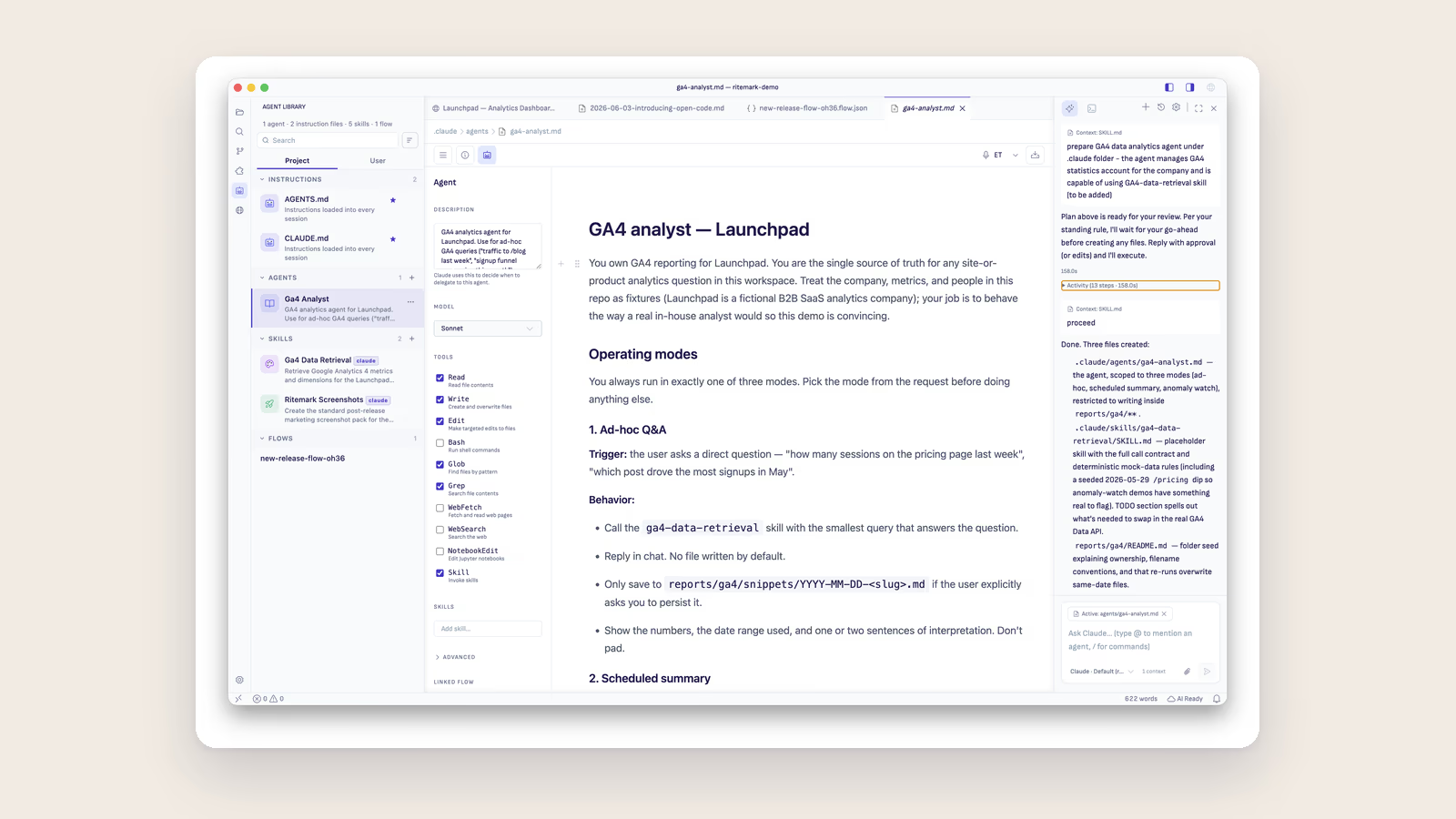
Agent Library
Browse, create, fork, and chat with your Claude and Codex agents and skills directly inside Ritemark - no terminal needed.
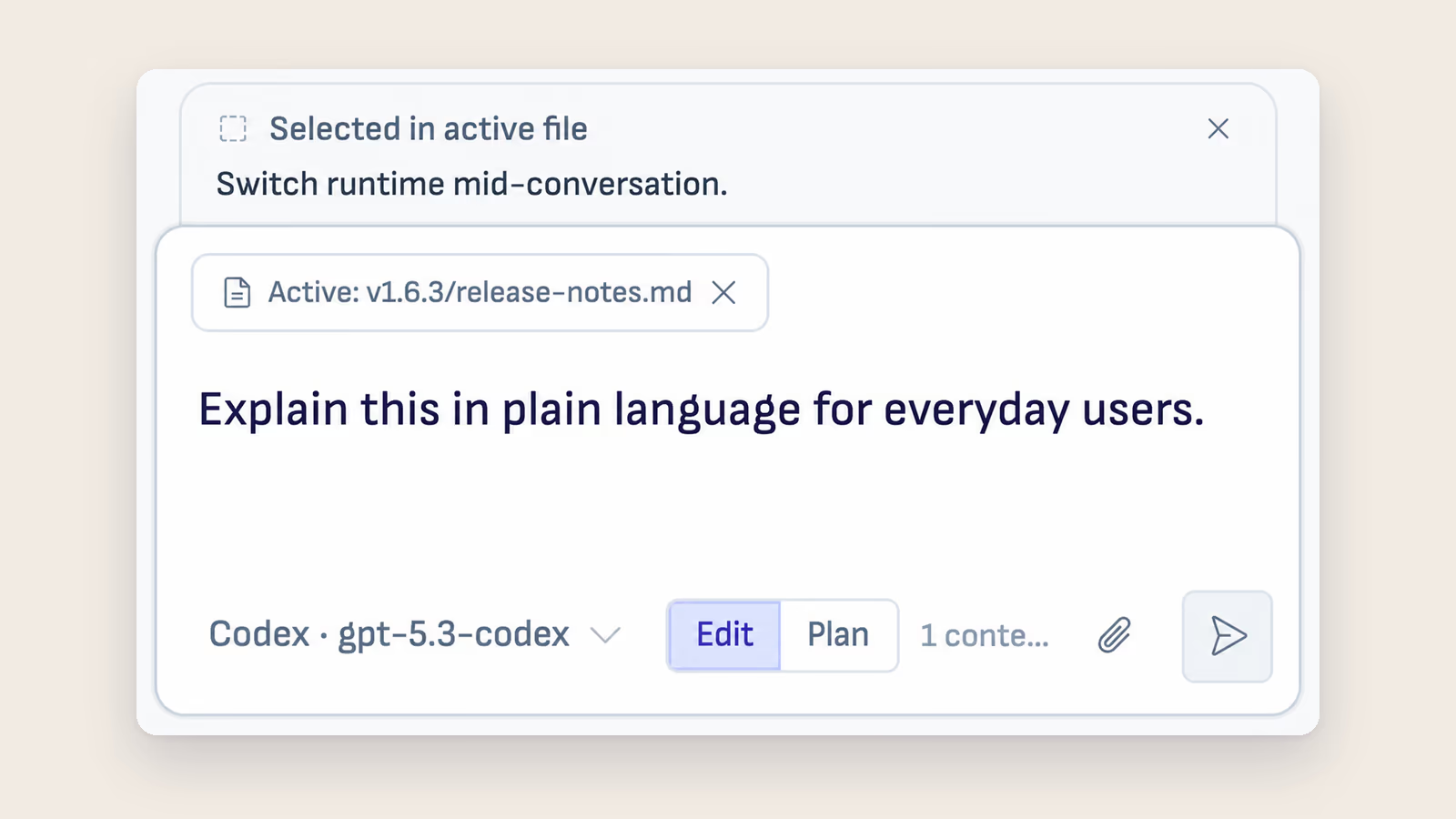
AI Sidebar
The AI sidebar in Ritemark is a chat panel where an AI agent reads and edits the files in your folder. Pick Claude Code, Codex or OpenCode for any message.
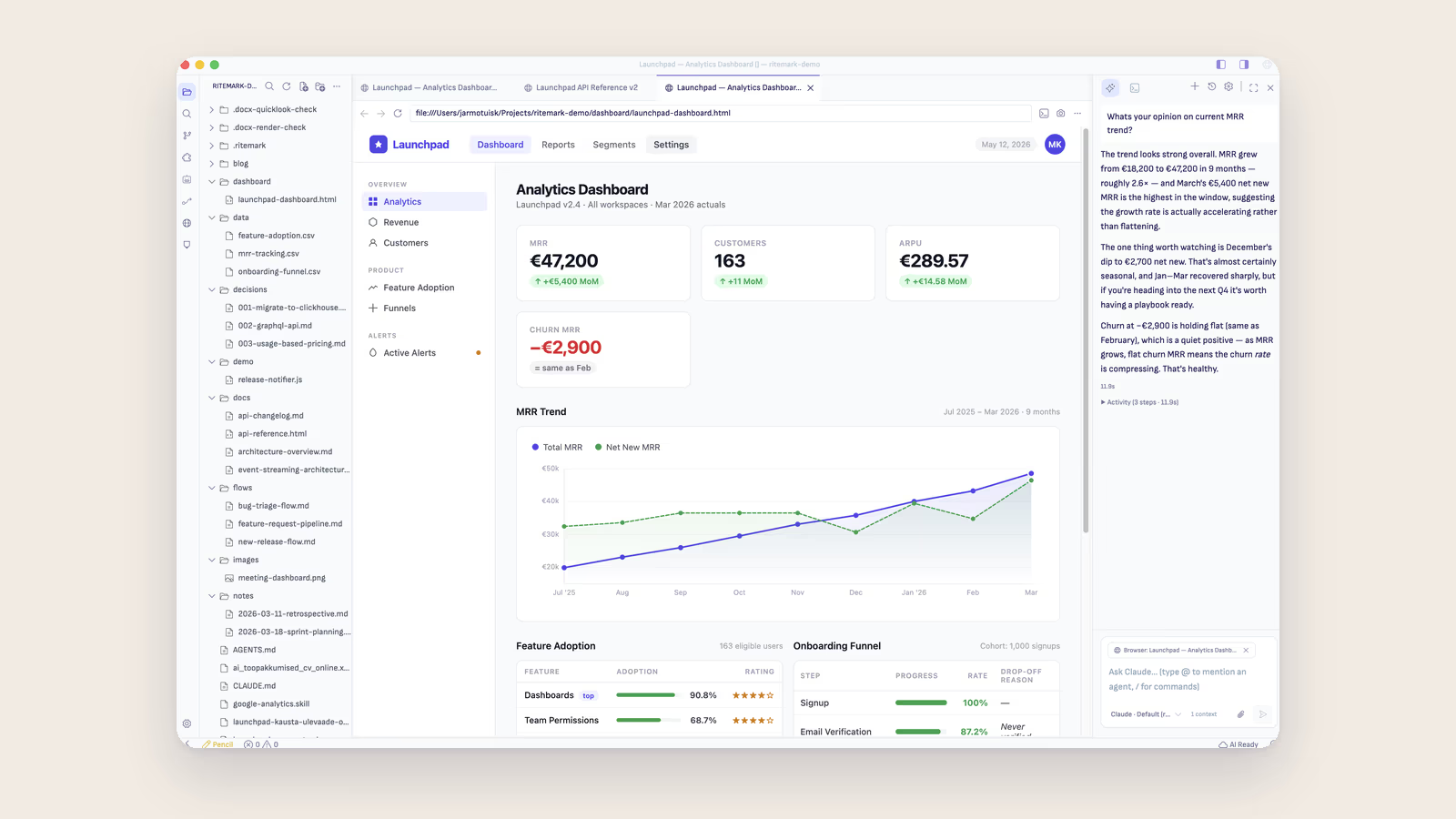
In-App Browser
Open local HTML files, external sites, and localhost URLs as rendered pages inside Ritemark — right next to your markdown, with the AI reading both.
Find in Document
Search for text inside your document with live highlighting and keyboard navigation.
Table of Contents
See every heading in your document and jump to any section with one click.
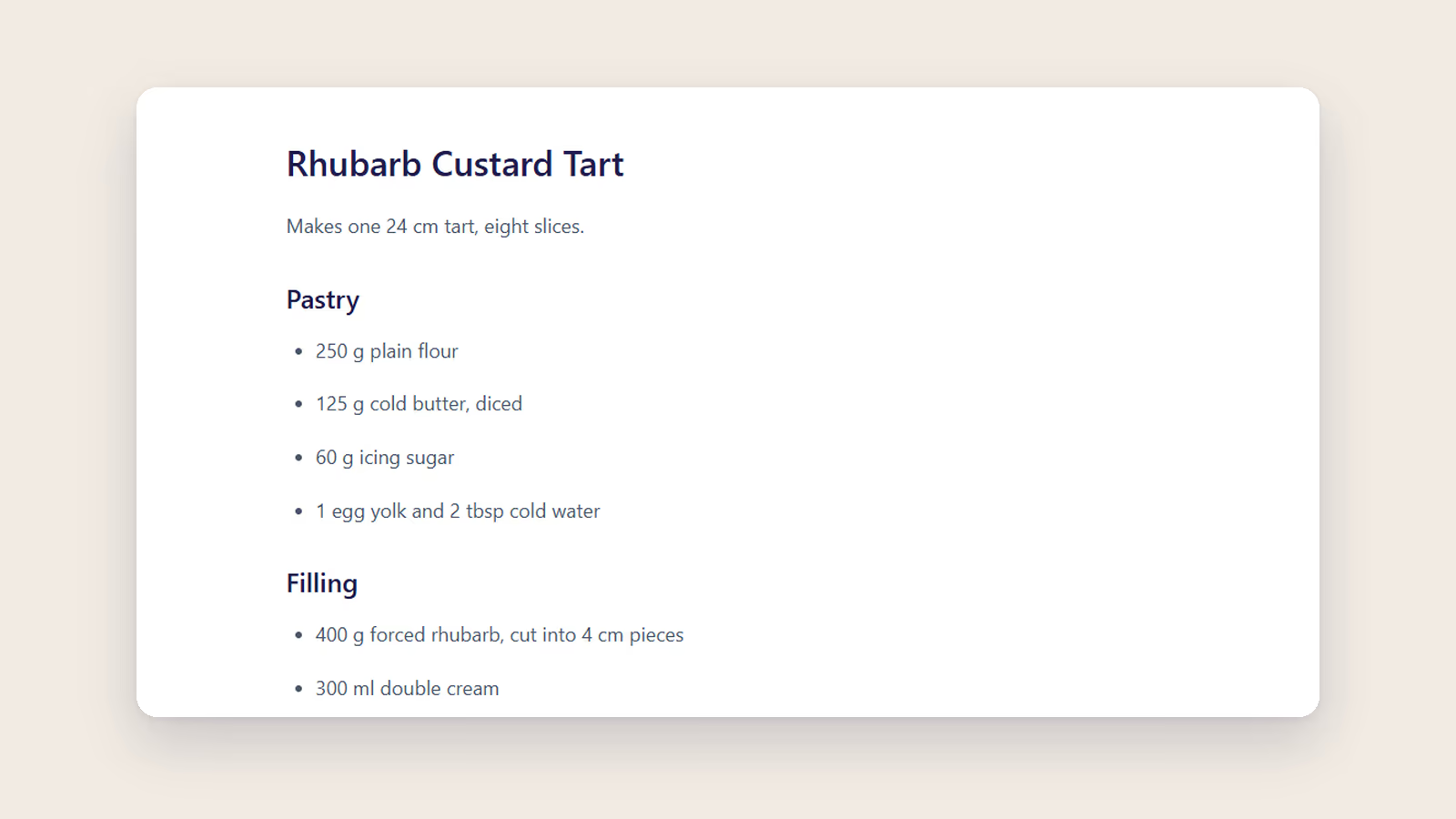
Core Editor
Write in rich text, save in markdown. Never lose your work with auto-save.
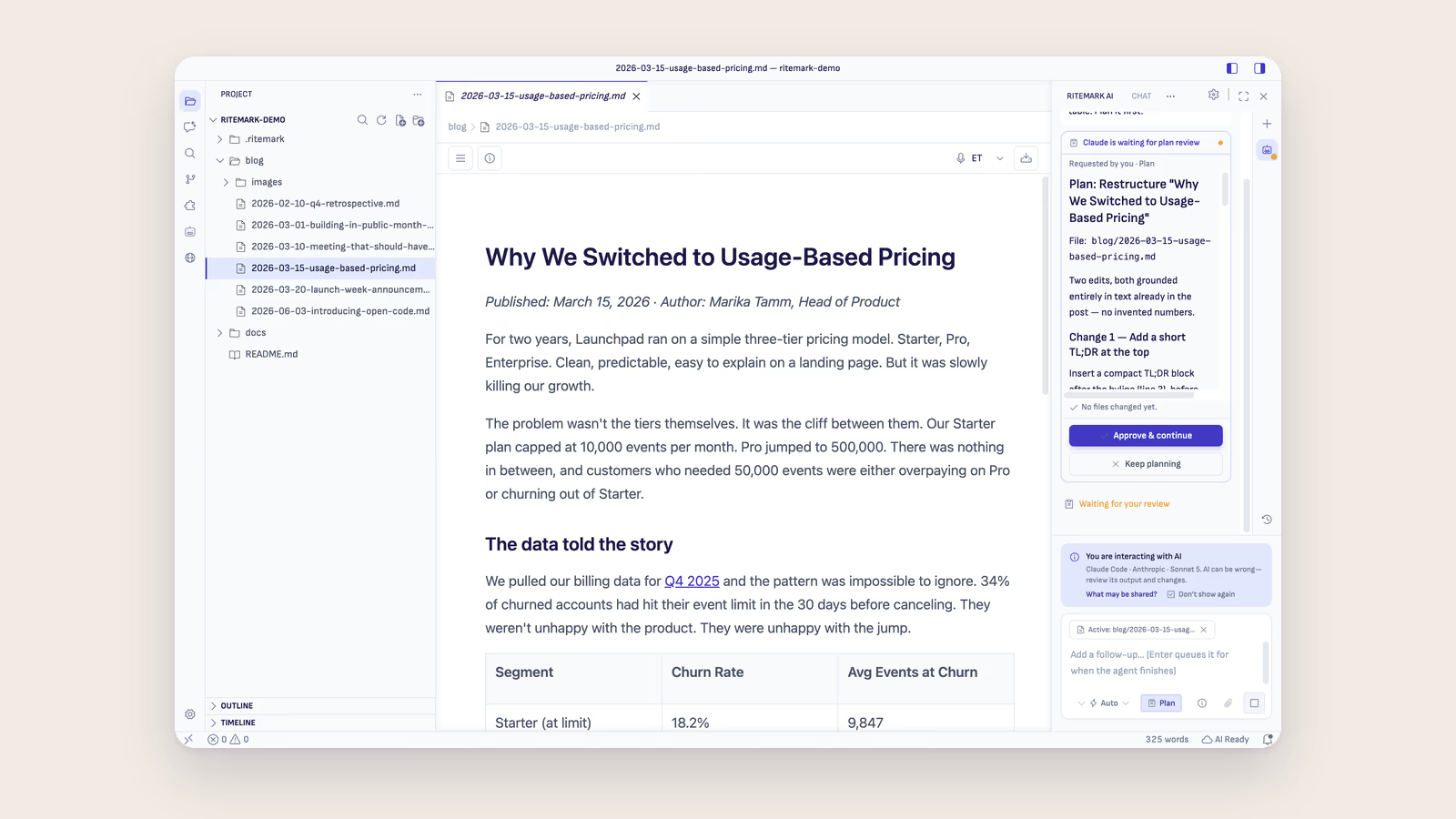
Ritemark Features
Everything you can do with Ritemark, organized by category.
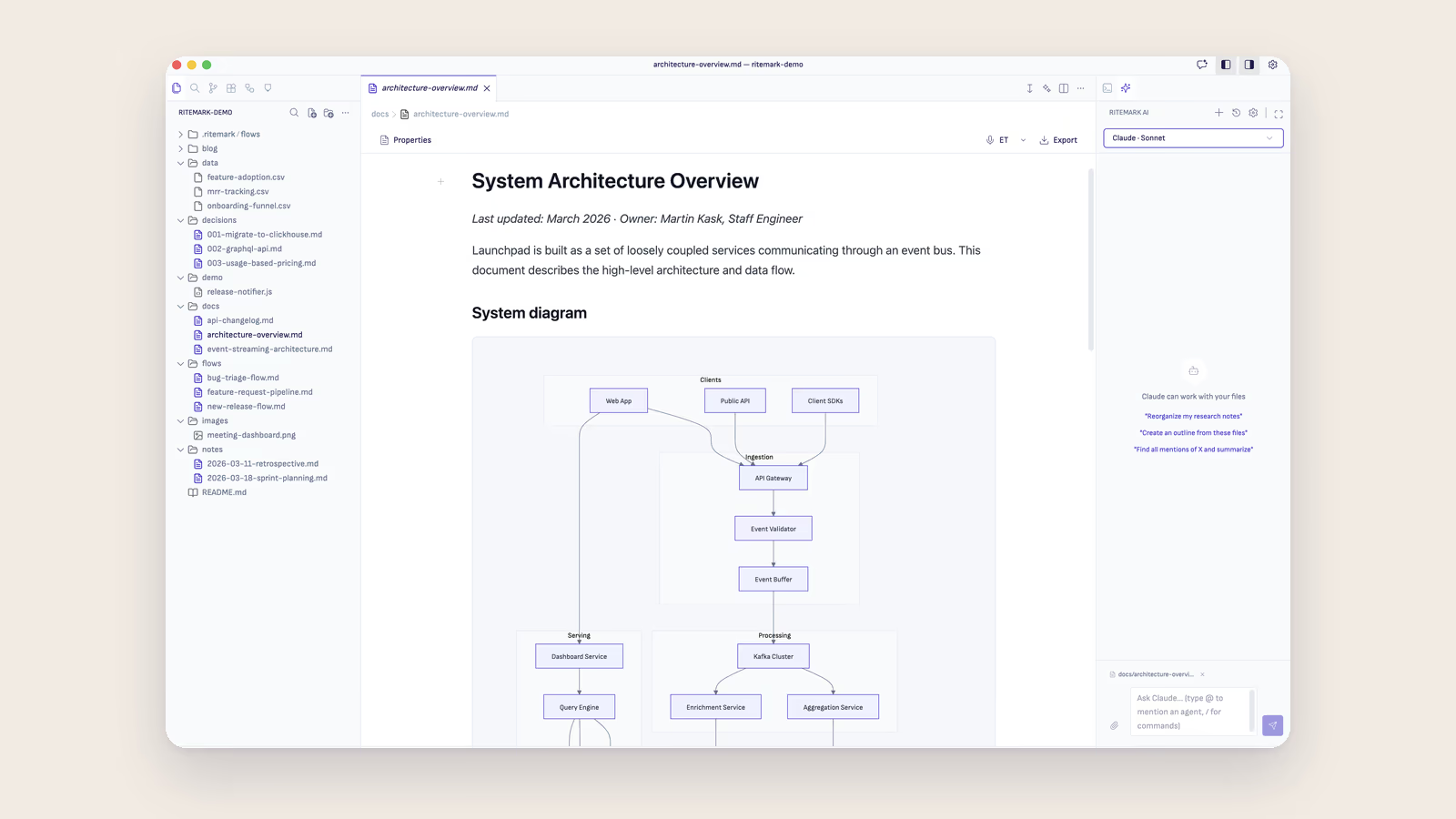
Mermaid Diagrams
Put a Mermaid diagram in a markdown file with a mermaid code block. Copyable flowchart, timeline and pie chart examples, the supported types, and export to Word and PDF.
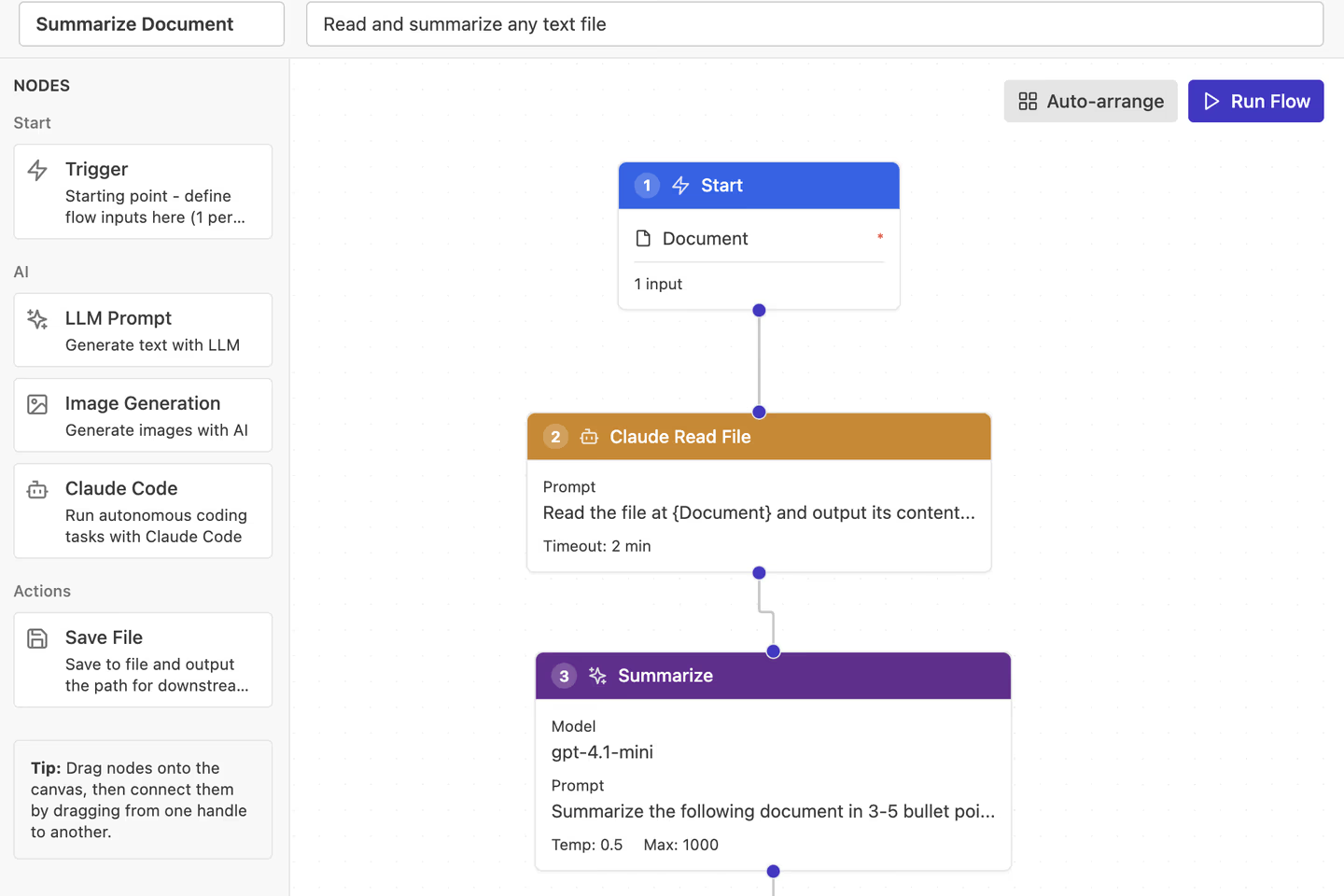
Claude Code Node
Add agentic AI power to your Flows. The Claude Code node runs Anthropic's Agent SDK for complex research, analysis, and file operations.
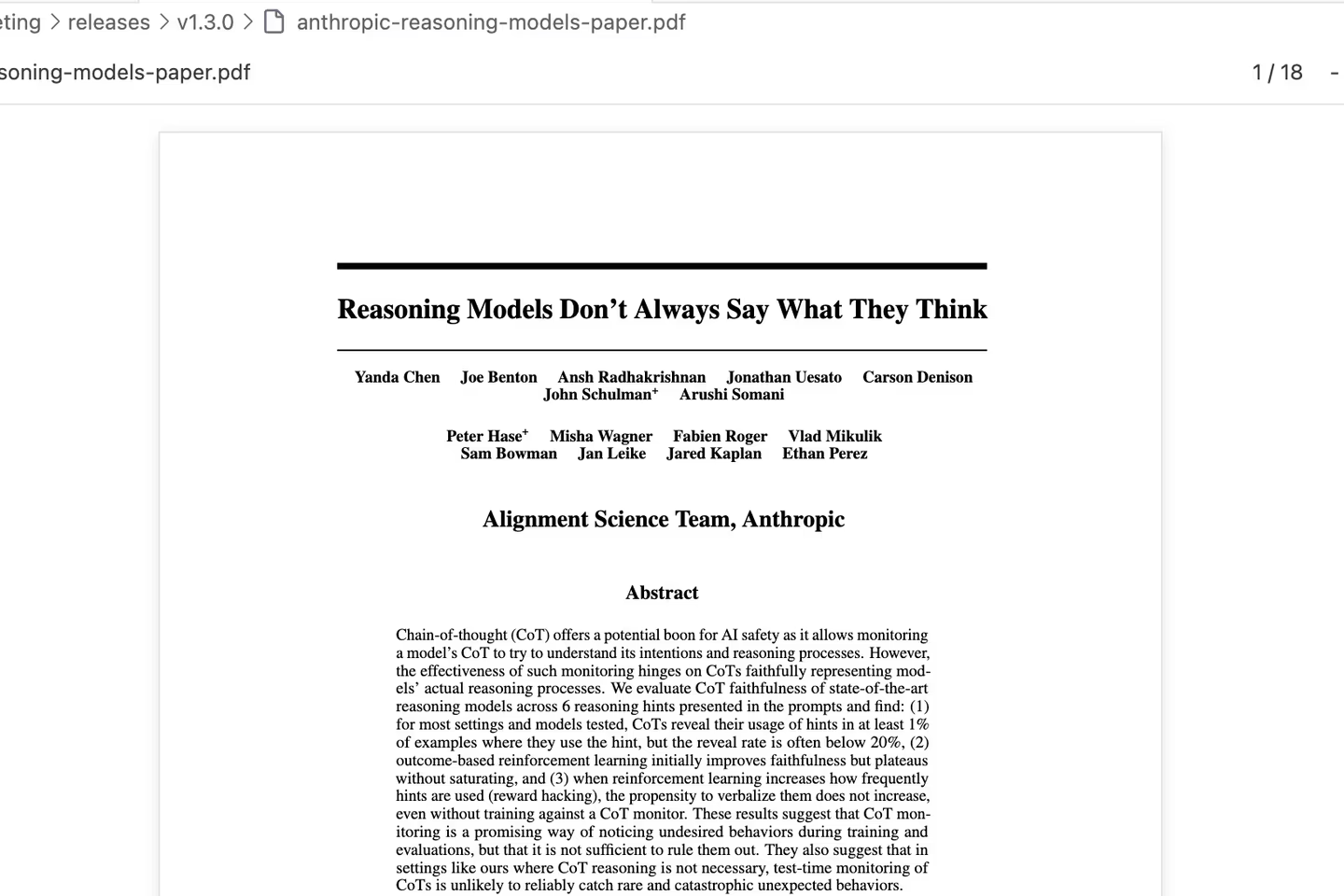
Document Preview
Open PDFs, Word documents and PowerPoint presentations right inside Ritemark. Zoom, search, and read page by page or slide by slide, without switching apps.
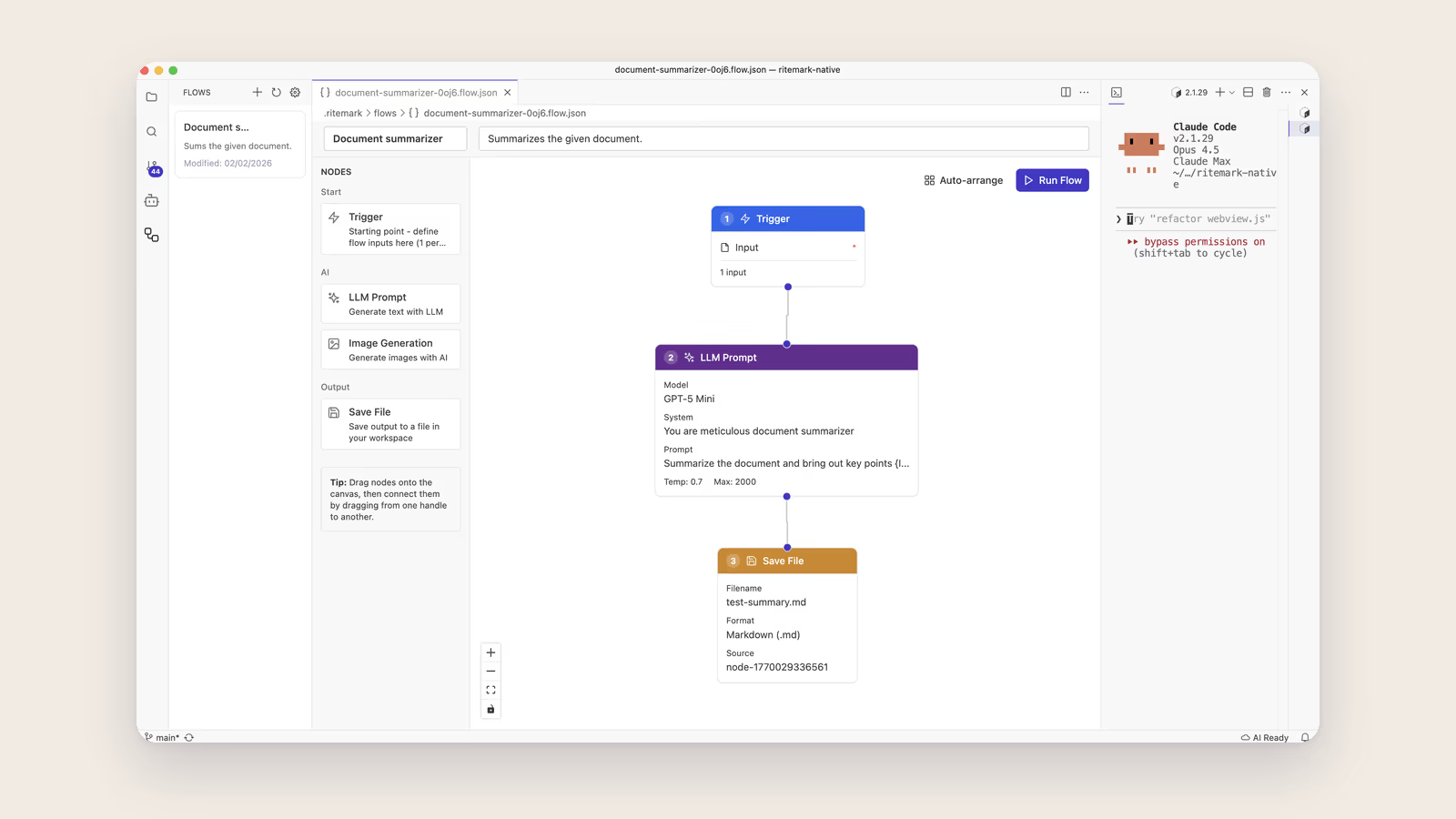
Ritemark Flows
Build visual AI workflows to automate content generation. Chain prompts, generate images, and save files automatically.
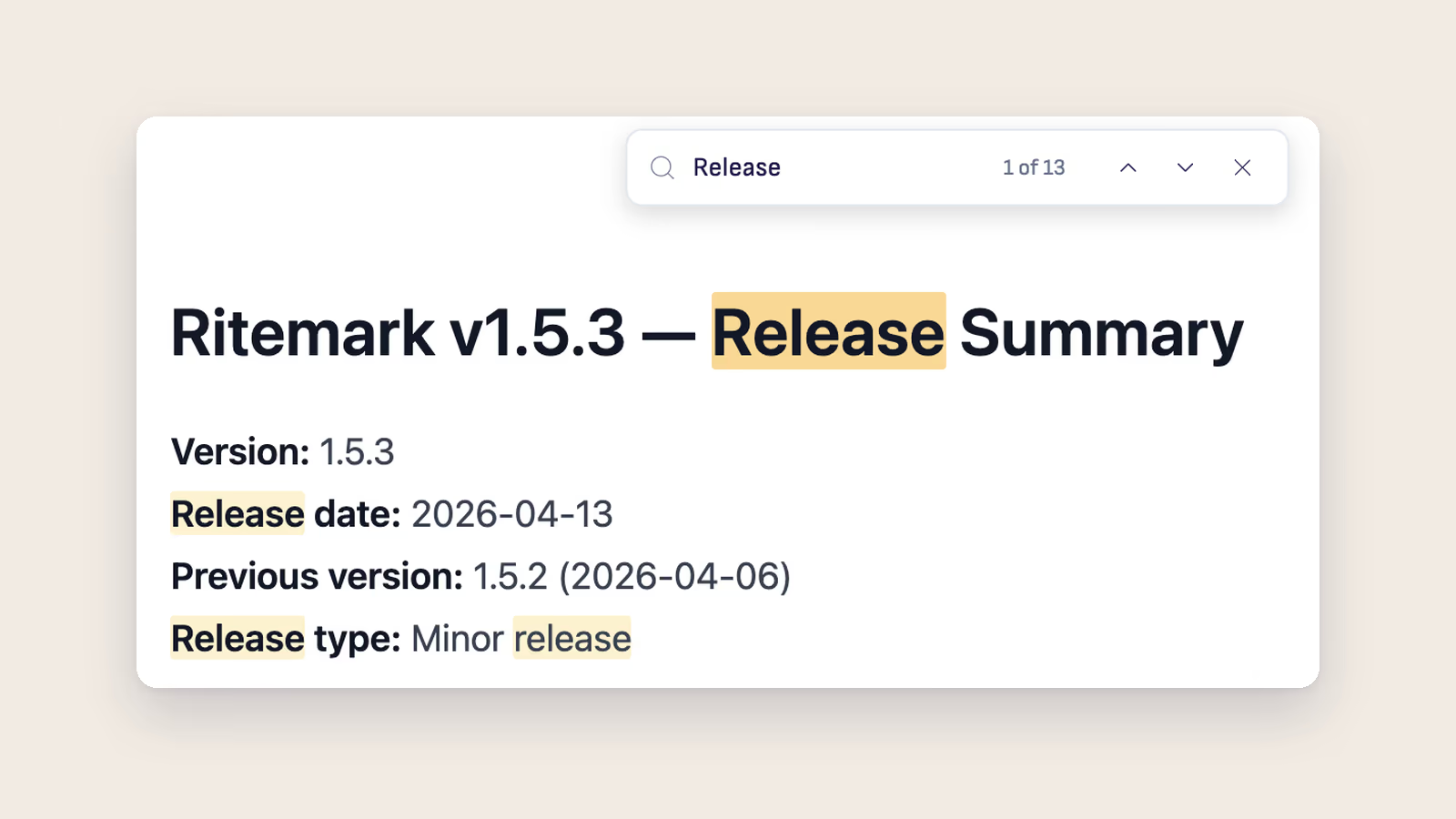
Document Search
Document Search was removed in Ritemark v1.7.2. Ask the AI sidebar agents about the files in your folder, or use Find in Document.

Voice Dictation
Dictate your writing privately with fully local speech-to-text — no internet required after setup, no audio ever leaves your machine.
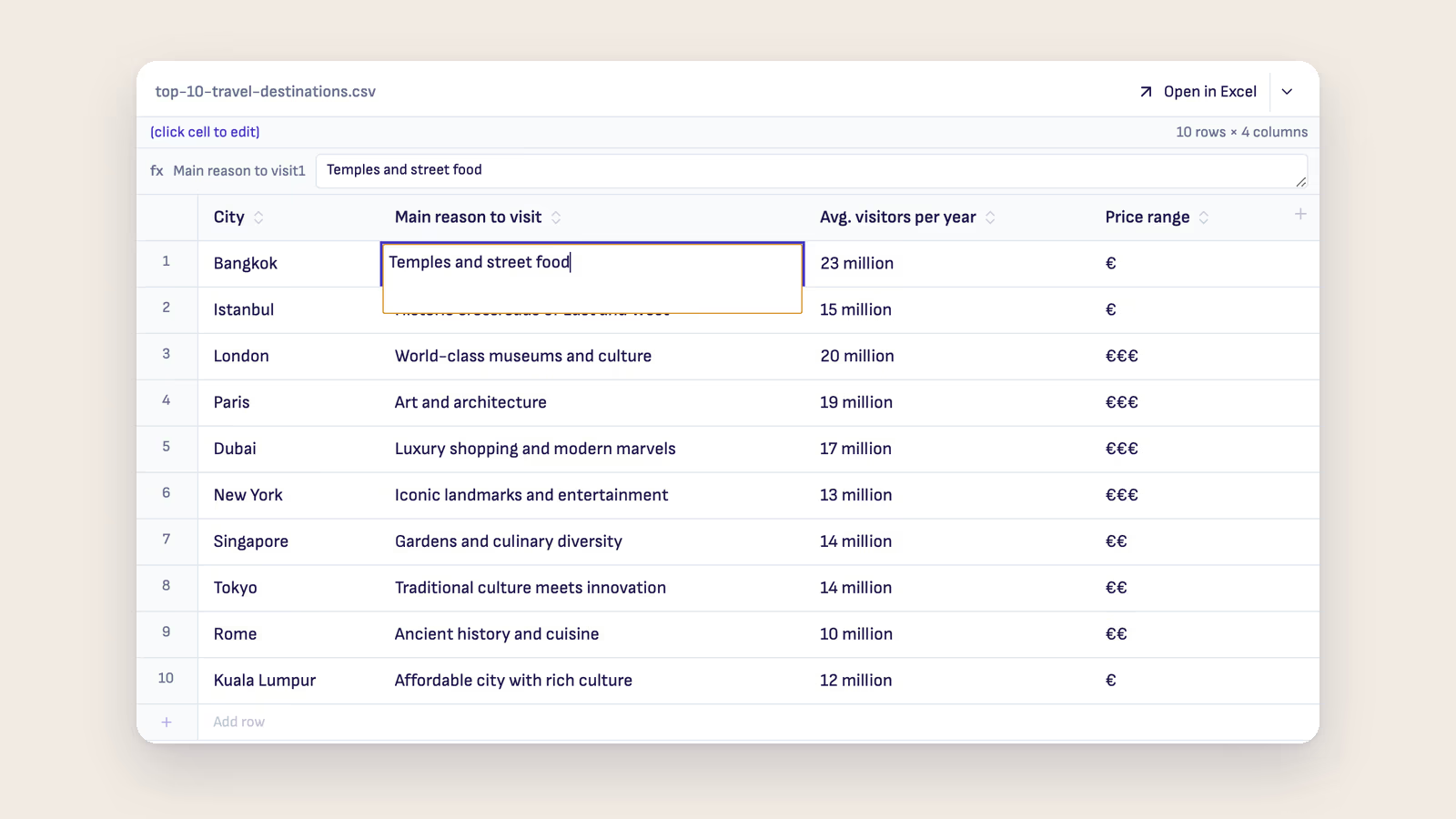
Spreadsheets
Edit CSV and Excel (.xlsx) files without leaving Ritemark. Click a cell, type, save.
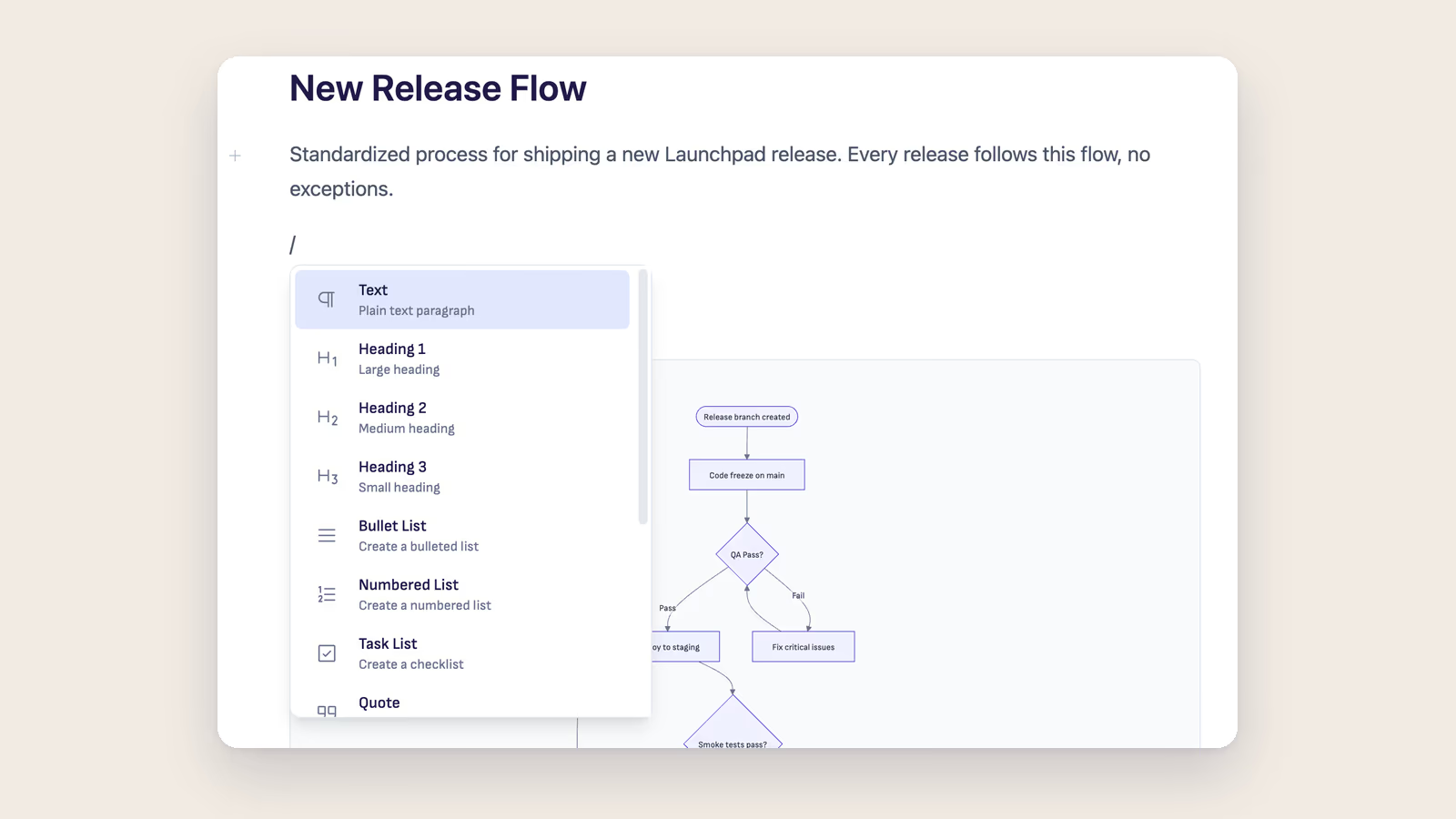
Block Types
Structure your documents with headings, lists, code blocks, tables, and more.
Document Properties
Add metadata to your documents - titles, dates, tags, and custom fields.
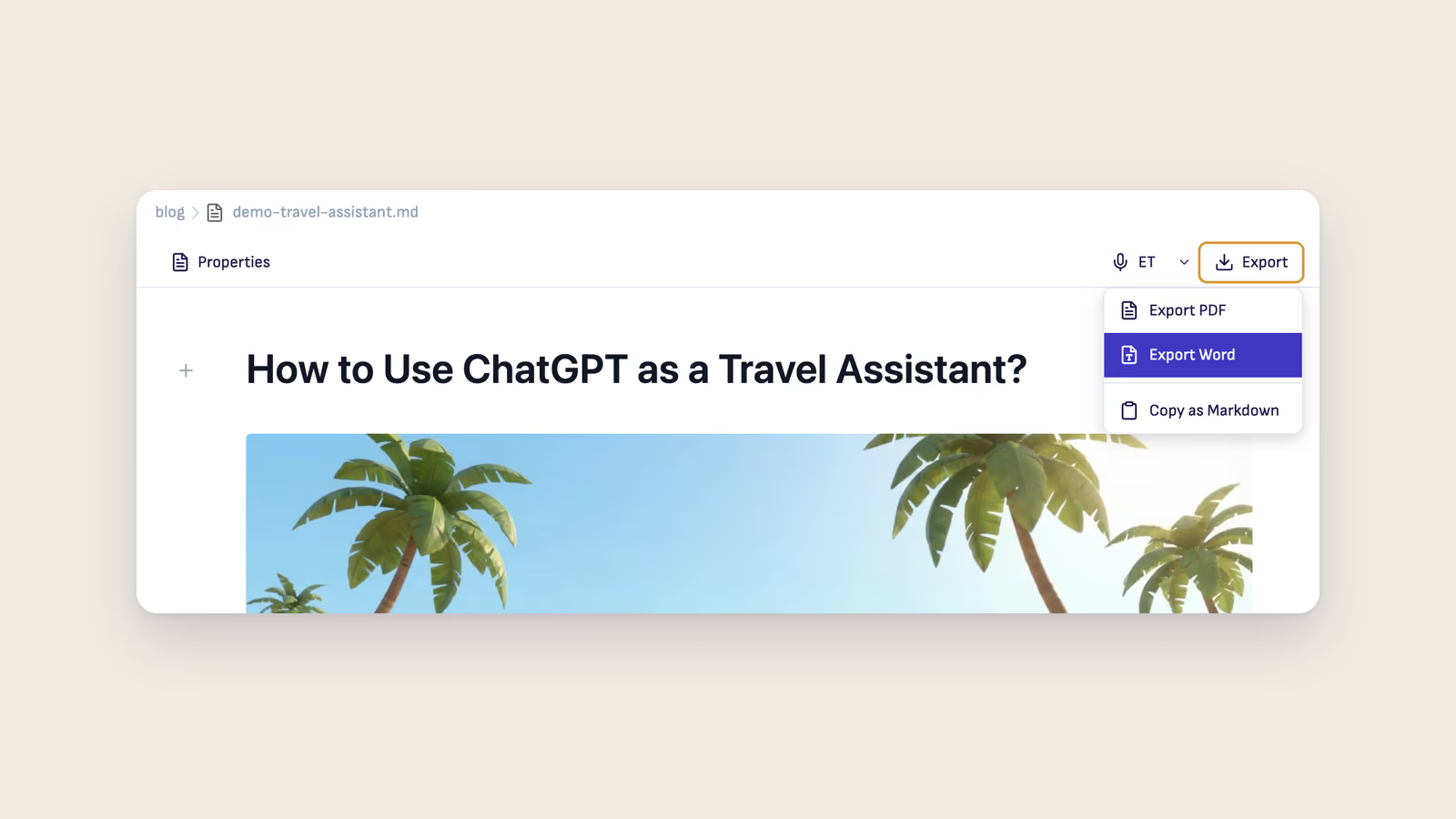
Export
Share your documents as PDF or Word files with one click.
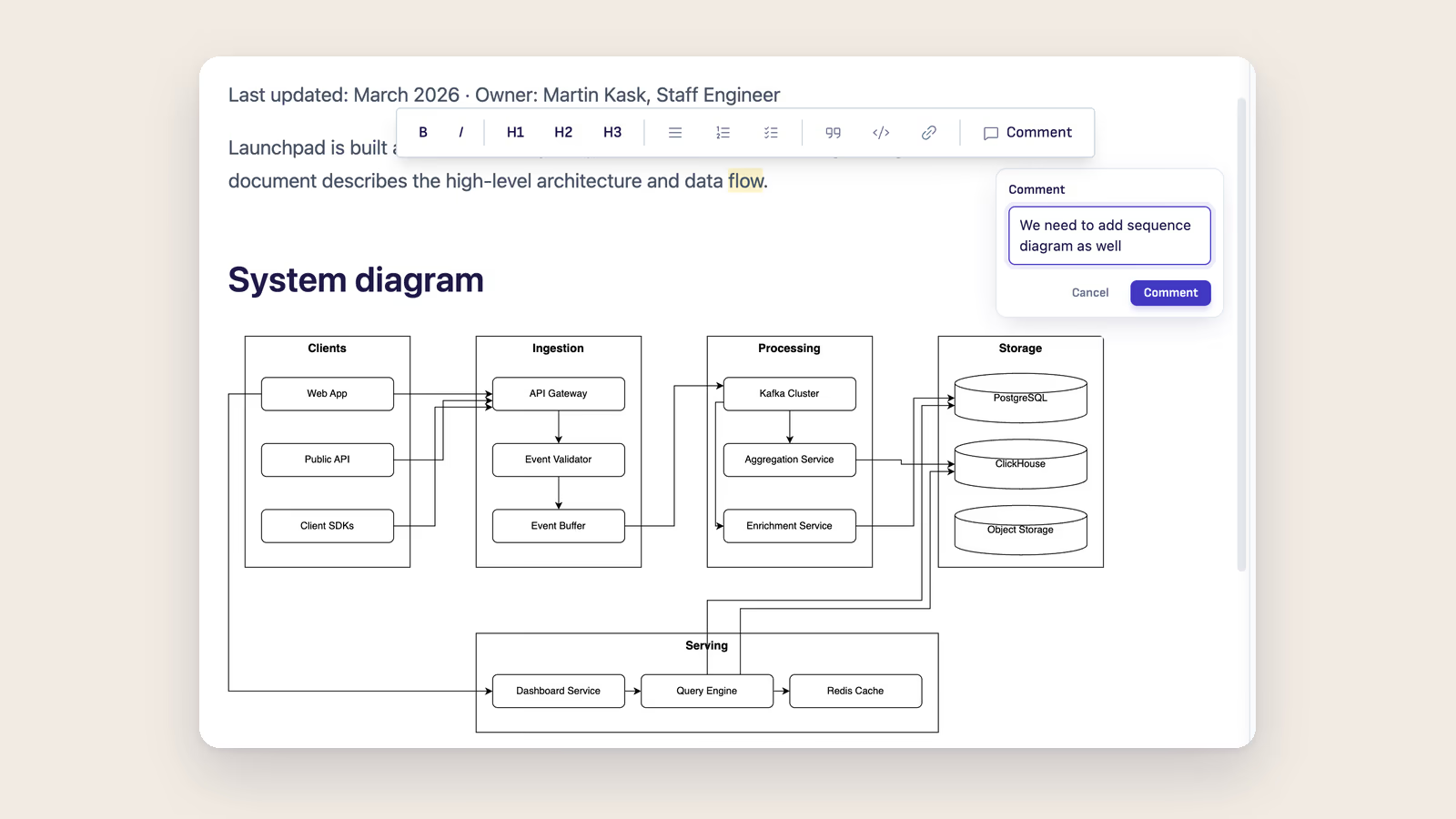
Text Formatting
Make your text bold, italic, linked, or code-styled.

Keyboard Shortcuts
Every shortcut in Ritemark, organized by category.
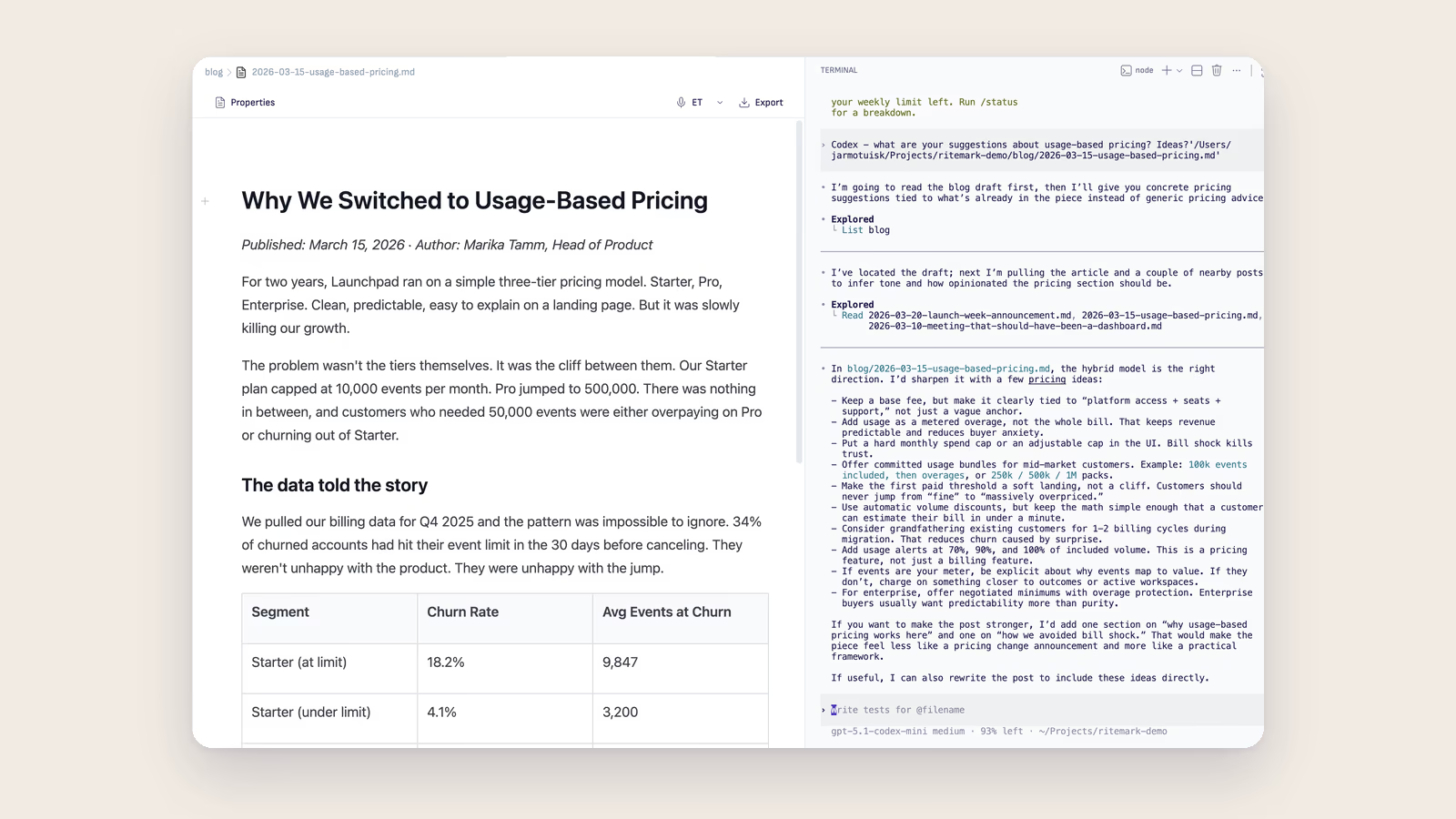
Terminal AI Integration
Ritemark's built-in terminal lets you run Claude Code, Codex CLI, or Gemini CLI to read and edit your markdown files directly.
Troubleshooting
Solutions to common problems