Guides
Step-by-step guides for using Ritemark
AI Information in Ritemark
See which AI runtime, provider, and model Ritemark uses, what context may be sent, how analytics works, why human review remains important, and how to report AI output.
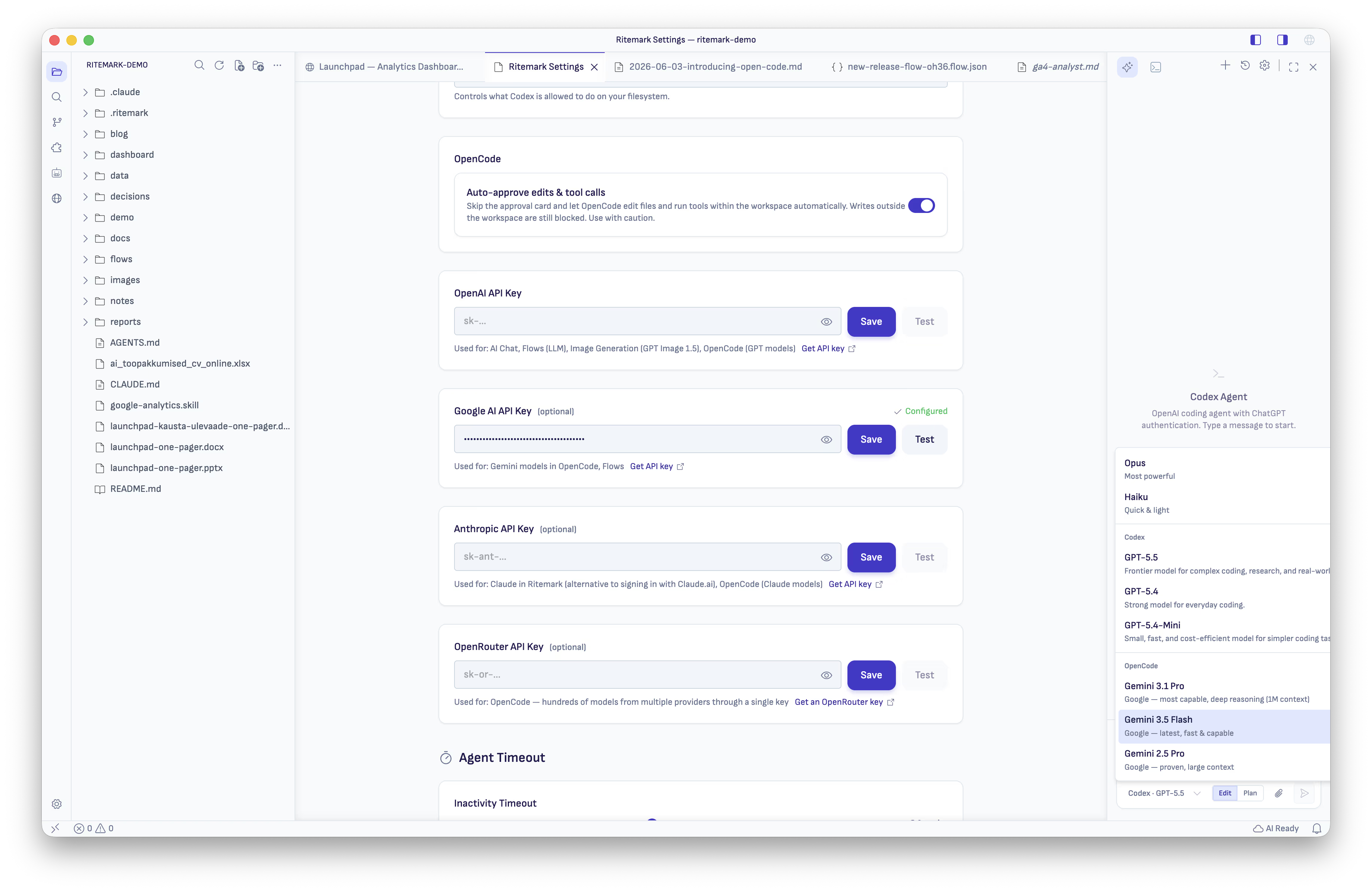
Set Up OpenCode (Bring Your Own Key)
Add OpenCode as a third AI runtime in Ritemark using your own API keys for OpenAI, Google AI, Anthropic, or OpenRouter, with no separate subscription required.
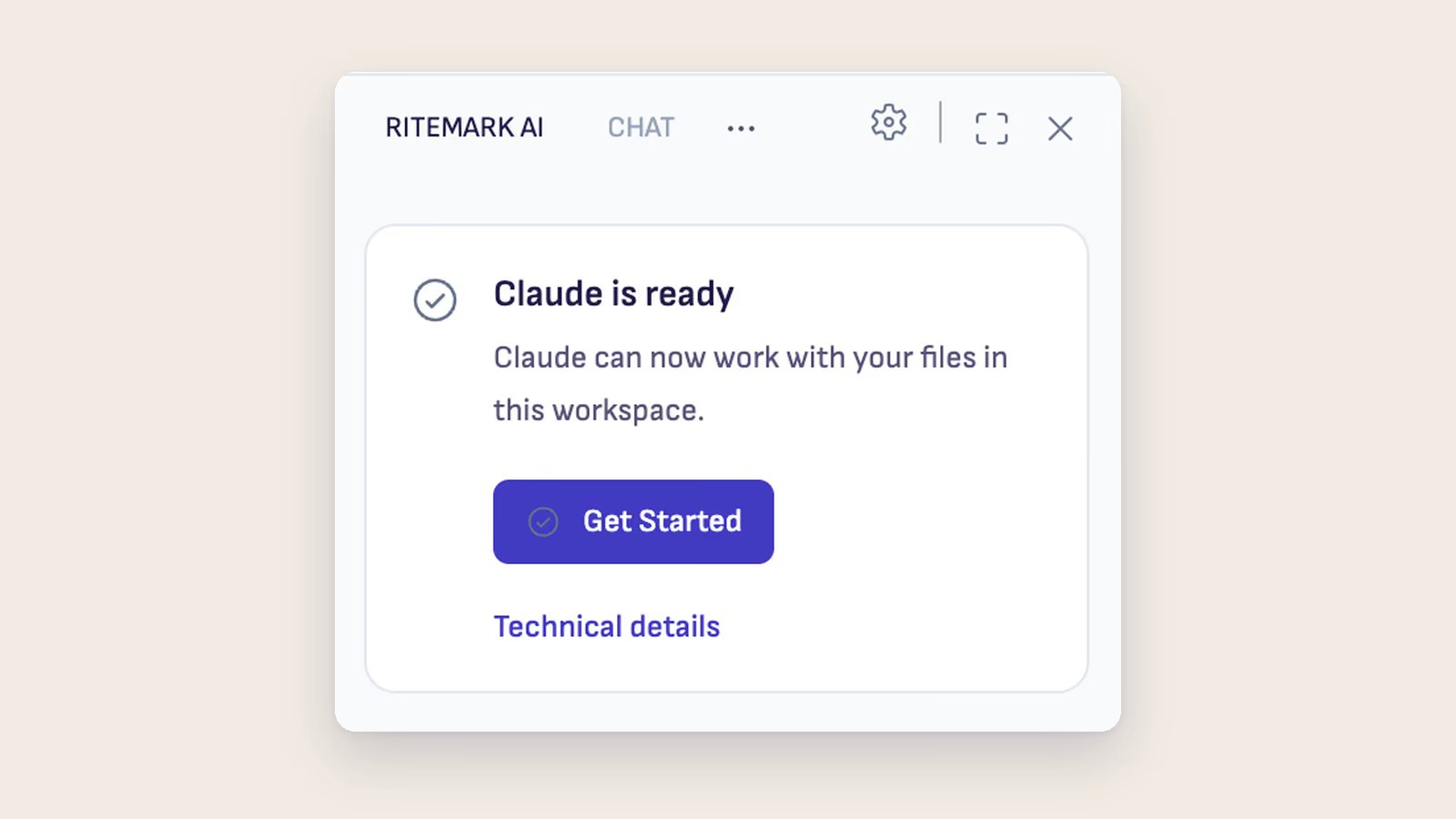
How to Set Up Claude Code in Ritemark
Set up Claude Code in Ritemark. It ships inside the app, so you only sign in with a paid Claude plan or an Anthropic API key. Step-by-step guide with examples.
How to Set Up Codex CLI in Ritemark
Set up OpenAI's Codex in Ritemark. It ships inside the app, so you only sign in with your ChatGPT account and use Codex as an AI writing agent directly from the sidebar.
Why Does Ritemark Use Terminal AI Agents?
Ritemark uses official CLI agents from Anthropic and OpenAI instead of building its own. Here is why that matters for privacy, quality, and cost.
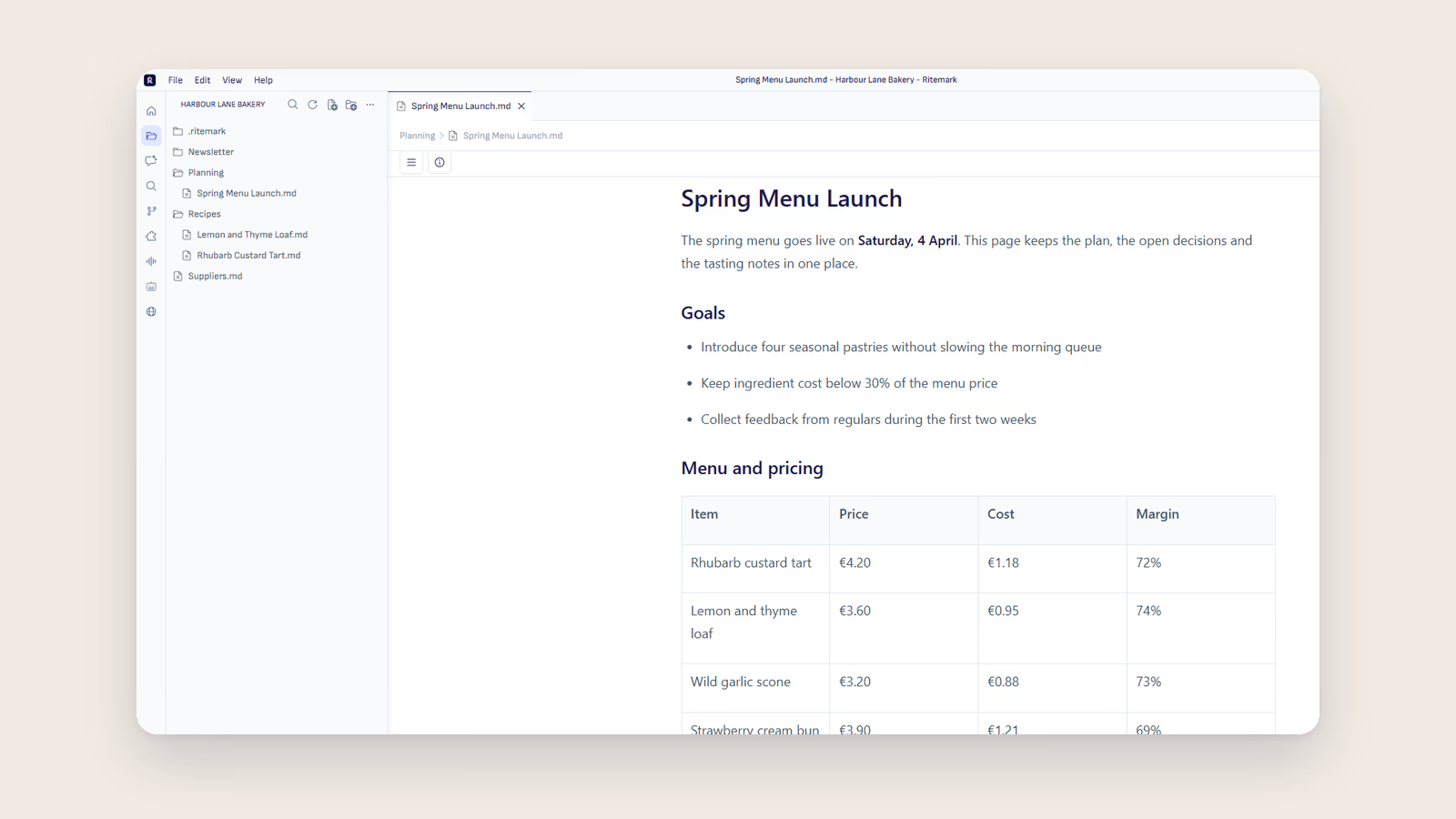
Getting Started
From download to your first document in 5 minutes. A quick guide to installing Ritemark and writing your first markdown file.
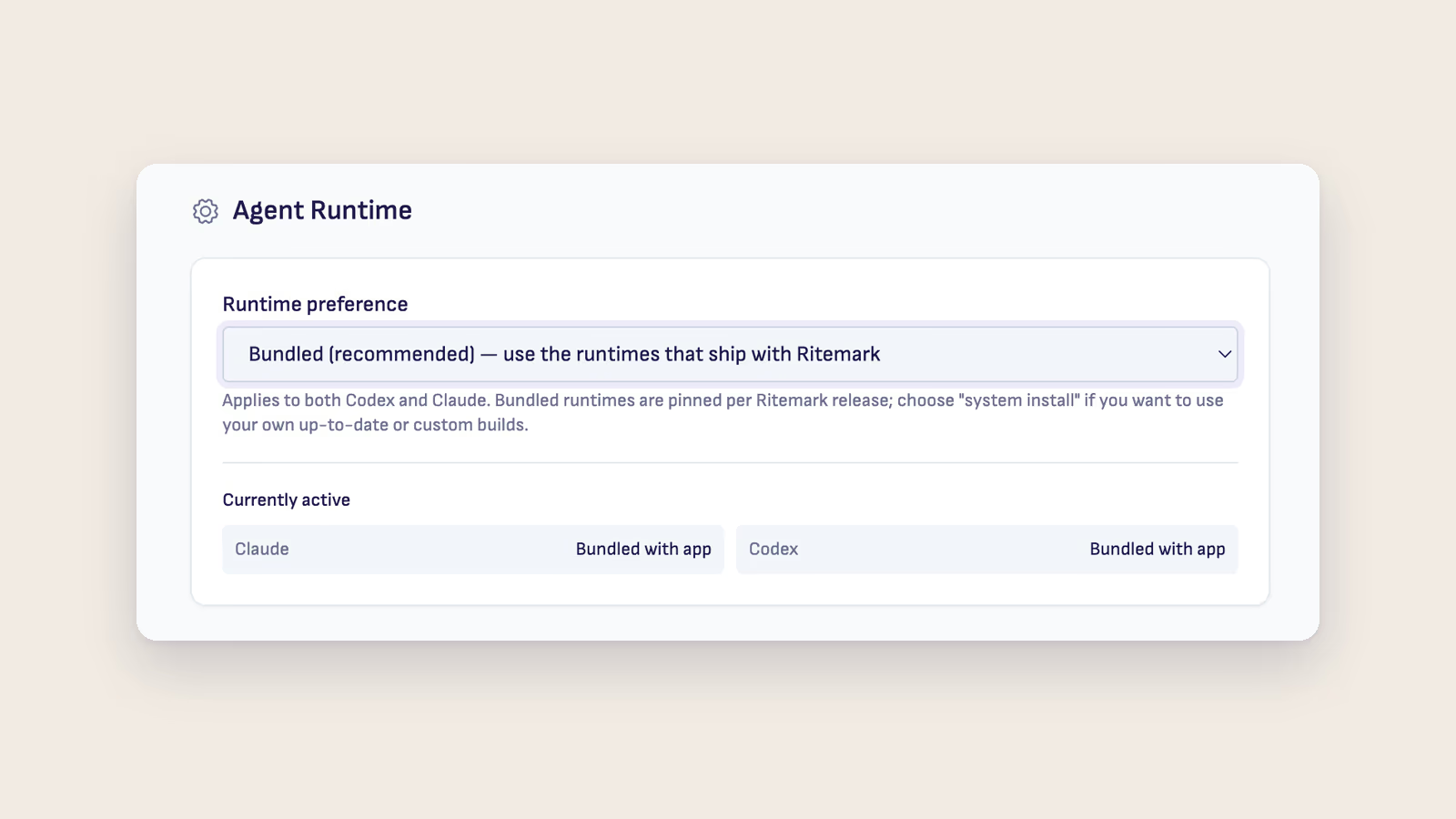
Set Up AI Assistant
Set up the AI sidebar: sign in to Claude Code or Codex, or add your own API keys for OpenCode. All three agents ship inside Ritemark.
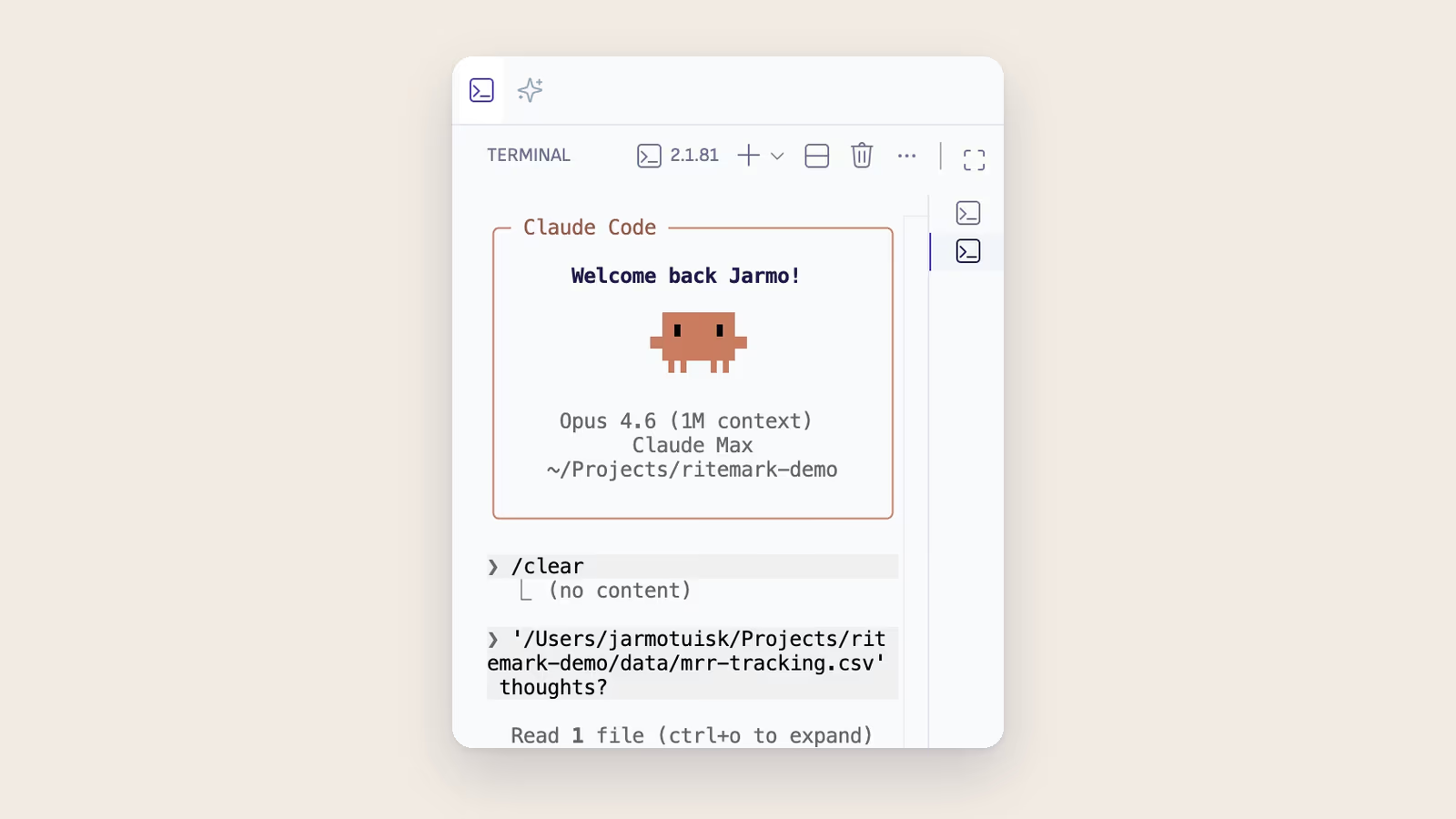
Set Up Terminal AI
Run command-line AI tools you install yourself in Ritemark's built-in terminal. Claude Code, Codex and OpenCode already ship in the AI sidebar with no install.