Document Search was removed in Ritemark v1.7.2. Here is what to use instead.
Document Search arrived in v1.1.0. It indexed the markdown files in a folder with your OpenAI API key and answered questions with source citations. It was removed in v1.7.2, together with its index and the built-in OpenAI assistant it ran on. There is no Re-index button any more, and Ritemark no longer builds a search index for your folder.
What to Use Instead
Ask an agent about your folder. Open the AI sidebar and ask Claude Code, Codex or OpenCode a question like "What did I write about client X?" or "Summarize my notes on the product launch." The agent reads the files in your folder to answer, and can tell you which file it found the answer in. Whatever the agent reads goes to the AI provider you picked. See AI Sidebar.
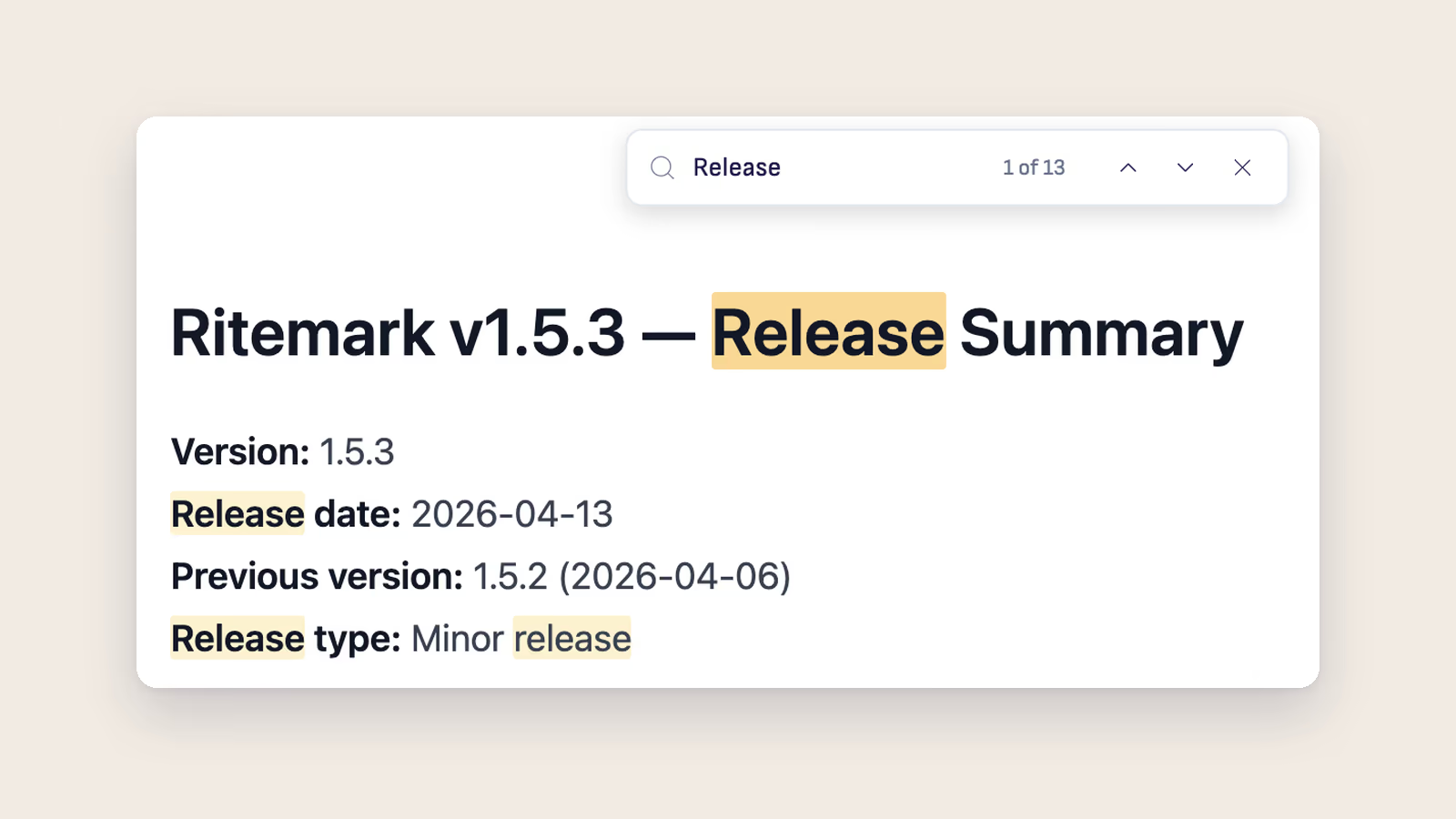
Find text in the open document. Press Cmd+F (Ctrl+F on Windows) to search inside the document you are editing, with live highlights and a match count. See Find in Document.
Related
- AI Sidebar - Chat with Claude Code, Codex or OpenCode about your files
- Find in Document - Search inside the open document
- Set Up AI - Sign in to an agent or add your own API keys