Video tutorials
Short films that show one task each in the real Ritemark app, step by step.
Each film is under two minutes. The guide next to it has the same steps in writing.
 1:25
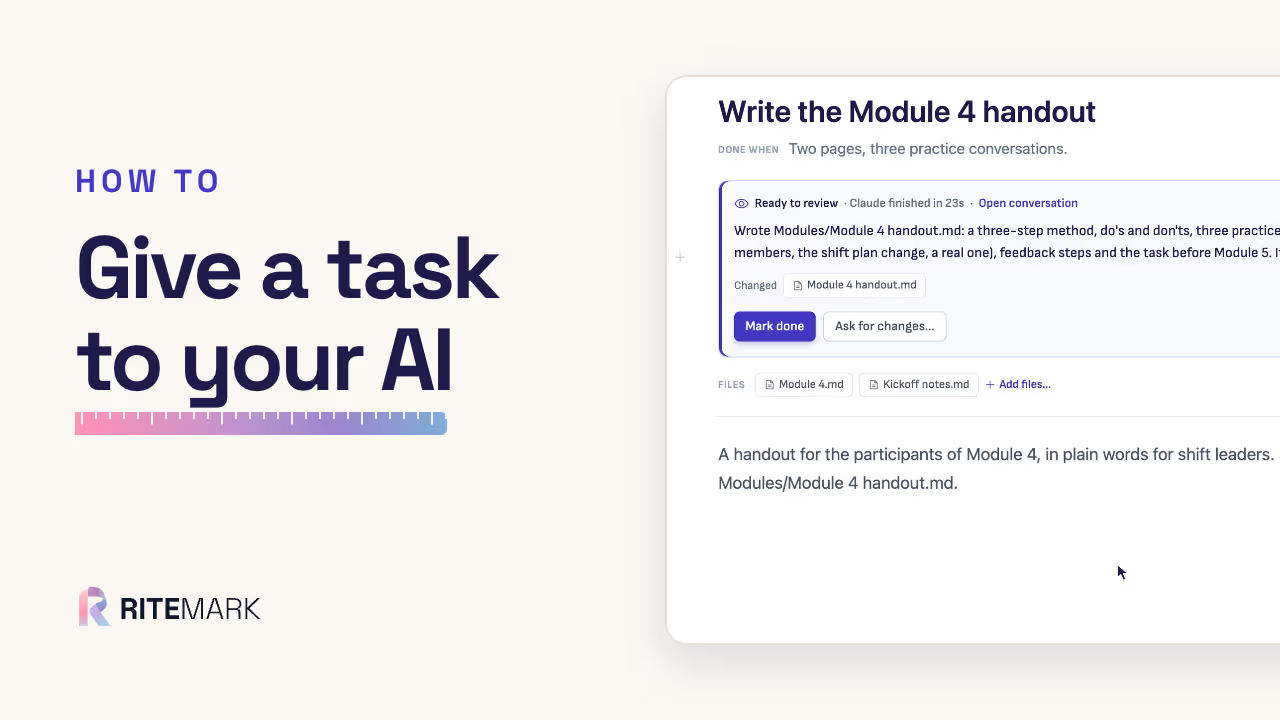
How to give a task to your AI: the task board in Ritemark
A trainer gives the first draft of a handout to Claude as a task, keeps working on their own page, then reads what Claude did and marks it done.
The steps
- Click Tasks, then New task, and type the title.
- Open the task and write what you want.
- Add a "Done when" line, and list the files it should read.
- Press Give to Claude, or pick another agent.
- When it says Ready to review, read what it did, then Mark done or Ask for changes.
In the film
- 0:00My course folder
- 0:19A new task, when it’s done, and the files to read
- 0:39Give it to Claude, then review
- 0:58Mark done, and where tasks are saved
- 1:10One tip
 1:30
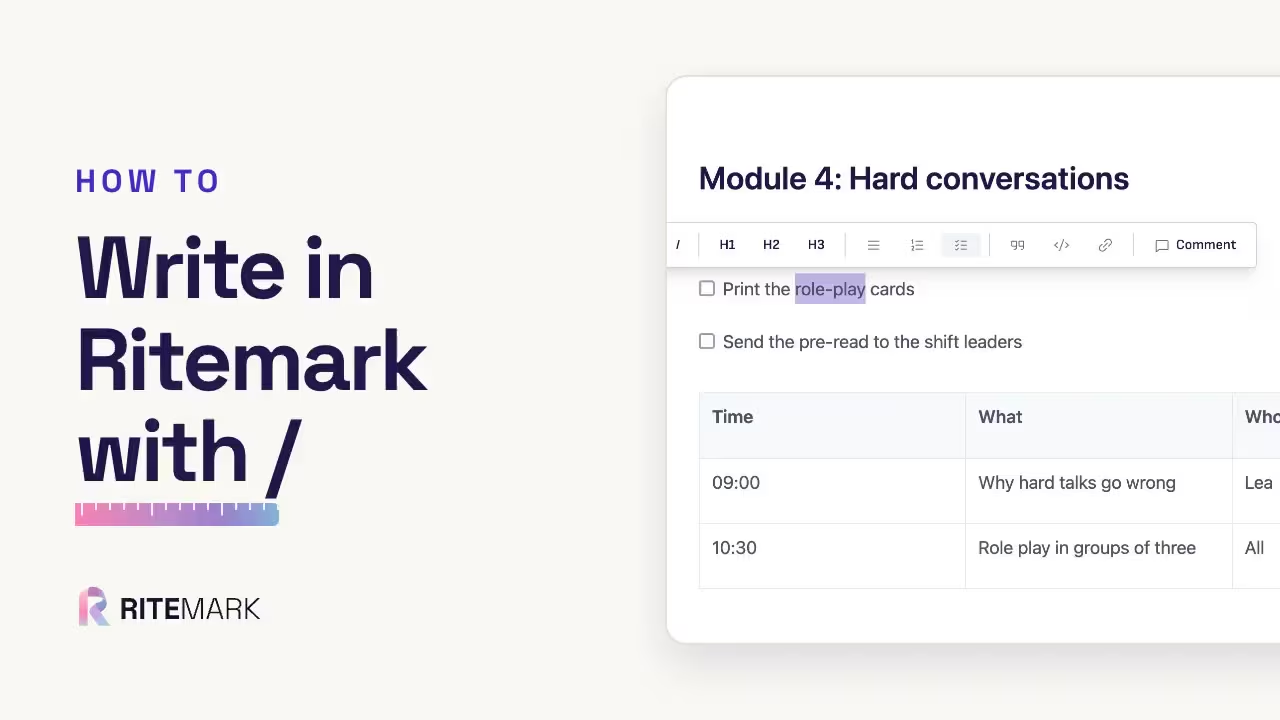
How to write in Ritemark: headings, checklists and tables with the / menu
A trainer writes the plan for a course module: a heading, a checklist and a table from the / menu, and a word made bold, without typing any markdown.
The steps
- New, then Text.
- Type / and pick Heading.
- / task for a checklist; tick what is done.
- / table for a table; Tab moves to the next cell.
- Select a word for bold, a link or a comment.
In the film
- 0:00My course folder
- 0:26A new page and a heading
- 0:41A checklist
- 0:49A table
- 0:55Bold, links and comments
- 1:04It saves by itself
 0:59
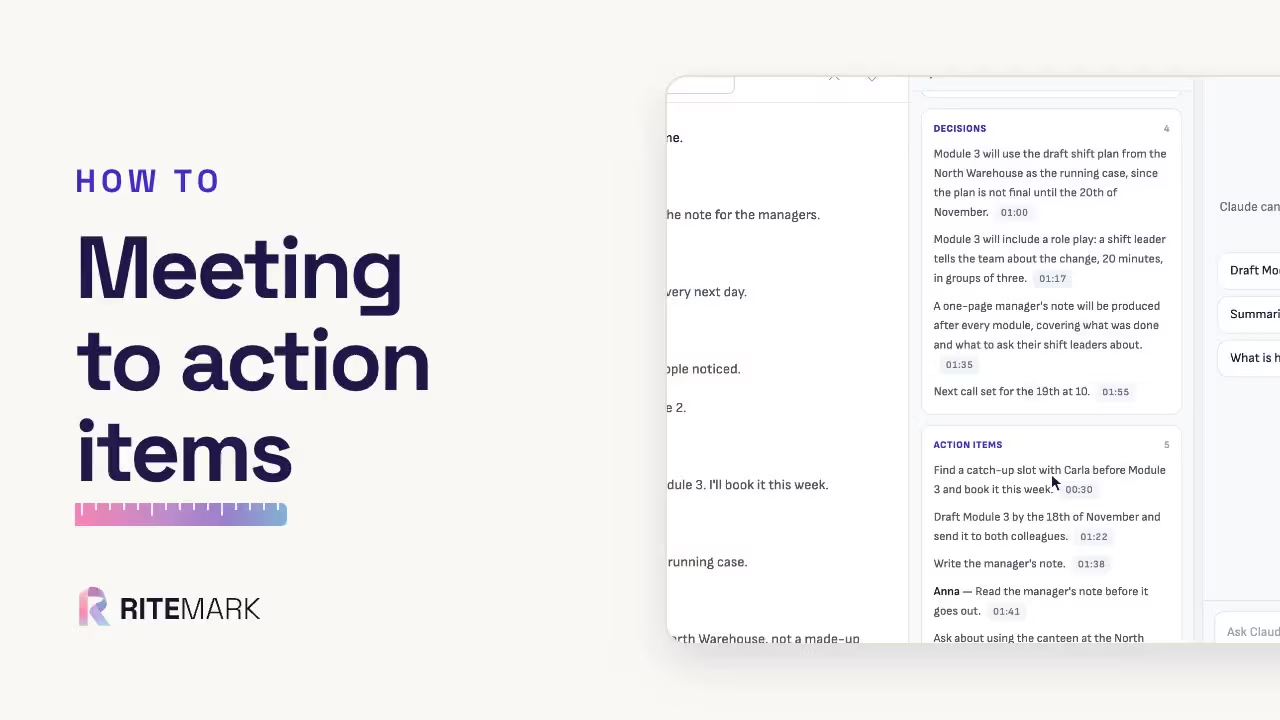
How to transcribe a meeting and get the action items
A recorded meeting becomes a transcript on your computer, then a summary with the decisions, action items and open questions, each linked to the moment it was said.
The steps
- Put the recording in the client’s folder, or press Record.
- Click it, and click Transcribe.
- Click Generate insights.
- Click a time to check it.
- Save it as a document in the folder.
In the film
- 0:00What you get
- 0:12Put the recording in the folder, and transcribe it
- 0:25Get the insights, and check them
- 0:36Save it in the client’s folder
 1:30
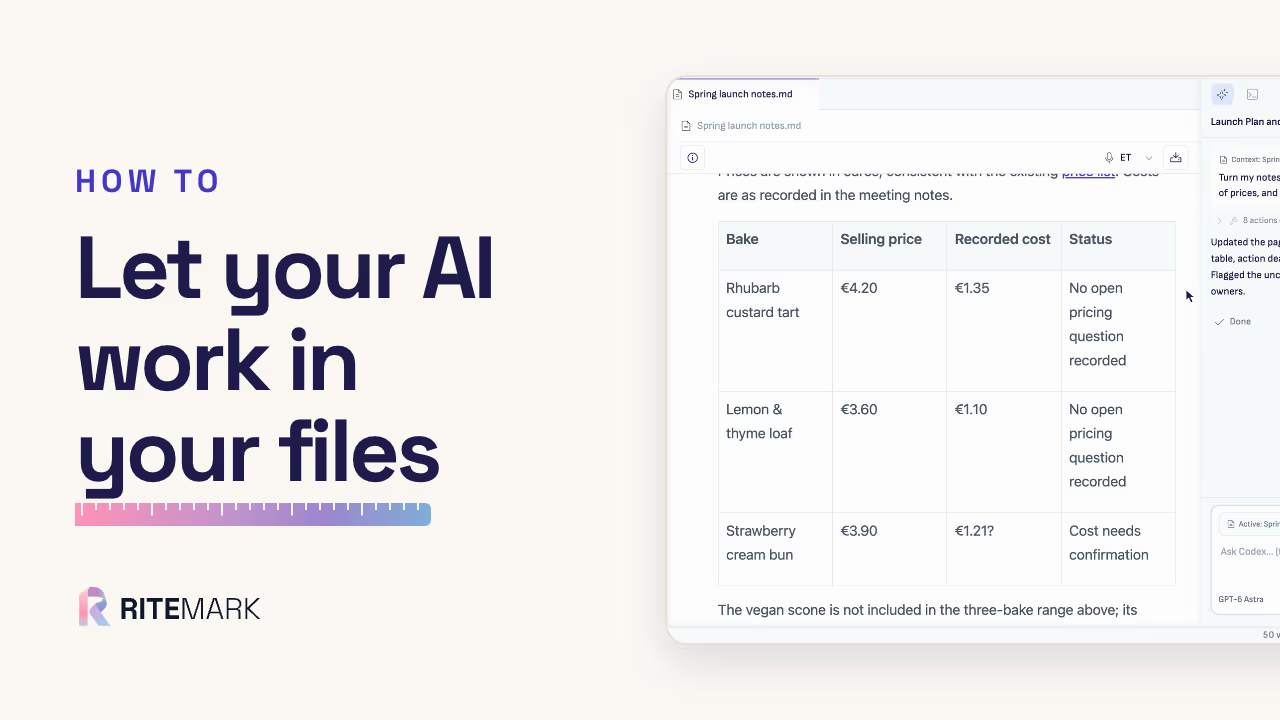
How to let your AI work in your files, with your ChatGPT account
The first request in a folder: messy meeting notes become a launch plan with a table of prices, written into the same page. Nothing is copied, and nothing is pasted.
The steps
- Open your folder.
- Open a page.
- Ask in plain words.
- Watch it work.
- Read what it did.
In the film
- 0:00What you get
- 0:15Open your folder, then a page
- 0:28Ask in plain words
- 0:42Watch it work, and read what it did
- 1:02Good to know