Technical writers
Docs in the filesyour site builds from.
Markdown in the repository, diagrams in the same file, and an agent that edits the document rather than answering about it.
Free and open source. Built on VS Code OSS, so the file tree and keyboard feel familiar.

Diagrams live next to the prose.
Mermaid and draw.io inside the same file, and in your PDF and Word exports.

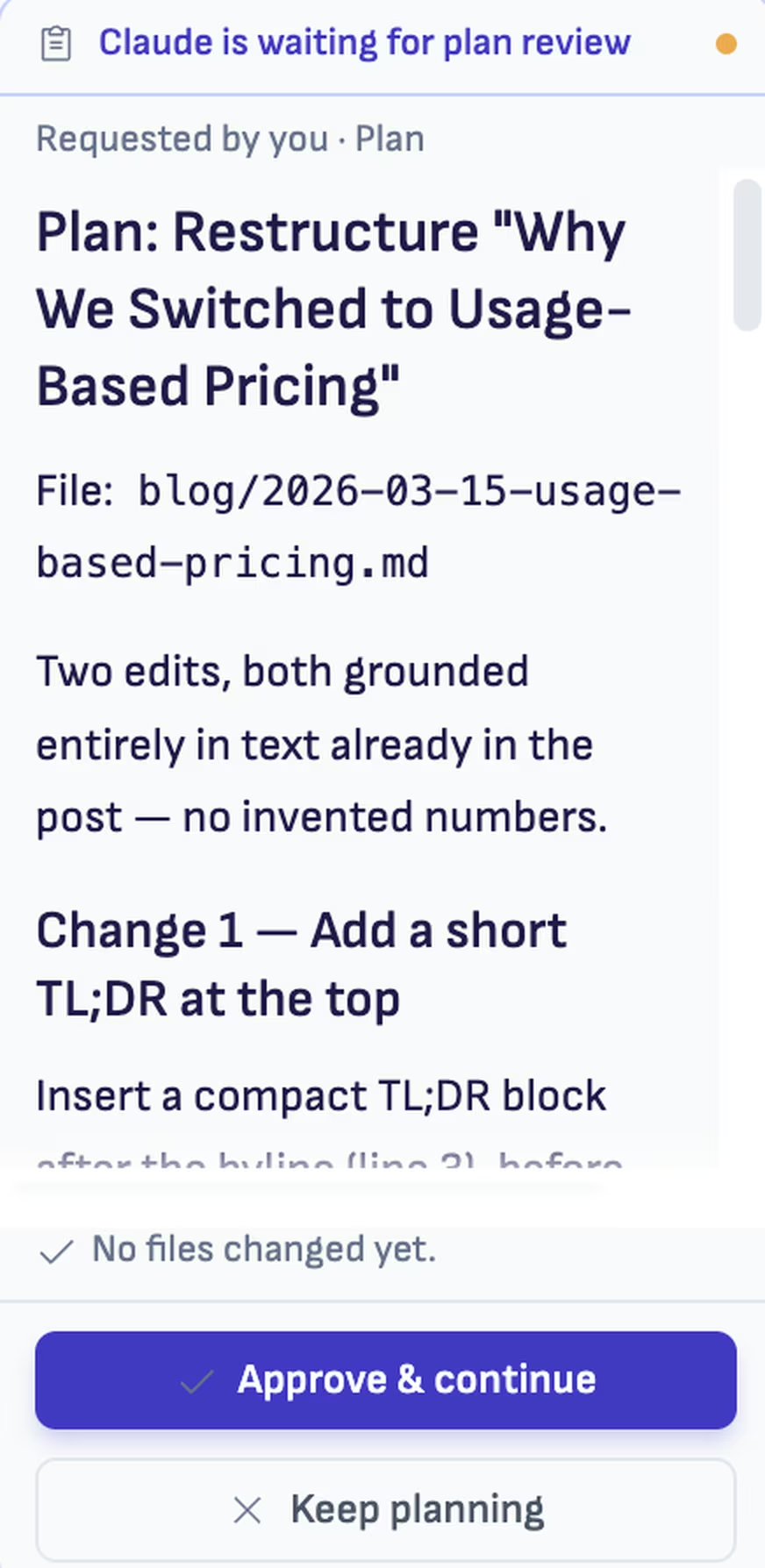
See the plan before a file changes.
In a docs repository that matters. Plan only shows what the agent intends, before it touches anything.
Good to know
Plain markdown
One .md file per document, so your build and your git history are unchanged.
Long documents
An outline, find and replace, and headings you can fold.
A terminal when you want one
Open a terminal tab from the +, and any CLI tool you install yourself runs in the same window.
Open your docs folder.
Free and open source.