The changelog translation problem
Every release cycle ends the same way. Engineering merges the last pull request, the build goes green, and someone drops a changelog into the docs channel. It looks like this: "Refactored auth middleware to support PKCE flow. Fixed race condition in webhook retry logic. Bumped redis client to 4.7.0. Added batch endpoint for /v2/users."
Four changes. One of them matters to customers. Two are internal. One is a dependency bump nobody outside engineering cares about. Your job as a technical writer is to figure out which is which, rewrite the customer-facing ones in plain language, and publish release notes before the marketing announcement goes out. You have two hours.
The hard part is not the writing itself. It is the translation. Developer changelogs describe what changed in the code. Release notes describe what changed for the user. Those are two completely different things, and bridging the gap requires understanding both the technical change and the user impact.
An AI agent that reads both sides
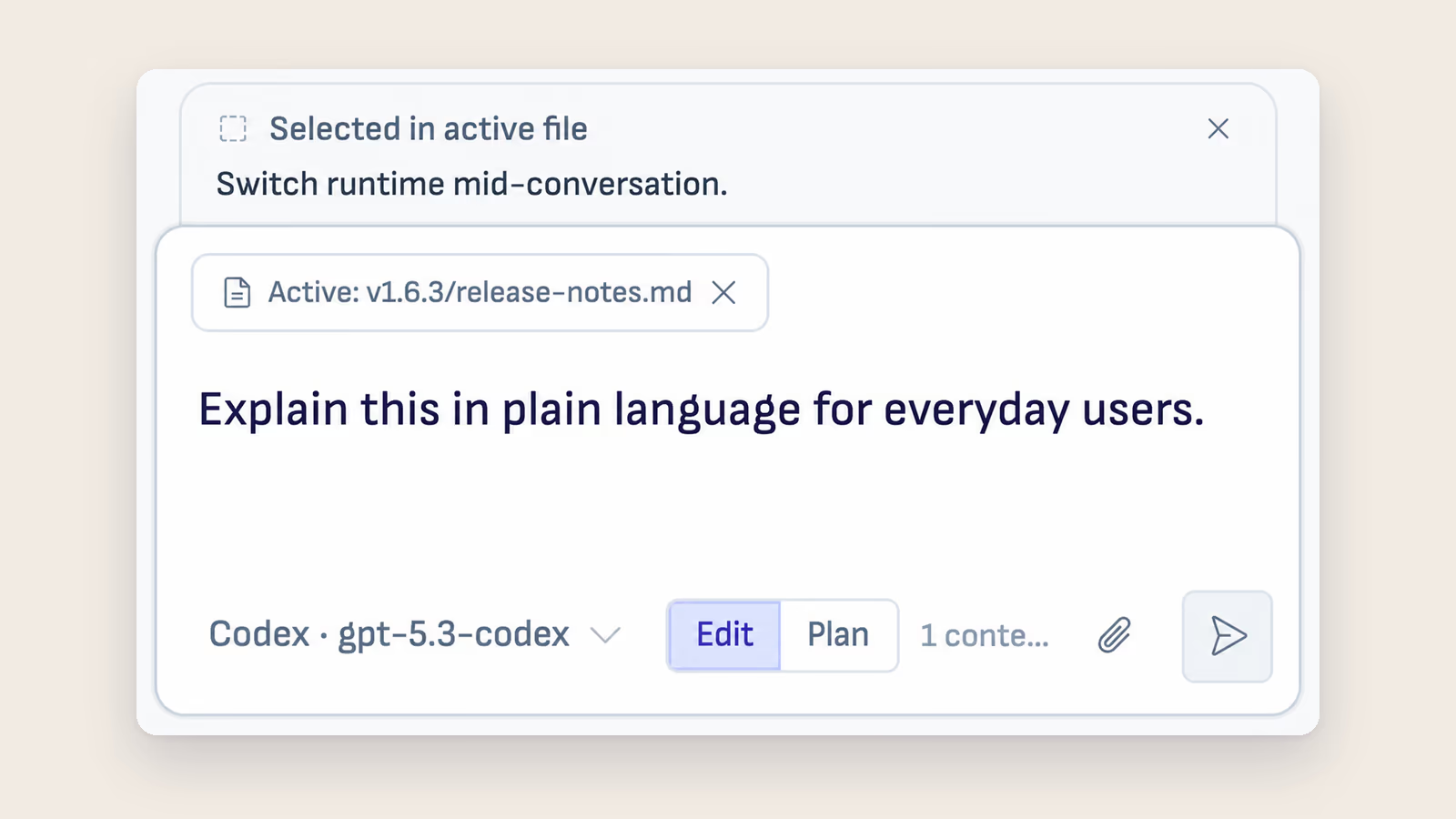
Ritemark gives you a workspace where the changelog and your release notes template live side by side as markdown files. The AI agent in the sidebar can read both.
Open your release notes project folder in Ritemark. You have the raw changelog from engineering, your release notes template with the standard structure (new features, improvements, bug fixes), and the previous release notes for tone reference. Start the agent and tell it: "Read the v3.2 changelog. Identify every user-facing change. Draft release notes following the template in release-notes-template.md. Match the tone from the v3.1 release notes."
The agent reads the changelog, reads your template, reads the previous release notes, and produces a draft. It separates the internal changes from the user-facing ones. It rewrites "Added batch endpoint for /v2/users" as "You can now create, update, or delete multiple users in a single API call." The PKCE change becomes "Added support for PKCE authentication flow, improving security for mobile and single-page applications."
An example release cycle
For example, say a writer on a SaaS platform tries this with a 47-item changelog for a quarterly release.
She opens the changelog alongside her template and previous release notes in Ritemark. She tells the agent to categorize every item as user-facing or internal, then draft release notes for the user-facing changes only.
The agent identifies, say, 19 user-facing changes out of 47. It groups them into new features, improvements, and fixes. It drafts each entry in plain language, referencing the previous release notes to match the company's voice.
Her time goes into reviewing and editing the draft instead of writing from scratch. The review is the valuable part, the part where her judgment and product knowledge make the notes better. The first pass, the sorting and rewriting, is exactly the kind of work an AI agent handles well when it can see the full context.
Why context changes everything
Pasting a changelog into a chat window and asking "rewrite this for customers" gives you generic output. The AI does not know your template, your tone, your audience, or how you handled similar changes last time.
Ritemark's agent reads your whole project folder. It sees the template, the previous notes, the style patterns. The draft it produces is not a generic rewrite. It is a first pass that already fits your format and voice. You edit from a strong starting point instead of a blank page.
Start writing with Ritemark.
Free and open source.