AI Workflows
AI-powered writing workflows and guides

How to Keep Your Notes Private While Using AI Writing Tools
How to build a private AI writing workflow in 2026, comparing where files live and when content reaches Notion AI, ChatGPT, Obsidian, and Ritemark.
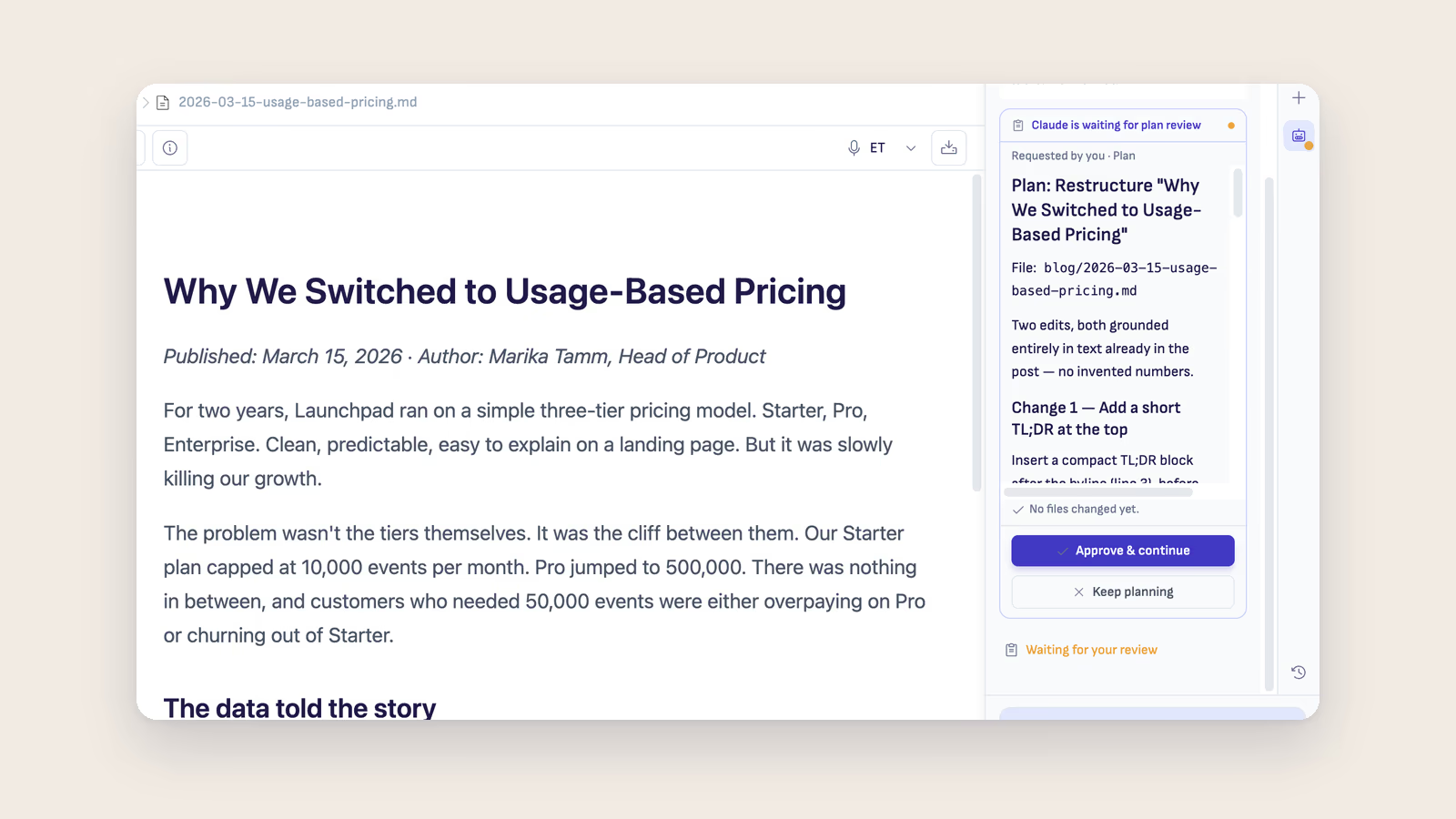
5 AI Writing Workflows That Replace Copy-Paste Forever
Five practical AI writing workflows using Ritemark's AI sidebar that eliminate copy-pasting between your editor and AI tools.
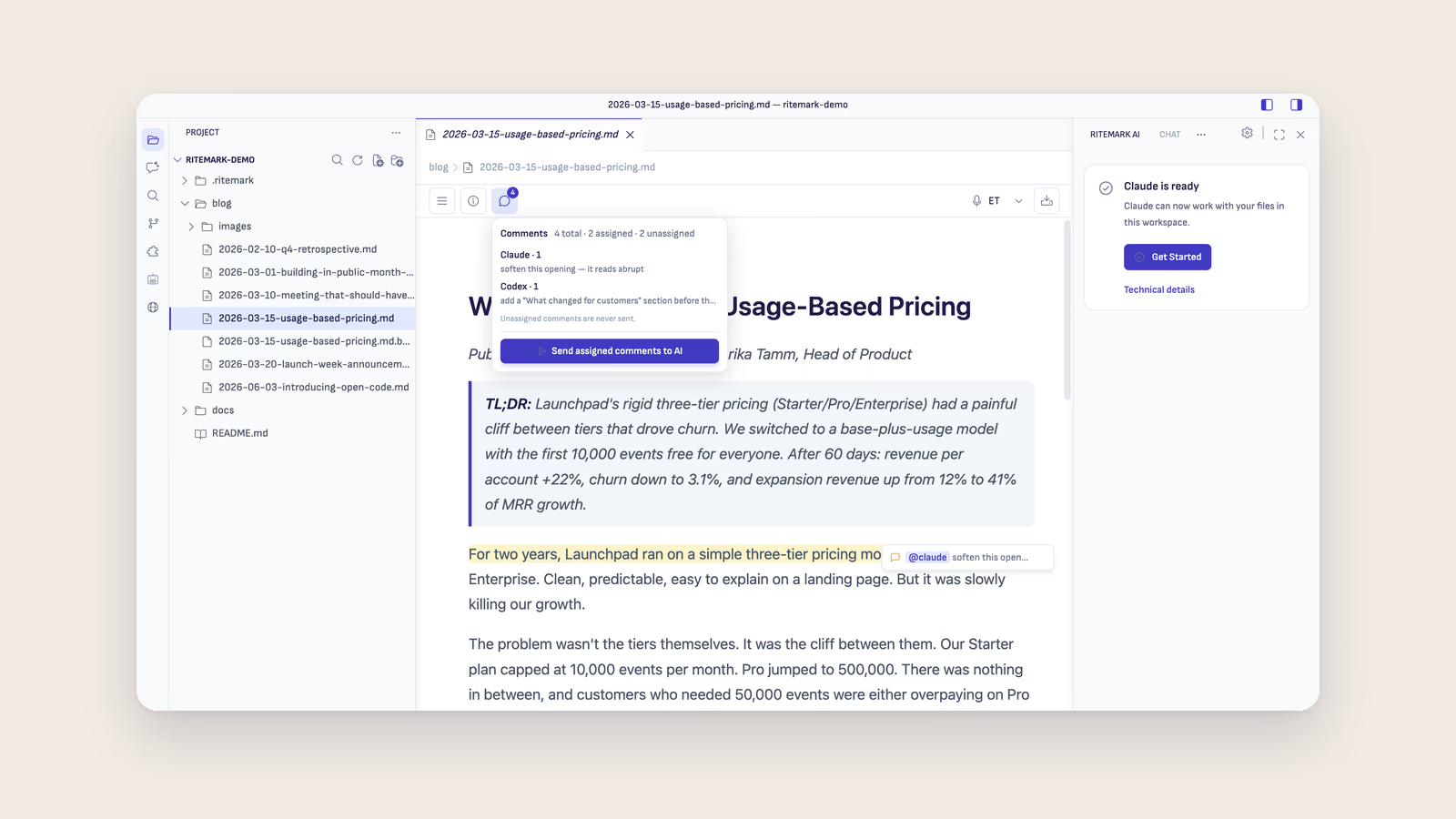
How to Use Claude Code with Ritemark for AI-Powered Writing
Use Claude Code in Ritemark's AI sidebar to write, edit, translate, and restructure markdown documents with AI assistance.
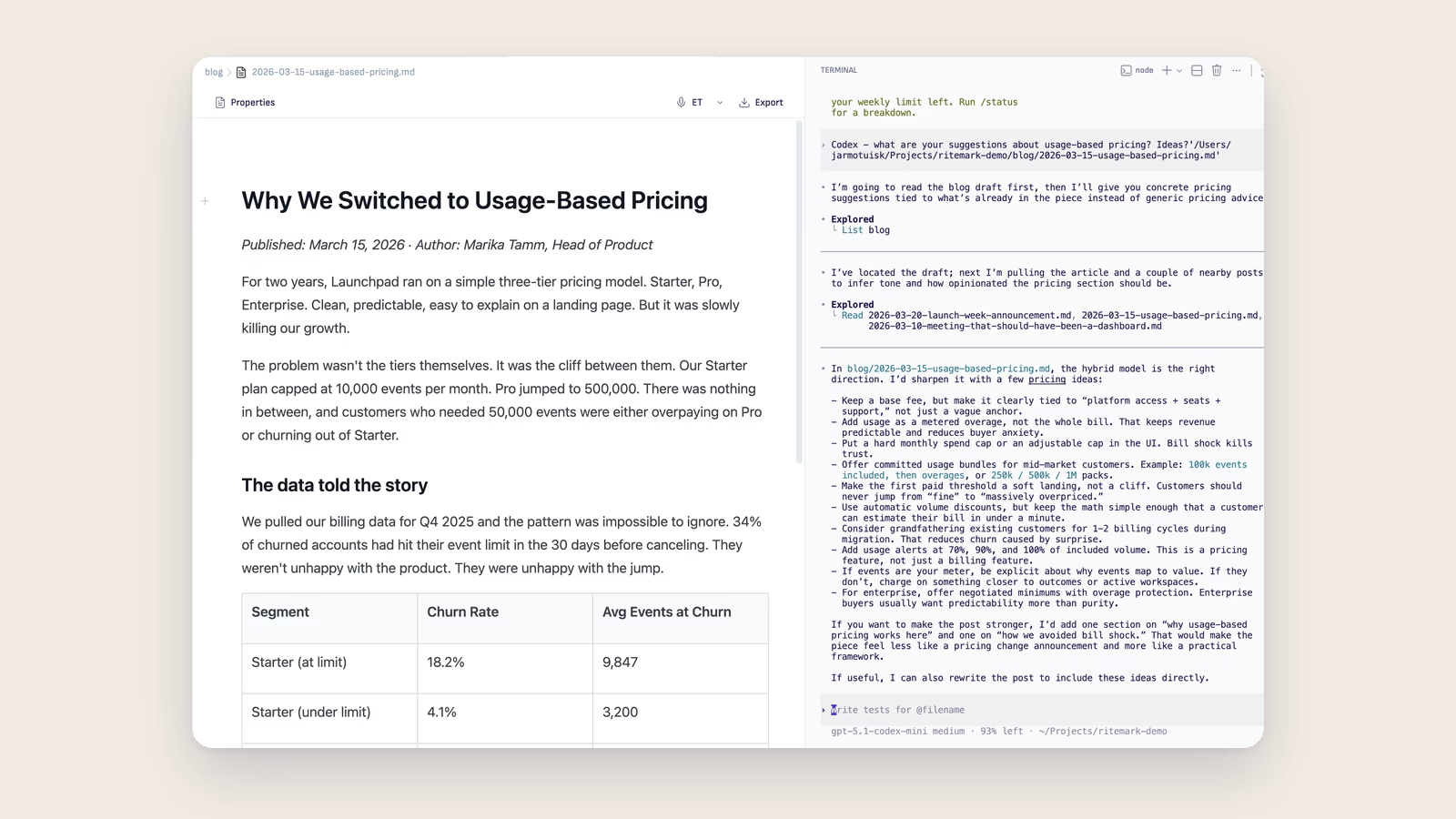
Markdown Editors with Built-in Terminal: Why It Changes Everything
Ritemark is the only writing-focused markdown editor with a built-in terminal. Run command-line AI tools you install, like Claude Code, directly alongside your documents.

Best AI Coding Agents for Markdown Writing: Claude Code vs Gemini CLI vs llm
Which AI coding agents can use the terminal and edit your files? Claude Code, Gemini CLI and llm compared on multi-file edits, file access, cost and setup.
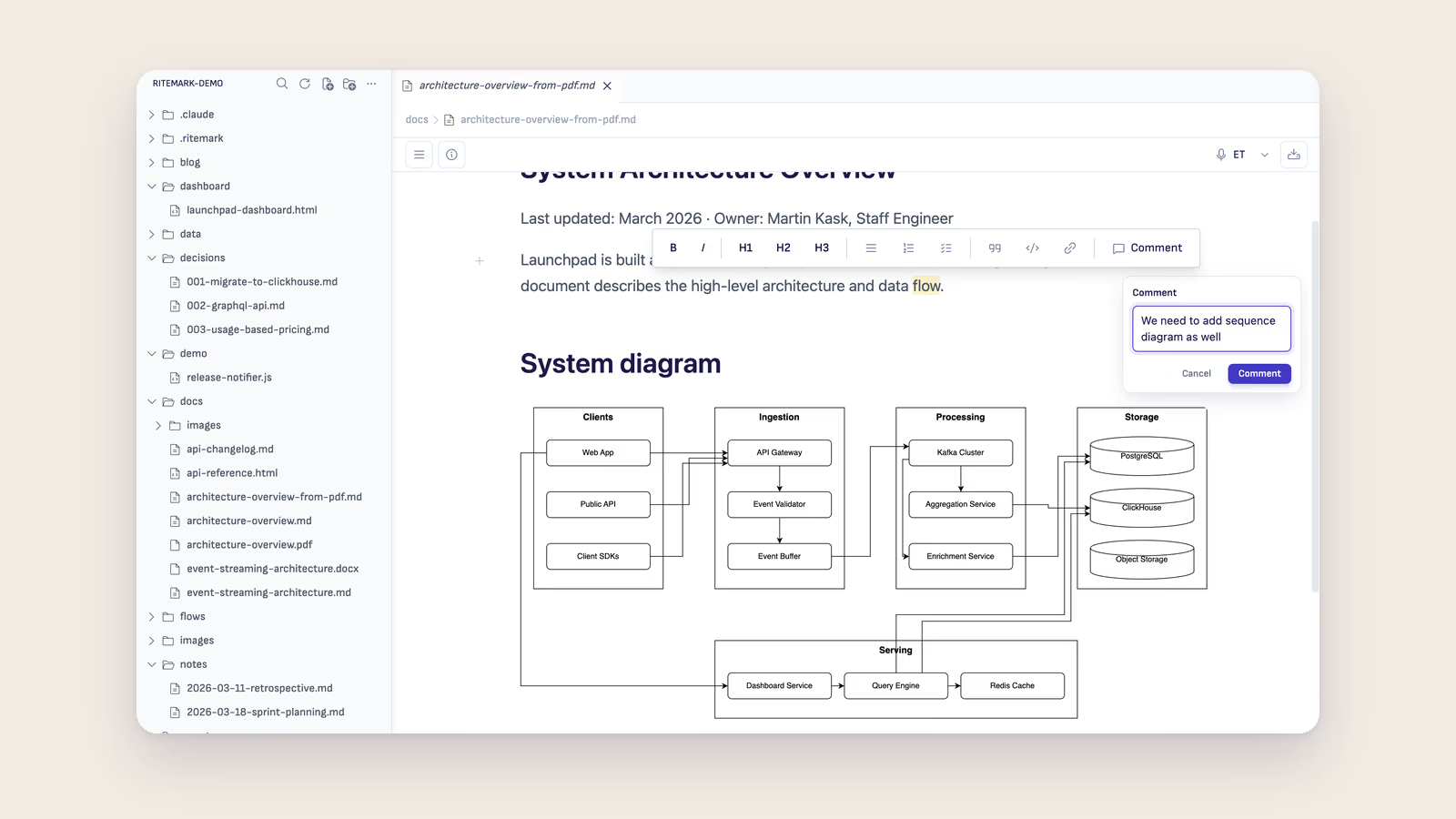
Best AI Workflows for Technical Documentation: Draft, Review, Translate
Four AI-assisted documentation workflows compared — drafting from code, review, translation, and example generation — using AI agents in Ritemark's AI sidebar.