Stop pasting your workinto a chat.
Your document stays in the middle, your folder on the left, and the agent works on the real files.
Works with the ChatGPT or Claude plan you already pay for.
Free and open source. Mac and Windows.

It works in your folder,not on a copy of it.
Other tools read what you upload and hand the answer back for you to paste in. Here the agent opens the interviews and last month’s deliverable where they already sit, and writes the changes into those same files.
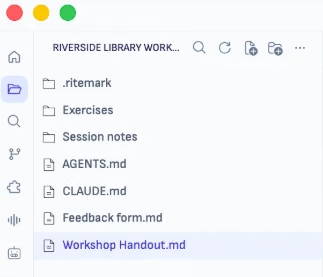
Nothing to upload, nothing to paste back when it is done.
Review it the way youwould with a colleague.
Comment in the margin, mention the agent, and it works on that passage. Its answer lands in the conversation beside the document, and a short summary of what it changed comes back on your note.
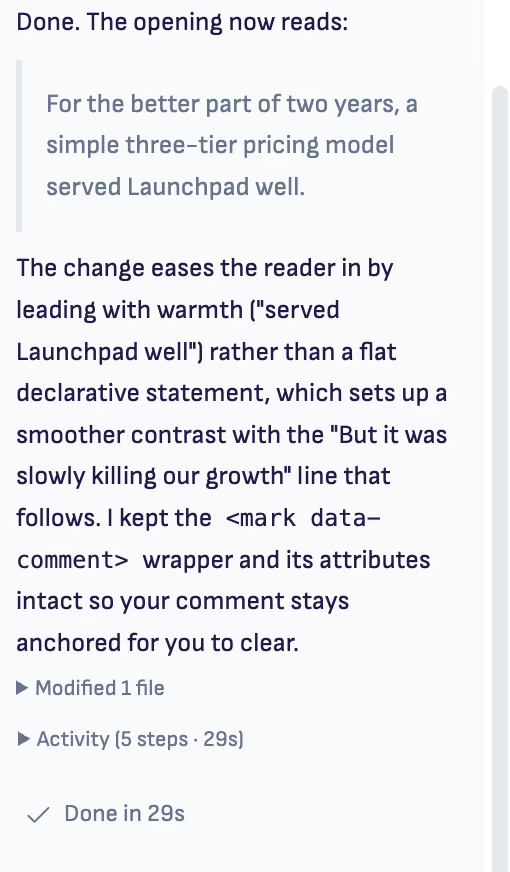
Unassigned comments are never sent anywhere.
From a recordingto a document you can use.
Drop in the audio of a meeting or a workshop. Get the decisions and action items, each linked to its moment in the recording.
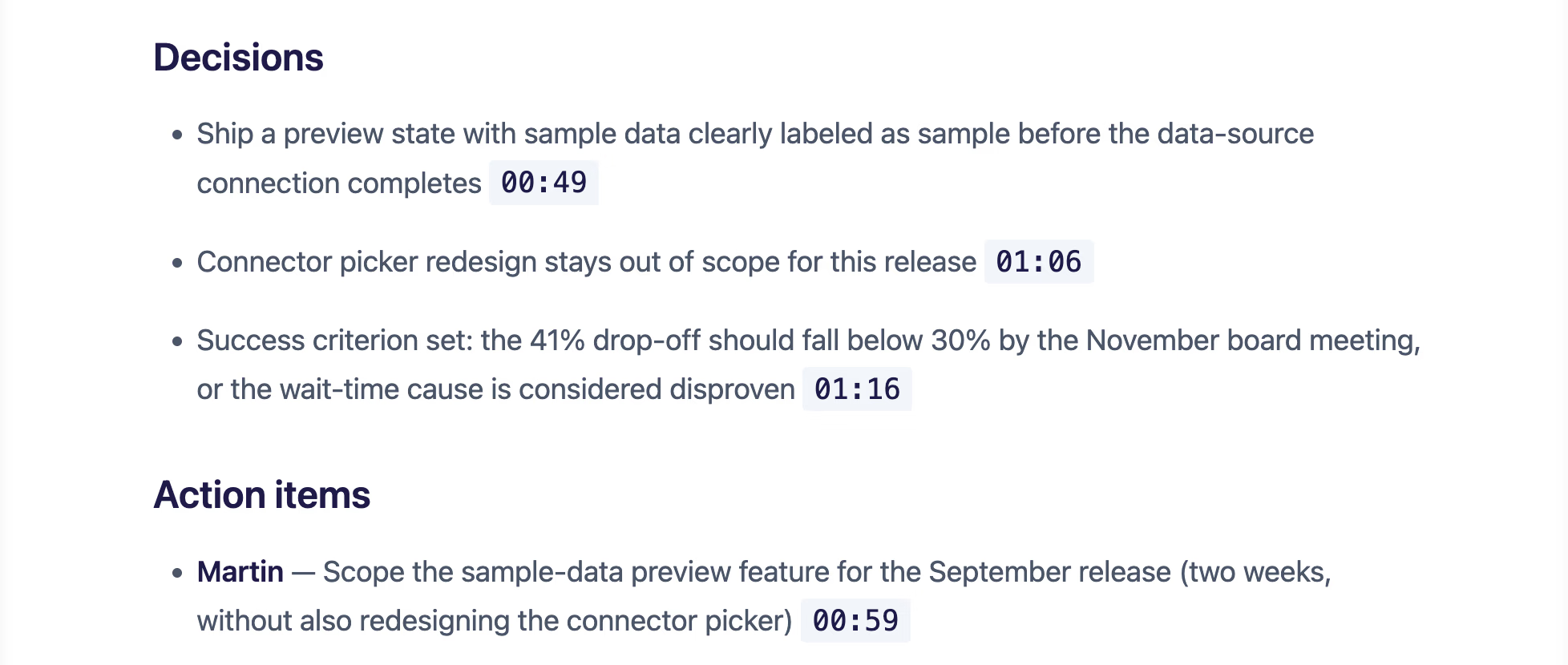
Transcription runs on your Mac with Apple silicon, or through ElevenLabs with your own key. The summary is written by the AI provider you choose.



Your files stay yours.
Plain files
Your documents live on your computer. No Ritemark account and no Ritemark cloud.
Your AI account
Use your ChatGPT or Claude plan, or your own API keys. What the agent reads goes to that provider.
You set the limits
Plan only shows you what the agent intends before it touches a file, in Claude Code and Codex. Auto is the default.
Open source
MIT licence. Read the code, and switch off anonymous usage analytics in Settings.
Quick answers
Frequently asked questions
Short, visible answers from the same product facts we publish in FAQ schema. Ritemark is local-first, open source, and built around real files.
- What is Ritemark?
- Ritemark is a markdown editor with AI agents built in. You write in a visual editor while Claude Code, Codex, or OpenCode read and edit the files in your folder. The app is free and open source, for macOS and Windows.
- Is Ritemark free?
- The app is free to download and use, with no Ritemark account and no hidden fees. The AI is not free: Claude Code needs a paid Claude plan or an Anthropic API key, Codex a paid ChatGPT plan, and OpenCode your own API keys.
- Which AI tools does Ritemark support?
- Three AI agents ship inside Ritemark: Claude Code, Codex, and OpenCode, which works with your own OpenAI, Google, Anthropic or OpenRouter API key. You can switch agent and model in the same conversation.
- Can I give my client a Word file?
- Yes. Export from the toolbar gives you Word or PDF, with your headings, tables, images and diagrams, and with your margin comments left out. The source stays a markdown file in your folder, so you keep both.
- How is Ritemark different from Obsidian?
- Obsidian is knowledge management with plugins. Ritemark is built for AI-assisted writing with a terminal, agent panel, and CSV editor out of the box.
- Does Ritemark work on Windows?
- Yes. macOS (Apple Silicon and Intel) and Windows. The Mac app is a direct download, and on Windows you install it from the Microsoft Store. The download buttons on this page lead to both.
Start writing with Ritemark.
Free and open source.