Projects
Every projecthas its own Home.
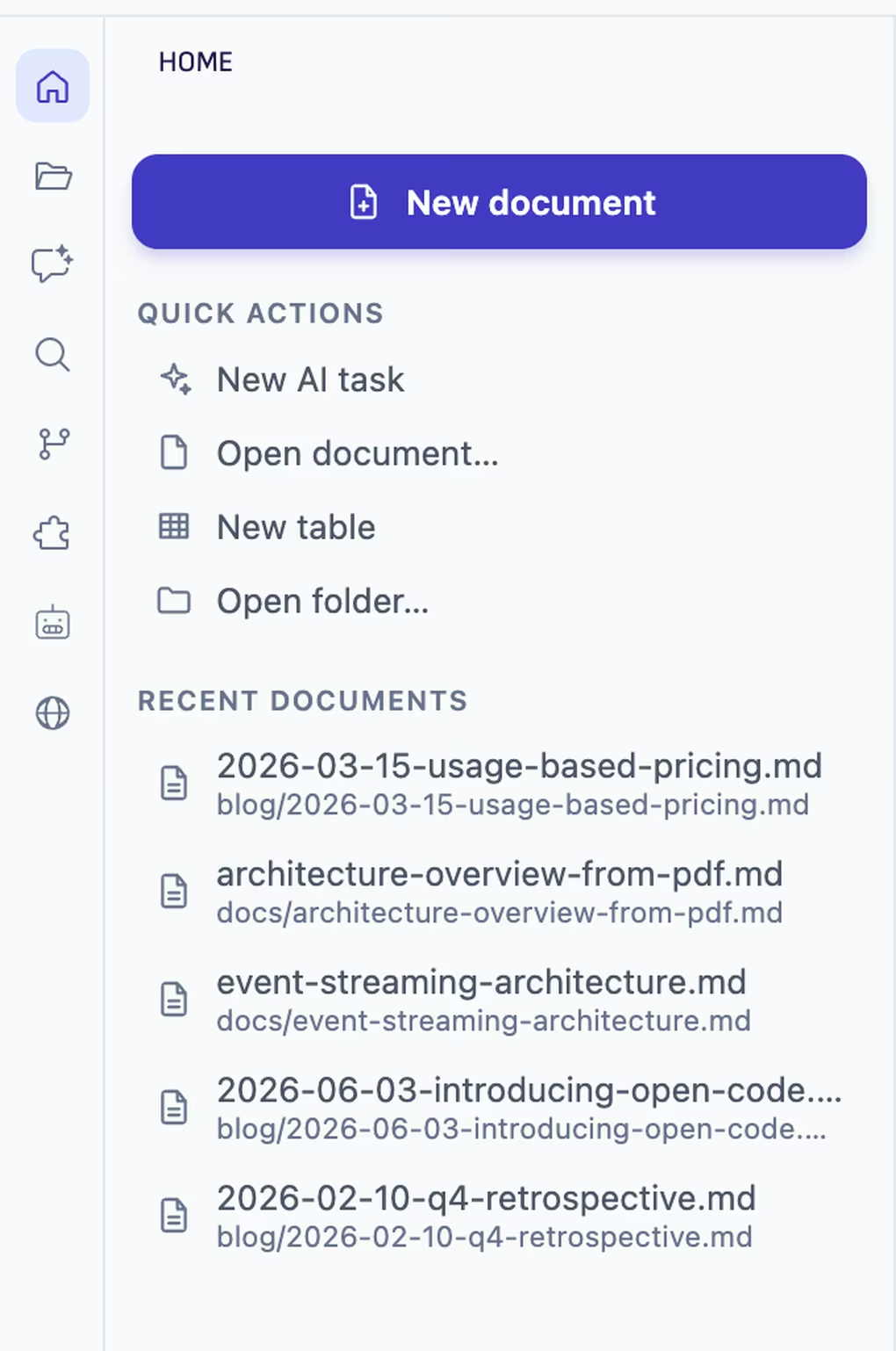
Each folder you work in is a project. Its Home shows what waits for you, what changed last, and where to start, and you switch projects in one window.
Works with any ChatGPT account, Free included, or a paid Claude plan.
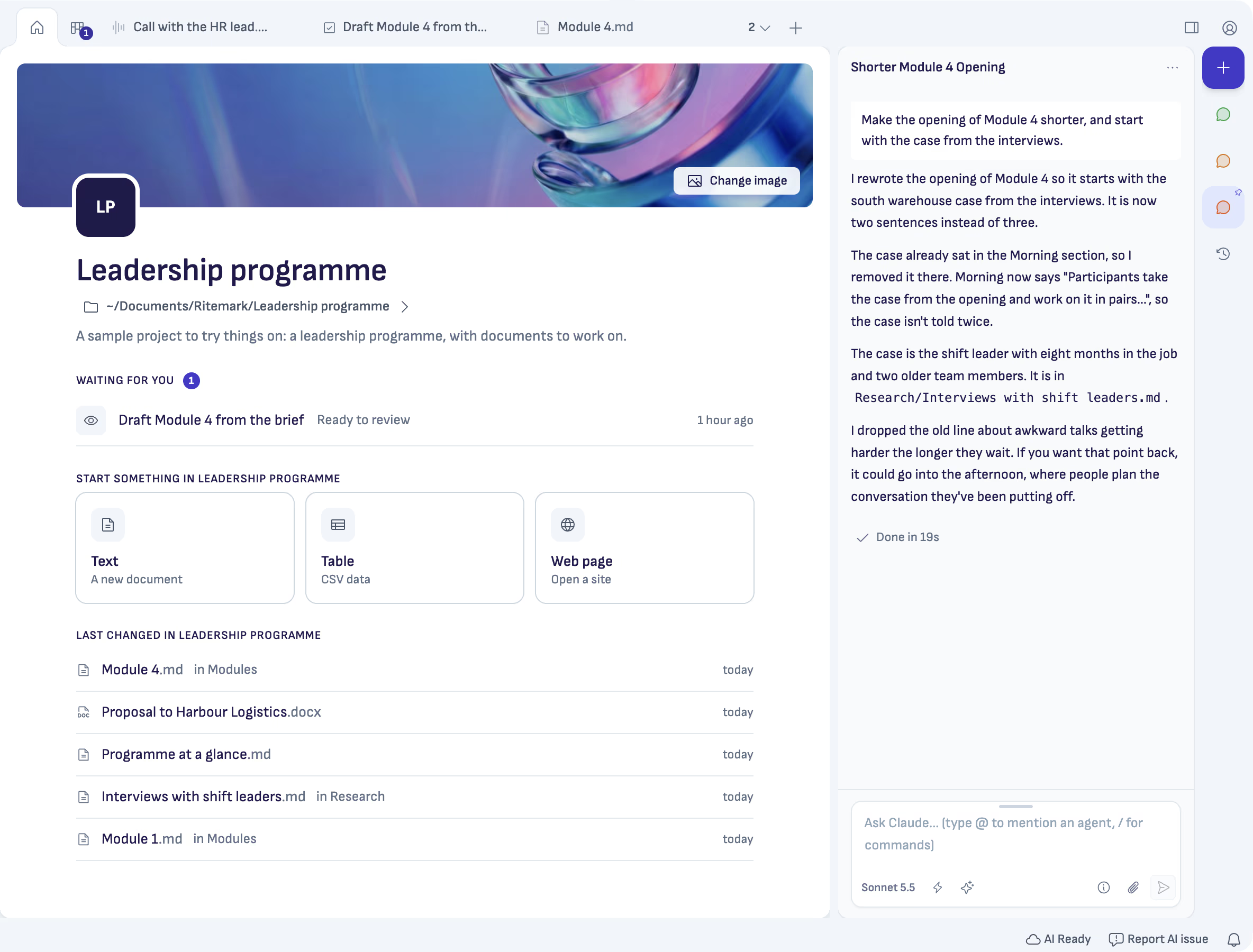
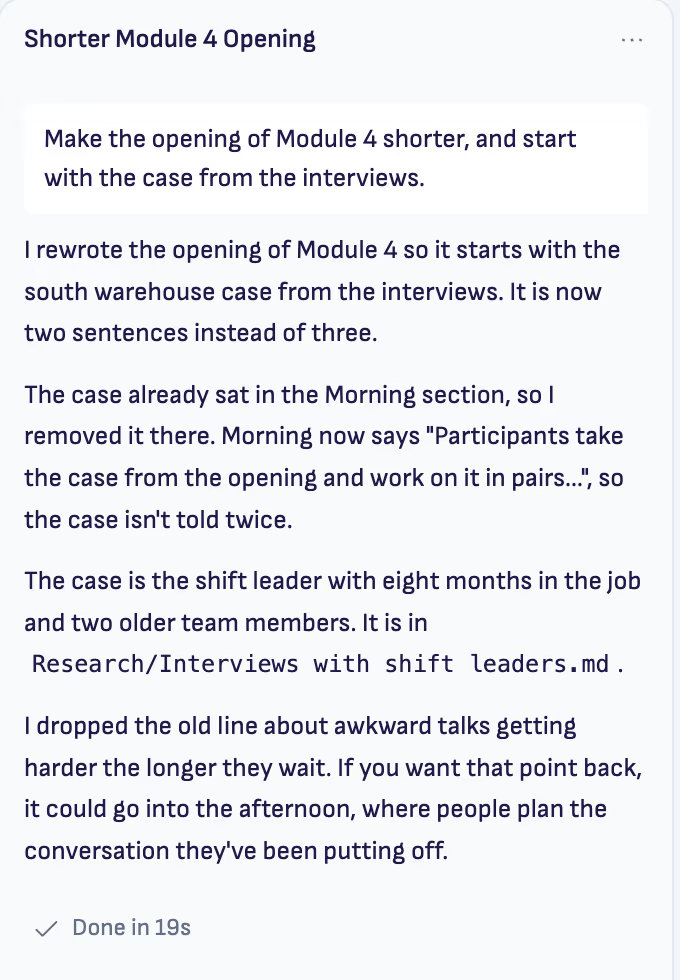
What changed last, and where.
Home lists the documents changed last, with their folder and when. Click one and you are back in it.
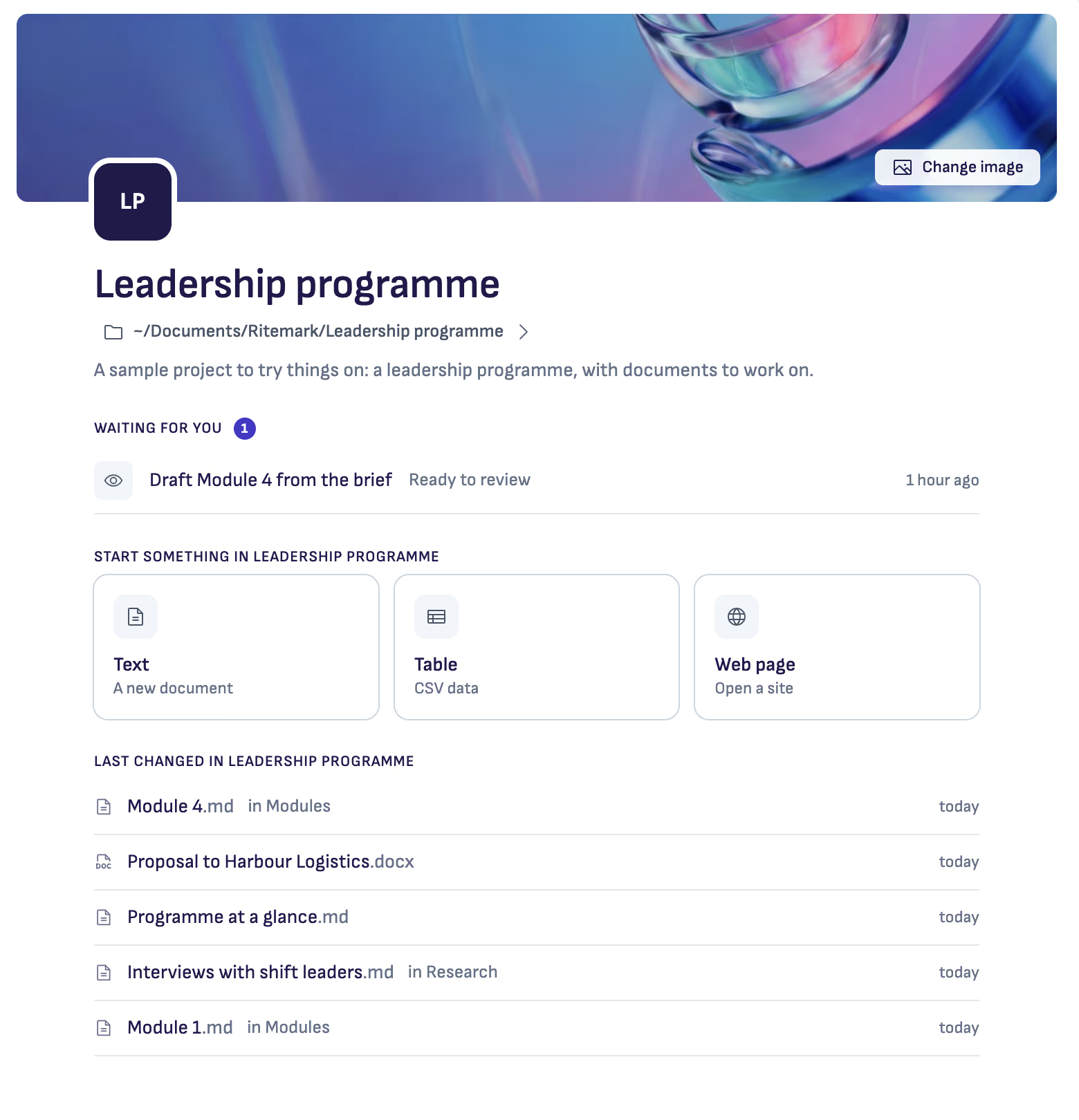
What waits for you comes first.
A task ready for your review, or a chat where the AI asks you something, sits at the top of Home. One line counts what waits in your other projects.
Good to know
One window, many projects
With Home chosen, the left column lists your projects. Click one to switch. Each keeps its own tabs and chats.
A second window when you want one
Option-click a project (Alt-click on Windows) to open it in a new window beside the first.
It stays a folder
A project is a folder on your computer. Its cover, its line and its tasks travel with the folder.
Questions
- What is a project in Ritemark?
- A folder you work in. Add one with Add a project… on Home, start a new one, or try the sample project on the first start.
- What happens if the AI is still working when I switch?
- Ritemark asks first. Open in a new window lets the AI finish, Switch and stop stops it, and Cancel keeps you where you are.
- I used Ritemark 1. Where are my folders?
- On the first start of 2.0 the list is filled from the folders you opened, the projects you have chats in and the projects with a task board.
Open your first project.
Free and open source.