Office documents and PDFs
Word, PowerPoint and PDF,right in Ritemark.
Open the Word, PowerPoint and PDF files you already have in the same window as your writing, and ask your AI about them. When you want to work on one, make an editable copy of a Word or PDF file.
PowerPoint files open for reading. The editable copy is for Word and PDF files.
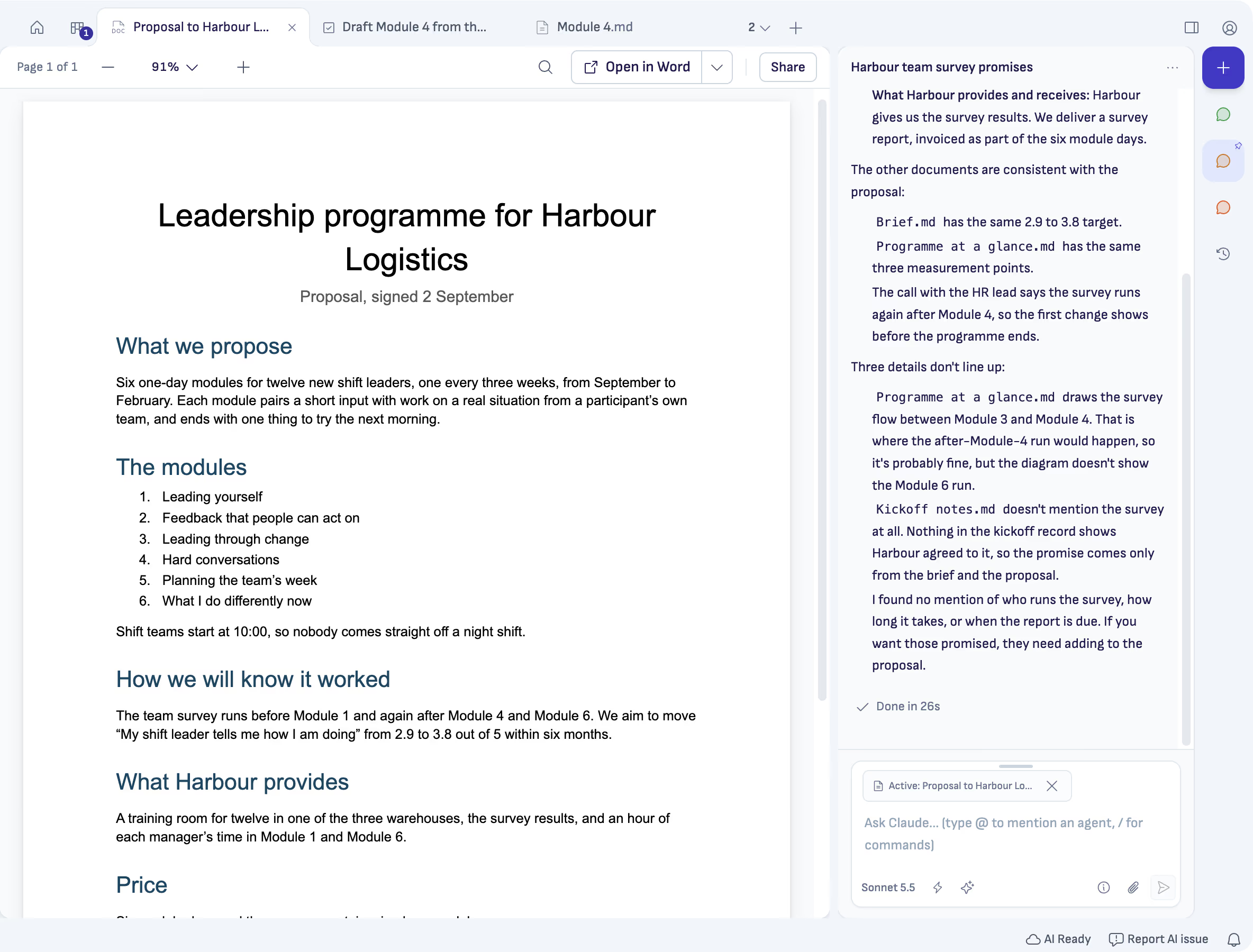
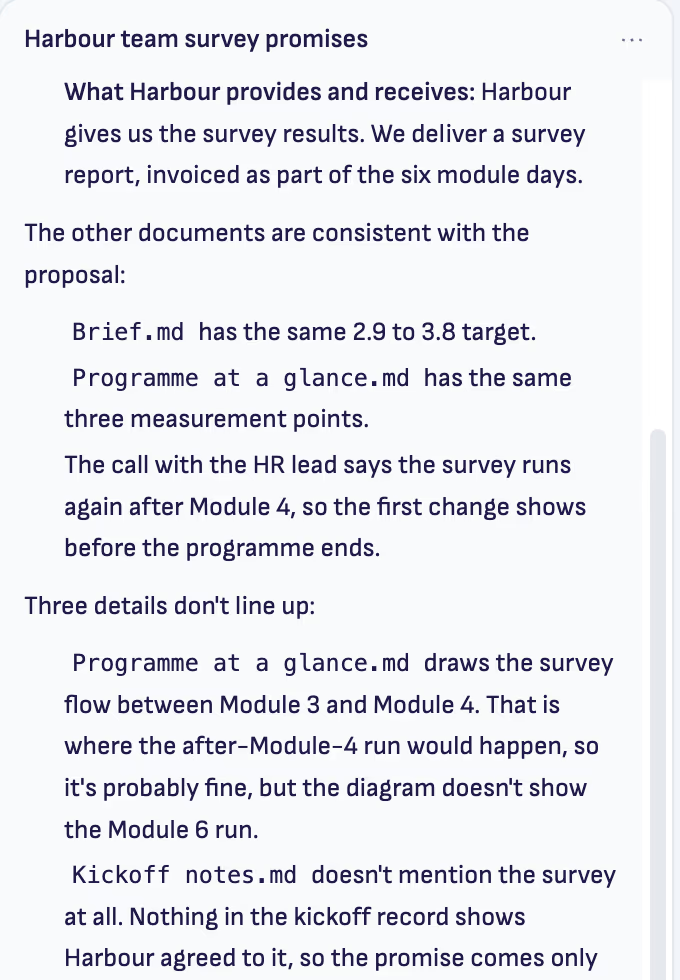
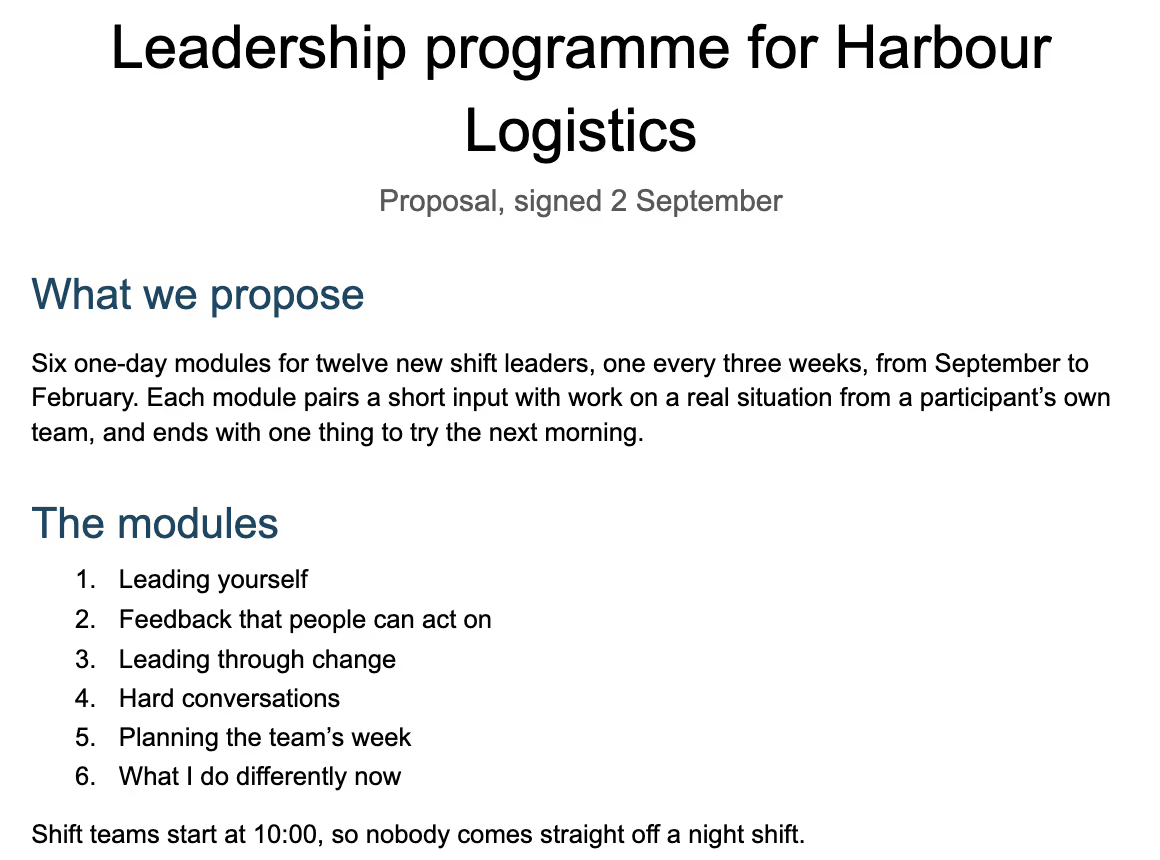
It looks the way it was written.
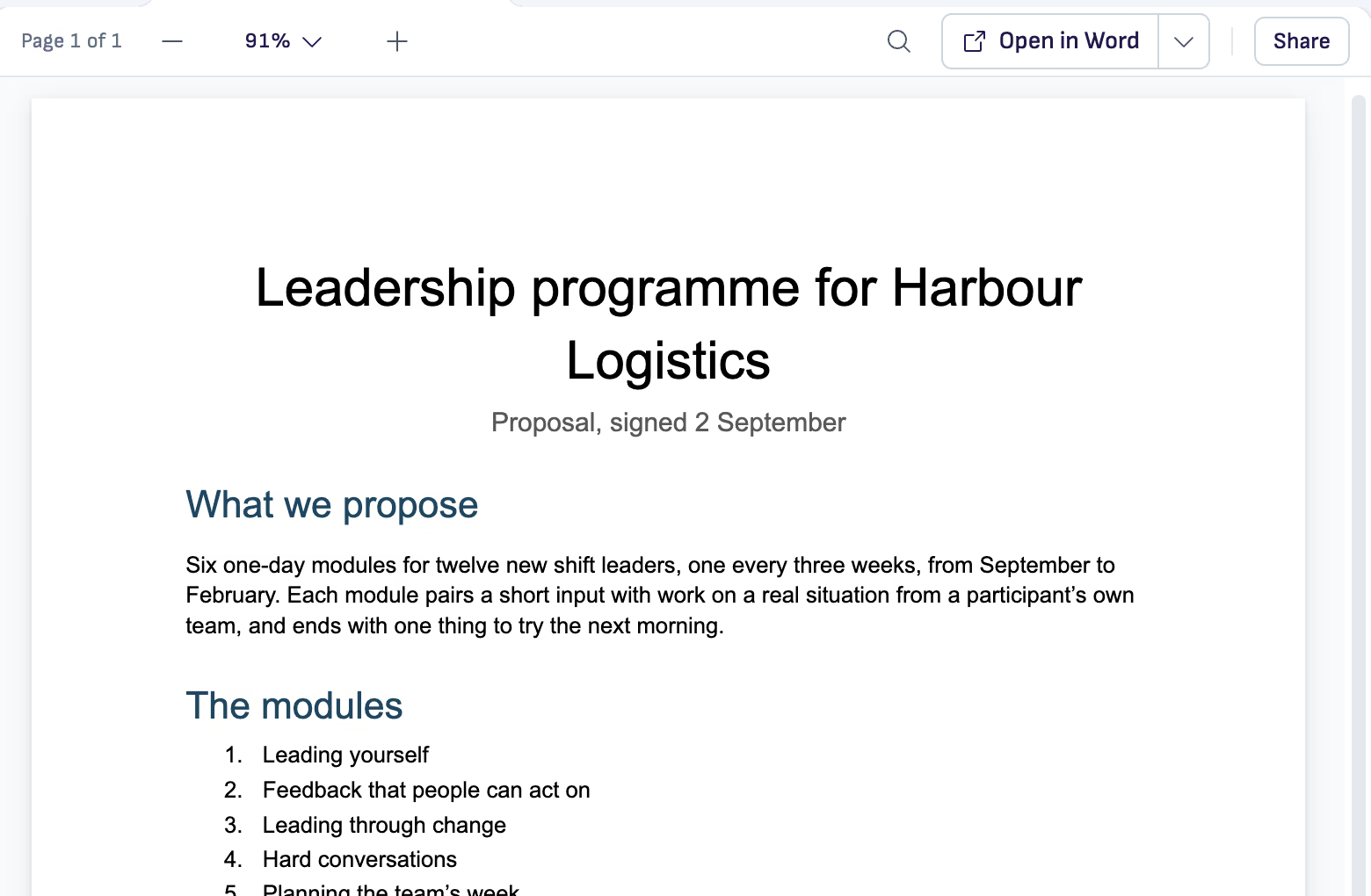
A Word file opens page by page, with its headings, lists and tables, and Open in Word is one click away.
Good to know
Read in place
Word (.docx), PowerPoint (.pptx) and PDF files open in Ritemark. Zoom, fit the page, and search inside them.
An editable copy
Make an editable copy turns a Word or PDF file into a document in your project, so your AI can work on it. The original stays as it was.
PowerPoint is for reading
Slides open one by one with their speaker notes. To change a deck, open it in PowerPoint.
Questions
- Can my AI read a Word file in my project?
- Yes. Ask about the file you have open and it reads it. For changes, make an editable copy first.
- Does Ritemark change my Word or PDF file?
- No. They open for reading, and the editable copy is a new file beside the original.
- What about older .doc or .ppt files?
- Save them again as .docx or .pptx and they open.
Open the files you already have.
Free and open source.