ChatGPT Desktop
Same account.One window per folder.
Ritemark runs Codex with the ChatGPT account you already have. The difference is the window: in Ritemark it belongs to one folder, and everything in it comes from that folder.
ChatGPT Desktop is the better all-round assistant. This page is about documents that live in your folders.
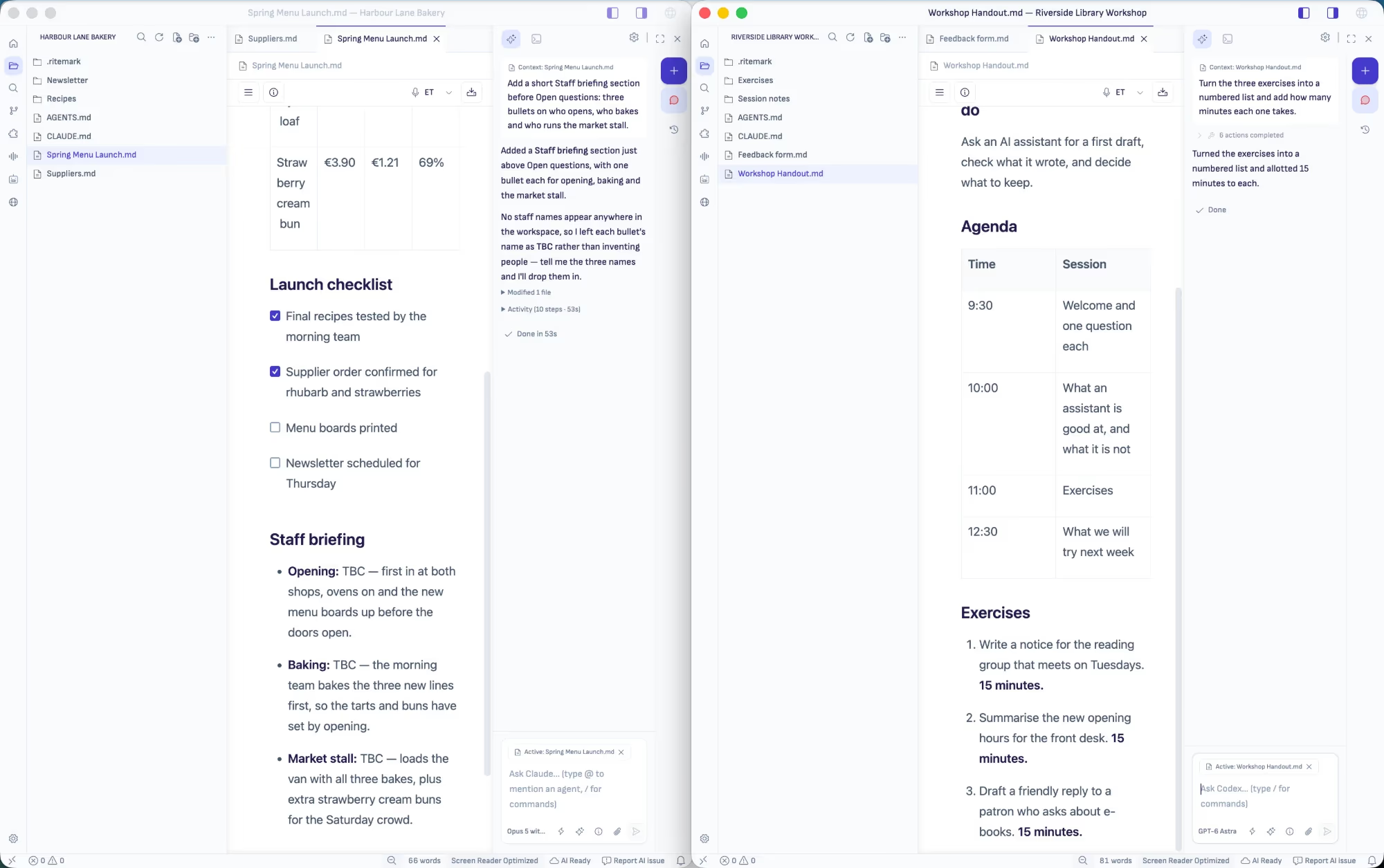
Each folder gets its own window.
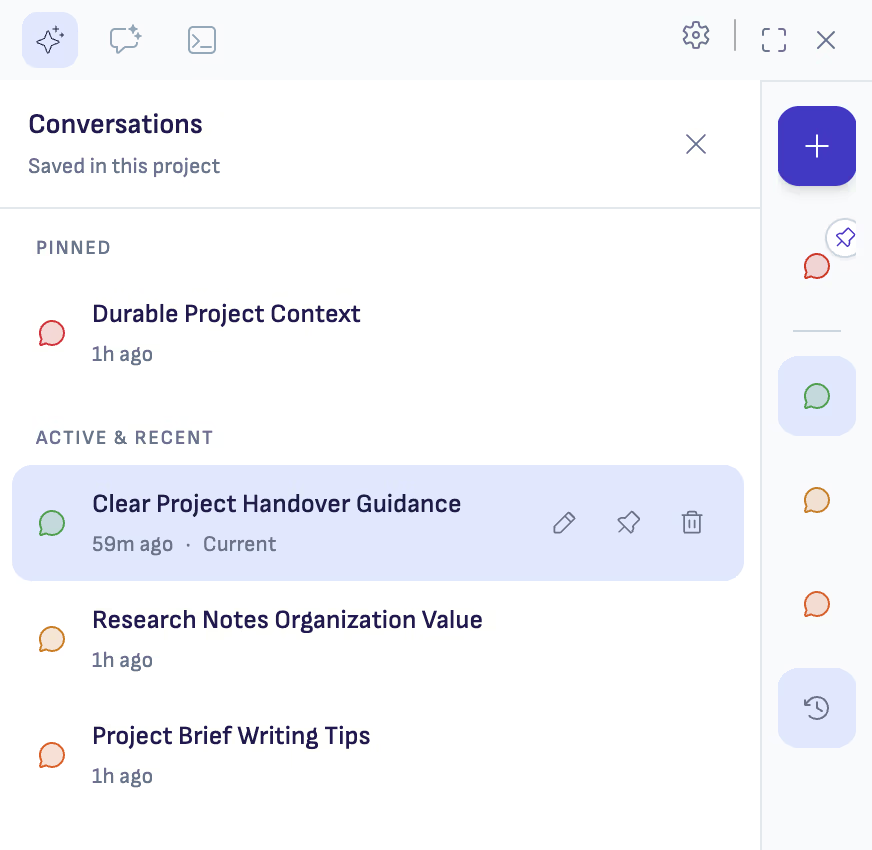
Choose New Window from the File menu and open another folder there. That window lists only the conversations saved in its folder, so one client's conversations stay out of another client's window.
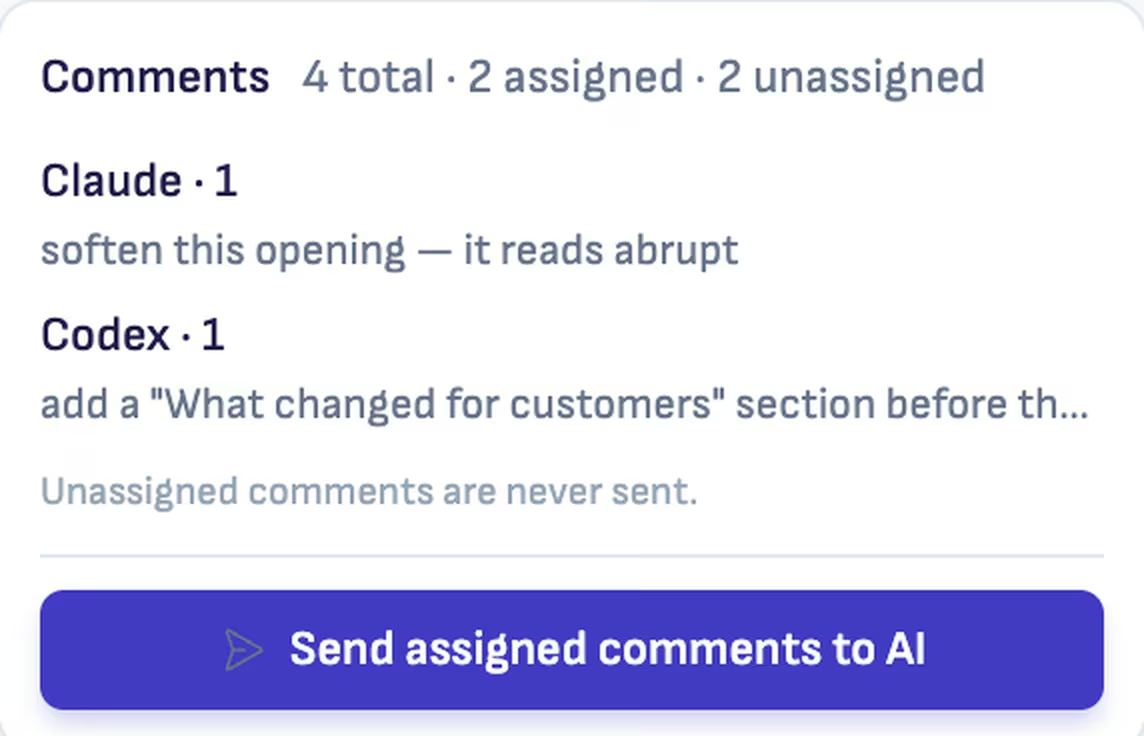
Codex and Claude on the same document.
Write @codex in one comment and @claude in the next, and each goes to its own agent. You pick the agent for every conversation.
Where each one wins
ChatGPT Desktop
Voice, images, research, and plugins for the apps your work already lives in.
Ritemark
A window per folder, a document you edit beside the agent, and Codex or Claude to do the work.
Both
Codex, with your ChatGPT account. In Ritemark it works in the file you have open.