Editor
Write the document.Not the markup.
Headings, tables, links and diagrams look like what they are while you type. The file stays plain markdown.
Free and open source. Your documents stay in your folder.

It reads like the finished page.
No split screen, no preview pane. What you see while writing is what the document is.

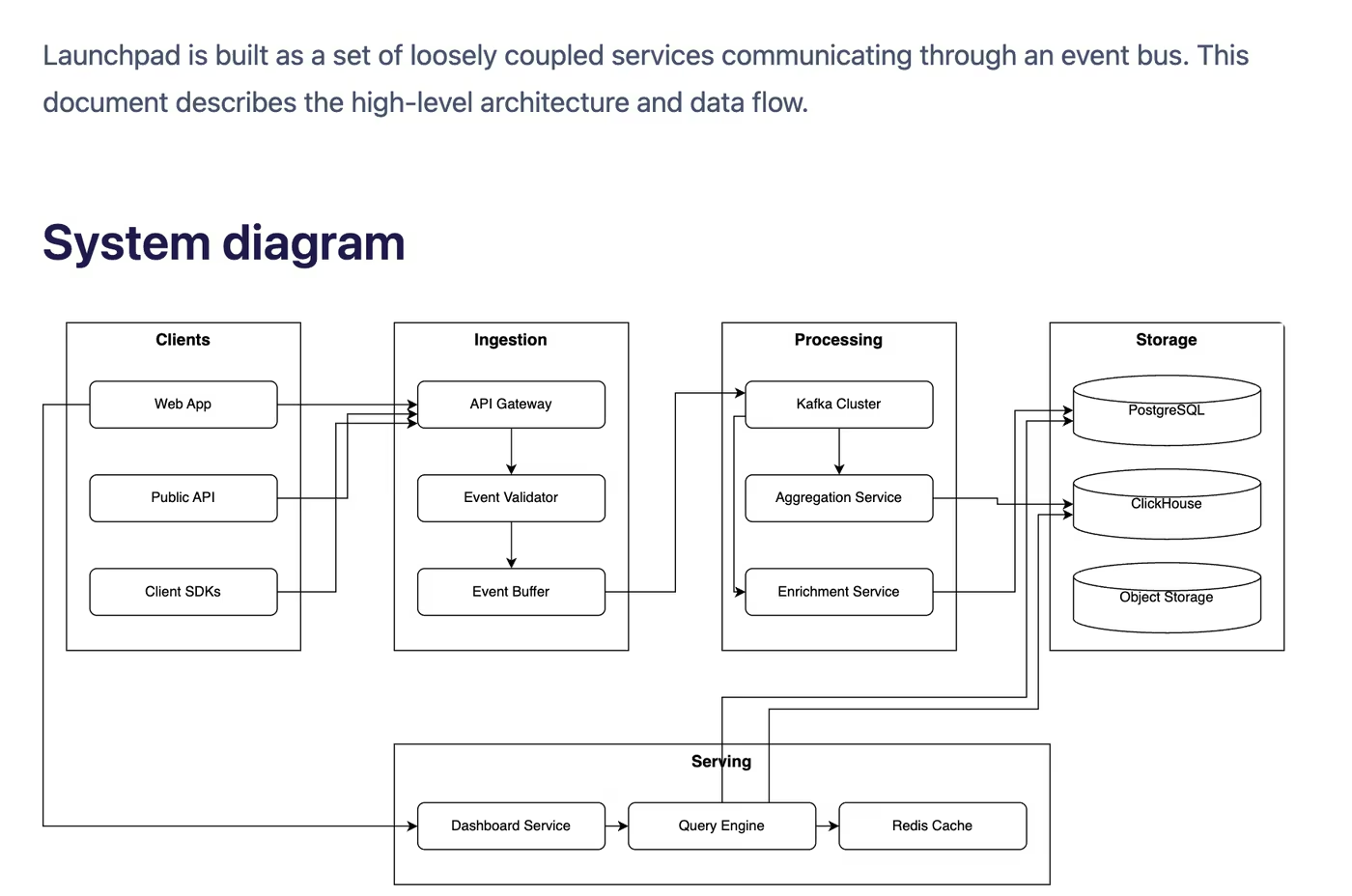
Diagrams live next to the prose.
Mermaid and draw.io inside the same file, and in your PDF and Word exports.
Your client gets a Word file.
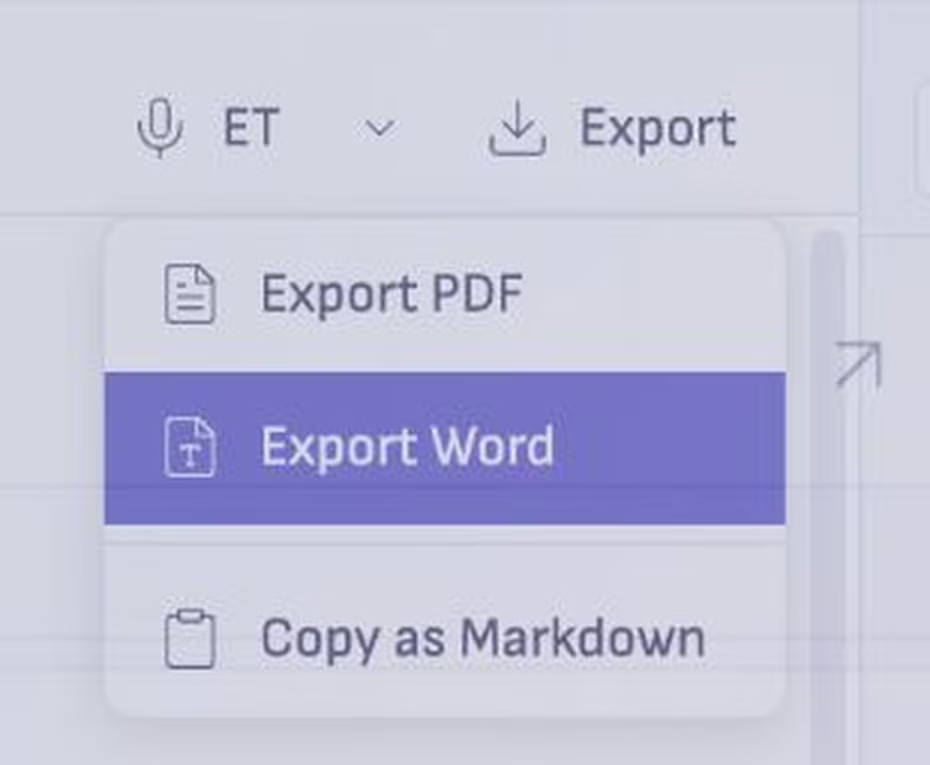
Export from the toolbar for Word or PDF, with the headings, tables, images and diagrams, and with your margin comments left out.
Good to know
Plain markdown
One .md file per document, readable in any other editor.
Export
Word and PDF, with diagrams and images, and your comments left out.
Long documents
An outline, find and replace, and headings you can fold.
Questions
- Do I have to learn markdown?
- No. You format the way you would in any editor, and the file stays markdown underneath.
- Can I open my files elsewhere?
- Yes. They are ordinary .md files in your own folders, so any editor can open them.
- What about images and tables?
- Both work in the document, and both come through in the Word and PDF exports.
More on the editor
Write your next document here.
Free and open source.