Your files
Your documentsare just files.
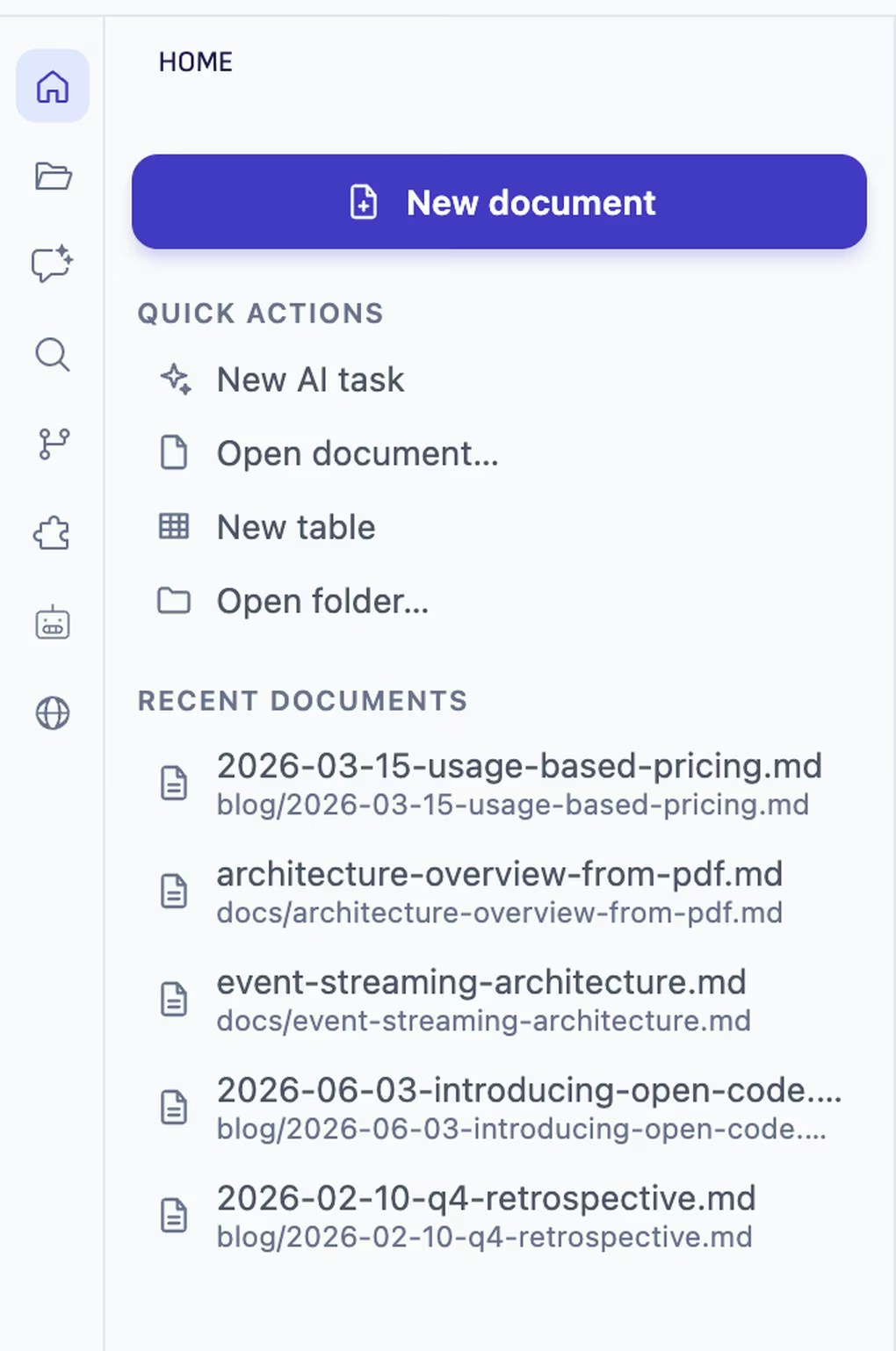
Ritemark opens a folder on your computer, and Home lists the documents you changed last with the folders they are in. No Ritemark account, no Ritemark cloud.
Free and open source. Your writing stays where you put it.
Ask about the file you have open.
The document on your desk goes with your question as a chip, so the agent reads that one, from your folder.
Good to know
No account
Nothing to sign up for. Open a folder and write.
Your own backup
The files are yours, so your usual backup, sync or git keeps working.
What leaves your machine
What you send an agent goes to the AI provider you chose. Writing works offline.
Questions
- Do I need an account?
- No. Ritemark opens folders on your computer and does not ask you to sign up.
- Where are my documents stored?
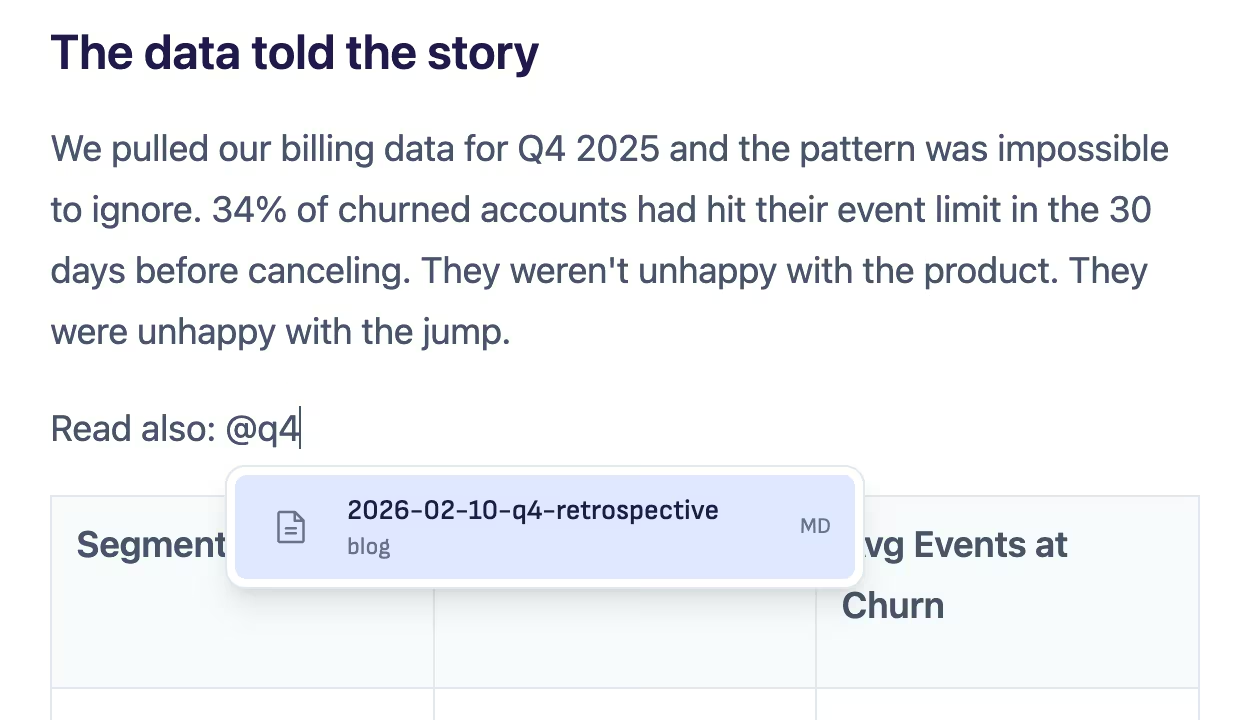
- In the folder you opened, as ordinary markdown files.
- Does anything leave my computer?
- What you send to an agent goes to the AI provider you chose, under your own account. Writing itself works offline.
Open your folder and write.
Free and open source.