The problem: your writing locked in someone else's cloud
Most writing tools store your content on their servers. Your drafts, notes, research, personal journals, client work... all sitting in a database you do not control. You need an account to access your own files. You need internet to open your own documents. If the company shuts down, pivots, or raises prices, your content is hostage.
For people who work with sensitive material, that is a real problem. Legal documents, medical notes, business strategy, personal writing. You do not always want that on somebody else's server.
How Ritemark works differently
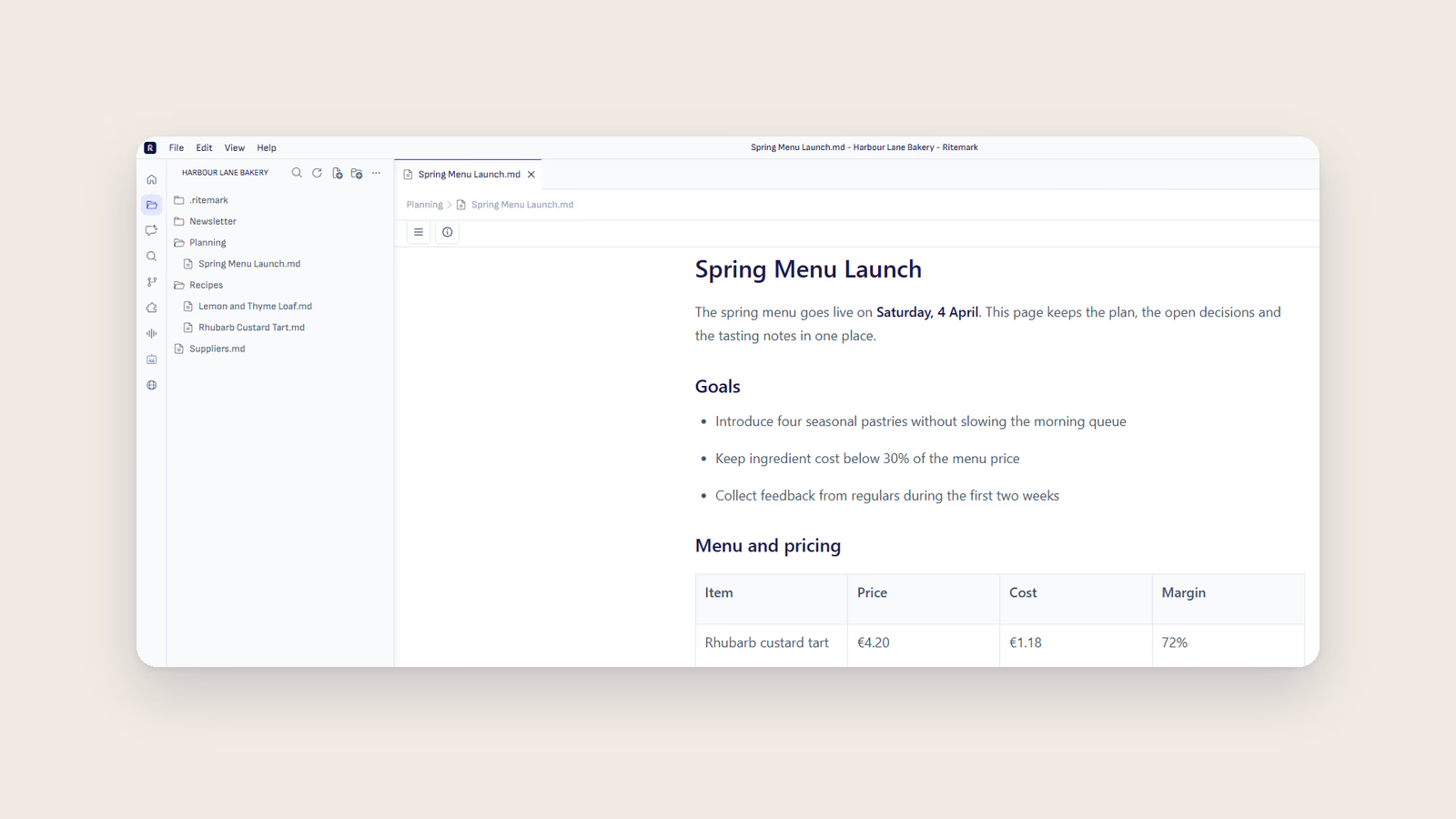
Ritemark saves everything as plain Markdown files on your local hard drive. Not in a proprietary format. Not in a database. Regular .md files in regular folders that you can open with any text editor.
When you create a document in Ritemark, it creates a file on your drive. When you edit it, the file updates. When you close Ritemark, the files are still there, exactly where you put them. You can move them, back them up, put them in Git, sync them with whatever cloud service you trust, or keep them entirely offline.
There is no Ritemark account. No login. No "workspace" that lives on a server somewhere. Just files on your machine.
What "local-first" means in practice
You open Ritemark and point it at a folder. That folder is your project. Every document you create lives in that folder as a Markdown file. Images, CSV files, and other assets sit alongside your documents.
You can work on an airplane with no internet. You can work in a coffee shop with unreliable wifi. You can work on a classified network with no external access. Writing and editing need no connection. The AI sidebar does, and by default Ritemark checks for updates and sends anonymous usage analytics, which you can switch off in Settings.
When you want to collaborate, you use the tools you already have. Put your folder in a shared drive. Use Git for version control. Use Dropbox or iCloud for sync. Ritemark does not impose its own collaboration model on you.
What about AI agents?
This part needs more detail. Your files are stored only on your computer, and there is no Ritemark cloud. When you use the AI sidebar, whatever the agent reads is sent to the AI provider you chose.
Ritemark bundles Claude Code, Codex and OpenCode and runs them from its AI sidebar. When you use one, the agent makes API calls to its provider: it reads your local files and sends the relevant parts to that provider to generate responses, under the provider's terms. Choosing ElevenLabs for transcription also uploads the audio file.
If you want the AI part to stay on your computer too, you can install a local model tool such as Ollama and use it in Ritemark's built-in terminal, which runs whatever you install. The AI sidebar has no local model option. A local model in the terminal means the content you give it stays on your machine.
The key point: the choice is yours. Cloud-connected agents in the sidebar for maximum capability, or a local model you set up yourself in the terminal for maximum privacy. Your call.
Open source and auditable
Ritemark is open source under the MIT License. The code is on GitHub. You can read every line, verify what the application does with your files, and see exactly what it sends: anonymous usage analytics that you can switch off, and, when you use the AI, what the agent reads to the provider you chose.
This is not a "trust us" promise. It is a "check for yourself" invitation.
Plain Markdown means no lock-in
Your files are Markdown. If you ever stop using Ritemark, your content goes with you. Open it in VS Code, Obsidian, iA Writer, or any of the hundreds of editors that understand Markdown. Nothing to export. Nothing to convert. Your files are already in the universal format.
Download Ritemark and keep your writing on your own machine.
Start writing with Ritemark.
Free and open source.