Browser
The page you are readingbecomes context.
Read the source you are citing without leaving the document, and attach it to your question when you want the agent to use it.
Free and open source. The agent sees a page only when you say so.

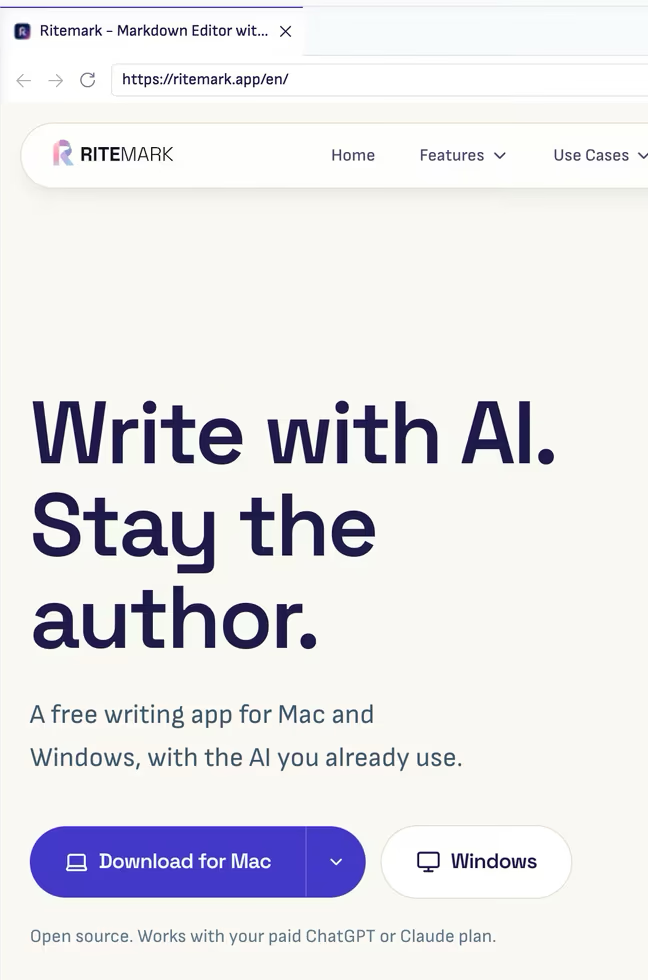
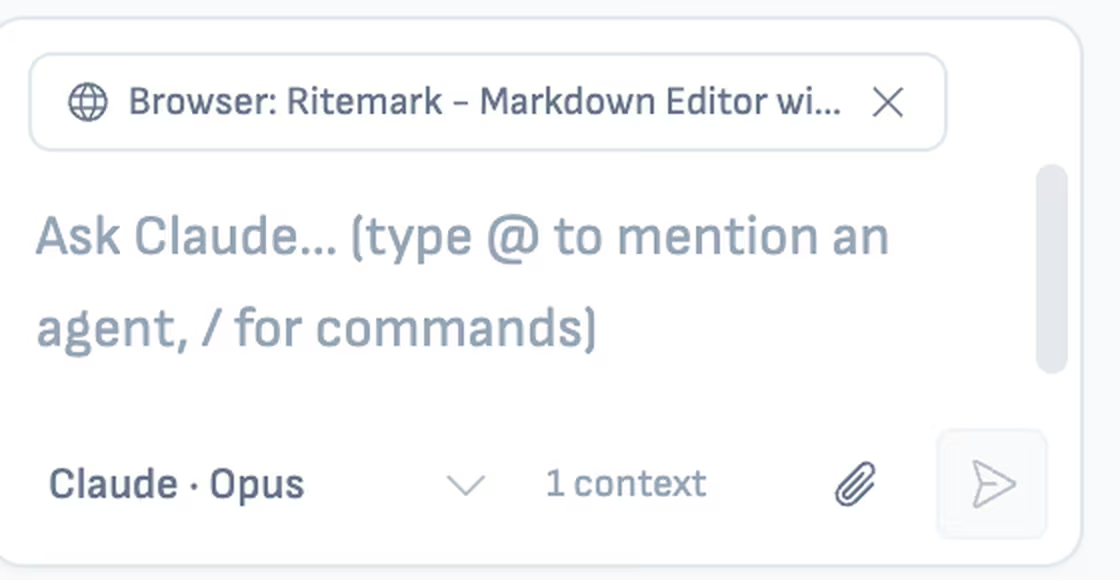
The page rides along with your question.
What you are reading is attached as one context item, so the answer is about that page and not the internet in general.
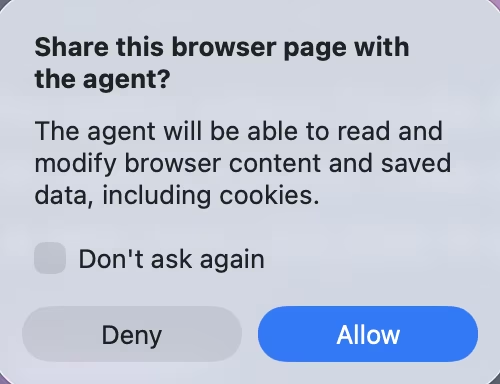
It asks before it looks.
Before the agent sees a page, Ritemark asks beside your work: Share this page, or Not now. Your tabs keep working while it waits.
Good to know
In the same window
A web page opens as a tab beside your documents, not in another app.
You allow each page
The agent reads browser content only after you allow it.
Your own pages
Pages you visited are listed under Recent in Browser, so you can come back to them.
Questions
- Is this a full browser?
- It is a tab for reading a page beside your writing, not a replacement for Chrome or Safari.
- Can the agent browse on its own?
- It can work with a page you have open once you share it. Ritemark asks each time, unless you tick Share pages I open in Ritemark without asking.
- What does the agent see?
- The page content, and saved data such as cookies for that page.
Keep the source next to the draft.
Free and open source.