
Your writing at the center. Your AI agent right beside you.
Your content fills the screen. The AI agent sits on the right, ready when you call on it. Visual sidebar or full terminal. You choose.
One workspace. Two ways to bring in AI.
The AI Sidebar gives you a visual chat right next to your document. The built-in terminal gives you full CLI access. Both work on the same files. You pick the one that fits how you think.
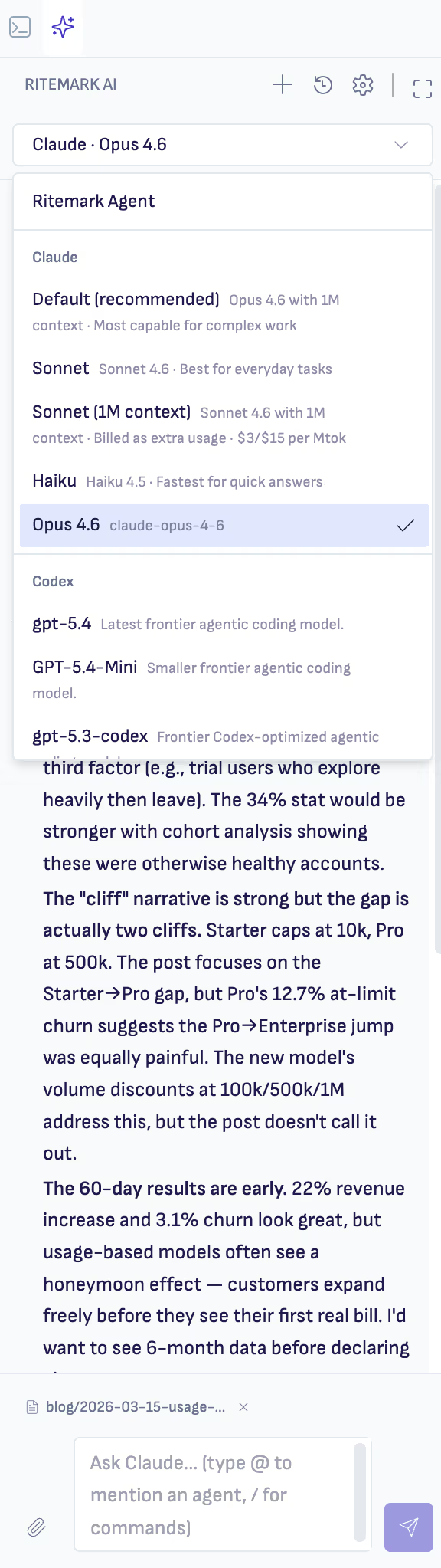
AI Sidebar
Chat with your agent visually. Switch between Ritemark Agent, Claude Code, and Codex with a dropdown. Plan mode, rephrase tools, interactive questions. The friendliest way to work with AI on your files.
Read more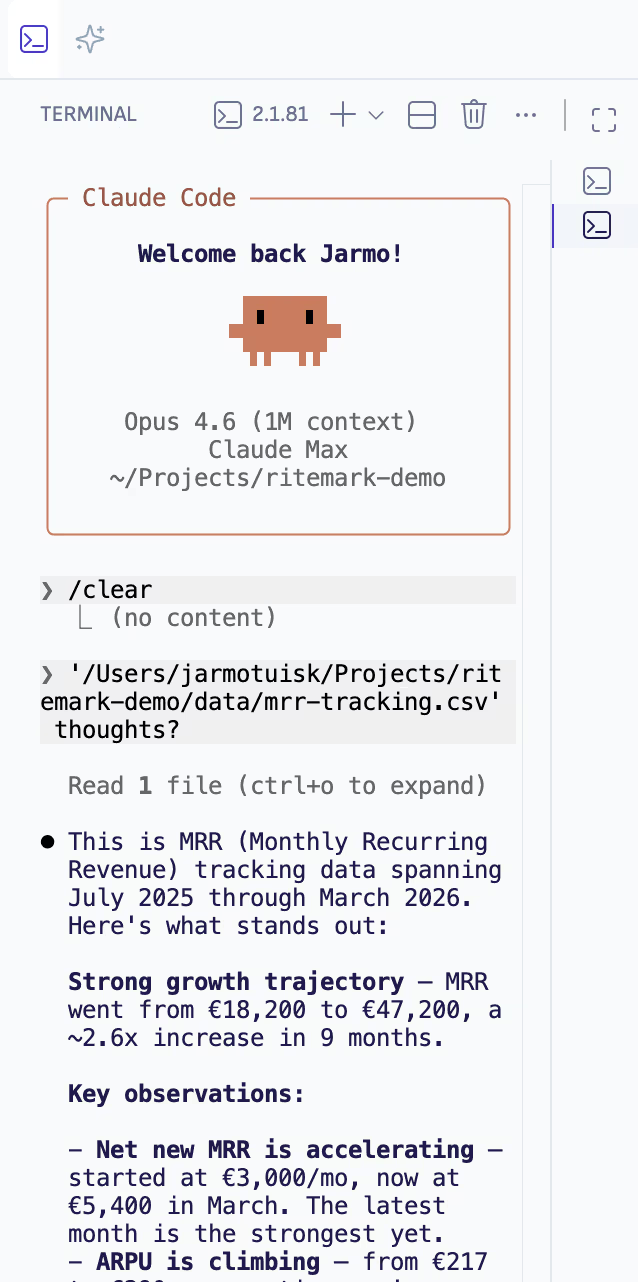
Built-in Terminal
Full VS Code terminal running inside Ritemark. Run claude, gemini, or codex directly. The agent sees your entire project folder. Every CLI tool works here today and tomorrow.
Read moreA conversation with your agent, right next to your document.
Three agents in one sidebar. Ritemark Agent handles quick text operations. Claude Code handles deep restructuring. OpenAI Codex is strong for technical content. Switch between them with a dropdown. Plan mode lets you see what the agent intends before it acts.
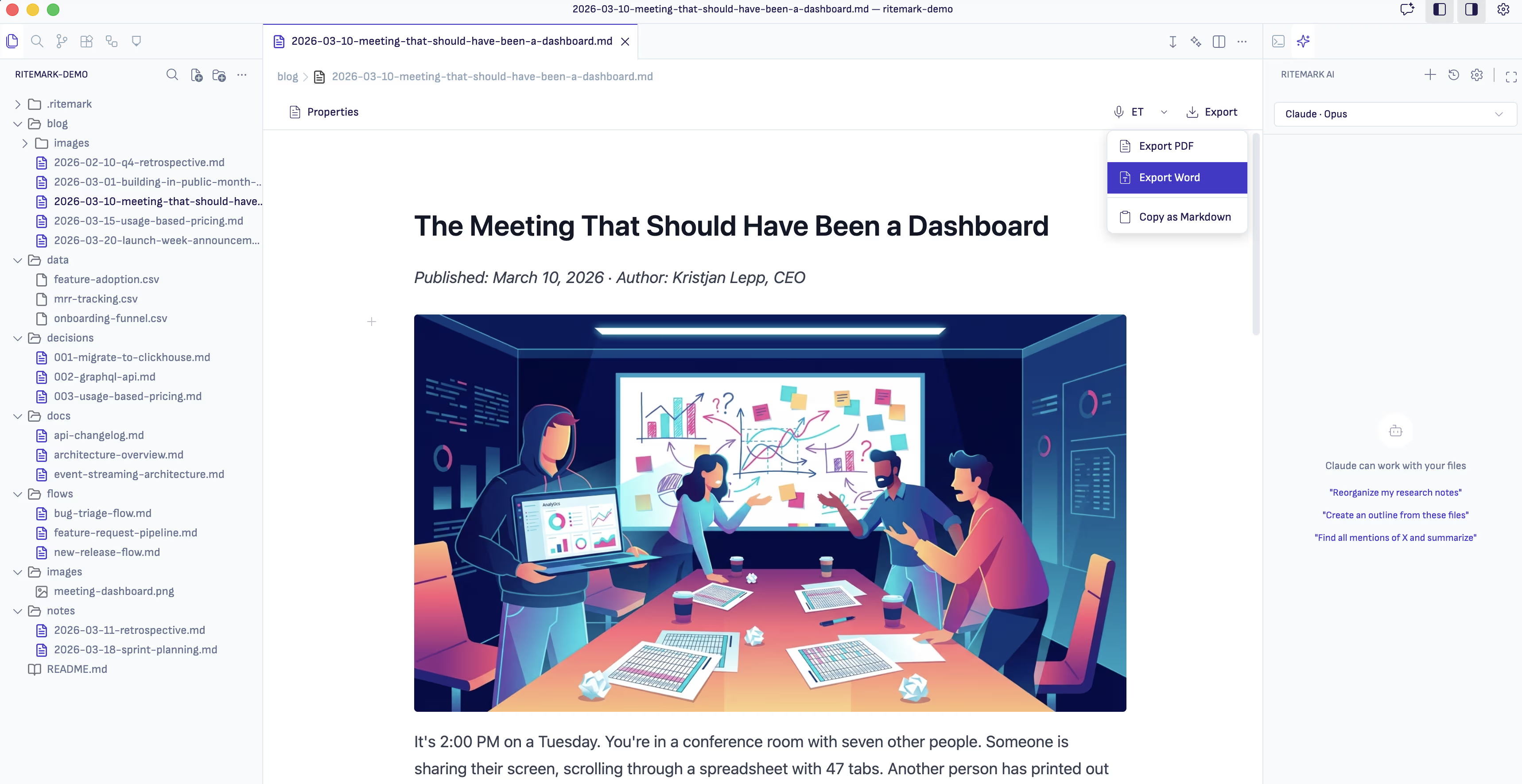
The editor is your workspace. Everything else supports it.
You write in the center. The agent assists on the right. Your files stay on your drive.
Editor
Visual Markdown editing with live preview. Write formatted text, not syntax. Standard Markdown files that any tool reads.
Explore EditorAI Agents
Three agents in one sidebar. Full CLI terminal built in. Switch providers with a dropdown, no lock-in.
Explore AI AgentsLocal-First
Files on your hard drive. No cloud, no account, no sync. Full offline support. Your data stays yours.
Explore Local-FirstData Files
Native support for CSV, JSON, and YAML. View and edit structured data alongside your prose.
Explore Data FilesFlows
Chain AI operations into repeatable workflows. Build templates for common writing tasks and run them with one click.
Explore FlowsStart writing. Your agent is ready when you are.
Download takes 30 seconds. No account required. Open source and free forever.