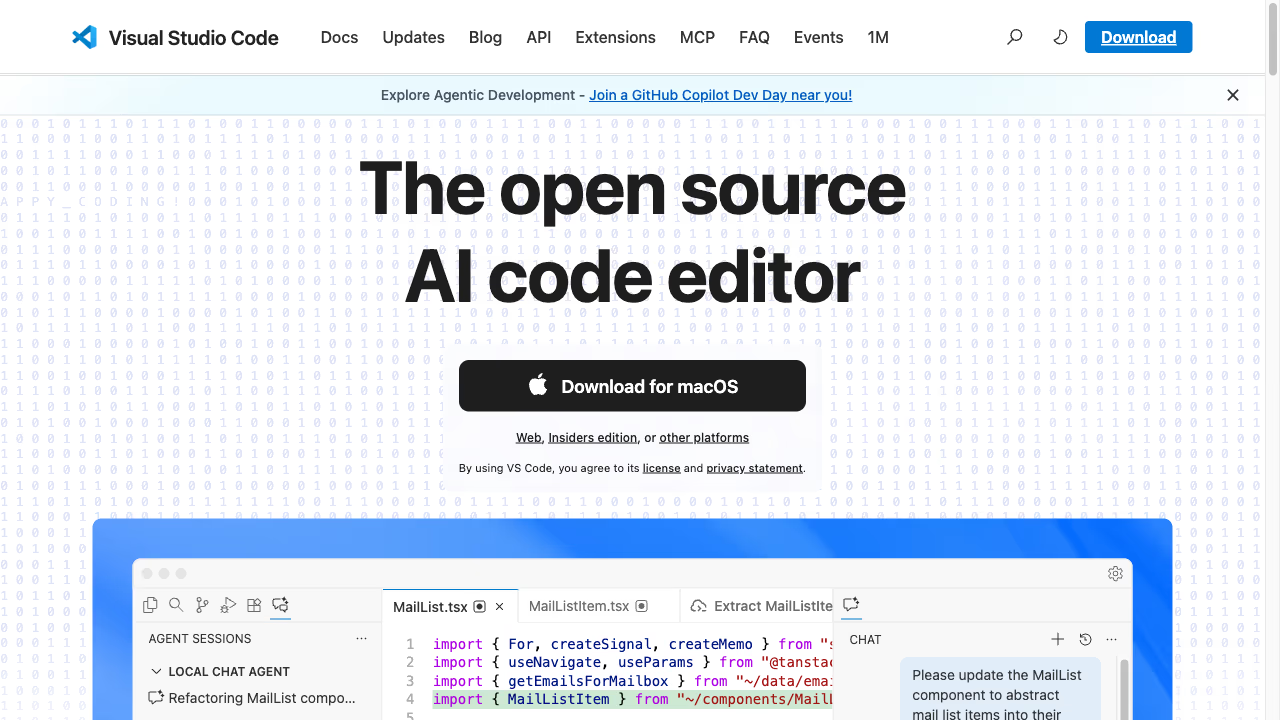
The VS Code Writing Setup
There is a well-known workflow among technical writers and developers who blog: install VS Code, add a handful of markdown extensions, configure a preview pane, and start writing. It works. Plenty of good writing has been produced this way. But at some point you start to notice the friction, the small moments where you are fighting the tool instead of focusing on your text.
The friction is not a bug. VS Code was designed for software development. Every default, every UI decision, every keyboard shortcut was chosen with code in mind. When you use it for writing, you are a guest in someone else's house. Everything functions, but nothing was arranged for you.
Where the Experiences Overlap
Both VS Code and Ritemark open the same markdown files. Your content is plain text stored in folders on your machine. Both support multiple tabs, split views, and file tree navigation. Both have integrated terminals. If you have built a writing workflow in VS Code, you will recognize the same capabilities in Ritemark.
The keyboard-driven approach is also shared. Neither tool forces you to reach for the mouse. You can navigate, edit, and manage files entirely from the keyboard in both editors.
Where They Feel Different
Open a markdown file in VS Code and you see raw markup. Hashtags for headings, asterisks for bold, square brackets and parentheses for links. You can open a preview pane to see the rendered version, but now your attention is split between two panels. You edit on the left, check the result on the right, and your eyes constantly move back and forth.
Ritemark shows you the document as you intend it to look. Headings are large and bold. Lists are indented. Links are clickable. You are still writing markdown under the hood, the file on disk is identical, but you do not need to parse syntax in your head while composing a sentence. This is not about making things "easier." It is about removing a layer of translation that serves no purpose when your goal is prose, not code.
The difference extends to the interface itself. VS Code shows a minimap, breadcrumbs, status bar items for language mode, encoding, line endings, and other details that matter when coding. Ritemark strips this away. The writing surface is clean because the information a writer needs is different from what a developer needs. Line endings do not matter when you are drafting a blog post. Character encoding rarely matters when you are writing in English or Estonian.
File management tells a similar story. VS Code's explorer is designed for codebases with hundreds or thousands of files, deep folder nesting, and configuration files everywhere. Ritemark's file management assumes you are working with documents, fewer files, flatter structures, and content that you want to find quickly by title rather than by path.
Who Should Choose Which
If you are a developer who occasionally writes markdown, VS Code is the pragmatic choice. You already have it open, you know the shortcuts, and the markdown extensions are good enough. Adding another tool to your workflow creates more friction than it removes.
If writing is a significant part of your work, not just occasional README files but regular blog posts, documentation, reports, or long-form content, Ritemark removes the compromises. You stop configuring extensions to approximate a writing experience and start with one that was built for the task. Same files, same terminal, same keyboard-driven workflow, but an interface that assumes you are here to write, not to code.
Start writing with Ritemark.
Free and open source.