The Unusual Relationship
Most editor comparisons pit two unrelated tools against each other. This one is different. Ritemark is literally built on VS Code OSS, the open-source foundation that Microsoft publishes alongside Visual Studio Code. They share the same Electron shell, the same extension host architecture, the same terminal emulator, the same workspace and file management system. If you opened Ritemark and VS Code side by side, you would recognize the bones immediately.
So why does Ritemark exist at all? Because a code editor and a writing tool need fundamentally different things from the same foundation. VS Code optimizes every pixel for developers. Ritemark takes that same engine and rebuilds the experience around people who write prose, documentation, and structured content.
Where They Overlap
The shared foundation means Ritemark inherits real strengths. The integrated terminal works the same way, you can run shell commands, scripts, and CLI tools without leaving the editor. Workspace management follows the same model of opening folders and navigating file trees. Keyboard shortcuts feel familiar if you have used VS Code before. Both are free and open source under the MIT license.
Performance characteristics are similar too. Both run on Electron, both handle large files well, both support split panes and multi-tab editing. If you already know how to move around VS Code, you will feel at home in Ritemark within minutes.
Where They Diverge
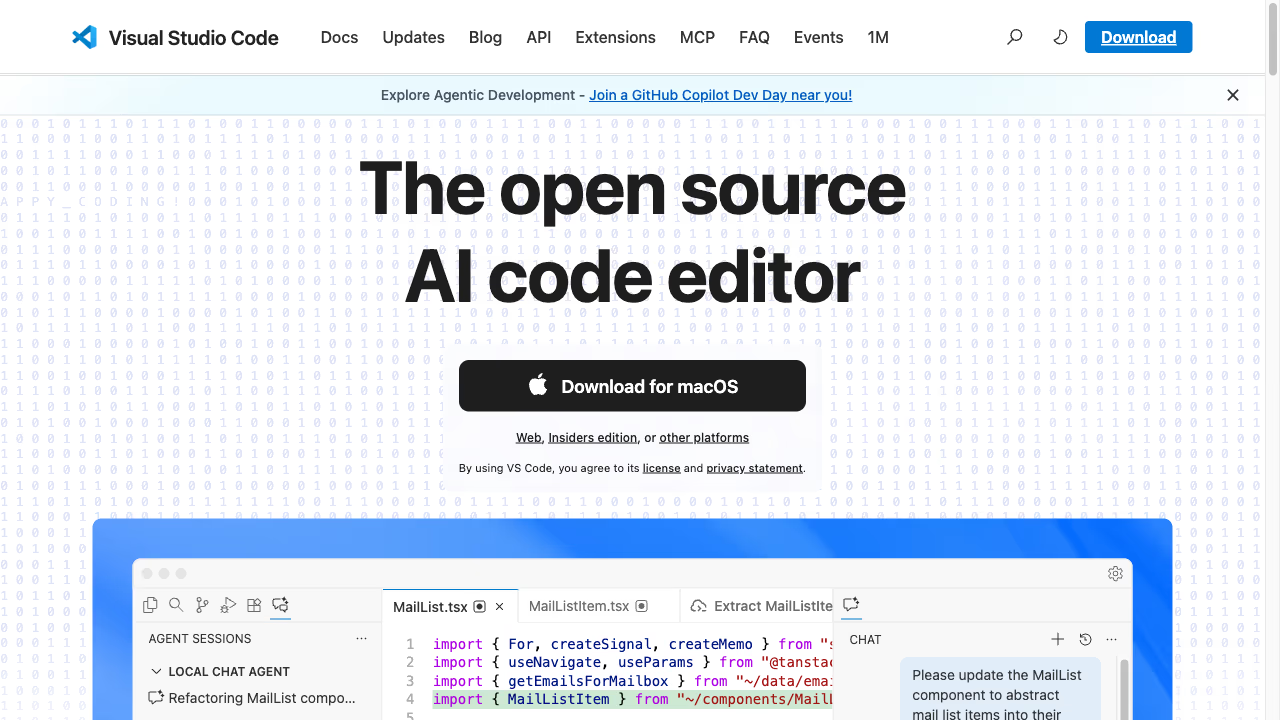
The differences start at the editing surface. VS Code gives you a code editor with syntax highlighting, IntelliSense, bracket matching, and a minimap. When you open a markdown file, you get the same code editing experience with an optional split-pane preview. You are always looking at raw markup on one side and rendered output on the other.
Ritemark replaces this with a visual markdown editor. You write in something closer to a word processor, where headings look like headings and bold text looks bold, but the underlying file is still plain markdown. There is no split pane needed because what you see is already close to what you get. For someone writing a blog post or a report, this removes the constant mental translation between markup syntax and final output.
The AI story is completely different too. VS Code has GitHub Copilot, which is excellent at predicting the next line of code. It understands programming languages, APIs, and patterns in your codebase. Ritemark has an AI sidebar designed for writing tasks: rephrasing paragraphs, adjusting tone, generating outlines, and working through ideas. AI writing agents such as Claude Code, Codex and OpenCode run in Ritemark's sidebar, where they can read your documents and help restructure them. Same foundation, very different use case.
Then there is data. VS Code treats CSV and Excel files as text or ignores them entirely. Ritemark can open and edit CSV and Excel files natively, which matters when you are writing a report that references a spreadsheet or building content that pulls from structured data sources.
Who Should Choose Which
VS Code is the right tool if you write code. That is what it was built for, and it does that job better than almost anything else. If you occasionally write markdown in VS Code, the experience is functional but you are working against the grain of a tool designed for something else.
Ritemark is the right tool if you write documents. Blog posts, documentation, research notes, content that needs AI assistance and clean formatting. You get the same solid foundation, the terminal, the file management, the keyboard-driven workflow, but everything above that foundation is built for writing instead of coding. Same engine, different purpose.
FAQ
Is Ritemark built on VS Code?
Yes. Ritemark is built on VS Code OSS, the open-source foundation Microsoft publishes. They share the same Electron shell, terminal, and extension host, but Ritemark is redesigned for writing instead of coding.
Can I use GitHub Copilot in Ritemark?
Yes. You can install GitHub Copilot Chat from the Marketplace, sign in, and use it in its own panel next to Ritemark AI. Ritemark's own AI sidebar runs Claude Code, Codex and OpenCode, and you can also run command-line AI tools you install yourself in the terminal.
Does Ritemark have the same terminal as VS Code?
Yes. Ritemark inherits VS Code's terminal emulator and extension host architecture, so shell commands and CLI tools work exactly as they do in VS Code.
Should I write markdown in VS Code or Ritemark?
If you already live in VS Code for coding, its split-pane markdown preview is functional. Ritemark's visual markdown editor removes the raw markup entirely, which is faster for dedicated document writing.
Is Ritemark free like VS Code?
Yes. Both Ritemark and VS Code are free and open source under the MIT license. The AI in Ritemark's sidebar runs on your own paid Claude plan, your ChatGPT account, or your own API keys.
Start writing with Ritemark.
Free and open source.