Two AIs, Two Jobs
AI in editors is no longer optional. Most people who write or code professionally use some form of AI assistance in 2026. But the kind of help you need depends entirely on what you are doing. Writing code and writing prose are both "writing," yet they require fundamentally different AI capabilities. VS Code and Ritemark illustrate this perfectly because they share the same technical foundation but point their AI features in opposite directions.
Where They Overlap
Both editors give you access to AI through their interfaces. Both can connect to major AI providers. Both allow you to interact with AI while staying inside your editor, without switching to a browser tab or a separate application. In both cases, the AI can see your current file and use it as context.
The terminal is another shared surface. Both VS Code and Ritemark have integrated terminals where you can run command-line AI tools. Claude Code, Gemini CLI, or any other agent that runs in a shell works in both editors. The terminal does not care what the editor around it was built for.
Where They Diverge
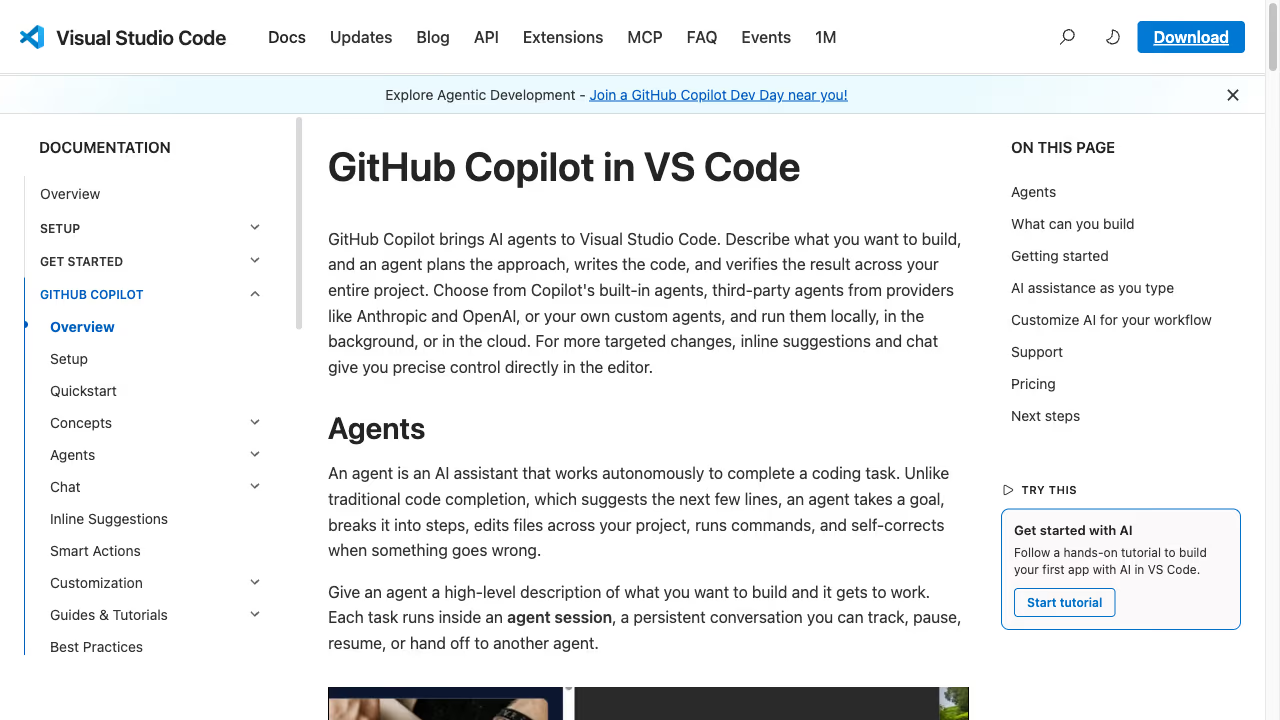
GitHub Copilot in VS Code is built to predict code. It watches what you type, understands the programming language, reads the surrounding functions and imports, and suggests the next line or block. It is remarkably good at this. If you are writing a Python function, Copilot can often complete the entire implementation from the function signature alone. This is exactly what developers need: fast, accurate code generation that understands syntax and logic.
But try using Copilot for prose. Ask it to suggest the next sentence in a blog post. It might produce something grammatically correct, but it does not understand your argument, your tone, or where the piece is heading. Code completion and prose composition are different problems. Code has right answers. Prose has choices.
Ritemark's AI sidebar was designed for those choices. It runs Claude Code, Codex or OpenCode in a panel that sits alongside your document; OpenCode reaches Google, OpenRouter and other providers' models with your own API keys. You can highlight a paragraph and ask it to rephrase for clarity. You can paste an outline and ask it to expand a section. You can describe a tone shift and have the AI adjust three paragraphs at once. These are writing operations, not code operations, and the interface reflects that difference.
The terminal angle matters too. In VS Code, the terminal is where you run build tools, test suites, and package managers. Developers sometimes run AI agents there, but the workflow is oriented around code repositories. In Ritemark, AI writing agents live in the sidebar instead. Claude Code, Codex or OpenCode can read through your entire document folder, suggest structural changes across multiple files, or generate a summary of a long report. The agent interacts with your documents the way a research assistant would, not the way a code reviewer would.
Who Should Choose Which
If you write code and want AI that understands your codebase, VS Code with Copilot is the clear choice. Copilot's strength is code prediction, and VS Code's entire environment supports that workflow. Using Ritemark for coding would make no sense.
If you write documents and want AI that understands prose, Ritemark's approach fits better. The AI sidebar is built for writing tasks. The terminal is ready for document-level AI agents. The visual editor means you see your text as text, not as markup, while the AI works alongside you. It is the difference between an AI that finishes your code and an AI that helps you think through your writing. Both are valuable. They just solve different problems.
Start writing with Ritemark.
Free and open source.