AI Is No Longer Optional in a Writing Tool
Two years ago, AI in a markdown editor was a nice extra. Today it is a core part of how many people write. Whether you are drafting a blog post, reviewing a technical document, or restructuring a long report, having an AI assistant inside your editor saves real time. The question is not whether your editor should support AI, but how it does it.
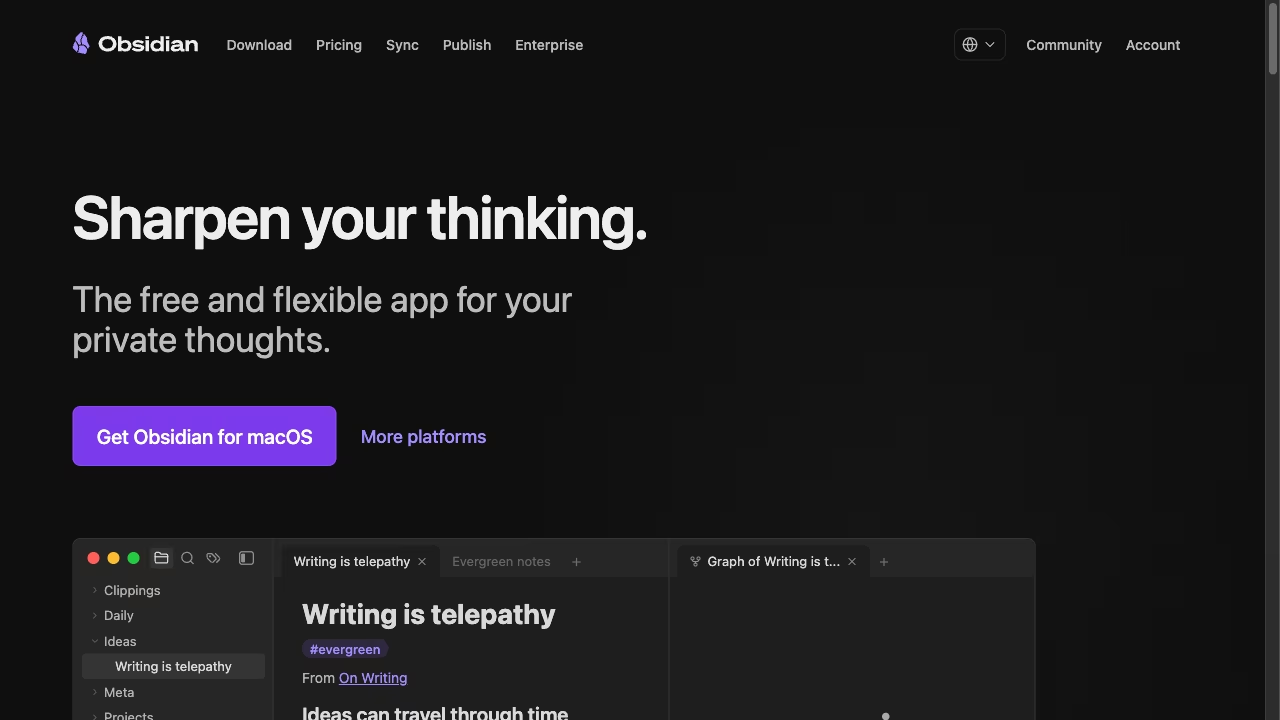
Obsidian and Ritemark take fundamentally different approaches. Obsidian relies on its plugin ecosystem, where community developers build AI integrations. Ritemark ships with AI capabilities built into the editor itself. Both approaches have trade-offs worth understanding.
How Obsidian Handles AI
Obsidian's AI story is told through plugins. The most popular ones include Copilot, which connects to OpenAI and other providers for chat and text generation, and Smart Connections, which uses embeddings to find related notes in your vault. There are dozens of others, each solving a specific piece of the puzzle.
The plugin approach has real strengths. You can pick exactly the AI features you want. If you only need a simple chat sidebar, install one plugin. If you want semantic search across your vault, add another. The community moves fast and experiments freely.
But there are real costs too. Plugins depend on volunteer maintainers. When Obsidian releases a major update, plugins can break and take days or weeks to get fixed. Each plugin has its own settings panel, its own API key management, its own update cycle. If you use three AI plugins, you are managing three separate configurations.
The biggest limitation is that none of this comes with Obsidian. Agents such as Claude Code can run inside Obsidian only through community plugins that you install, set up and keep working yourself.
How Ritemark Handles AI
Ritemark takes a different path by building AI support into the editor at two levels. The first is the AI sidebar, a built-in panel with three agents: Claude Code, Codex and OpenCode. You can chat with them without leaving the editor, and OpenCode reaches Google, OpenRouter and other providers' models with your own API keys. The agents read and edit the files in your folder. Select text, ask for a rewrite, get suggestions. It works the way you would expect.
The second level is the terminal. Ritemark includes a full terminal, the same kind of terminal you would find in VS Code. It runs command-line tools you install yourself, such as Gemini CLI. Claude Code, Codex and OpenCode already come bundled in the AI sidebar, so you do not need the terminal for them. These are not plugins. They are full applications with access to the files in your folder, and in the sidebar you choose whether the agent asks before each change.
The difference in practice is significant. Claude Code in Ritemark's AI sidebar can read your entire project, understand context across multiple files, make coordinated edits, and run validation commands. It is not limited to whatever API a plugin developer decided to wrap. You get the full power of the agent.
When a new AI CLI tool launches, you do not wait for someone to build a plugin. You install the tool and run it in the terminal. Ritemark does not need to update anything. The terminal is the integration layer, and it works with everything.
What This Means Day to Day
For simple tasks like "rewrite this paragraph in a more formal tone," both approaches work fine. Obsidian plugins handle this kind of request well, and so does Ritemark's AI sidebar.
The gap shows up with complex tasks. If you need an AI agent to read five files, understand their relationships, and produce a summary document, you need a tool that can access your file system and work across files. Ritemark's sidebar agents do this naturally. In Obsidian, you would need to copy content into a chat window or find a plugin that supports multi-file context, and most do not.
Reliability is the other factor. Ritemark's terminal and AI sidebar are maintained by the same team that builds the editor. They ship together, they are tested together, they break less often. With Obsidian plugins, you are depending on the availability and motivation of community developers, some of whom maintain their plugins as side projects.
Choosing Based on Your Needs
If your AI needs are simple and you prefer picking specific tools from a marketplace, Obsidian's plugin ecosystem gives you that flexibility. Just be prepared to manage configurations and handle occasional breakage after updates.
If you want AI agents that can work deeply with your files, run CLI tools, and stay stable across updates, Ritemark's built-in approach is the stronger choice. The bundled agents and the terminal come with the app, so you do not have to assemble them from plugins.
Start writing with Ritemark.
Free and open source.