Same Claude, Different Workbench
Ritemark and Claude Desktop can run the same Claude on the same Claude plan. The difference is the workbench around it. Claude Desktop is Anthropic's app for everything Claude does: conversation, longer tasks across your apps, and software work in its Code tab. Ritemark is a writing app. The document sits in the middle, Claude Code works on the files in your folder from the sidebar, and you stay the author.
If you mainly talk to Claude, research with it, or hand it tasks that run across your cloud apps, Claude Desktop is the better tool. If your work ends as a document in a folder, this page is for you.
What Claude Desktop Does Well
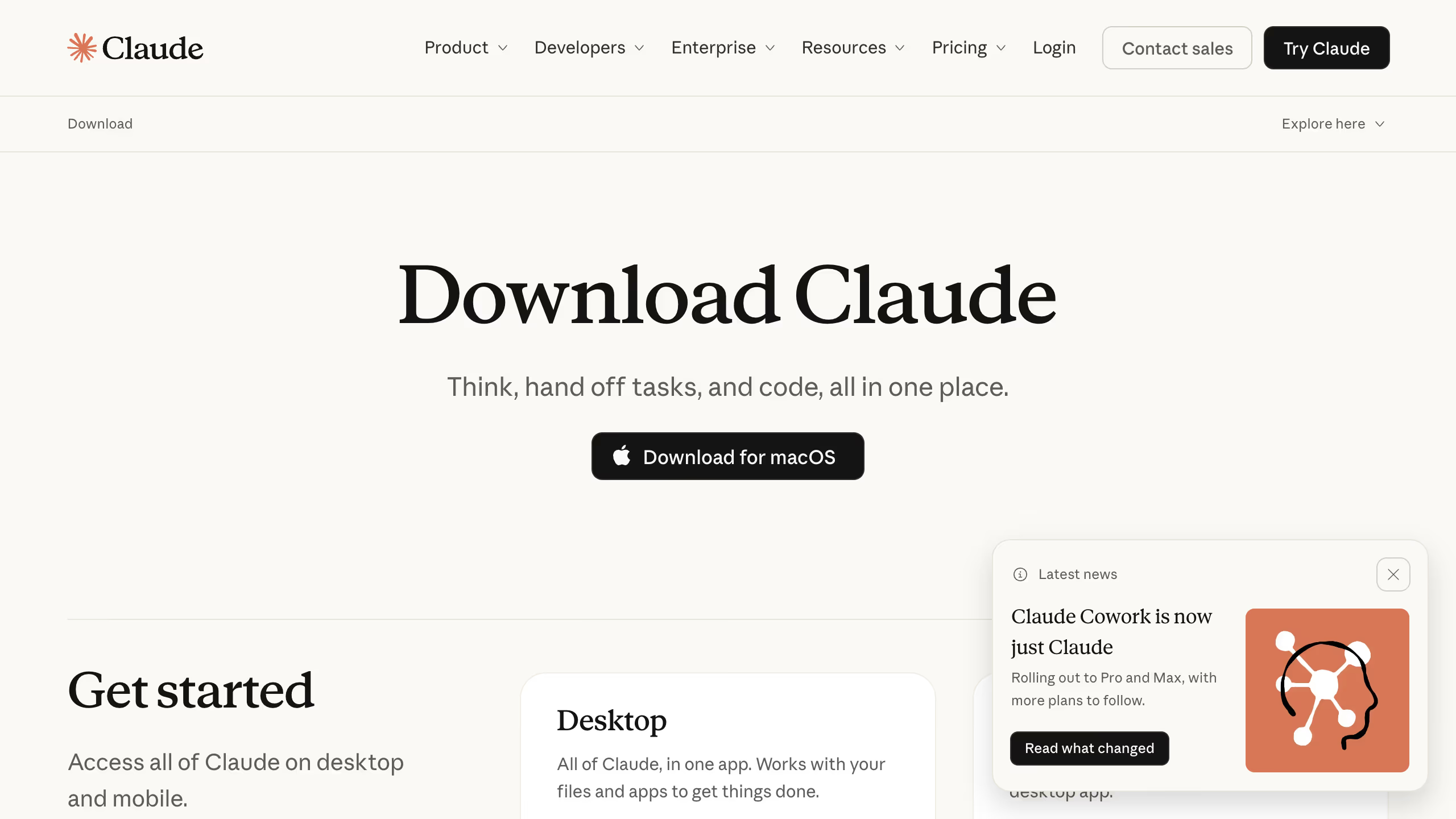
The Claude app for Mac and Windows covers three kinds of work. Chat is the conversation. Cowork takes on longer tasks: it works in folders you choose, reads and writes Office files, runs scheduled tasks, and reaches your other apps through connectors. Its projects keep their own instructions, context, scheduled tasks and memory, and a project can start from a folder on your computer. The Code tab runs Claude Code on a project folder and can show two sessions side by side. In September 2026 Anthropic began folding chat and Cowork into one Claude, starting with the Pro and Max plans.
For long-running work that moves between your cloud apps, Claude Desktop does more than Ritemark, and Ritemark does not compete there.
Where Ritemark Is Different
A window is a folder
In Ritemark, a window belongs to one folder. The title bar names it, the Folder view shows its files, and the AI sidebar lists only the conversations saved in it. To work on another project, choose New Window from the File menu and open that folder there. Each window keeps its own conversations, instructions and helpers, and you can have both on screen at once. The New Window guide shows how.
Claude Desktop keeps chats, Cowork projects and Code sessions in one app and lists them in its sidebar. Its File menu starts a new session rather than a new window, and a Code session can be popped out into a window of its own.
The setup is files, and every agent gets it
Everything that shapes the agent in a Ritemark project is a file in the folder: AGENTS.md and CLAUDE.md for standing instructions, agents and skills in the .claude and .agents folders, flows in .ritemark. The Agent Library lists them under Project, and you create or change an agent in a form instead of YAML.
If you already use Claude Code, this is familiar ground. It reads the same CLAUDE.md and the same .claude folder, in Ritemark or in Claude Desktop's Code tab. Cowork projects keep their instructions and memory in the app instead.
What Ritemark adds is that the same folder works with Codex and OpenCode too. Ritemark loads AGENTS.md and CLAUDE.md into every agent session, so when you switch a conversation to Codex, it starts from the same instructions.
You edit the document next to Claude
Claude works in the file you have open, and its edits show up in the editor as it makes them. You keep writing in a visual editor where headings and tables look like what they are. Comment on a paragraph, write @claude, and the comment goes to Claude as a task. Switch on Plan only, and Claude shows its plan and waits for your approval before it changes anything.
Claude, and Codex when you want a second opinion
Ritemark runs Claude Code on a paid Claude plan or an Anthropic API key, Codex with your ChatGPT account, and OpenCode with your own API keys. You choose the agent for each conversation and can switch halfway: the next message goes to the other agent with the earlier ones as context. Claude Desktop runs Claude.
Where They Meet
Both run Claude on the Claude plan you already pay for, and Claude Code reads the folder's CLAUDE.md in both. The Ritemark app is free and open source, and there is no Ritemark account. Whatever Claude reads from your folder goes to Anthropic under your account and its terms, as it does in Claude Desktop.
Which One to Use
Use Claude Desktop to think out loud, to research, or to hand off a task that runs across your apps. Use Ritemark when the job is a document in a folder, such as a report, a course, a proposal or documentation, and you want to see every change and keep each project in its own window. Both can open the same folder, so you do not have to choose one for good.
Checked against the Claude desktop app on 23 September 2026. Anthropic updates it often.
FAQ
Is Ritemark a Claude Desktop alternative?
For writing documents in your own folders, yes. Ritemark runs Claude Code in a writing app, on your Claude plan. For conversation, research and long tasks across your cloud apps, Claude Desktop is the better choice.
Can I use my Claude subscription in Ritemark?
Yes. Sign in with your Claude account in Ritemark's AI sidebar, or use an Anthropic API key. Claude Code needs a paid Claude plan or an API key.
Does Claude Desktop have a New Window command?
Its File menu starts a new session rather than a new window, and a Code session can be popped out into its own window. In Ritemark, File → New Window opens a window that belongs to one folder, with that folder's conversations and setup.
Does Ritemark read my CLAUDE.md?
Yes. CLAUDE.md and AGENTS.md at the root of the folder are loaded into every agent session in that window, and the Agent Library lists them next to your agents and skills.
Is Ritemark free?
The app is free and open source for Mac and Windows. Claude Code runs on your paid Claude plan or an Anthropic API key.