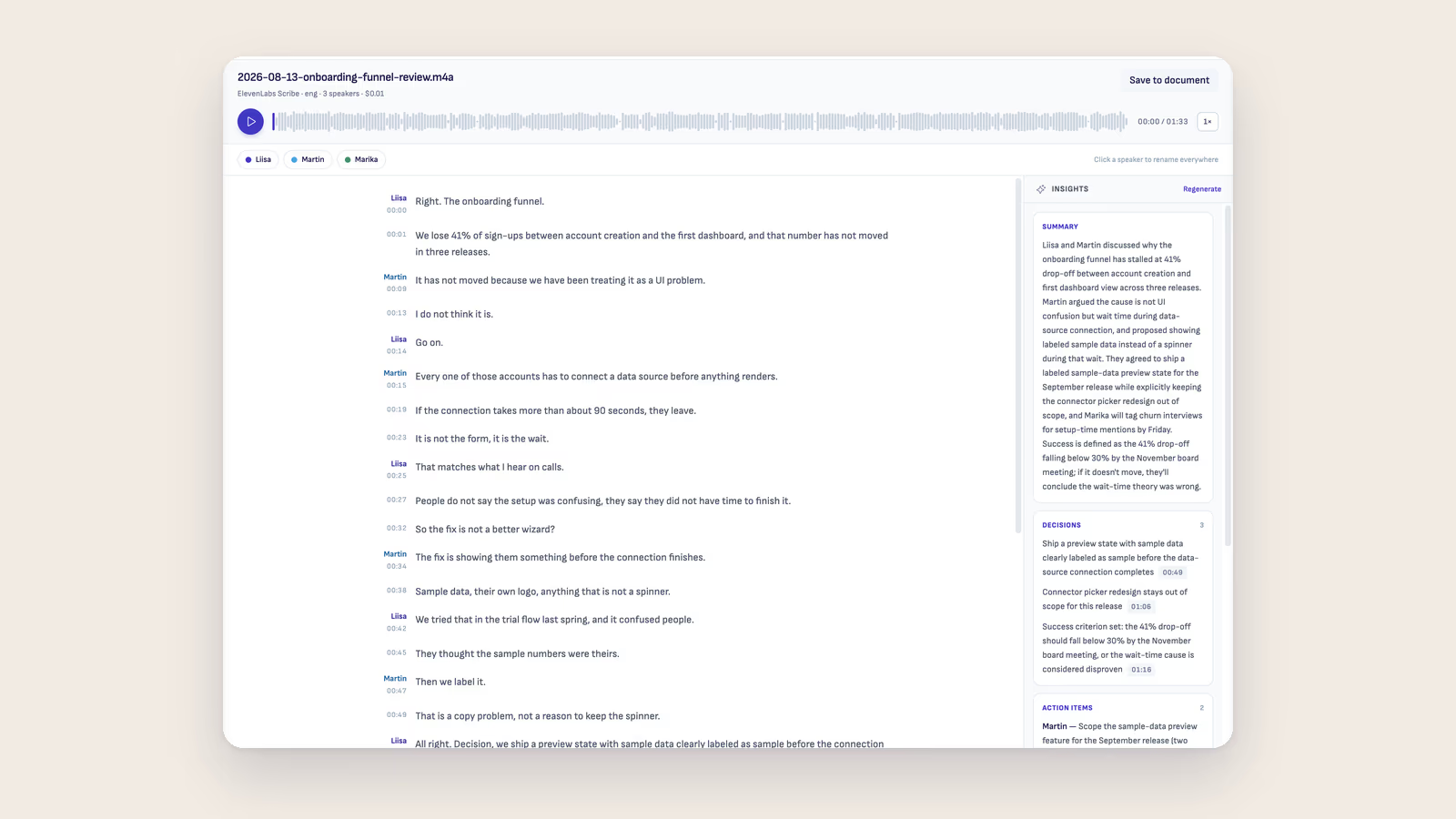
The meeting notes graveyard
Every PM knows the pattern. You take notes during a meeting, promising yourself you'll clean them up afterward. Then the next meeting starts, and the next one after that. By end of day, your notes are a wall of half-sentences and abbreviations that only made sense in the moment. The action items are buried somewhere between "John mentioned API limits" and "revisit after launch."
Most meeting notes die this way. They get taken, they never get processed, and two weeks later someone asks "wait, who was supposed to follow up on that?" Nobody knows because the answer lives on page three of an unstructured Google Doc that nobody opened since the meeting ended.
Writing and processing in the same place
Ritemark is a markdown editor with an AI agent built in. During the meeting, you type your notes in a clean, distraction-free writing environment. No toolbar clutter, no formatting menus. Just you and the text.
The real value comes after the meeting ends. Instead of context-switching to a separate AI tool, you open the sidebar chat right there next to your notes. The agent can read the full document you just wrote. You ask it to extract action items, decisions that were made, and questions that were left open. It reads the whole file and gives you structured output based on everything you captured, not just the last paragraph you remembered to paste.
You review the output, adjust anything the agent got wrong, and paste the final version back into the same file or a new one. The whole cleanup takes five minutes instead of the thirty minutes you'd never actually spend doing it manually.
From raw notes to team communication
Thursday afternoon, sprint planning just wrapped up. Your notes file looks like this: a mix of feature discussions, timeline debates, concerns about a migration, and someone volunteering to prototype something. It's useful as a memory aid for you, but useless for the three people who weren't in the room.
You open the AI chat sidebar and type: "Read these meeting notes. Pull out all action items with owners and deadlines. List the key decisions that were made. Flag any open questions that need follow-up."
The agent scans the full document and comes back with a clean summary. Two action items had unclear owners, so you fix those. One decision was actually still under debate, so you move it to open questions. Then you take that structured output and drop it into Slack or your project tracker. Done.
Next week when someone asks "did we decide to go with option A or B," you don't dig through messy notes. You open the processed file and the answer is right there, clearly labeled as a decision.
Why markdown notes survive longer
Meeting notes in markdown have a practical advantage that proprietary tools don't offer. They're plain text files. They work in git, they're searchable with any tool, and they'll be readable in ten years without needing a specific app.
When your AI agent processes those notes into action items, the output is also markdown. Everything stays in the same format, in the same folder, on your machine. No cloud service holds your meeting history hostage. And because the agent reads the actual file rather than a pasted excerpt, it catches context that you might have missed when skimming your own notes.
Start writing with Ritemark.
Free and open source.