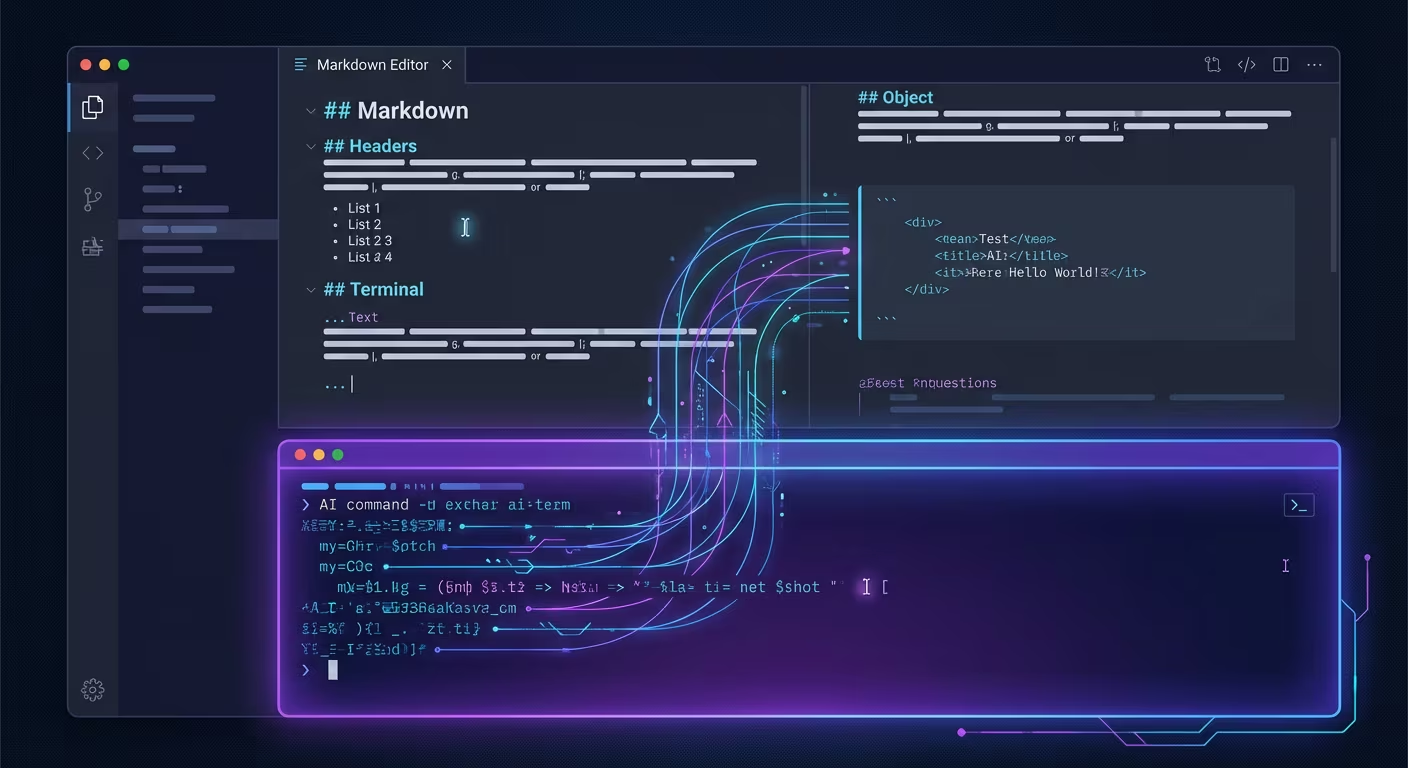
How to Use Claude Code with Ritemark
Claude Code is an AI coding agent by Anthropic that runs in your terminal. When used inside Ritemark's built-in terminal, Claude Code can read your markdown files, edit them in place, and save changes that appear instantly in the visual editor. No copy-pasting between apps required.
This combination turns Ritemark into an AI-powered writing environment where you can ask Claude to translate documents, restructure content, fix grammar, expand sections, or create entirely new files, all from one window.
Setting Up Claude Code in Ritemark
Before you start, you need Node.js installed on your Mac. If you already have it, skip to step 2.
Step 1: Install Node.js
Open Ritemark's terminal panel (click the terminal icon or press the keyboard shortcut) and check if Node.js is installed:
node --version
If you see a version number (v18 or higher), you're good. If not, install Node.js from nodejs.org or via Homebrew:
brew install node
Step 2: Install Claude Code
In Ritemark's terminal, run:
npm install -g @anthropic-ai/claude-code
Step 3: Authenticate
Run Claude Code once to set up your API key:
claude
Follow the authentication prompts. You need an Anthropic account with API access.
Step 4: Start Writing with AI
Open a markdown file in Ritemark's editor, then in the terminal, simply run:
claude
Claude Code will start in your project directory and can see all your files.
What You Can Do with Claude Code in Ritemark
Edit Your Current Document
With a document open in Ritemark, tell Claude what to change:
- "Make this article more concise, aim for 800 words"
- "Fix all grammar and punctuation issues in this file"
- "Add a conclusion section to this blog post"
- "Rewrite the introduction to be more engaging"
Claude reads the file, makes edits, and saves. Your Ritemark editor updates to show the changes in real time.
Translate Documents
Translation is one of the most powerful workflows. Tell Claude:
- "Translate this article to Estonian and save as article-et.md"
- "Translate the FAQ section to German"
Claude creates a properly formatted translation maintaining all markdown structure, headings, links, and formatting.
Create New Content
Start from scratch or expand existing work:
- "Create a support article about keyboard shortcuts based on our existing docs"
- "Write a blog post about the new features in version 1.5"
- "Generate a comparison table between Ritemark and Obsidian"
Multi-File Operations
Claude Code can work across multiple files simultaneously:
- "Update the version number from 1.4.0 to 1.5.0 across all documentation files"
- "Find all broken links in the support articles"
- "Create an Estonian version of every English support article that doesn't have one yet"
Tips for Better Results
Write clear, specific instructions. Instead of "make this better," say "shorten paragraphs to 3 sentences max, use active voice, and remove marketing jargon." Claude performs best when it knows exactly what you want.
Point Claude at specific files. Say "edit the file blog-post.md" rather than "edit my blog post." File paths remove ambiguity.
Review changes before moving on. Claude shows you what it changed. Read the edits carefully before asking for more changes. You can always ask Claude to undo its last edit.
Use Claude's context. Claude remembers your conversation during a session. Build on previous instructions: "Now do the same thing to the other three articles in this folder."
Frequently Asked Questions
Does Claude Code require a paid subscription?
Yes. Claude Code requires an Anthropic API account with a usage-based billing plan. Costs depend on how much text you process. For typical writing tasks, expect a few cents per article edit.
Can Claude Code edit multiple files at once?
Yes. Claude Code has full filesystem access through Ritemark's terminal. It can read, create, edit, and delete files across your entire project folder.
Is my content sent to Anthropic's servers?
Yes, when using Claude Code, your document content is sent to Anthropic's API for processing. If you are working with sensitive or confidential content, review Anthropic's data handling policies before using Claude Code.
What if Claude makes a wrong edit?
You can tell Claude "undo your last change" or use git version control to revert. For important documents, commit to git before running AI edits so you can always roll back.
Can I use other AI tools instead of Claude Code?
Absolutely. Ritemark's terminal works with any CLI tool. Gemini CLI, the llm library, aider, and custom scripts all work. Claude Code is recommended because of its strong file editing capabilities, but it is not required.
How fast is Claude Code for editing documents?
Most single-file edits complete in 5-15 seconds. Large multi-file operations like translating an entire documentation set may take a few minutes depending on the amount of content.