What Is Ritemark?
Ritemark is a free markdown editor for macOS with a built-in terminal. It lets you write documents while running AI commands like Claude Code, Gemini CLI, or Codex CLI without switching apps or copy-pasting between windows. Your files stay local on your machine.
Think of it as a writing app that gives AI agents direct access to your documents. You write in a visual editor that renders markdown formatting in real time, and a built-in terminal panel lets you run any command-line tool while your document stays open and editable.
How Does Ritemark Work?
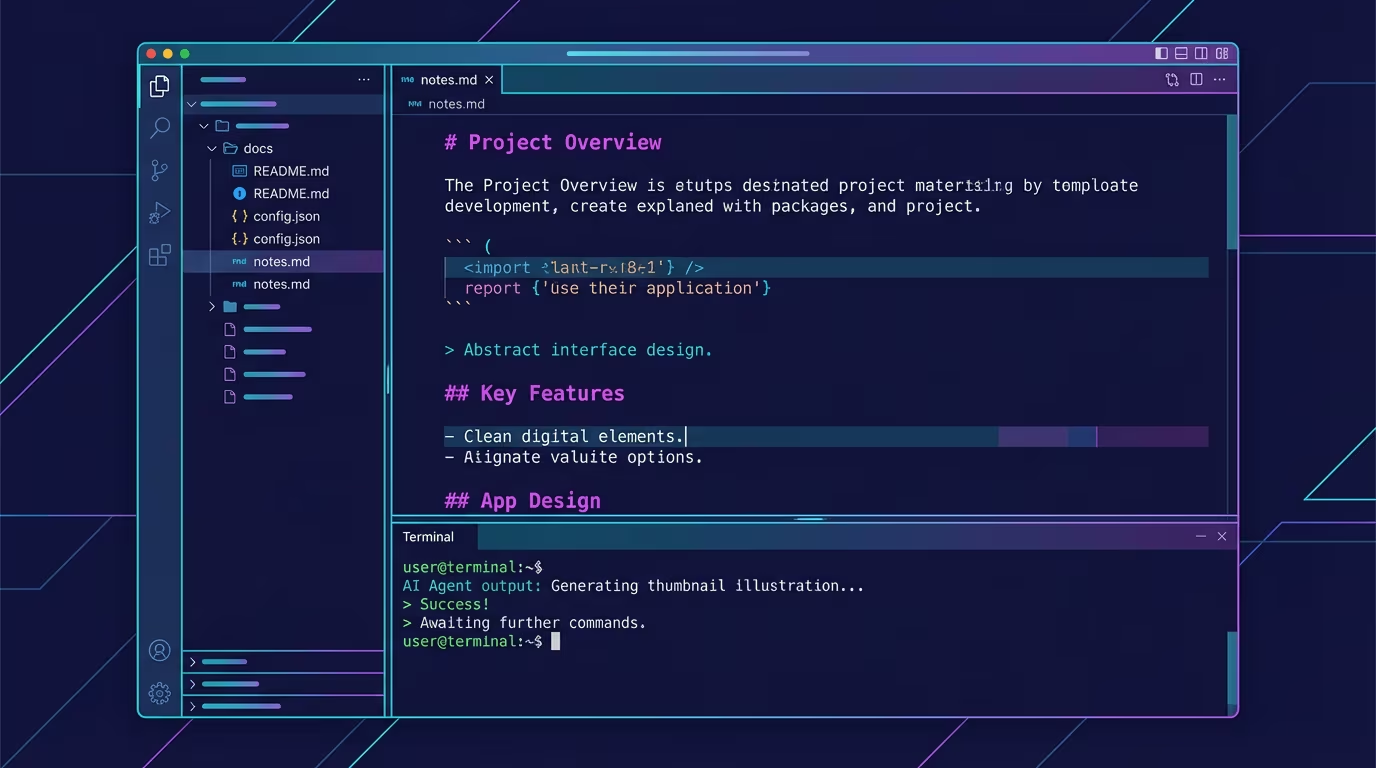
Ritemark combines three things that usually require separate apps: a visual markdown editor, a file manager, and a terminal. When you open a folder in Ritemark, you see your documents on the left, formatted text in the center, and a terminal at the bottom.
The editor shows your markdown as formatted text, similar to how a word processor displays headings, bold text, and lists. But underneath, everything is saved as plain .md files that work with any other text editor, GitHub, or static site generator.
The built-in terminal is a real macOS terminal, not a limited command palette. You can install and run any CLI tool you would use in Terminal.app or iTerm. This is what makes Ritemark different from every other markdown editor on the market.
What Makes Ritemark Different from Other Editors?
Ritemark is the only writing-focused markdown editor with a built-in terminal for AI integration. Most editors focus on editing text. Ritemark focuses on the workflow between writing and AI-assisted editing.
| Feature | Ritemark | Obsidian | Typora | VS Code |
|---|---|---|---|---|
| Built-in terminal | Yes | No | No | Yes |
| Visual markdown editing | Yes | Yes | Yes | Extension |
| AI agent integration | Native (via terminal) | Plugins | No | Yes |
| Local-first (no cloud) | Yes | Yes | Yes | Yes |
| Free | Yes | Yes (personal) | Paid ($15) | Yes |
| macOS native | Yes | Electron | Electron | Electron |
| Purpose | Writing + AI | Knowledge management | Writing | Code editing |
The key difference is purpose. Obsidian is built for knowledge management with graph views and bidirectional links. VS Code is built for programming. Ritemark is built specifically for writers who want AI tools integrated into their writing workflow.
Who Is Ritemark For?
Ritemark is designed for anyone who writes in markdown and wants to use AI tools as part of their workflow. Common users include technical writers creating documentation, bloggers drafting posts, developers writing README files and project docs, content teams producing marketing copy, and researchers organizing notes and papers.
If you currently write in one app and copy-paste to ChatGPT or Claude for editing, translating, or expanding text, Ritemark eliminates that back-and-forth entirely. The AI reads and edits your file directly.
Which AI Tools Work with Ritemark?
Any command-line AI tool works in Ritemark's terminal. The three most popular are Claude Code, Gemini CLI, and Codex CLI.
Claude Code by Anthropic is the most powerful option for writing tasks. It reads your files, makes edits in place, and handles complex multi-step tasks like restructuring a document, translating to another language, or adding sections. Install with npm install -g @anthropic-ai/claude-code and run claude in the terminal.
Gemini CLI by Google gives you access to Gemini models from the command line. It can analyze documents, generate content, and answer questions about your files. Install with npm install -g @google/gemini-cli.
Codex CLI tools like llm by Simon Willison connect to OpenAI's API for quick text generation tasks. Install with pip install llm and configure your API key.
Custom scripts written in Python, Node.js, bash, or any language can read and modify your markdown files. If it runs in a terminal, it works in Ritemark.
For step-by-step installation instructions, see the AI agent setup guide or the Claude Code setup guide.
How Do You Get Started with Ritemark?
Getting started takes about two minutes:
- Download Ritemark from the GitHub releases page
- Open the DMG and drag Ritemark to your Applications folder
- Launch Ritemark and open a folder containing your markdown files
- Start writing in the visual editor
- Open the terminal panel and run your preferred AI tool
No account signup is needed. No subscription. No internet connection required for basic editing. Ritemark is completely free.
Is Ritemark Safe and Private?
Yes. Ritemark is signed and notarized by Apple, meaning macOS has verified it is free of malware. Your files stay on your machine as plain markdown. Ritemark never sends data to any server, has no analytics, no tracking, and no cloud sync.
When you run AI tools in the terminal, those tools may connect to their respective APIs (Claude connects to Anthropic, Codex CLI connects to OpenAI). That is the AI tool's connection, not Ritemark's. Ritemark itself is entirely offline-capable.
Frequently Asked Questions
What file formats does Ritemark support?
Ritemark reads and writes standard markdown (.md) files. It also previews CSV and Excel spreadsheet files. All files are saved as plain text with no proprietary formatting, so you can open them in any text editor.
Does Ritemark work on Windows?
Ritemark currently supports macOS with both Apple Silicon and Intel processors. A Windows version with full terminal support is planned but not yet available.
Can I use Ritemark without AI tools?
Absolutely. Ritemark works as a standalone markdown editor without any AI tools installed. The terminal is optional and does not need to be open while writing.
How is Ritemark different from Notion?
Notion is a cloud-based workspace with databases, kanban boards, and team collaboration. Ritemark is a local-first writing app with a terminal. Choose Notion for team wikis and project management. Choose Ritemark for focused writing with AI assistance.
Does Ritemark require an internet connection?
No. Ritemark works completely offline for writing and editing. An internet connection is only needed when using cloud-based AI tools (like Claude Code or Gemini CLI) in the terminal.
Who makes Ritemark?
Ritemark is built by Productory, Estonia's leading AI training company. It started as an internal tool for writing documentation and blog posts with AI assistance, and was released as a free app for anyone to use.
Is Ritemark open source?
Ritemark's source code is not open source, but the app itself is completely free. Release builds are published on GitHub.
How is Ritemark different from iA Writer?
iA Writer ($49.99) is a focused writing app with no terminal and no AI integration. Ritemark is free, includes a built-in terminal for running AI agents, and supports visual markdown rendering. Both are good writing apps, but Ritemark adds AI workflow capabilities.
Can I use Ritemark for documentation?
Yes. Ritemark works well for technical documentation, README files, API docs, and any markdown-based content. The terminal makes it easy to run build tools, preview sites, and use AI to expand or restructure documentation.