Data analysis usually means switching tools
You have a CSV with last quarter's numbers. You want to find trends, spot anomalies, or summarize the key takeaways. The typical workflow is to open the file in a spreadsheet app, poke around with formulas or pivot tables, then switch to your writing tool to type up the findings.
If you want AI help, the process gets even more fragmented. Copy the data into ChatGPT or Claude, paste the output back into your document, hope the formatting survives. If you need to tweak the prompt, you go back and forth between windows until the analysis looks right.
The agent reads your actual data file
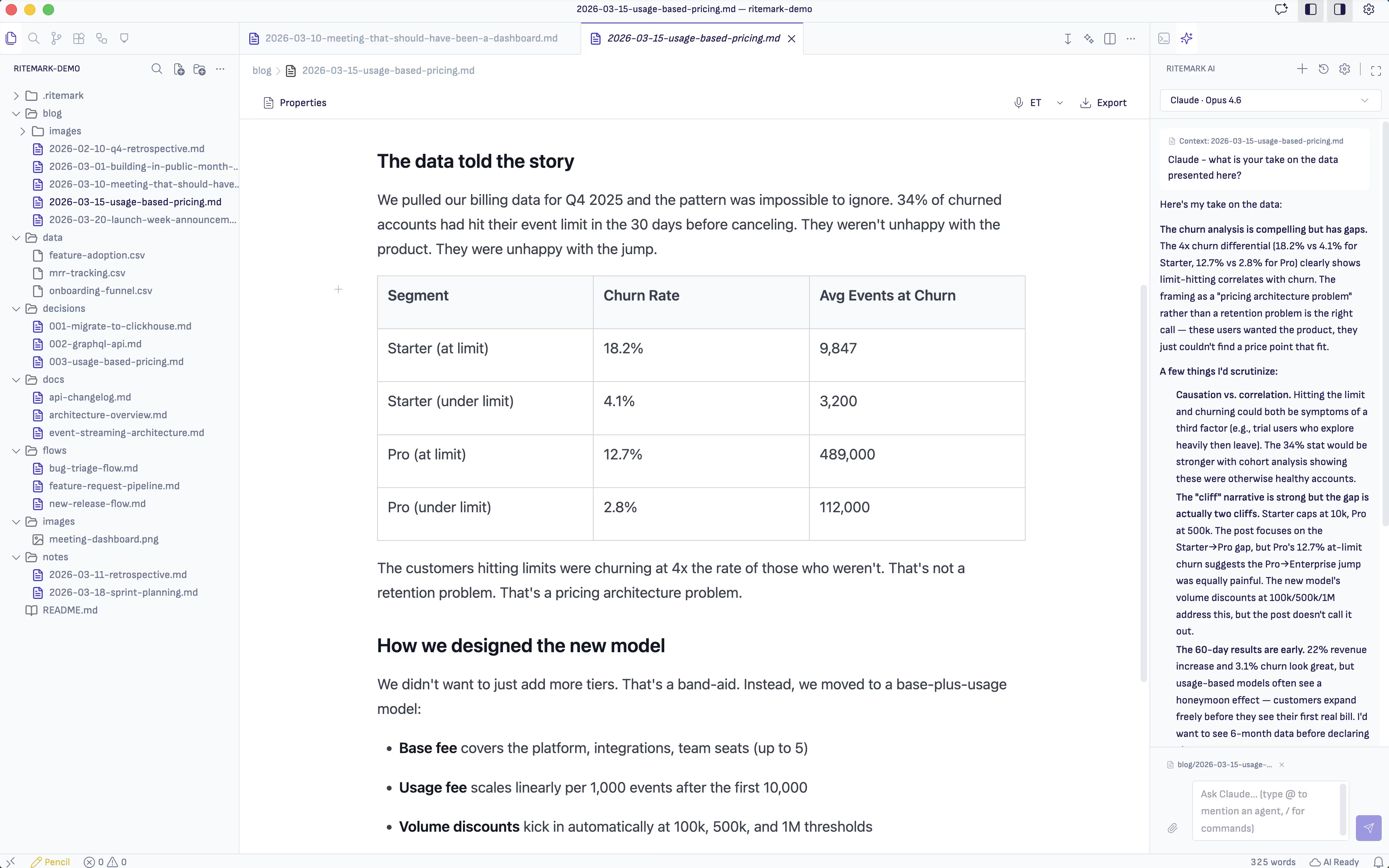
In Ritemark, the AI agent runs in a terminal panel right beside your editor. When you ask it to analyze a CSV file, it reads the file directly from your project folder. There is no copy-pasting, no uploading to a web interface, no reformatting.
Open your CSV in one tab so you can see the data as a table. Open the terminal panel and start an AI agent like Claude Code. Tell the agent: "Read sales-q4.csv and summarize the top 5 trends." The agent opens the file, processes the rows, and gives you findings you can work with.
Because the agent has access to your entire project folder, it can also cross-reference multiple files. Ask it to compare this quarter's CSV with last quarter's. Ask it to check whether the numbers in your draft report match the actual data file. The agent reads both and tells you.
Write the analysis where the data lives
The agent does not just print findings to the terminal. You can ask it to write a summary directly into a markdown file in your project. The analysis ends up as a document sitting right next to the data it references.
This matters for traceability. When someone reads your report six months later and asks where a specific number came from, the source CSV is in the same folder. The data, the analysis, and the final write-up live together as one project.
Ask questions your spreadsheet cannot answer
Spreadsheets are excellent for calculations, but they struggle with interpretation. AI agents handle the part that formulas cannot: reading context, spotting patterns in plain language, and writing explanations that make sense to people who will never open the spreadsheet themselves.
Ask the agent to explain why revenue dipped in week 37. Ask it to flag any rows where the values look unusual compared to the rest. Ask it to write a two-paragraph executive summary of the dataset. These are questions that need language, not formulas, and a writing tool with an AI agent is the right place to answer them.
Keeping your data private
The AI agent makes API calls to its provider (Anthropic, Google, OpenAI) to process your prompts. But Ritemark itself does not upload your files anywhere. Your data stays on your machine. The agent reads files locally, and whatever analysis it produces is saved locally too.
If your data is sensitive enough that it should not reach any external API, you can run a local model through Ollama in the same terminal. The workflow stays the same, but everything happens on your hardware.
Download Ritemark and let an AI agent analyze your data files without leaving your writing environment.