
CSV and Excel file preview and editing
3 articles in this category

01
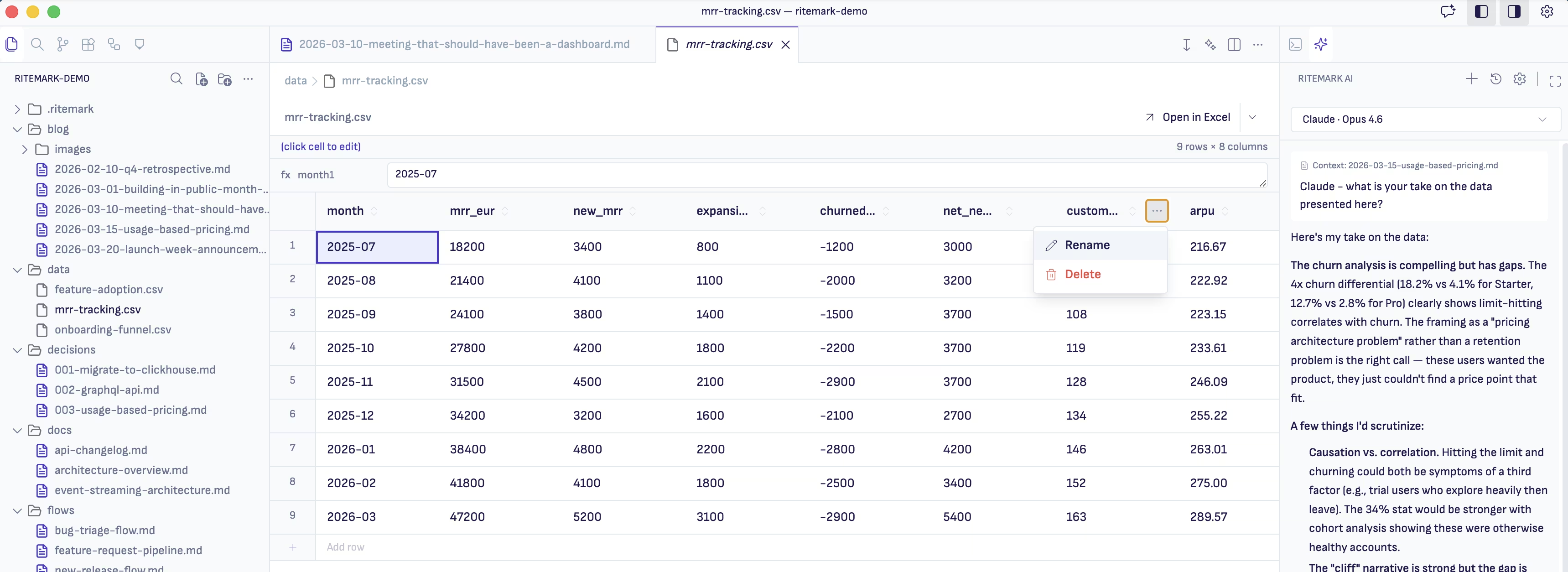
CSV and Excel Preview
Open CSV and Excel files as proper spreadsheet tables inside Ritemark. Sort columns, filter rows, edit cells. No more staring at raw comma-separated text.
Read article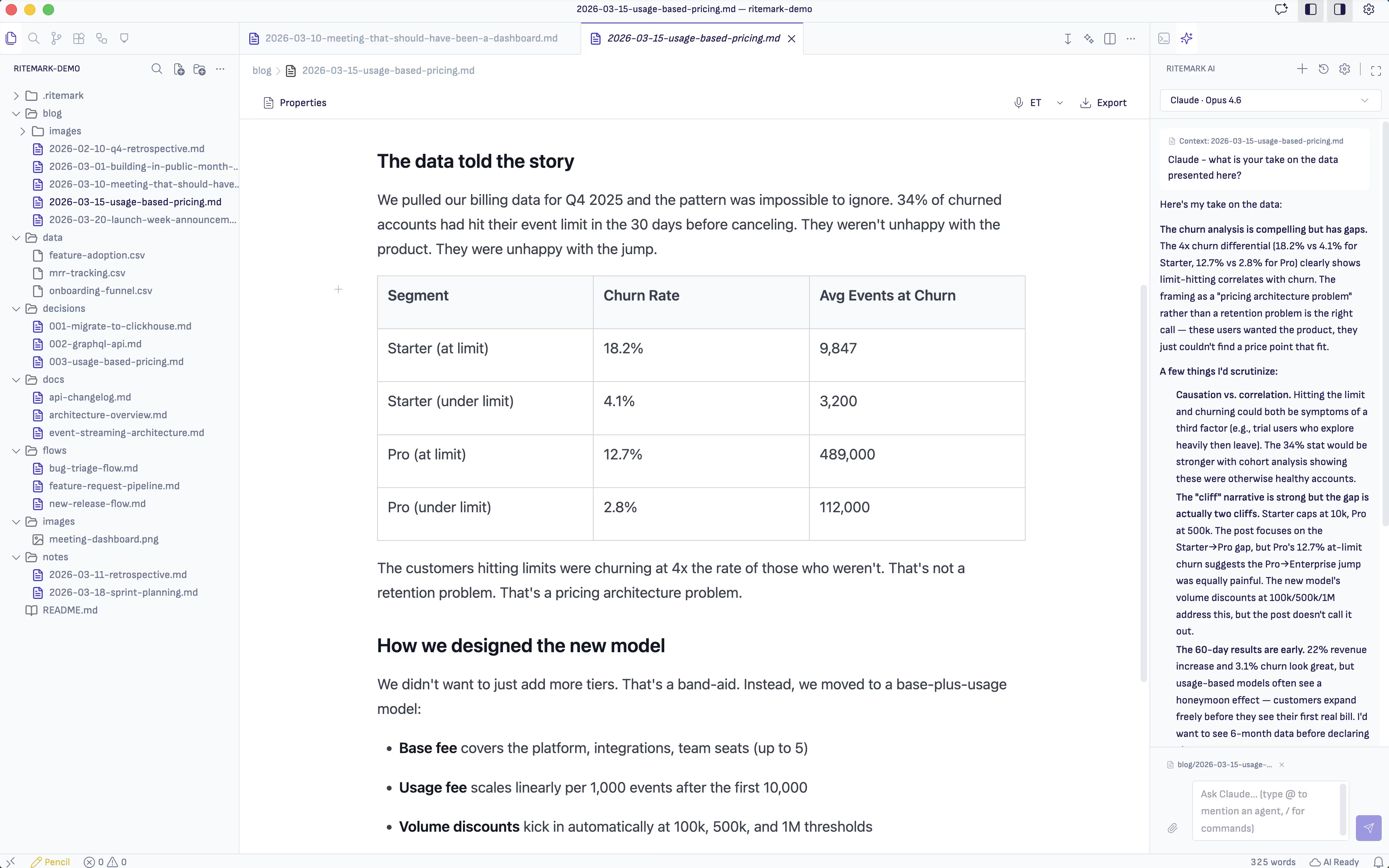

02
Data Files Meet AI Agents
Open a CSV in Ritemark's data editor, then ask an AI agent to analyze it. The agent reads the actual file from your project folder and writes findings alongside your documents.
Read article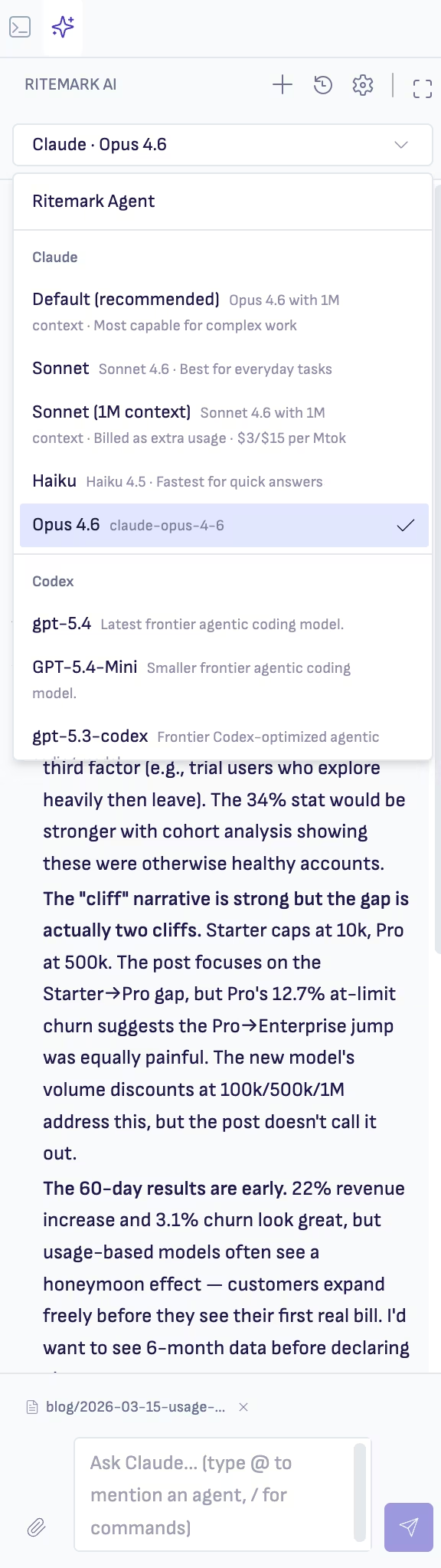
03
Writing and Data in One Workspace
Ritemark handles both prose and data files. Product managers, analysts, and consultants can stop switching between a text editor and a spreadsheet app.
Read articleStart writing. Your agent is ready when you are.
Download takes 30 seconds. No account required. Open source and free forever.
Open sourceFiles stay localFree forever