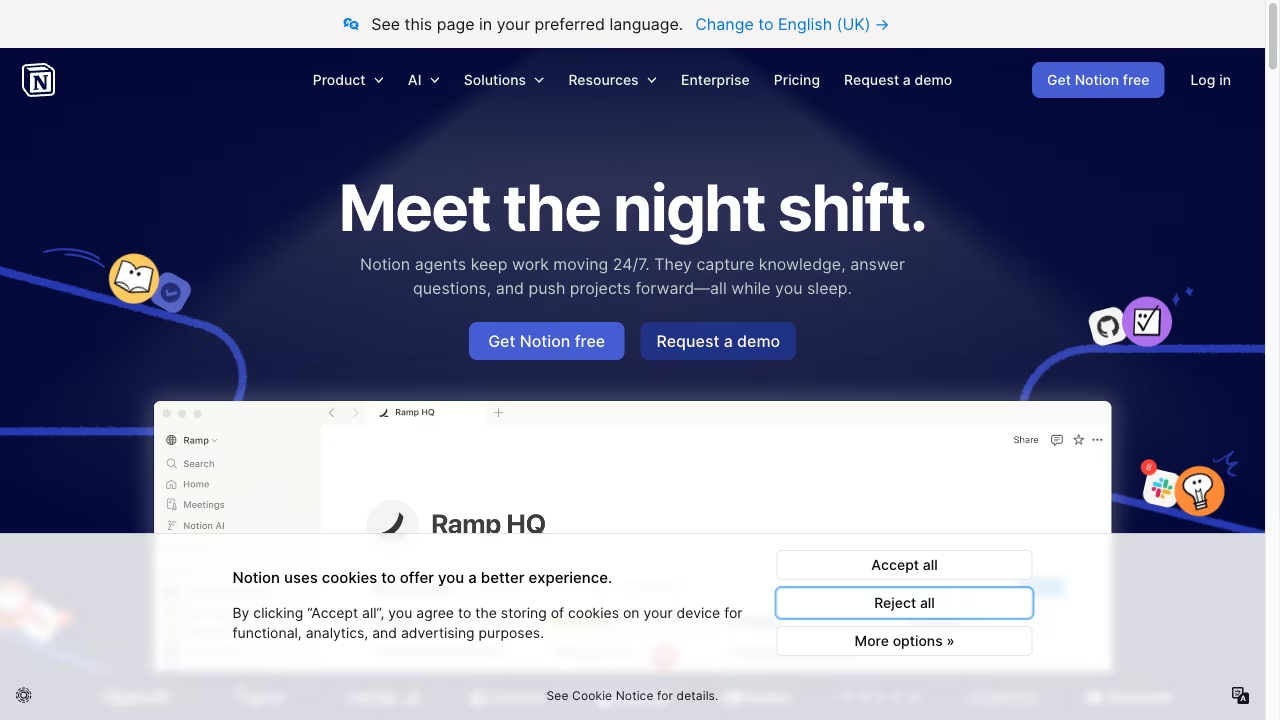
Choosing between Ritemark and Notion is really a question about where you want your work to live. Notion puts everything in the cloud, behind a login screen, on their servers. Ritemark keeps everything on your drive, in standard markdown files you can open with any text editor. Both approaches have real strengths, and the right choice depends on what matters most to you.
Where they overlap
Both Ritemark and Notion let you write, organize, and structure content. You can create documents, nest them into folders or hierarchies, and format text with headings, bold, links, and images. Both support a keyboard-first workflow where you can move quickly without reaching for the mouse. And both have AI features that can help you draft, edit, and think through ideas.
If all you need is a place to write, either tool will work. The differences start to matter when you think about ownership, collaboration, privacy, and how your content fits into the rest of your workflow.
Where they differ
The biggest difference is architectural. Notion stores your documents in a proprietary cloud database. Your content exists on Notion's servers, and you access it through their app or browser. This means you need an internet connection to work (offline mode exists but is limited), you need a Notion account, and your data lives under Notion's terms of service. If Notion changes their pricing, shuts down a feature, or has an outage, your work is affected.
Ritemark takes the opposite approach. Every document is a .md file sitting in a folder on your computer. You own the files completely. You can open them in VS Code, copy them to a USB drive, push them to Git, or process them with scripts. There is no account, no server dependency, and no internet requirement for writing. Your writing works the same way whether you are online or sitting on a plane with no WiFi.
This architectural split affects AI integration too. Notion AI comes with Notion's Business plan (from about $20 per member per month; the Free and Plus plans get only a limited trial) and runs inside Notion's cloud. It works well for summarizing and drafting within Notion, but your content passes through their servers for processing. Ritemark takes a different path: it includes an AI sidebar where Claude Code, Codex or OpenCode work on your files, using your own AI plan or API keys. Your files stay local, whatever the agent reads goes to the provider you pick, and you are not locked into a single provider.
Who should choose which
Notion is a strong choice if your primary need is team collaboration. Shared wikis, real-time editing with colleagues, database views, and project boards are where Notion genuinely excels. If you work in a team that needs a shared workspace with permissions and commenting, Notion was built for that.
Ritemark fits better if you are a writer, developer, or knowledge worker who values file ownership and flexibility. If you want your content in a format that will still be readable in 20 years, if you want to use Git for version control, if you care about privacy, or if you want the freedom to pick your own AI tools, Ritemark gives you that without locking you into a platform. It is open source and free, so you can try it without commitment and keep using it without worrying about pricing changes.
FAQ
Does Ritemark work offline like local files?
Yes. Ritemark stores every document as a .md file on your computer, so you can write and edit fully offline. The AI sidebar needs an internet connection. Notion requires an internet connection for most features, with only limited offline support.
Is Ritemark free like Notion?
The Ritemark app is free. Notion is free for personal use, but full Notion AI requires the Business plan, from about $20 per member per month. Ritemark's AI runs on your own ChatGPT account or paid Claude plan, or your own API keys.
Can Ritemark do what Notion databases do?
No. Notion's database views, project boards, and team permissions are built for collaborative workspace management. Ritemark focuses on writing individual documents, not building shared databases.
Is my content safer in Ritemark than Notion?
Ritemark keeps your files on your machine with no Ritemark cloud, so they are not stored on a third-party server unless you choose to sync them. When you use the AI sidebar, whatever the agent reads is sent to the AI provider you chose, under its terms. Notion stores all content in its cloud, under its terms of service.
Can I migrate my Notion pages to Ritemark?
Yes, if you export your Notion pages as markdown first. Notion supports markdown export, and those files then open normally as documents in Ritemark.
Start writing with Ritemark.
Free and open source.