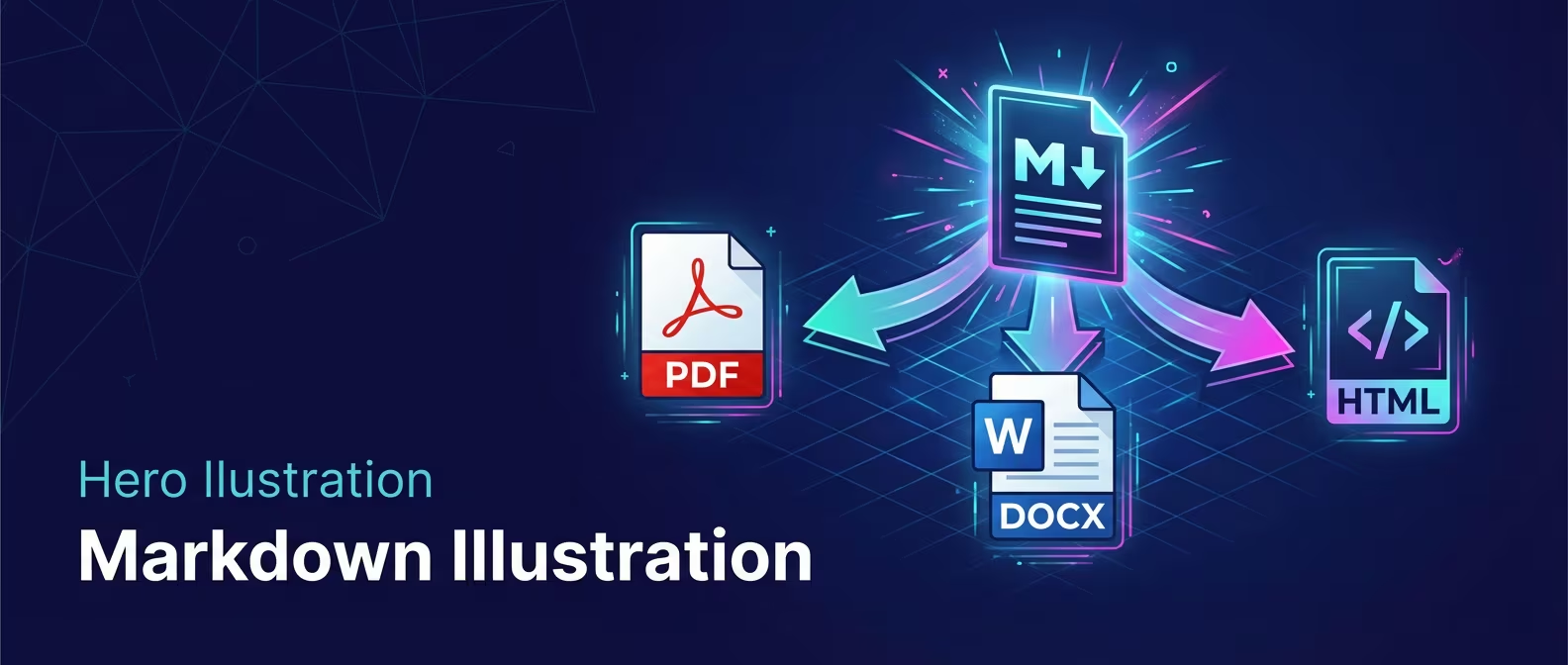
Export
Share your documents as PDF or Word files with one click.
Export your markdown documents to professional formats that anyone can open. No extra software needed.
What You Can Do
- Export to PDF - Universal format, looks the same everywhere
- Export to Word - Editable .docx for Microsoft Word or Google Docs
- Preserve formatting - Headings, lists, tables, code blocks all export correctly
How to Export
- Open any markdown document
- Click Export in the document header (top-right)
- Choose PDF or Word
- Pick a save location
- Done - file is saved
The export button only appears for markdown files (not CSV or Excel).
PDF Export
Creates a .pdf file that looks great on any device.
What's Included
| Element | How It Appears |
|---|---|
| Headings | H1 (24pt), H2 (18pt), H3 (14pt) |
| Paragraphs | 11pt body text |
| Bold/Italic | Preserved |
| Links | Text only (not clickable in PDF) |
| Bullet lists | Standard bullets |
| Numbered lists | Sequential numbers |
| Task lists | Checkboxes (checked/unchecked) |
| Blockquotes | Italic gray text |
| Code blocks | Monospace font, light gray background |
| Tables | Grid with borders |
| Horizontal rules | Light gray line |
Document Properties
If you've set document properties:
- Title - Used as PDF title metadata
- Author - Used as PDF author metadata
Page Format
- Size: A4
- Margins: 1 inch on all sides
- Font: Helvetica (body), Courier (code)
Word Export
Creates a .docx file editable in Microsoft Word, Google Docs, or LibreOffice.
What's Included
| Element | How It Appears |
|---|---|
| Headings | Styled as Heading 1, 2, 3 |
| Paragraphs | Normal style, 12pt |
| Bold/Italic | Preserved |
| Lists | Proper bullet/number formatting |
| Tables | Formatted tables |
Document Properties
If you've set document properties:
- Title - Document title
- Author - Author name
Page Format
- Font: Arial throughout
- Size: Letter/A4 (depends on your region)
What Doesn't Export
Some elements have limitations:
| Element | Word | |
|---|---|---|
| Images | Shows [Image] placeholder |
Not included |
| Syntax highlighting | Code has background, no colors | Plain monospace |
| Internal links | Text only | Text only |
File Names
Default filename: Same as your document name with new extension.
my-document.md→my-document.pdfmy-document.md→my-document.docx
You can change the name in the save dialog.
Tips
- Check before sharing - Open the exported file to verify formatting
- Large documents - Export works on documents of any size
- Tables - Complex tables may need manual adjustment after Word export
- No batch export - Export one document at a time
Use Cases
| Goal | Use |
|---|---|
| Share with non-technical people | |
| Client deliverable | |
| Collaborative editing | Word |
| Further editing | Word |
Related
- Document Properties - Add title and author
- Core Editor - Basic editing