Guides
Step-by-step guides for using RiteMark

Getting Started
From download to your first document in 5 minutes. A quick guide to installing RiteMark and writing your first markdown file.
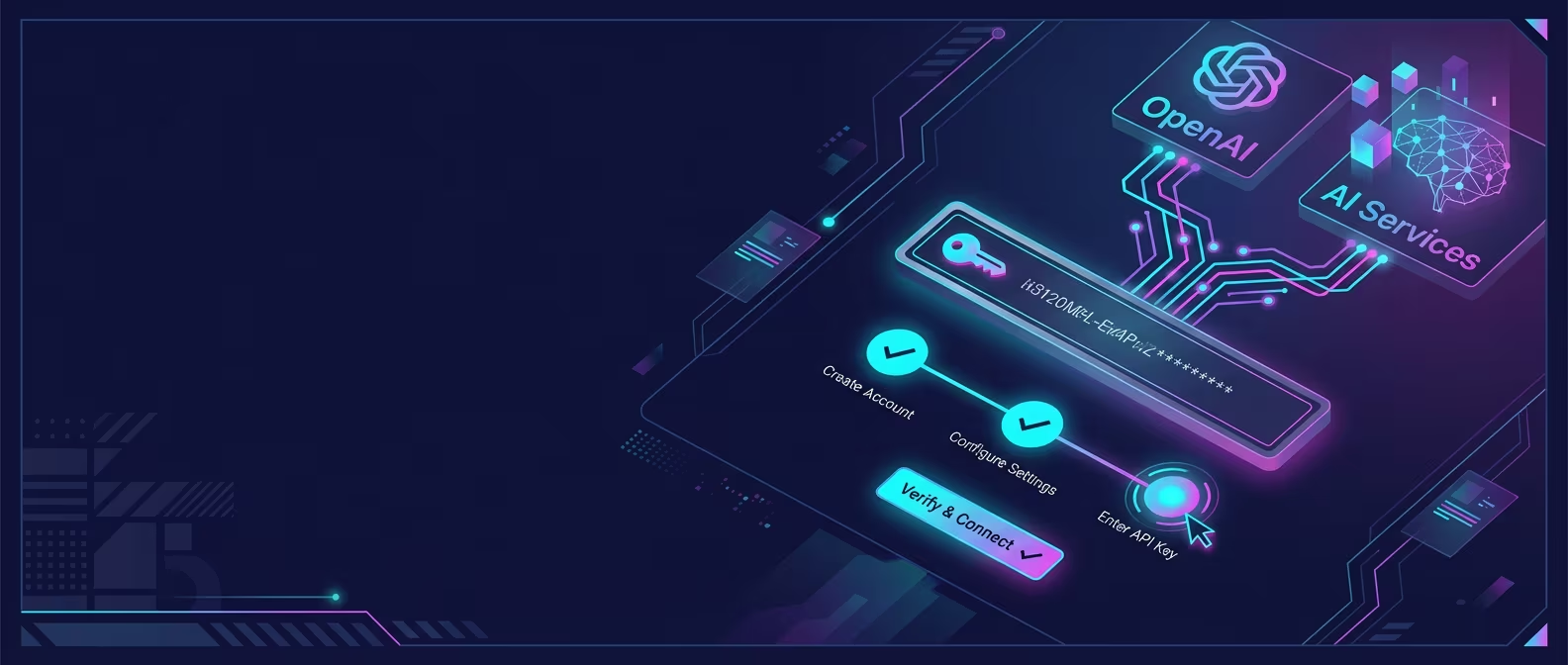
Set Up AI Assistant
Enable AI-powered text editing with your OpenAI API key.
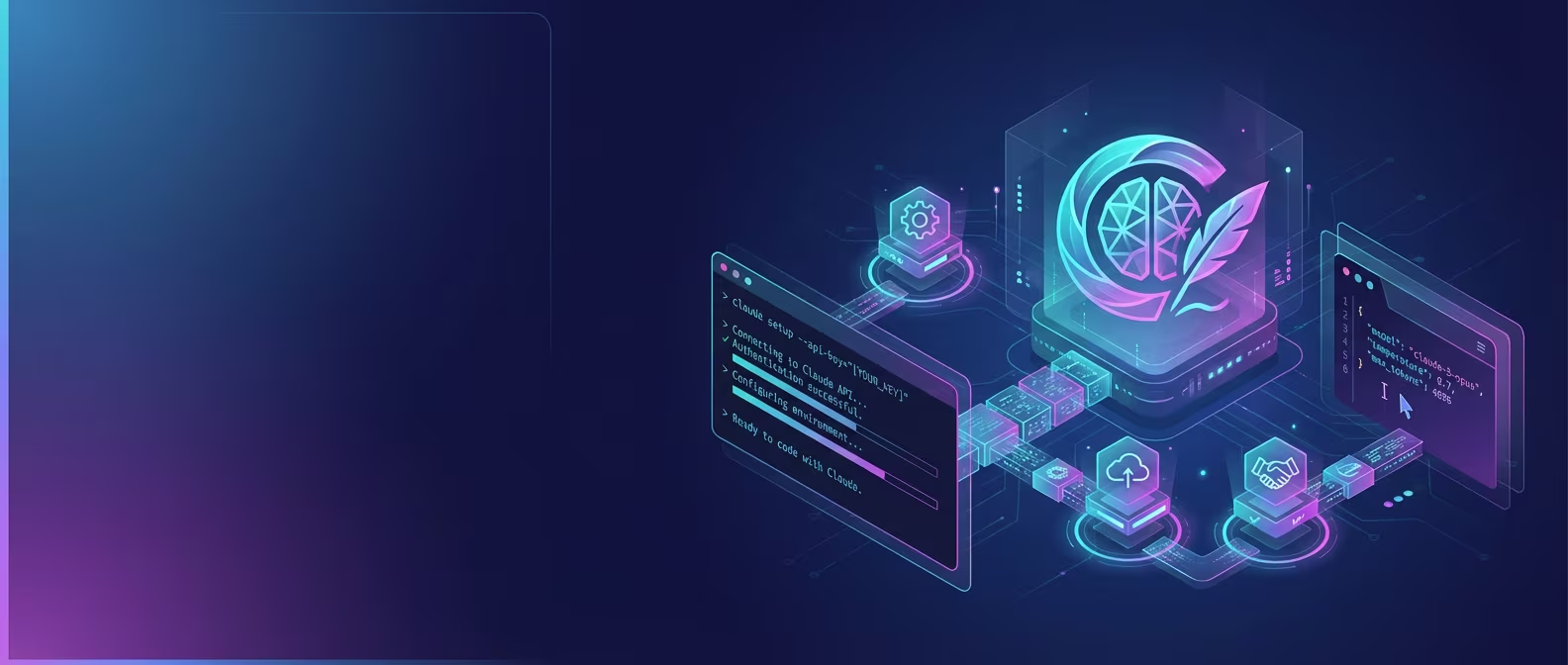
Set Up Claude Code
Use Anthropic's Claude directly in RiteMark's terminal for powerful document editing.

Set Up Terminal AI
Get Claude Code, OpenAI Codex, or Google Gemini working with RiteMark.
Features
Overview of RiteMark capabilities
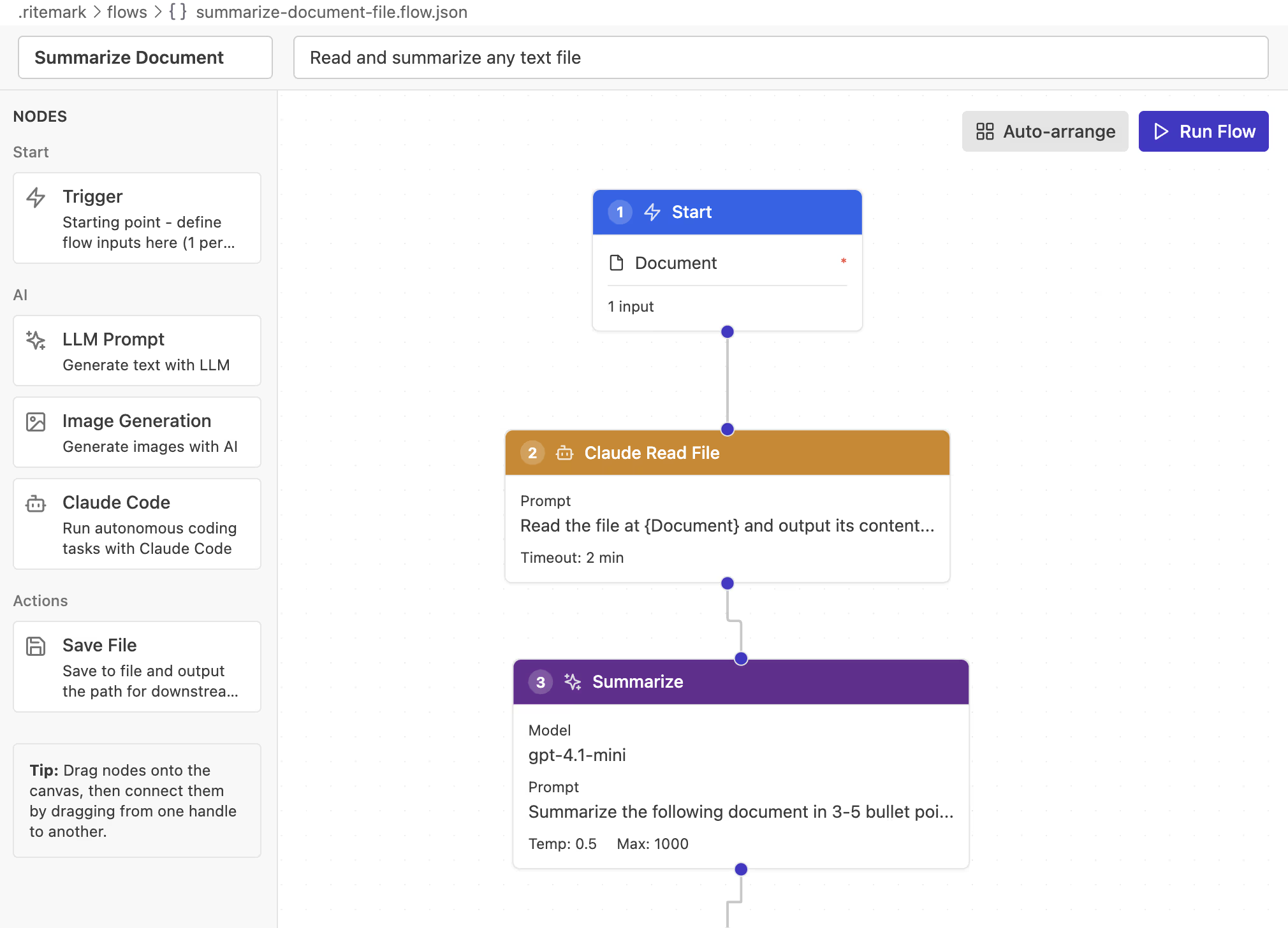
Claude Code Node
Add agentic AI power to your Flows. The Claude Code node runs Anthropic's Agent SDK for complex research, analysis, and file operations.
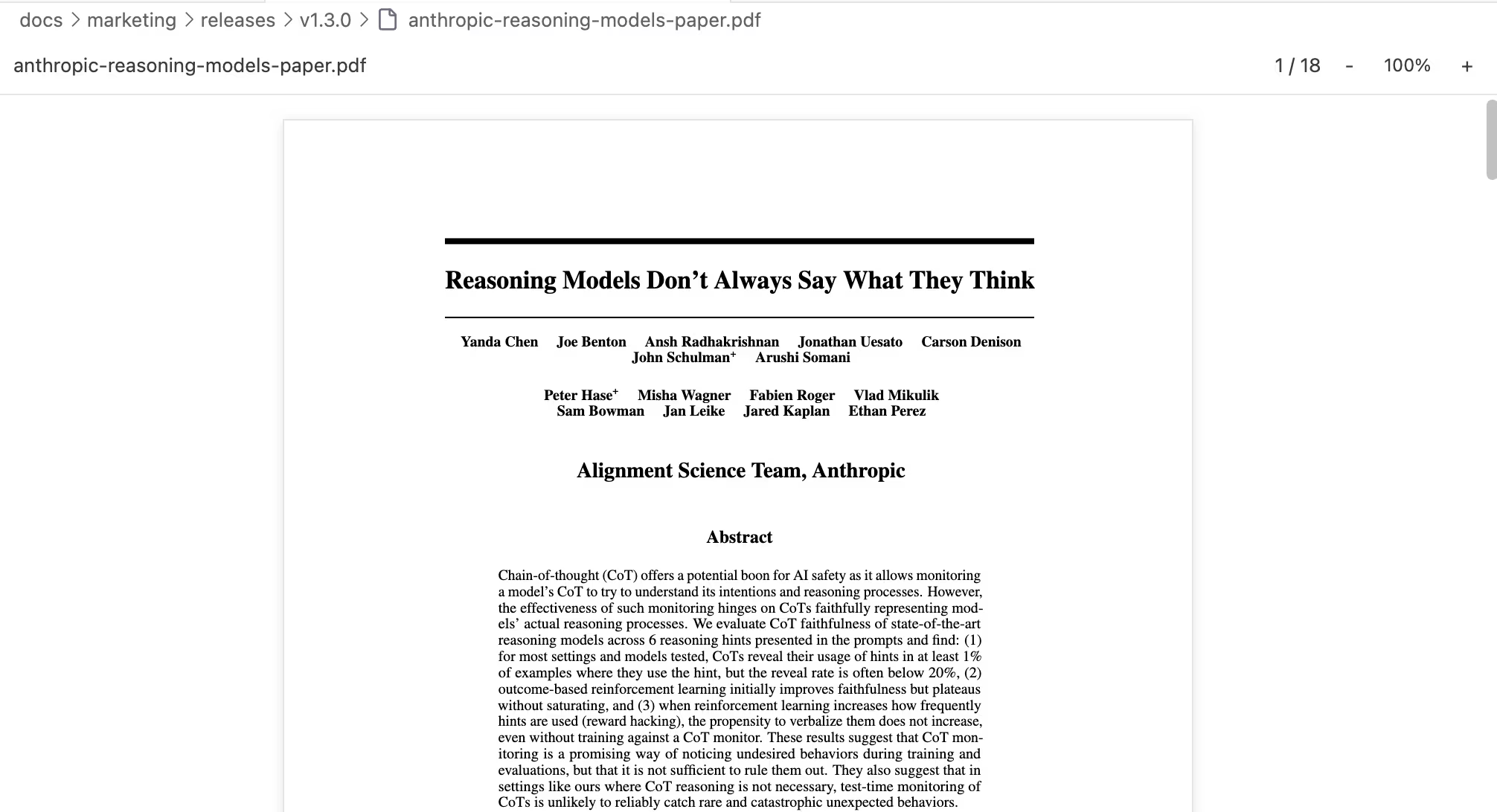
Document Preview
Open PDFs and Word documents right inside Ritemark. Select text, zoom, scroll through pages -- without switching apps.
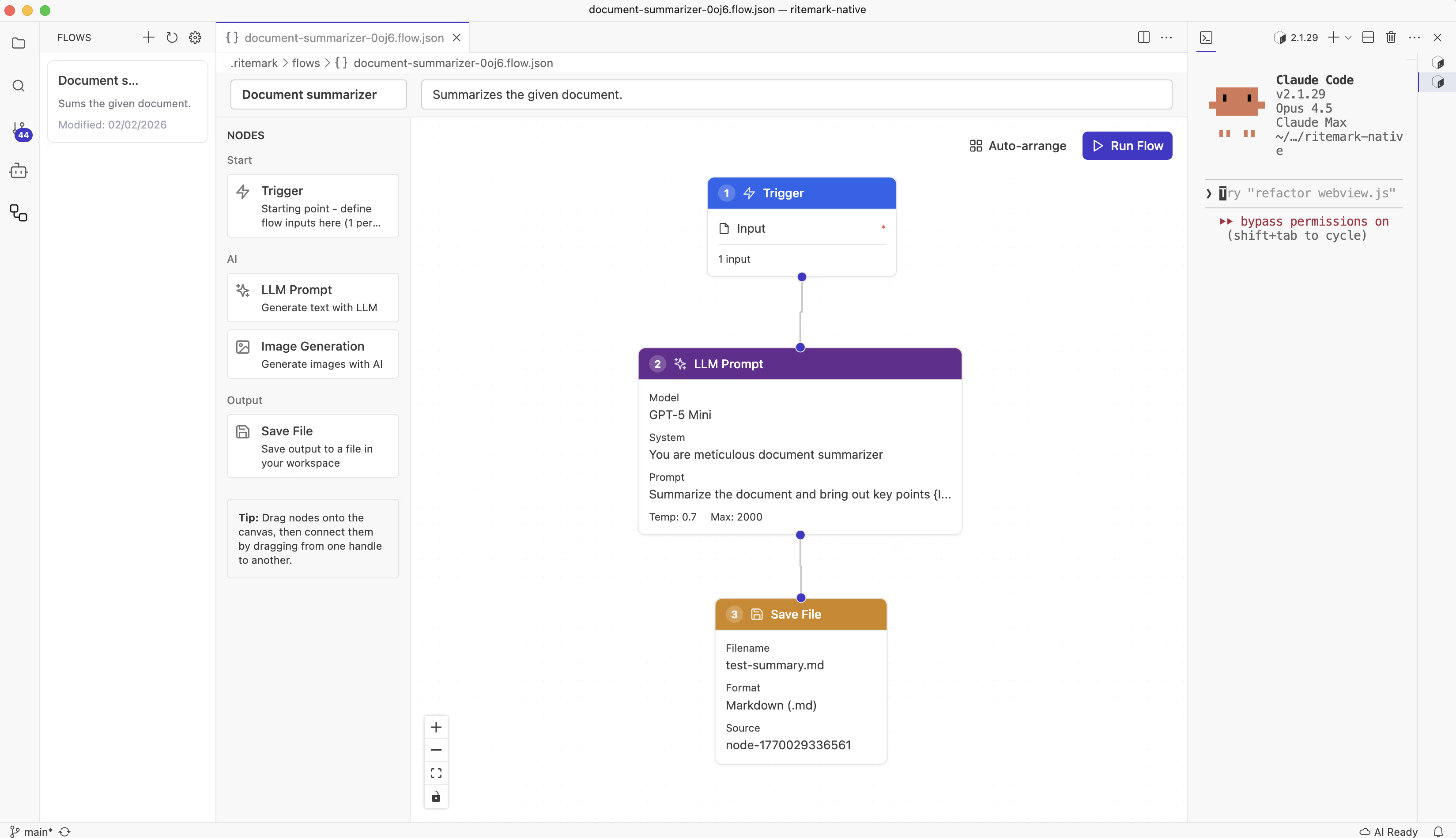
Ritemark Flows
Build visual AI workflows to automate content generation. Chain prompts, generate images, and save files automatically.

Document Search
Ask questions about your markdown documents and get AI-powered answers with source citations.

Voice Dictation
Dictate your writing privately with fully local speech-to-text — no internet required after setup, no audio ever leaves your machine.
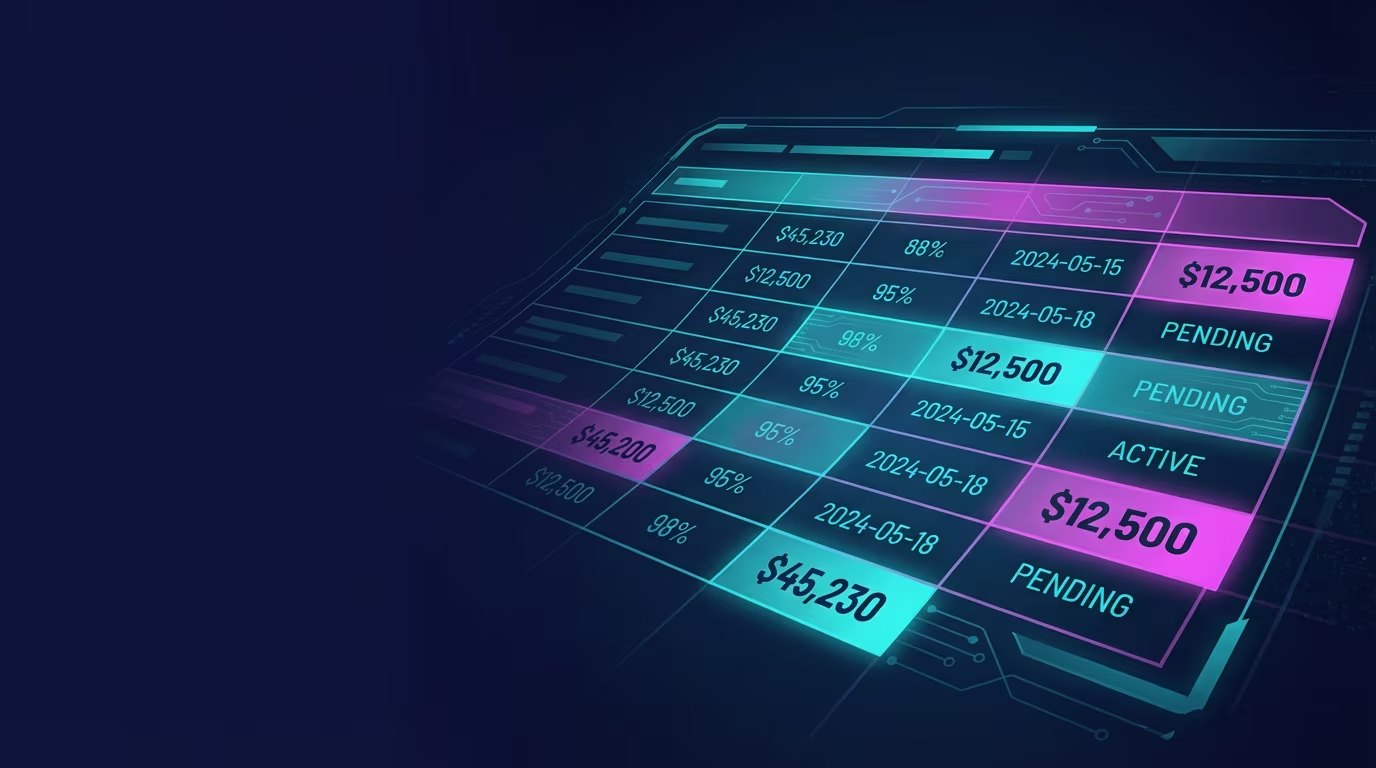
Spreadsheets
View and edit CSV files. Preview Excel spreadsheets without leaving RiteMark.

AI Assistant
Rephrase, replace, and insert text with AI - right from your editor.
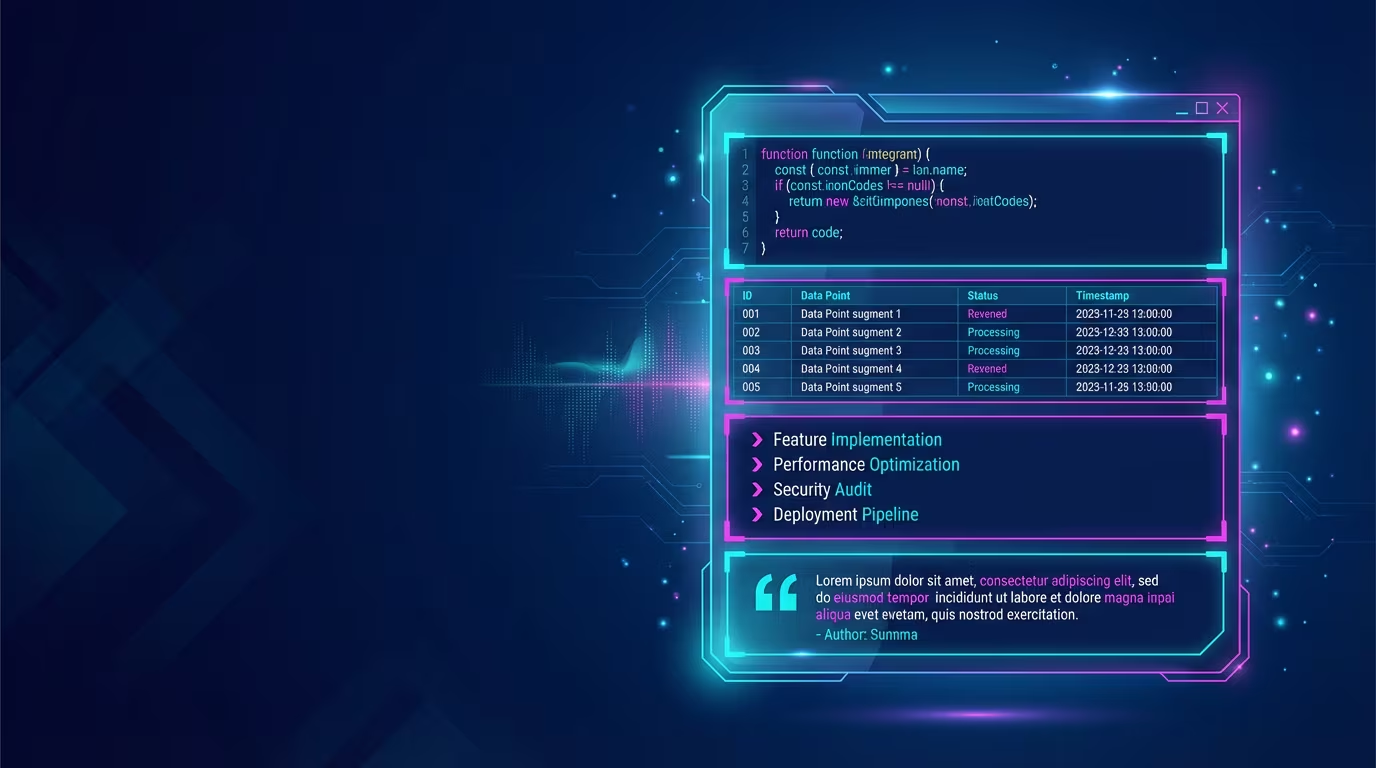
Block Types
Structure your documents with headings, lists, code blocks, tables, and more.

Document Properties
Add metadata to your documents - titles, dates, tags, and custom fields.
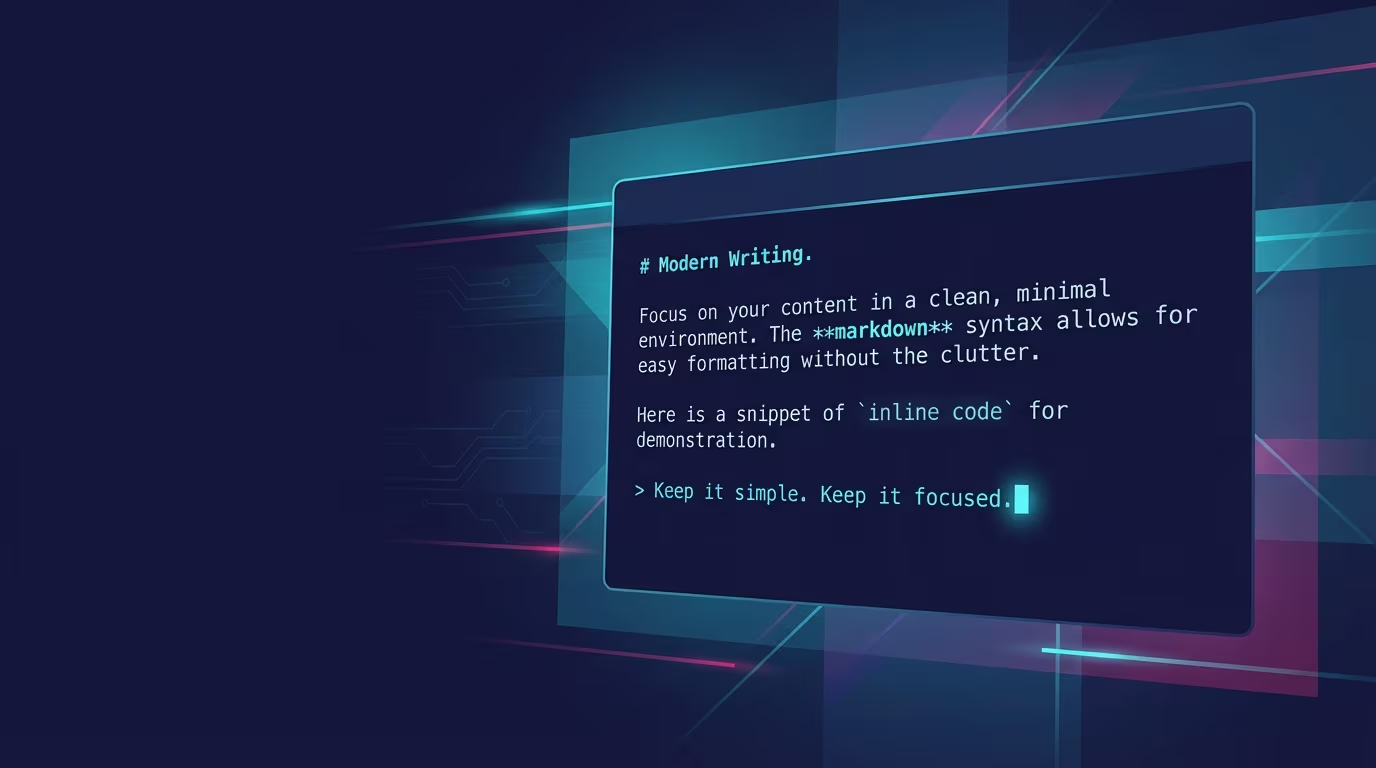
Core Editor
Write in rich text, save in markdown. Never lose your work with auto-save.
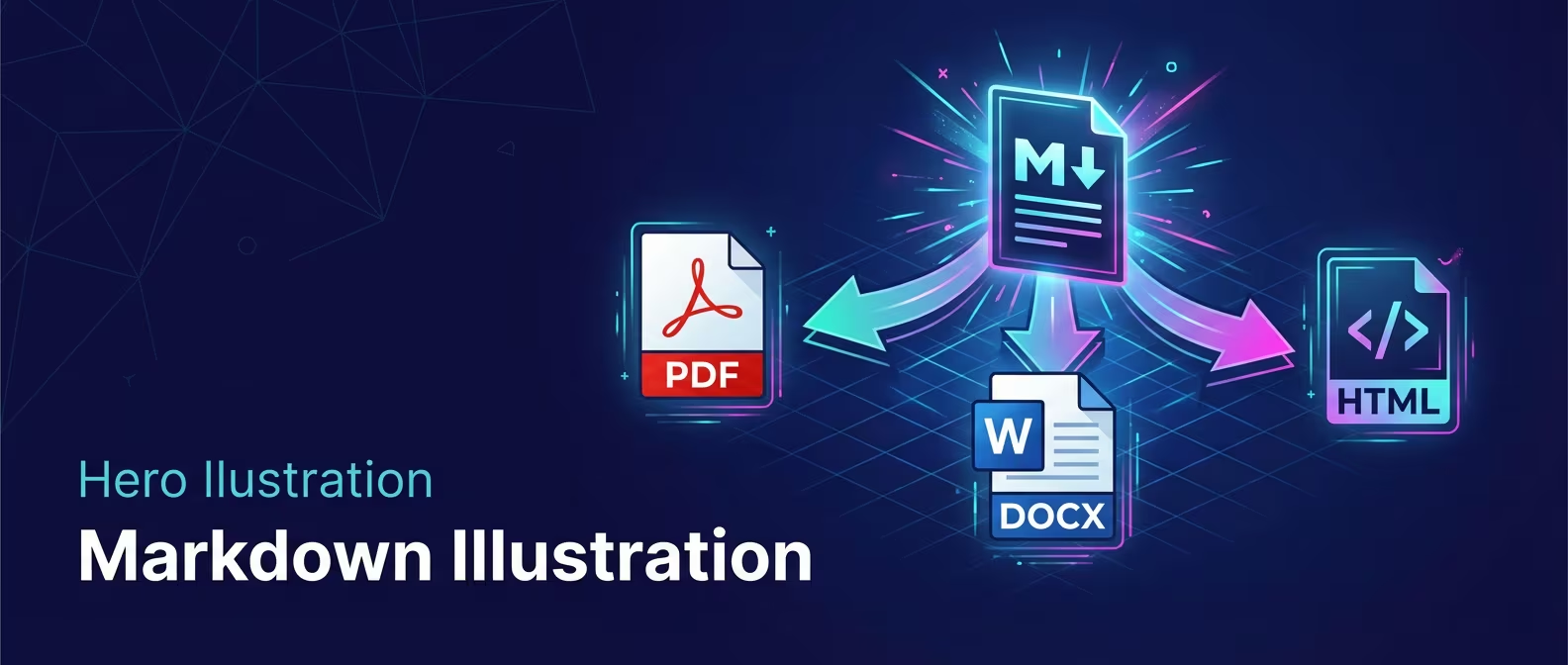
Export
Share your documents as PDF or Word files with one click.
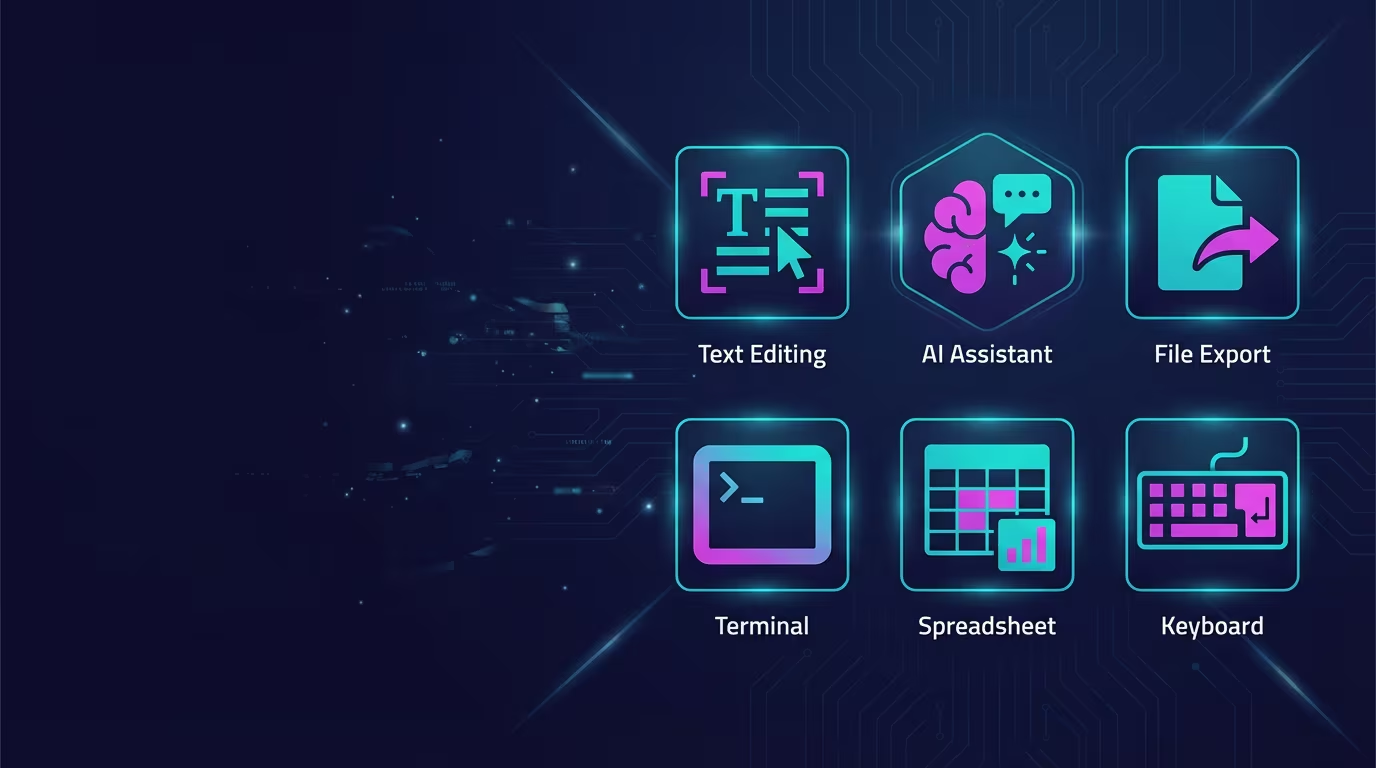
RiteMark Features
Everything you can do with RiteMark, organized by category.
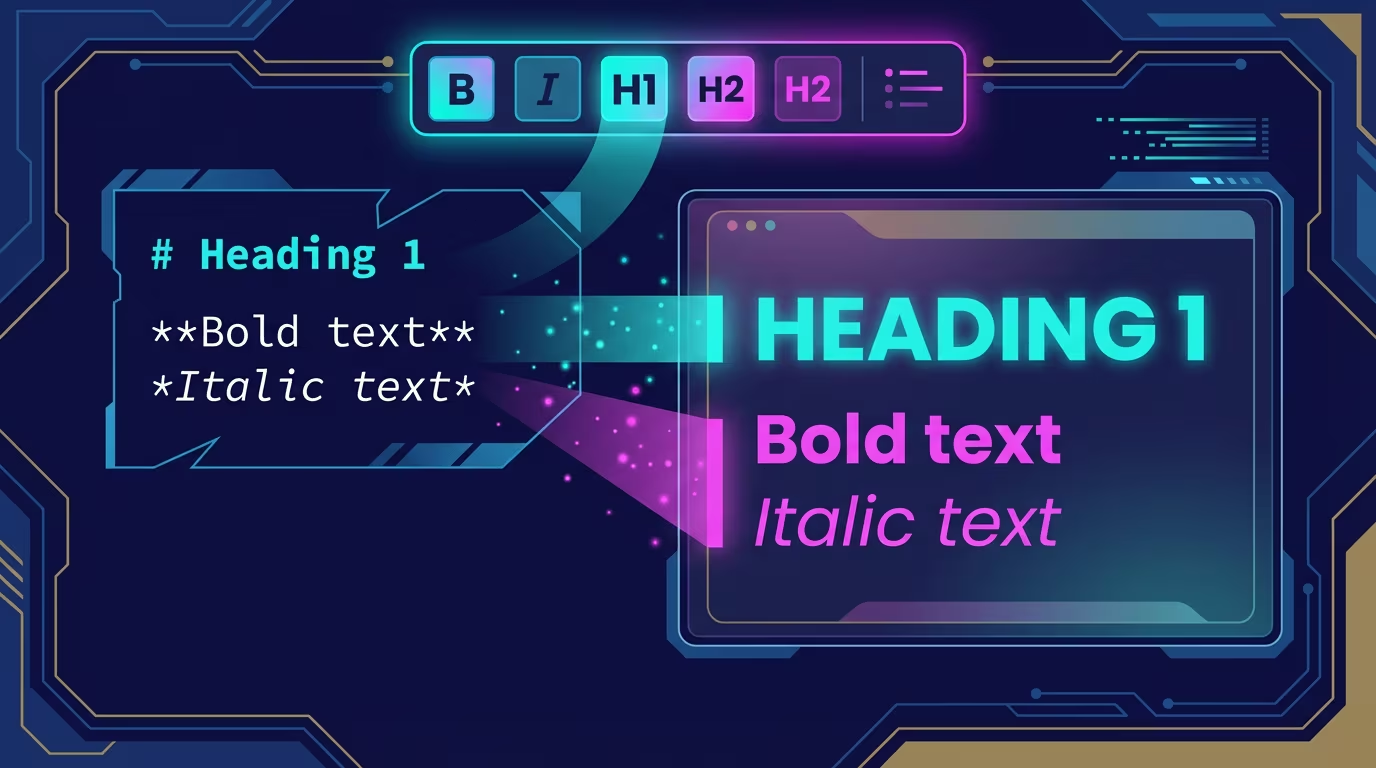
Text Formatting
Make your text bold, italic, linked, or code-styled.

Keyboard Shortcuts
Every shortcut in RiteMark, organized by category.
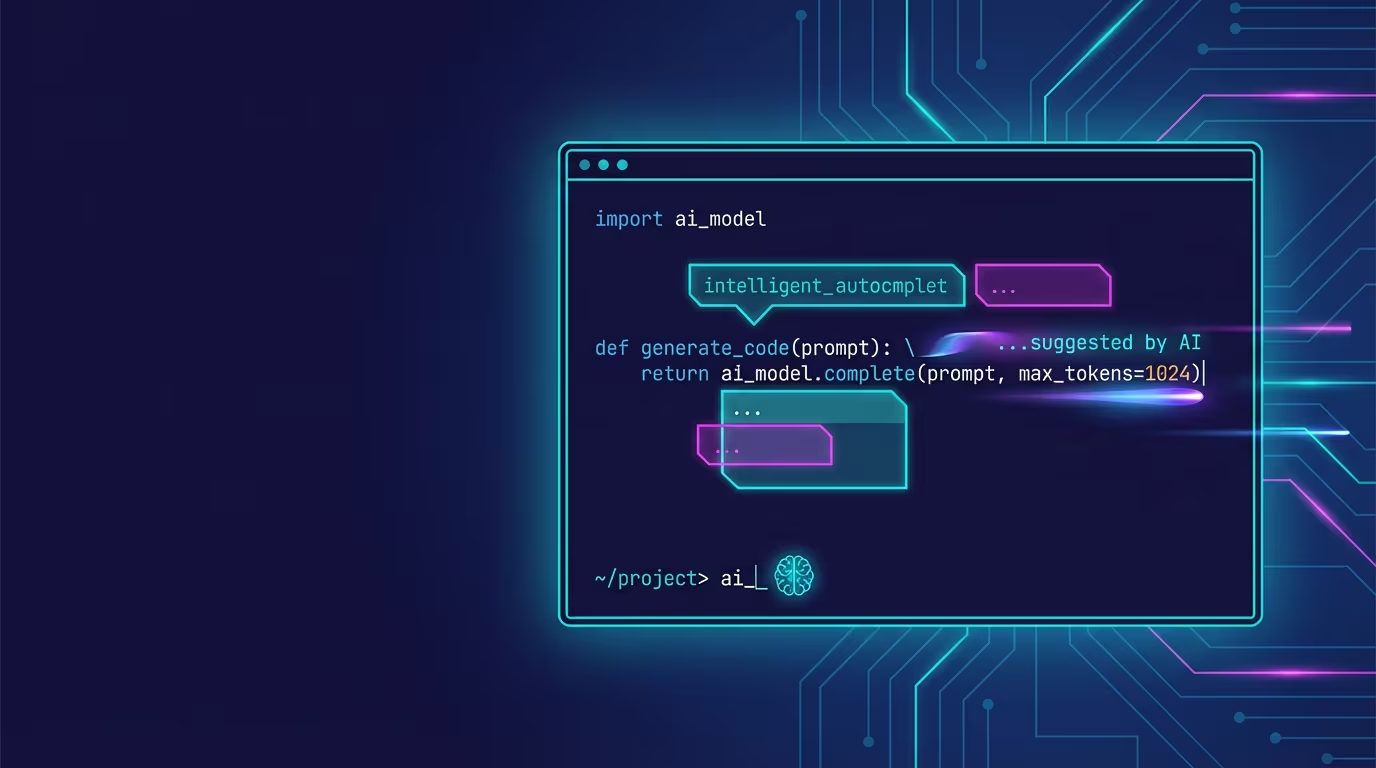
Terminal AI Integration
Use Claude Code, OpenAI Codex, or Google Gemini directly in your writing workflow.
Troubleshooting
Solutions to common problems