
Ask Your Documents Anything
You've written thousands of words across dozens of files. Meeting notes, project plans, research, ideas. Somewhere in that pile is exactly what you need right now — but you can't remember which file, which folder, or even what you called it.
Sound familiar?
Traditional search finds files by name. Ctrl+F finds exact phrases. But what you really want is to ask a question and get an answer drawn from everything you've written.
That's what Document Search does.
The Problem with Your Own Knowledge
Here's something ironic: we have better tools for searching the entire internet than for searching our own notes.
According to McKinsey research, knowledge workers spend an average of 1.8 hours per day — nearly 9.3 hours per week — searching for and gathering information. That's almost 20% of a workweek lost to "where did I put that?"
The information exists. You wrote it. But it's scattered across files, folders, and forgotten corners of your hard drive.
RiteMark v1.1.0: Document Search
RiteMark's AI assistant can now search your markdown documents and answer questions based on what you've actually written.
Ask "What did I write about the Q3 budget?" and get an answer that references your actual meeting notes — with citations pointing to the exact files.
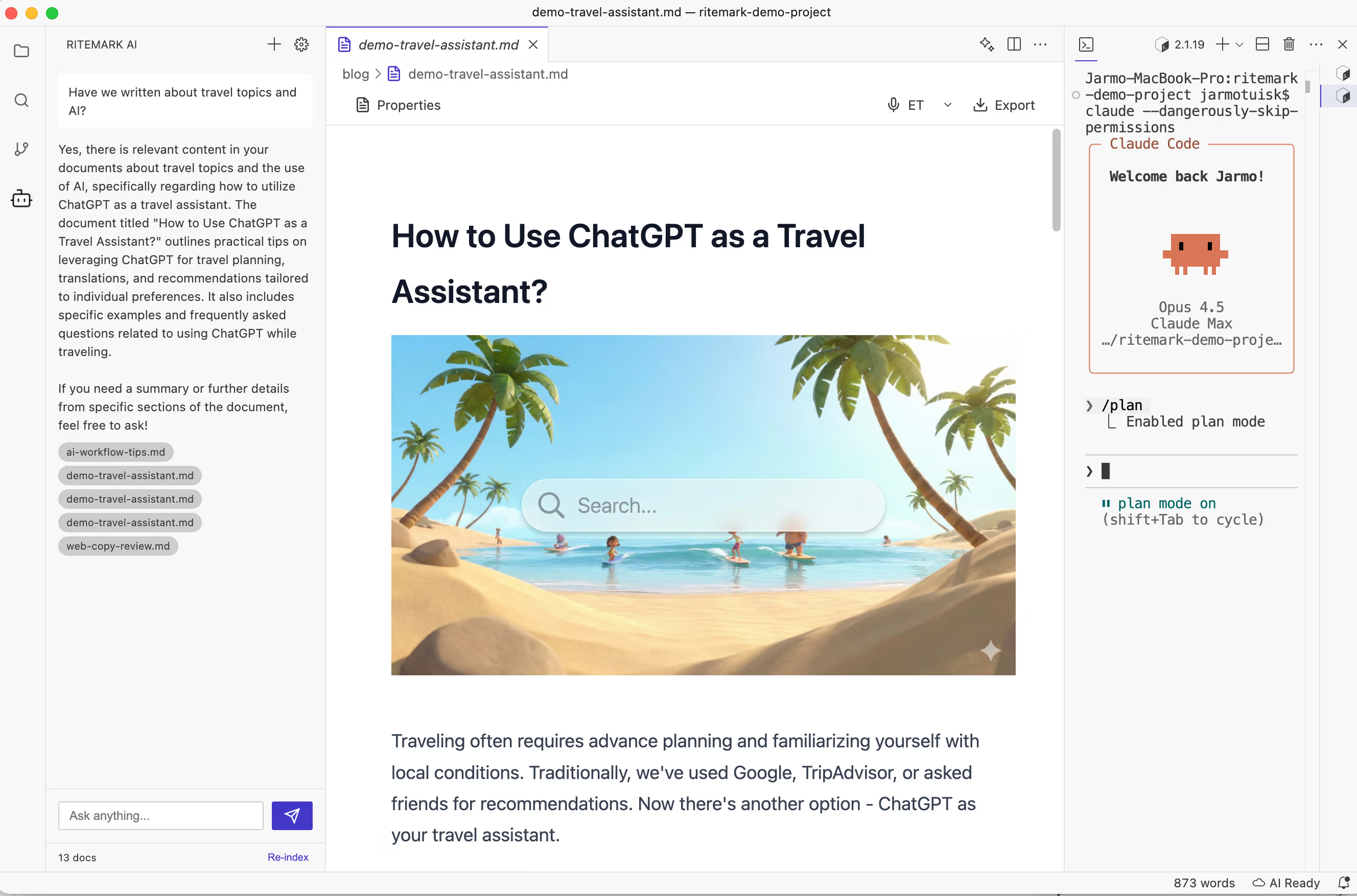 Ask questions in natural language, get answers grounded in your own writing.
This isn't generic AI making things up. It's your knowledge, your documents, your words — made instantly searchable.
How it works: Click "Re-index" in the sidebar footer. RiteMark creates a local search index of all your markdown files. Then ask anything in natural language.
 The RiteMark AI assistant lives in your sidebar, ready when you need it.
Privacy by Design
We learned from building voice dictation: privacy isn't a feature, it's a foundation.
All your document content stays on your machine. The search index is stored locally at .ritemark/rag-index.json, and all search queries and results are processed right on your computer.
The API is only used for two things: generating embeddings during indexing, and AI chat responses. Your documents never leave your computer for storage. The search itself happens entirely locally using Orama, a zero-dependency vector database that runs right on your Mac.
Getting Started
Open a workspace containing markdown files, then click the RiteMark AI icon in the left sidebar. Click Re-index in the footer.
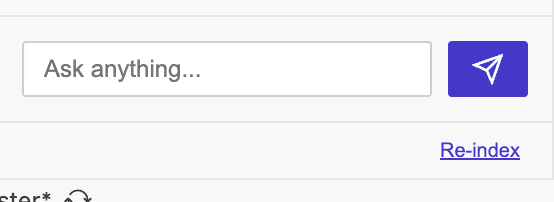 One click to index your entire workspace.
Wait for indexing to complete — you'll see "X docs" in the footer when it's ready. Now you can start asking questions in natural language.
Try asking "What did I write about project X?" or "Summarize my notes on the product launch". Queries like "Find all mentions of budget discussions" work great too.
Pro tip: The index persists between sessions — no need to re-index every time you open RiteMark. Only re-index after adding or significantly changing documents.
What's Coming Next
This is Phase 1 of Document Search. Here's the roadmap:
| Phase | Feature | Status |
|---|---|---|
| 1 | Markdown files (.md) | This release |
| 2 | PDF, Word, PowerPoint | Coming soon |
| 3 | Claude Code integration (MCP) | Planned |
Phase 2 will add support for PDF, Word, and PowerPoint files — search across all your documents, not just markdown.
Phase 3 will enable AI tools like Claude Code to search your indexed documents via MCP (Model Context Protocol). Your documentation, accessible to your AI coding assistant.
Current Limitations
Phase 1 has some boundaries. Currently only markdown files (.md and .markdown) are indexed — PDF and Word support arrives in Phase 2. You'll also need an OpenAI API key for generating embeddings, and you'll need to manually click "Re-index" after adding new files.
These limitations will be addressed in future updates.
Ready to Try It?
Your documents hold answers you've already written. All you need to do is ask.
Download RiteMark v1.1.0 — free, forever.
FAQ
Does Document Search need internet? Yes, for indexing (embeddings generated via API). After indexing, search is local. Chat still requires API access.
Is my document content sent to the cloud? During indexing, text chunks go to OpenAI for embedding generation. The index and search results stay local. Documents are never stored on external servers.
Which file types are supported?
Currently markdown only (.md, .markdown). PDF and Word support coming in Phase 2.
How do I update the index? Click "Re-index" in the sidebar footer. Auto-indexing coming in future versions.
How much disk space does the index use?
Depends on document count. Typical workspace: 5-10MB. Delete .ritemark/rag-index.json to reset.
Can I use this without an API key? No. An OpenAI API key is required for generating embeddings and chat responses.
What about Claude Code integration? Phase 3 will add MCP (Model Context Protocol) support, allowing Claude Code and other AI tools to search your indexed documents.