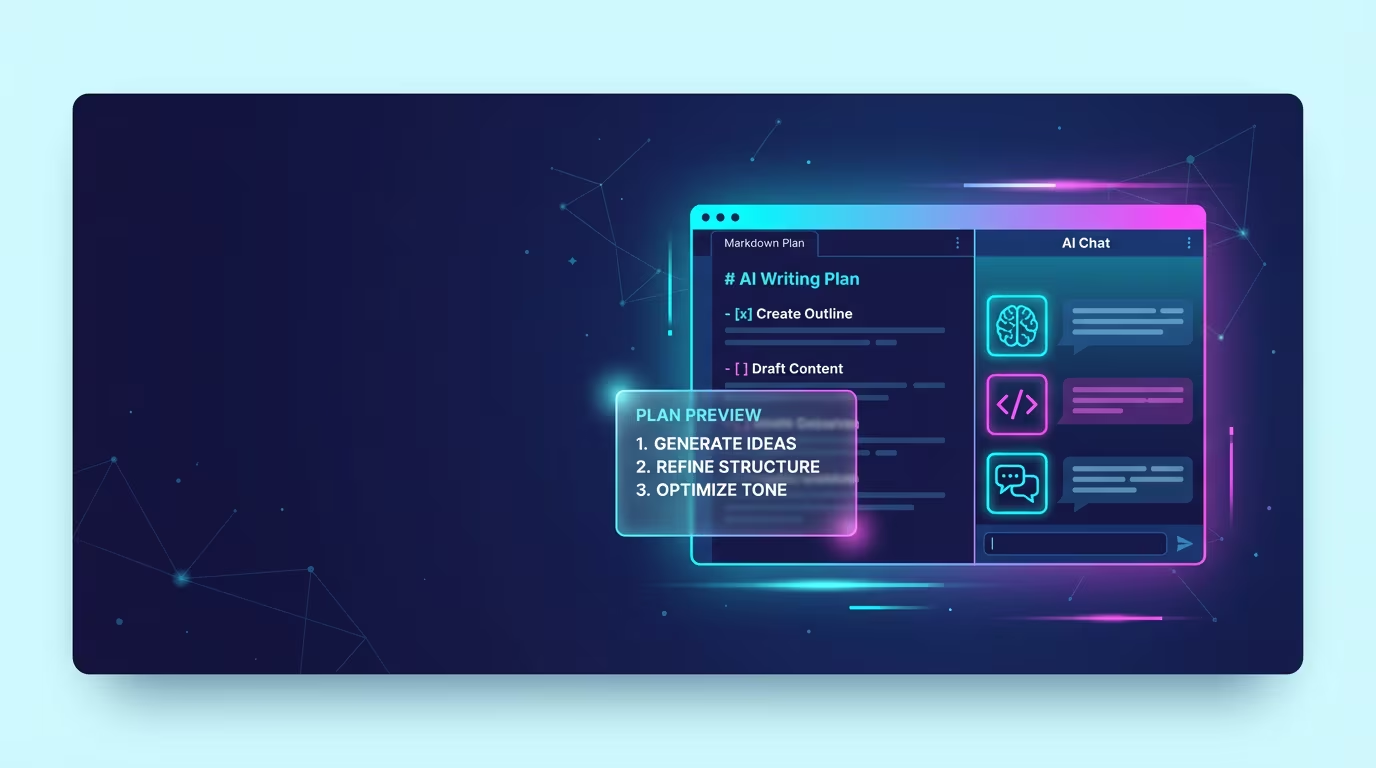
Ritemark v1.4.1: Two AI Agents, Plan Mode, and Better Context Protection
Two weeks ago, we brought Claude Code agent into Ritemark's sidebar. You could ask AI to read files, edit code, organize folders -- all from within your writing app. But one agent is just the beginning.
Ritemark v1.4.1 adds a second agent: OpenAI Codex. Now you can choose between Claude and Codex depending on the task. Add to that plan mode, which shows what the agent intends to do before doing it, smart questions that help clarify tasks, and context window protection that warns you before conversations get too long.
Two Agents, One Interface
Ritemark now supports three agents in the AI sidebar: the built-in Ritemark Agent for writing tasks, Claude Code for code changes, and the new OpenAI Codex as an alternative coding agent.
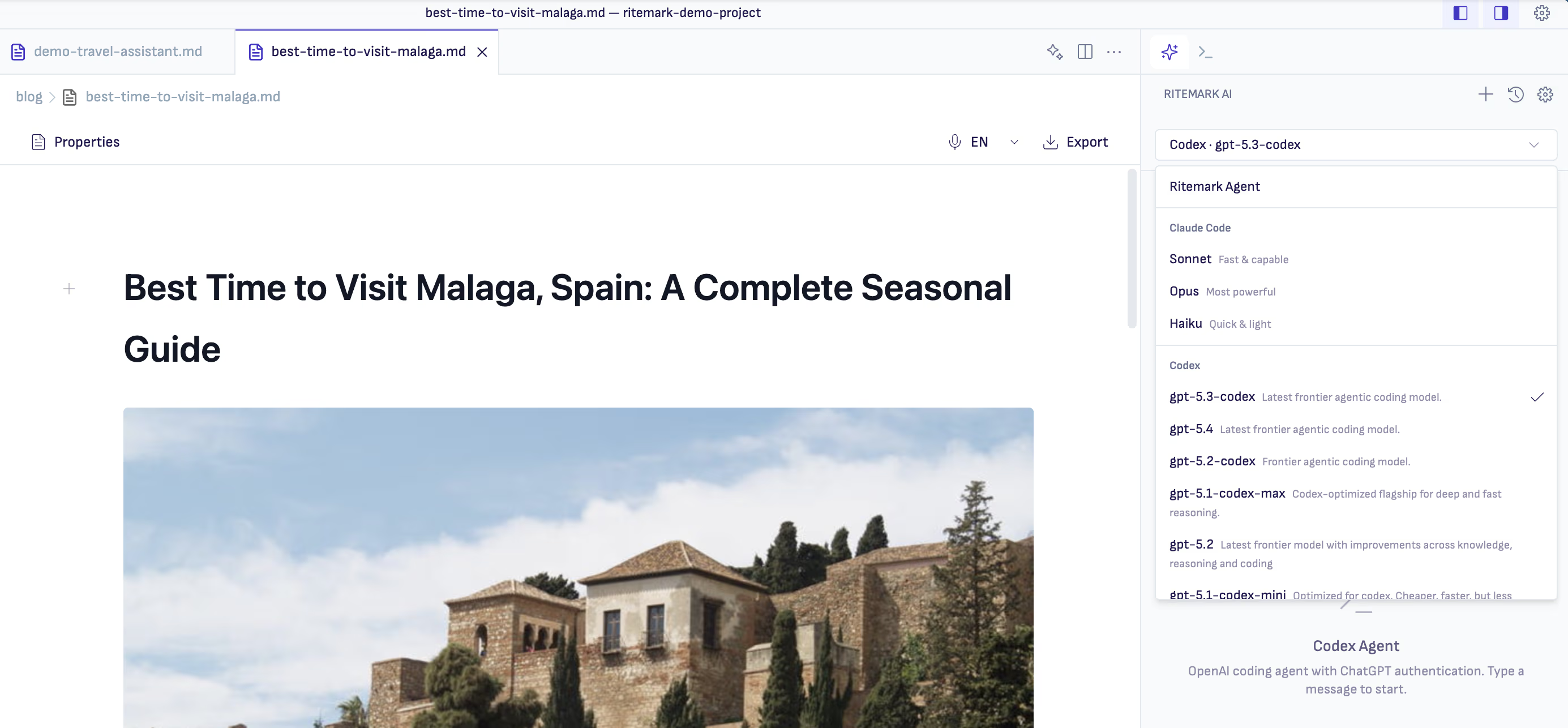
Agent selector in AI sidebar -- choose Claude Code, Codex, or Ritemark Agent based on your task
Why two coding agents? Claude and Codex think differently. Claude is stronger for complex architectural decisions, while Codex may be faster for simpler tasks. Sometimes you just want a second opinion. Now you can switch with a single click.
All agents share the same interface: chat bubbles, activity feed, running indicator, and chat history. No matter which agent you use, the experience is consistent.
Setting Up Codex
Codex requires separate installation. Install the CLI with npm install -g @openai/codex, then sign in from the Settings page with your ChatGPT account. Codex works with ChatGPT Plus, Pro, Team, or Business accounts -- a free account won't work.
Plan Mode: See What the Agent Intends Before Execution
One feature in this update changes how you interact with agents. Type "plan first" or "show me the plan" and the agent displays numbered steps before taking any action.
Each step comes with two buttons: Approve and Reject. Confirm the steps that look right, reject the ones that don't. The agent adjusts its actions accordingly.
This is valuable when tasks are complex or when you want to make sure the agent understood you correctly. No more surprises where the agent modifies the wrong files or does something unexpected.
Smart Questions Mid-Task
Previously, when you gave the agent a vague task, it would just guess. Now it asks for clarification.
Questions appear in the conversation with selectable options. Click the answer that fits or type your own in the "Other" field. This makes conversations more focused -- the agent doesn't waste time on the wrong things.
File Context Menu
In the Explorer view, you can now right-click to send a file or folder directly to the AI chat. The file appears as context and the agent knows what you're talking about.
The active file is automatically shown as context -- no need to add it manually. When you drag and drop a file path into the conversation, it works consistently across all three agents.
Context Window Protection
AI agents work within a context window -- the amount of text they can "see" at once. When a conversation gets too long, the agent starts forgetting earlier parts.
Ritemark now shows a context usage bar. It turns yellow at 60%, red at 80%. When you reach 70%, a warning banner suggests using the /compact command or starting a fresh conversation.
When context fills up completely, you see a clear explanation with a "Start Fresh" button. No more confusion about why the agent suddenly performs worse.
Bug Fixes and Improvements
The Codex integration received several fixes: the feature flag mismatch preventing activation is fixed. Memory leak in the settings provider is fixed. JSON-RPC calls to Codex no longer hang indefinitely. On Windows, Ritemark now detects the Codex binary correctly. OAuth login no longer gets stuck in an infinite spinner when silent authentication fails.
Chat history now shows a badge indicating which agent you used (Claude, Codex, or Agent). This helps you remember the context of previous conversations.
Download
The update is available for all platforms:
| Platform | File |
|---|---|
| macOS Apple Silicon (M1/M2/M3/M4) | Ritemark-arm64.dmg |
| macOS Intel | Ritemark-x64.dmg |
| Windows | Ritemark-Setup.exe |
Windows users: SmartScreen may show a warning on first run because Ritemark is a new app. Click More info → Run anyway to continue. See detailed instructions →
If you're already using Ritemark, the app will notify you about the update automatically. New users: download and discover how AI agents can simplify your writing.
FAQ
What are the main updates in Ritemark v1.4.1?
Three key additions: OpenAI Codex agent support (alongside existing Claude Code), plan mode that shows agent intentions before execution, and context window protection that warns when conversations get too long.
How do I set up the Codex agent?
Install the CLI with npm install -g @openai/codex, then open Settings and sign in with your ChatGPT account via OAuth. Codex requires a paid ChatGPT account (Plus, Pro, Team, or Business).
What's the difference between Claude Code and Codex agents?
Both are coding agents, but they use different AI models. Claude Code uses Anthropic's models (Sonnet, Opus, Haiku), while Codex uses OpenAI's models. Different models suit different tasks.
How do I activate plan mode?
Include "plan first" or "show me the plan" in your message and the agent will display numbered steps before execution. You can approve or reject each step.
What does the context window warning mean?
AI agents work within a limited context window. When conversations get too long, the agent can no longer see earlier parts properly. The warning helps you know when to start a fresh conversation or use the /compact command.
Is Ritemark free?
Yes, Ritemark is free and will remain free. Using agents requires an Anthropic API key for Claude Code, or a paid ChatGPT account for Codex.
Where can I find release notes for previous versions?
All Ritemark updates are available on the Ritemark blog. v1.4.0 brought Claude Code agent to the sidebar, v1.3.0 added the document workspace, v1.2.0 introduced Flows.