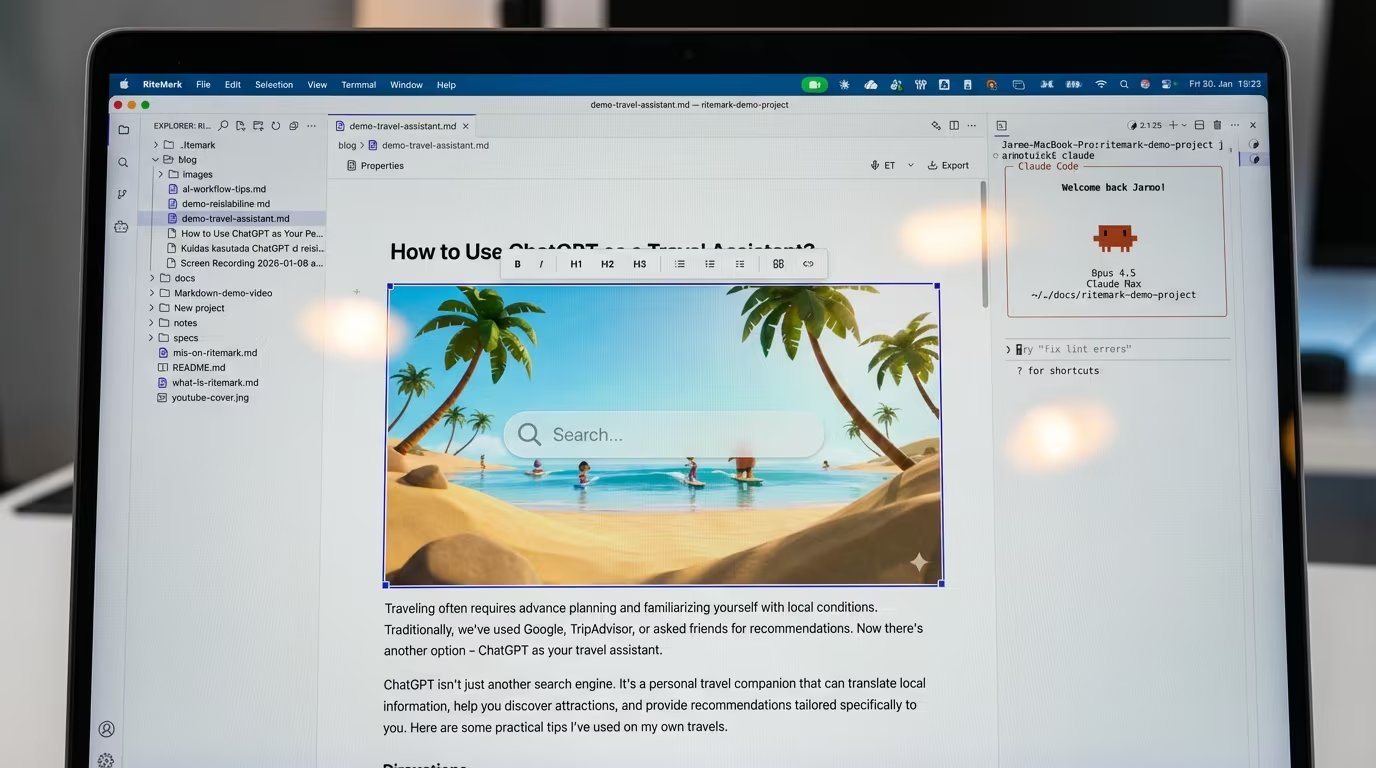
Images Just Got a Lot Easier
You're in the flow. The words are coming. Then you need to add an image.
Suddenly you're hunting through Finder, copying files manually, figuring out the right path syntax, hoping the preview works. By the time you're done, the flow is gone.
We've all been there. And honestly, it was annoying us too.
RiteMark v1.1.1 is all about making images feel effortless. Not because image handling is glamorous — but because friction in the small things adds up fast.
The Small Frustrations That Add Up
Research from the Nielsen Norman Group shows that microinteractions — those tiny moments of friction in software — have an outsized impact on user satisfaction. A 2-second delay here, a confusing dialog there. Individually they're nothing. Collectively they're exhausting.
Images in markdown editors are a classic example. You know where the image is. You know where it should go. But the steps between those two points are tedious: find file, copy to right folder, type the path, hope you got the syntax right, refresh to check.
We wanted images to just... work.
What's New in v1.1.1
Insert Images from Your Files
Type /image in the editor and pick a file from your computer. That's it.

RiteMark copies the image to your document's ./images/ folder automatically, generates the markdown, and inserts it right where your cursor was. No manual file management, no path hunting.
The image appears formatted in your document immediately — not as raw markdown syntax, but as an actual visible image. WYSIWYG for markdown, the way it should be.
Resize by Dragging
Click on any image and you'll see resize handles appear. Drag to resize.
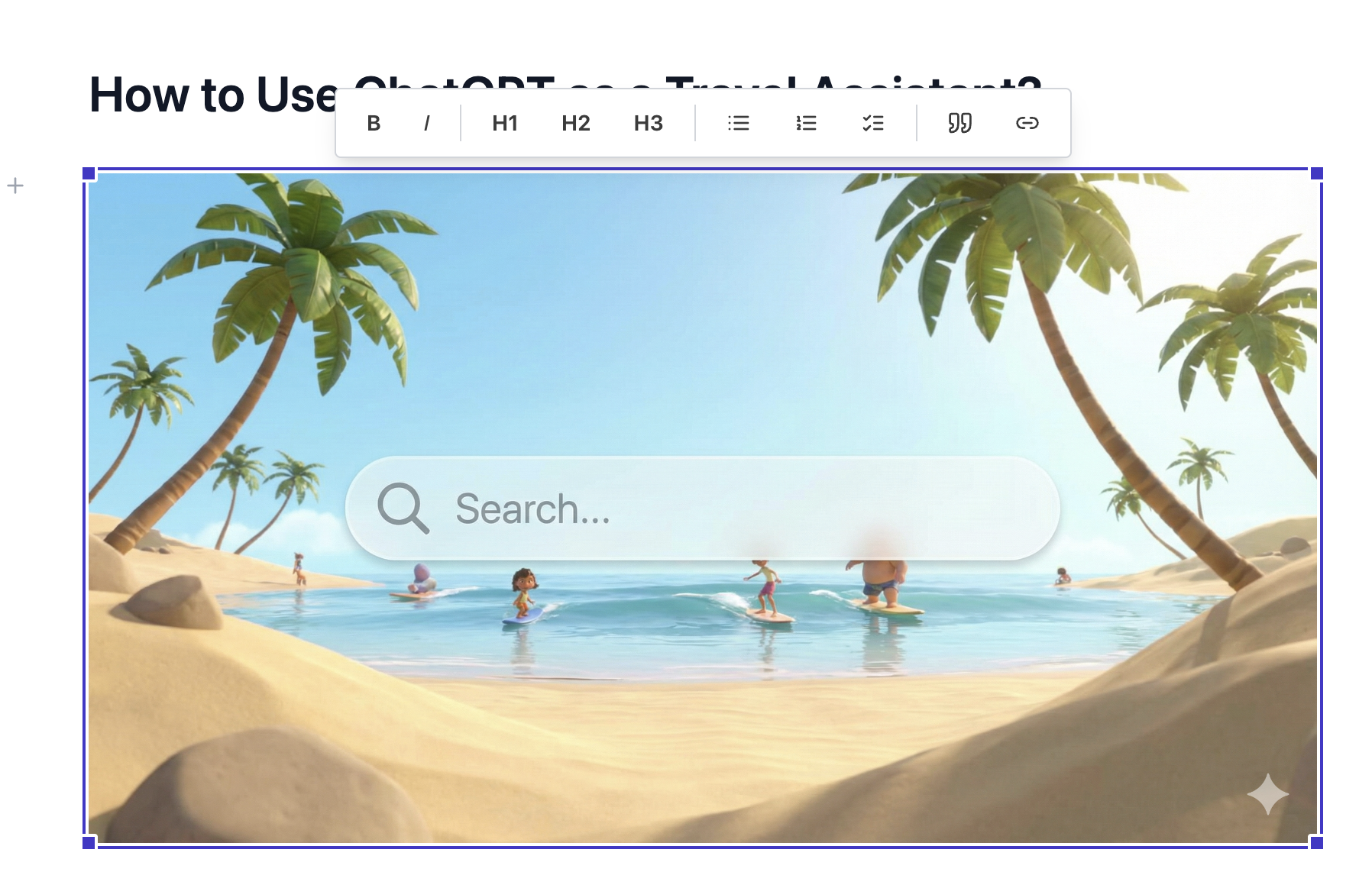
Here's the clever part: RiteMark actually resizes the image file itself. Your markdown stays clean — no inline width attributes cluttering your content. The file on disk is the size you see, and your documents remain portable to any markdown renderer.
Better Handling of Edge Cases
Filenames with special characters? Handled. Empty paragraphs getting inserted around images? Fixed. Those little paper cuts that you'd notice but couldn't quite articulate? We noticed them too.
The Editor Polish You'll Notice
Beyond images, this release brings refinements that make the editor feel more polished.
When a file changes outside RiteMark — say, another app modifies it or you sync from Dropbox — you'll now see a subtle Refresh indicator in the header. No more wondering if you're looking at the latest version. One click to reload.
The bubble menu (that little formatting bar that appears when you select text) now includes a blockquote button. We removed the table button to keep things clean — tables are still available via /table, they just don't need prime real estate in the selection menu.
Why Small Things Matter
There's a philosophy behind these updates.
Writing tools should disappear into the background. Every time you have to think about the tool instead of your words, that's a failure. The best writing software is invisible.
v1.1.1 isn't a headline feature release. It's us sanding down rough edges. Making the experience 5% smoother in ten different places. That compounds.
The details are not the details. They make the design.
— Charles Eames
Ready to Try It?
If you're already using RiteMark, it will auto-update. If you're new, there's never been a better time to start.
Download RiteMark v1.1.1 — free, forever.
FAQ
How do I insert an image?
Type /image anywhere in your document and select a file. RiteMark handles copying and path generation automatically.
Where do inserted images go?
Images are copied to an ./images/ folder relative to your document. This keeps assets organized and portable.
Does resizing affect the original file?
Yes. RiteMark resizes the actual image file, keeping your markdown clean without inline width attributes.
What image formats are supported?
PNG, JPG, GIF, WebP, and other common formats. Images display inline in the editor.
Will auto-update install v1.1.1?
Yes. Existing RiteMark installations will auto-update to the latest version.
What's the stale file indicator?
When a file changes externally (another app, sync, etc.), RiteMark shows a Refresh button in the header so you can reload the latest version.
Is this release macOS only?
Yes. RiteMark currently supports macOS with Apple Silicon (M1/M2/M3). Intel and Windows support are on the roadmap.